No Man's Sky is about wandering a procedurally generated universe, exploring planets, and surviving. Since almost nobody else will ever see the same planet, the landscapes and creatures you find are hard to describe unless you show them: breaking through the atmosphere of a planet you have never seen, a dogfight with pirates, a base you spent hours finishing, or a rare creature you stumbled on. This guide shows how to record your exploration with DOR, pick out those scenes, and send them to friends as a dor.gg link. No Man's Sky joined the DOR supported games list in an app update in October 2026.
How to split endless exploration into videos
DOR records No Man's Sky as a whole-session recording. From launch to exit, space flight, planet exploration, and base work all continue as one video, and DOR does not detect discoveries or fights to create separate clips. Because the game moves from space to a planet's surface without loading screens, the boundaries between scenes are blurry. Decide what you want to show first, then find the points where the mood of the screen changes and trim there. Exploration can easily run for hours, so if a recording has ever failed to save all the way, check your save path and disk space with how to fix recordings not saving first.
Steps to pick and send No Man's Sky travel scenes
- 1Install DOR and start exploringDOR is a free Windows app. When you launch No Man's Sky, it detects the game automatically and starts recording. However many planets you visit, it continues as one video until you close the game, so you never have to think about recording mid-trip.
- 2Decide in one sentence what you will showEndless exploration footage is hard to trim unless you know what you are looking for. Settle on a single line for your friend first, such as landing on a purple planet or my finished base, and the section you need to search shrinks.
- 3Look for changes in sky color and soundThere are no loading screens, but the sky changes color when you enter an atmosphere, the engine noise settles after landing, and the screen gets busy when a fight begins. Scrub the recording in the library looking for those changes and you will reach the scene quickly.
- 4Trim scenery long and fights shortIn the library's trim tool, give mood scenes like a landing or a base tour some room at 40 seconds to a minute. Keep a pirate fight tight, around 20 seconds from the moment the enemy appears to the last ship going down.
- 5Keep wide skies in 16:9Scenes built around a planet's horizon and sky look widest in 16:9. Shots focused on a single subject, like one rare creature, also work well in 9:16 or 1:1 for phones.
- 6Send the link with the planet's nameWhen trimming finishes, you get a dor.gg link. For friends who explore with you, add a line with the planet's name or what makes it special. Friends who do not know the game can just get the link. Either way, they watch it in a browser with nothing to install.
Markers to find each travel scene, and who to send it to
| Travel scene | Marker in the recording | Who to send it to |
|---|---|---|
| Atmosphere entry and first landing | The black of space suddenly turning into the planet's sky color | An exploring friend curious about new planets |
| Space fight with pirates | A quiet flight turning busy as enemy ships appear | A friend who upgrades ships with you |
| Base reveal | Slowly circling the base after you finish building | The friend who helped plan the layout |
| Rare creature or resource | Stopping mid-exploration to frame one thing for a long time | Friends or family who do not play |
| Meeting friends on the same planet | Another player's ship touching down nearby | The friend you explored with that day |
| Arriving in a new system by warp | The warp tunnel ending as a new star system opens up | A friend who collects your travel logs |
Before you send a travel clip
- You decided whether the clip is about a landing, a fight, a base, or a discovery.
- A landing clip includes the last few seconds of the descent from space.
- A fight clip starts the moment the enemy appears.
- Long stretches with your inventory or menus open have been cut.
- After hours of exploring, your recording drive still has well over 20GB free.
- You checked whether your co-op friends are fine with their names showing.
How DOR records No Man's Sky
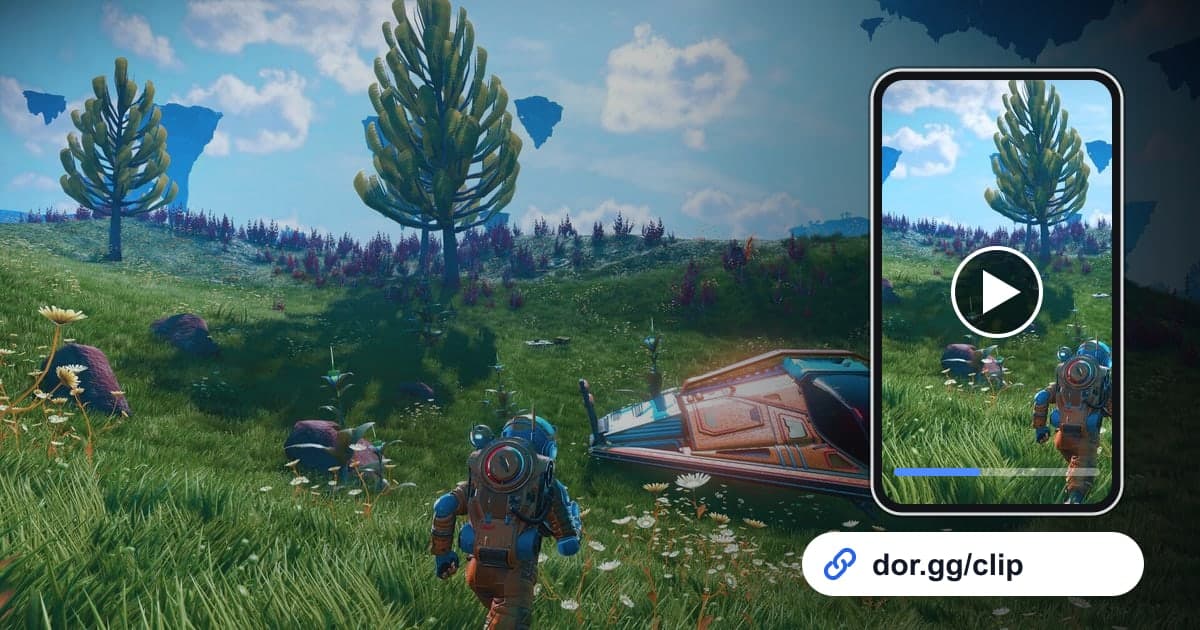
DOR is a free Windows desktop app. When you launch No Man's Sky, it detects the game automatically and saves the whole session until you exit as a single mp4. There are no automatic clips that cut out discoveries or fights for you, so set the start and end with the library's trim tool, choose 16:9, 9:16, or 1:1, and share it as a dor.gg link. Anyone who opens the link can play it in a browser, mobile included, without the app. Exploration easily runs for hours, so your drive fills quickly, and recording stops automatically once free space drops below 20GB. To weave scenes from several planets into one travelogue, use the DOR browser editor, which needs no install, to merge videos, add text and background music, then download an mp4 or share a link. When choosing music for it, how to find royalty-free music for game videos is worth a look.