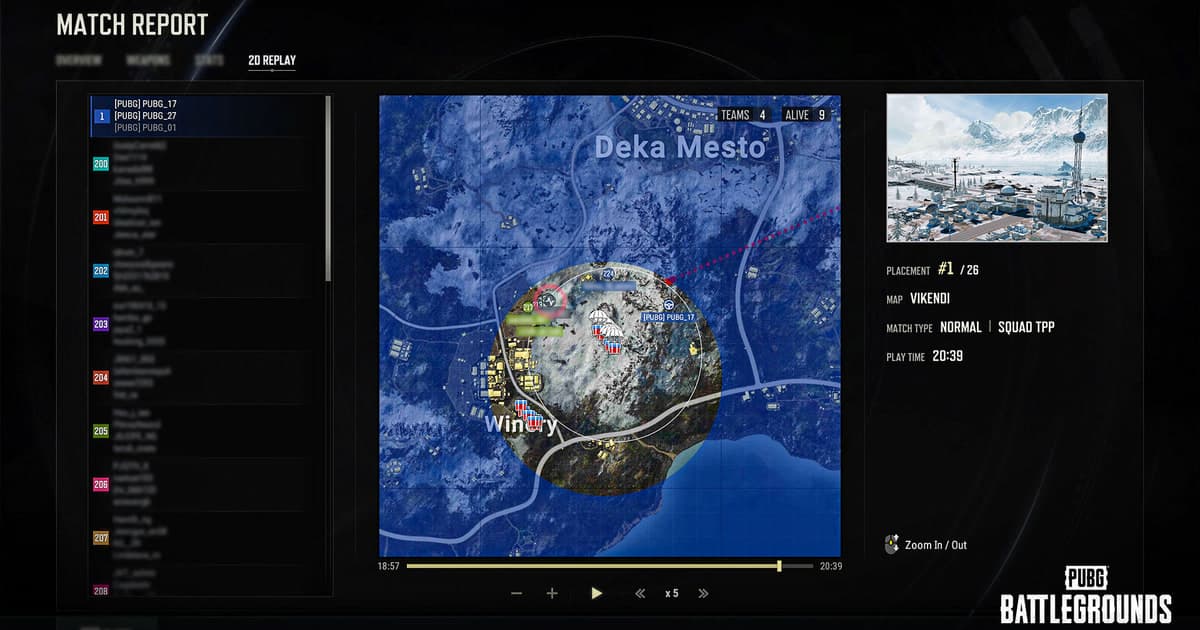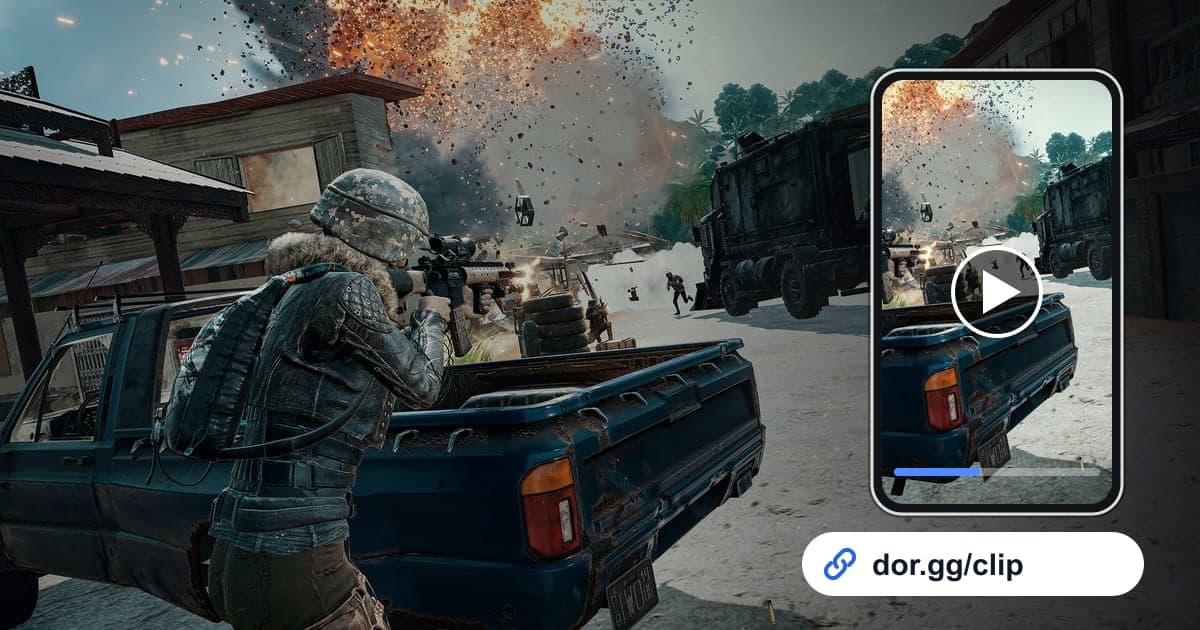
When you get a chicken dinner in PUBG: BATTLEGROUNDS or take out several players at once, you want to show your squad or friends right away. The problem is that a PUBG match is long. Send the full video from the drop to the final circle and the person watching struggles to find the moment, and the file is big and awkward to pass around. This guide covers just one method: picking the moment from a PUBG match DOR recorded automatically and sharing it as a dor.gg link.
Where to pull it from depends on what you send
If you want to send a single kill, the fastest option is the highlight clip DOR made automatically. How those clips are created is explained in auto highlight clips. On the other hand, moments that need context, such as the run through the final circle to a chicken dinner or an entire squad fight, are trimmed by hand from the full-match recording. For the basics of picking a range, see how to trim game clips.
Picking a moment from a PUBG match and sending it as a link
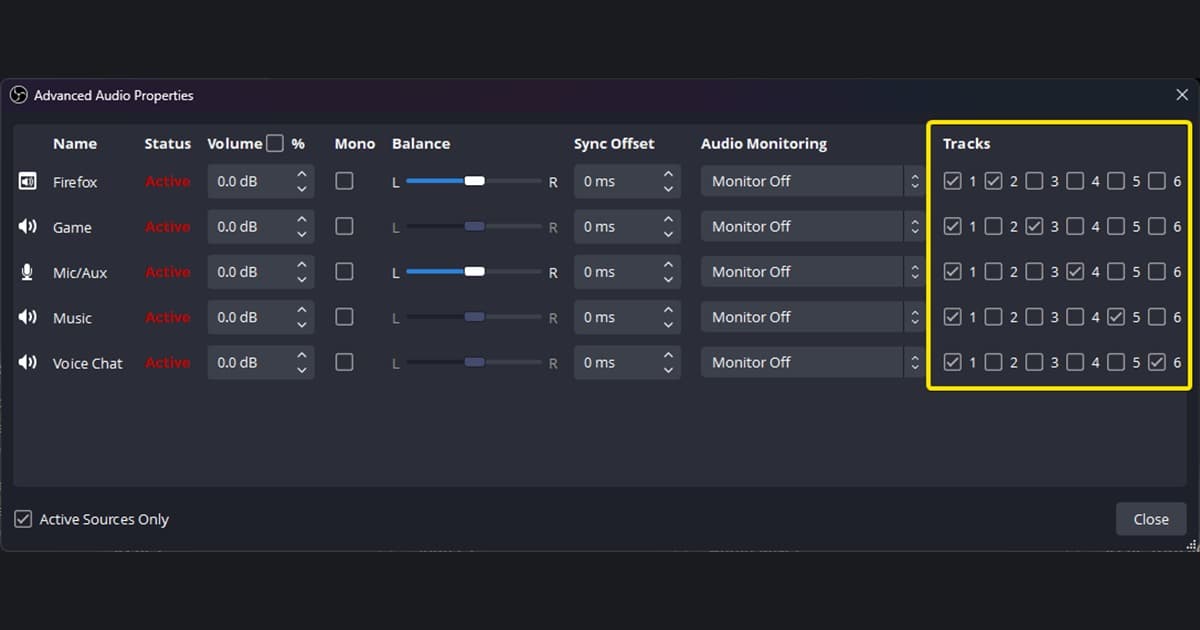
- 1Launch PUBG and play a match as usualDOR is a free Windows desktop app; when you launch PUBG: BATTLEGROUNDS, it detects the game and records the entire match. There is no record button to press, and if you keep your mic on during squad voice chat, game sound and your microphone are recorded together.
- 2Check the automatic kill clips in the library firstWhen the match ends, the app library shows the full-match recording along with highlight clips made by detecting moments such as kills. If the moment you want to send is a single kill, open that clip first, and if it looks right, go straight to sharing.
- 3Trim the final circle and chicken dinner from the end of the full matchA chicken dinner lands better with the positioning fight and circle rotation that came before the last kill. Open the end of the full-match recording and use the trim tool to set the start where you enter the final circle and the end where the win is confirmed.
- 4Leave plenty of room before and after a squad fightTo review a fight with your squad, the route and cover you took before the first shots need to be visible. Trim from a little before the fight starts until the cleanup is over, and a squad mate who was elsewhere can see the situation again from your point of view.
- 5Pick a ratio for the screen it will be watched onThe trim tool outputs 16:9, 9:16 or 1:1. For a squad mate reviewing on a PC, 16:9 keeps the wide view that makes the situation easy to read; for a short kill sent to a friend on a phone, consider 9:16.
- 6Bundle several moments in StudioIf you would rather combine several kill clips from one match than send them one by one, merge them in DOR Studio, which opens in a browser with no install. After adding text or background music, you can share it as a link or download an mp4.
- 7Paste the dor.gg link into your squad chatOnce trimming or editing is done, share it as a dor.gg link. Paste the link into a Discord or messenger chat, and the people who get it play it right in a browser without installing the app. There is no video file to upload or download separately.
Where to pull each kind of PUBG moment from in DOR
| Moment to send | Where it comes from in DOR | Who it suits best |
|---|---|---|
| A single kill | The automatic highlight clip in the library | The squad mate you just played with |
| The final circle and chicken dinner | Trim the end of the full-match recording | A friend who shared the win or one you want to show off to |
| Reviewing a squad fight | Trim the full match from the rotation before the fight to the cleanup | A squad mate who was in a different spot during that fight |
| A match's kills in one video | Merge several clips in DOR Studio | A friend who wants a recap of the match |
| A vertical video for phones | Pick 9:16 in the trim tool or in Studio | A friend who reads messages on a phone |
| The entire match | Do not send it; trim and send only the part you need | Nobody (the viewer would struggle to find the moment) |
Checks before sending a PUBG video
- I decided first whether the moment is a single kill or something that needs context.
- For a single kill, I opened the automatic highlight clip and confirmed it shows the right moment.
- The chicken dinner is trimmed from entering the final circle to the confirmed win.
- The fight review keeps enough lead-in to show the rotation before the fight.
- What was said on squad voice is fine to share.
- I am sending only the part I need as a link, not the entire match.
What to know when sharing PUBG videos with DOR
DOR is a free Windows desktop app: launch PUBG: BATTLEGROUNDS and it detects the game and records the entire match as an mp4. PUBG is one of the seven games with automatic highlight clips, so moments such as kills are sorted into separate clips in the library. Clips and ranges you trim yourself can be shared as a dor.gg link, and the recipient plays them in a browser, including a phone browser, without the app. A full-match recording grows in size with its length, so sending one link is simpler than passing the file around. How much disk space recordings take is covered in PUBG recording file size, and merging clips and adding text continues in the DOR browser editor. If you use an NVIDIA graphics card, NVENC hardware encoding is the default.