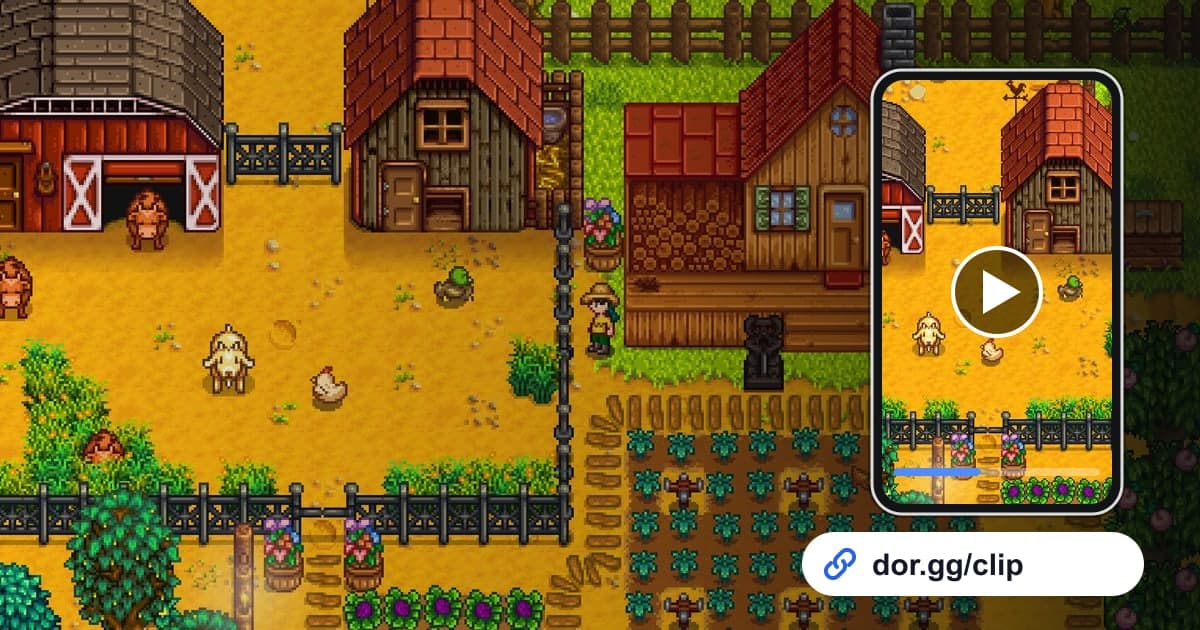
Stardew Valley is a country-life RPG where you inherit your grandfather's old farm plot, grow crops, raise animals, and get to know the townspeople. What sticks with you is less a single big event and more the moments that pile up: the day you first harvested a full field, the day you went to a seasonal festival, the day you married the villager you spent so long getting to know. This guide shows how to record Stardew Valley with DOR, find those moments season by season, trim them, and send them as dor.gg links to family or friends who share your farm. The core idea is using the in-game date as a table of contents for your recording.
Every in-game day runs together in one video
DOR captures Stardew Valley as a full-session recording. From launch to exit, the video is not split by in-game day even as the date changes several times, and DOR does not detect festivals or harvests to make automatic clips. On the other hand, the date is always visible on screen, which makes finding a particular day fairly easy. If you want to string short moments together in seasonal order to make a record of the year, see how to merge game clips as well.
Sending a Stardew Valley moment
- 1Install DOR and start farmingDOR is a free Windows app that detects Stardew Valley when it launches and starts recording automatically. You never know when a special day will come, but since recording starts right away, you can just play as usual. On a co-op farm, one person recording is enough.
- 2Note the in-game date of days you want to keepWhen a festival, wedding, or other day worth keeping comes up, jot down the season and date shown in the top right of the screen. Writing something like summer, day whatever is faster in this game than relying on the real-world clock.
- 3Step through days using the sleep sceneWhen you close the game, the recording is saved as an mp4 and appears in the app library. The scene where your character goes to sleep and the next day begins marks the boundary between days, so skip forward scene by scene until the on-screen date matches your note, then pick the moment within that day.
- 4Trim each moment with room to breatheMood matters in Stardew Valley, so do not cut too tight. For a festival, keep everything from arriving in town to the end of the event; for fishing, keep the cast through just after the fish is held up. Use 16:9 to show off the whole farm, or 9:16 or 1:1 for family watching on their phones.
- 5Send the link to the family chat or co-op friendsWhen trimming finishes, you get a dor.gg link. Family members who do not play only need that one link, and for friends on the same farm it is nice to pick scenes their character appears in. They can play it right in a browser without downloading a file.
Moments to keep by season and event
| Season or event | What to look for in the recording | Who to send it to |
|---|---|---|
| First spring harvest | The first spring morning you walk the field picking crops | Family who heard about your farm from day one |
| Summer luau | A summer date with the townspeople gathered on the beach | A friend who was looking forward to the same festival |
| Fall haunted maze | A fall night stretch wandering through a dark maze | The co-op friend who searched for the way out with you |
| Feast of the Winter Star | A winter date with everyone gathered in the town square | A co-op friend who spent the whole year with you |
| Deep cave dive | The screen turning into a dark cave as you head down floor by floor | A friend who loves the combat side |
| Legendary catch | A long fishing struggle ending with the fish held up | The friend who keeps losing that fish |
| Wedding day | The townspeople gathering as the ceremony plays out | Family who watched you agonize over who to marry |
Before you send it
- The clip starts on a frame where the date in the top right is visible, so it is clear when it happened.
- A festival clip includes both the townspeople gathering and how the event turned out.
- You checked the game volume so the music and sound effects come through.
- You listened to make sure any conversation on your mic is fine to send to family.
- On long days where you play through several seasons, you left well over 20GB of free space.
- If a co-op friend appears in the scene, you asked whether they are okay with sharing it.
How DOR records Stardew Valley
DOR is a free Windows desktop app, and the October 2026 app update added Stardew Valley as a full-session recording game. When you launch it, DOR detects the game and saves everything until you quit as a single mp4, using NVENC hardware encoding by default on PCs with an NVIDIA graphics card. Stardew Valley is the kind of game you play for a long time once you start, so recordings run long and your drive fills quickly. Recording stops automatically when free space drops below 20GB. If you want a relaxed session without recording, you can turn off just this game in the Full Session Recording group in settings. If you are curious about recording Steam games in general, how to record Steam games is worth a read. A trimmed moment goes out as a dor.gg address, and whoever watches has nothing to install. To turn seasonal moments into a farm tour video, the DOR browser clip editor lets you merge several videos, add season names as text, and set background music and volume, then download an mp4 or share a link.