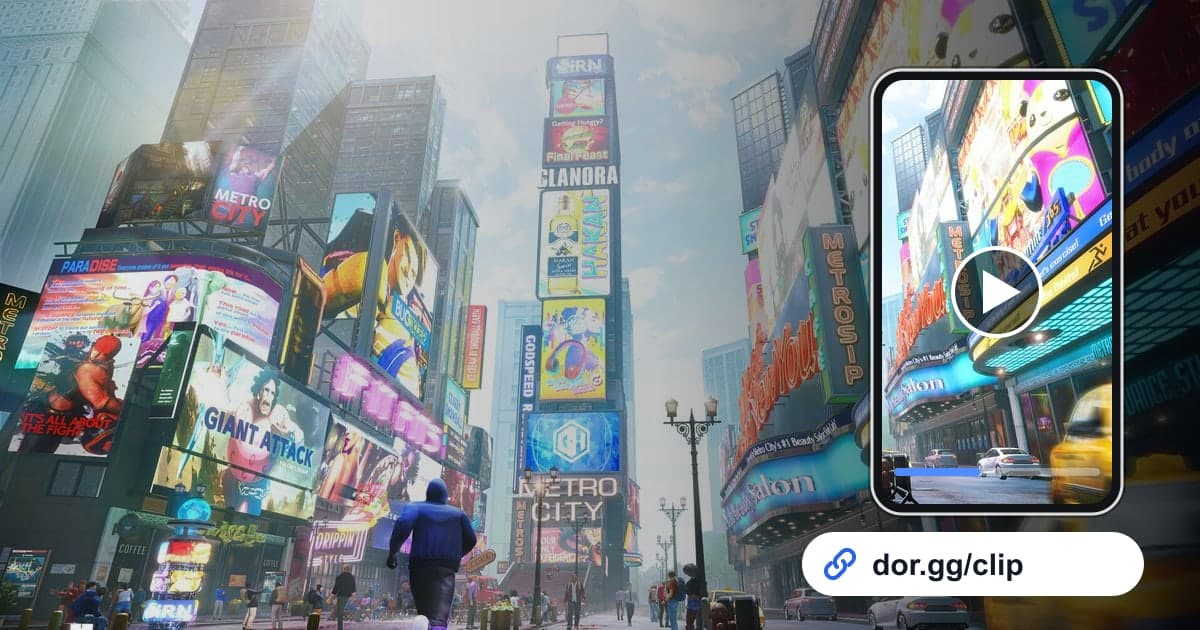
Most fighting game highlights are over in a few seconds. A combo you extended after closing in with Drive Rush, a Perfect Parry that caught your opponent's attack cleanly, a Critical Art that ended the round when you were nearly out of health: these are much faster to show than to explain. This guide covers recording Street Fighter 6 sessions in full, then cutting those few seconds precisely and sending them as a link to a friend or a training partner.
Recording Isn't Split by Match
When you launch Street Fighter 6, DOR detects it automatically and keeps everything until you quit as a single video. Whether you play ten ranked matches or bounce between Battle Hub and training, it isn't split into per-match files, and there are no automatic clips that cut out wins for you. On the other hand, clear boundaries like the pre-match VS screen and the K.O. sequence make scenes easy to find. The steps for setting a section are covered in How to Trim Game Clips.
From an SF6 Highlight to a Shareable Link
- 1Install DOR and launch Street Fighter 6With DOR installed on your Windows PC, it detects Street Fighter 6 the moment you start it and begins recording. Recording starts at the menus, so there is nothing to do right before a match.
- 2Remember which match was the good oneAfter a run of ranked matches, it is easy to lose track of which one had the highlight. Right after the win, just remember the order, something like the fourth match today, and you can count pre-match VS screens in the recording to jump straight to it.
- 3Work backward from the K.O.Open the video in the library and find that match's K.O. sequence first. A Critical Art finish sits right before it, and for a combo or parry, rewind within the round to where the health bar takes a big drop.
- 4Leave one second of lead-in on combosIf a combo clip starts on the first hit, viewers can't see how you got in. Start about one second before the Drive Rush or before your opponent left the opening, and end right after the last hit lands so it loops nicely when rewatched.
- 5Pick a ratio in trim and create a linkIn the library's trim tool, set the start and end and pick 16:9, 9:16, or 1:1 to suit the scene. When it finishes you get a dor.gg link, which you can paste into a messenger or a community chat.
- 6Send training partners your losses tooYou don't have to share only highlights. Trim a match where one move kept beating you and send it to a friend you practice with, and talking through the answer gets much easier. They can check the scene right away in a phone browser without starting the game.
Length and Ratio by Type of Moment
| Moment | Good Length | Suggested Ratio and Why |
|---|---|---|
| Drive Rush combo | 5 to 15 seconds, from one second before the start to the last hit | 9:16 because both characters are close together and still read well vertically |
| Perfect Parry punish | 5 to 10 seconds, from the opponent's attack to the end of your punish | 1:1 to fit both characters comfortably |
| Critical Art finish | From the start of the cinematic to the K.O. | 16:9 to keep the full-screen cinematic intact |
| Final round comeback | From the round start to the win screen | 16:9 so the health bar swing is visible |
| Battle Hub sets with a friend | Several matches against the same friend, back to back | 16:9, which is easy to merge later in Studio |
| World Tour moment | Within 30 seconds on either side of the event | 16:9 so the setting and context stay visible |
Pre-Send Check
- I confirmed which match of the day the clip comes from.
- Combo clips keep one second of lead-in so the setup is visible.
- Critical Art clips run until the cinematic ends and the K.O. appears.
- If I chose a vertical ratio, I checked that both characters stay in frame.
- I listened through to make sure voice chat or muttering is okay to include.
- I thought about whether it is fine to post a clip that shows my opponent's name publicly.
Recording Street Fighter 6 With DOR
DOR is a free Windows desktop app, and Street Fighter 6 was added as a full-play recording game in the October 2026 app update. It detects the game launch automatically, saves everything until you quit as one mp4, and you can open the recording right away in the app library. For framing ideas when turning a clip into vertical shorts, see How to Make a Vertical Game Video. Game sound and your mic are recorded together, so a match played over a call with a friend keeps both your reactions, and How to Record Game Sound and Mic Together has tips on balancing them. To string highlights from several matches into one video, DOR Studio opens in the browser and lets you merge videos and add text and effect templates. On days when you would rather not record training mode, turn off just this game under Full-play recording in settings; a confirmation prompt appears when you do.