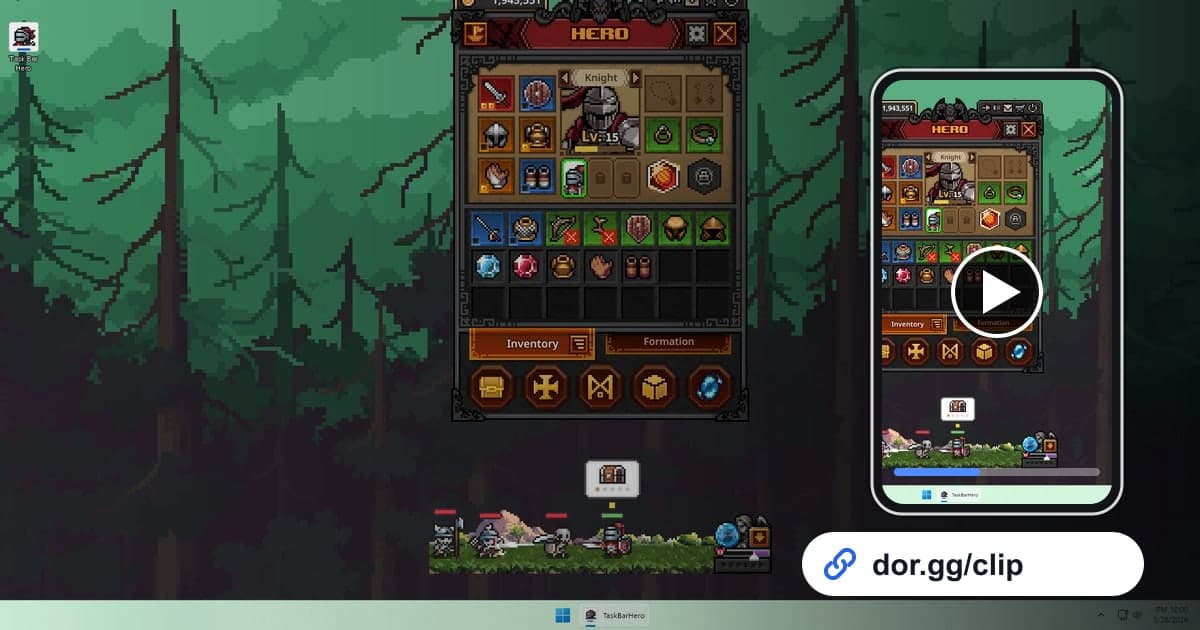
TBH: Task Bar Hero is a tiny idle RPG that lives in your taskbar, so while you work or do something else, your heroes keep fighting and collecting loot on their own. That also means the moments worth bragging about, like gear above Legendary dropping or a build finally clicking and making your hero much stronger, can show up at any time. This guide covers recording TBH: Task Bar Hero with DOR while protecting your disk, and still catching those moments, trimming them, and sending them to friends.
What to Decide First When Recording an Idle Game
When you launch the game, DOR detects it automatically and records the whole session until you close it. Most games get played for an hour or two and then closed, but Task Bar Hero easily stays open for half a day, so the recording grows just as long. Recording stops automatically when free space drops below 20GB, so it helps to decide up front when you want recording on. General tips for keeping long recordings smooth are in How to Record Long Gameplay Sessions.
From a Task Bar Hero Moment to a Link
- 1Install DOR and open the gameWith DOR installed on your Windows PC, it detects TBH: Task Bar Hero the moment you launch it and starts recording. You don't need a separate record button.
- 2Decide which hours to keep recordingThink about days when you'll leave it idle through work separately from evenings when you'll actively sort your gear. On days when a showable moment is unlikely, switch off just this game under Full-play recording in settings, and turn it on only while you actively play. That saves a lot of disk space.
- 3Write down the time as soon as you spot a dropNothing marks the moment for you, so a time note is the most reliable cue. When you find a rare item, open its info on screen for a few seconds and note the time on the clock. Later you only need to check the recording around that time.
- 4Capture before and after for Act and difficulty changesA new Act or a higher difficulty only reads as a change if you include just before and just after. Leave a generous 30 seconds or so on each side and keep going until the first fight begins.
- 5Trim it short and get a linkOpen the video in the library and set the start and end with trim. For a drop, 10 to 20 seconds showing the drop and the item info is plenty, and 1:1 is easy to view on a phone when you send it through a messenger. When it finishes, you get a dor.gg link.
- 6Add one line about the rarityA friend who doesn't know the rarity tiers might not see what's special from the video alone. Add one line with the tier name, something like a Cosmic drop just landed, and send it with the link. The viewer opens the video in a browser without installing the game.
How to Capture Each Loot and Progress Moment
| Moment to Capture | How to Find It in the Recording | Who to Send It To |
|---|---|---|
| Legendary gear drop | Note the time on your phone when you spot it and check around it | A friend who plays the same game |
| Top-tier drop, Immortal or higher | Open the item info right away and note the time | Friends from the game's community |
| Entering a new Act | Search backward from when you noticed the Act changed | A friend comparing progress speed |
| Moving up a difficulty tier | The first fight right after raising the difficulty | A friend who started at the same time |
| Gear tuned with the Cube System | Where you show the item info right after adding stats | A friend you discuss builds with |
| Class and skill combo coming together | Where combat speeds up after you change the combo | A friend you want to recommend the game to |
Check Before Recording and Sharing
- I decided whether to keep recording on or off today.
- I have well over 20GB of free disk space.
- I noted the time I spotted the drop.
- The item info is readable in the video.
- New Act or difficulty clips include both before and after.
- I have a one-line note about the rarity or situation ready.
Recording Task Bar Hero With DOR
DOR is a free Windows desktop app, and TBH: Task Bar Hero was added as a full-play recording game in the October 2026 app update. It detects the launch automatically, saves everything until you close the game as one mp4, and you open recordings in the app library. Because there are no per-match highlights, you pick scenes yourself, and How to Trim Game Clips explains setting a start and end in detail. If recording stopped partway or a file seems to be missing, check disk space first and follow the order in How to Fix Recordings Not Saving. To tie drops from several days into one video, DOR Studio opens in the browser and lets you merge videos and add text and background music. A confirmation prompt appears when you turn off full-play recording for this game in settings, so it is unlikely to get switched off by accident.