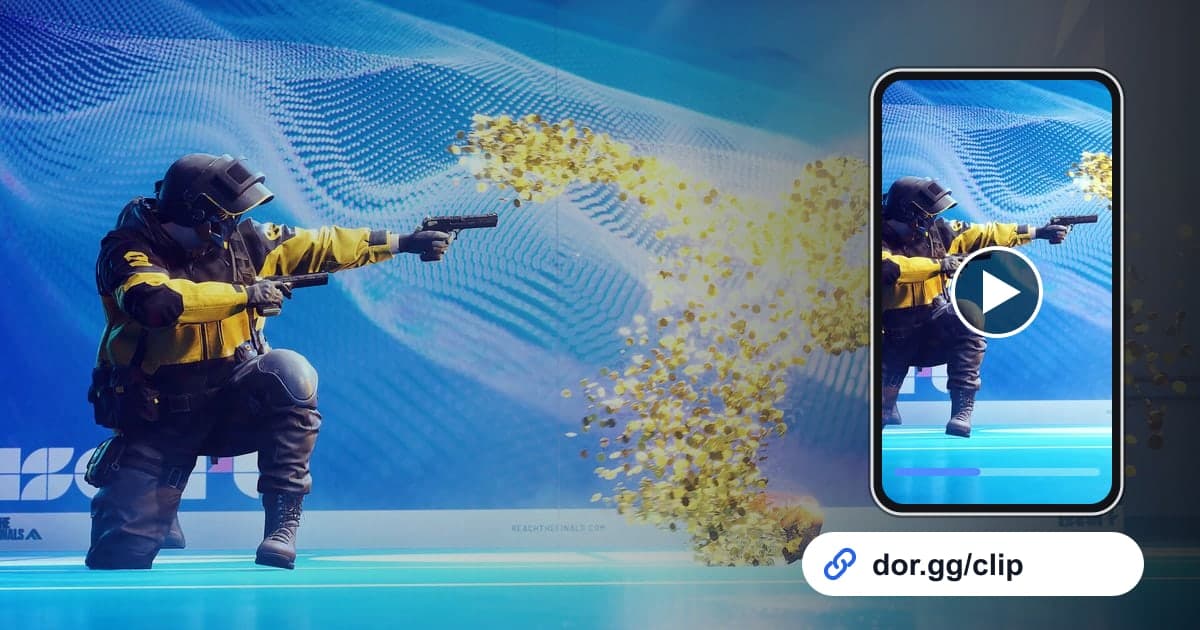
To show your squad the building you brought down with explosives onto the enemy team in THE FINALS, or the comeback where you stole the Cashout Station right before the timer ran out, record with DOR, trim that stretch, and send it. THE FINALS became a DOR 'full-play recording' game in the October 2026 app update. When you launch the game, DOR detects it and keeps everything until you quit as one video, without splitting it by match. Matches in THE FINALS end fast and roll straight into the next, so an evening of play lines up highlights from many matches inside one recording. This guide covers how to pick moments out of it and send them short and punchy.
Send it landscape, or make a vertical short?
A building collapse is a top-to-bottom motion, so it still hits hard on a vertical screen and is easy for friends to swipe through on their phones. A brawl where several teams pile onto a Cashout Station, though, needs a wide view to make sense, so 16:9 works better. Decide the ratio for each moment and then trim; to check in advance what gets cut off when you turn a landscape moment vertical, see how to make a vertical (9:16) game video.
Picking highlights from a multi-match recording and sending them
- 1Check that THE FINALS recording is on in settingsIf THE FINALS is switched on in the 'full-play recording' group in DOR settings, recording starts automatically the moment you launch the game on your Windows PC. A confirmation window appears when you turn it off, so it is unlikely to get disabled by mistake.
- 2Use each match's start screen as a boundarySeveral matches run together in one recording, so treat the start screen that leads into each arena as the boundary between matches. While you play, just remember the match number and what happened, such as 'cashout comeback in match 3', and you can skip through the timeline start screen by start screen to get straight to that match.
- 3Trim collapses from the moment you plant the explosivesIf you only send the moment the building falls, nobody can tell what you did. Starting from when you plant the explosives or target the supports shows that you brought it down. Find the big blast and the cloud of dust, then start about 10 seconds earlier.
- 4Find cashout comebacks by working back from the results screenIn Cashout, the team holding the station when the timer ends takes the money, so the dramatic moments mostly cluster right before a match ends. Find that match's results screen first, then go back about 30 seconds for your start point, and the whole comeback is captured.
- 5Cut short moments to 9:16 and add one line of textA team wipe or grappling ambush only needs 10-20 seconds. Trim it to 9:16, then add text such as 'three at once' and an effect template in the browser-based DOR Studio, and you have a short that fits right into your squad chat.
- 6Send it to your squad as a linkTrimmed videos can be shared as a dor.gg link. Paste it to the squad you played with or a friend you will queue with next time, and they watch it right away in a phone browser without installing an app.
THE FINALS highlights by mode, build and how to cut them
| Highlight | Modes and builds where it often happens | How to cut it |
|---|---|---|
| Bringing a whole building down | Explosive-heavy Heavy builds, any mode | 15-25 s from planting to collapse, 9:16 |
| Last-second Cashout Station steal | Cashout | From 30 s before the timer ends to the result, 16:9 |
| Carrying the Cashbox from the vault | Cashout | 30-60 s from opening the vault to plugging it in, 16:9 |
| Grappling hook ambush | Mobile Light builds | 10-15 s from hooking in to the elimination, 9:16 |
| Team wipe | Any mode | 10-20 s from the first shot to the last elimination, 9:16 |
| Holding the Power Shift platform | Power Shift | 30 s of fighting on the platform, 16:9 |
Before you send
- THE FINALS is on under 'full-play recording' in settings.
- You remember the match number and mode where each highlight happened.
- The collapse clip starts when the explosives go down.
- The cashout comeback runs through to that match's results screen.
- Team wipes and ambushes are trimmed to about 20 seconds in 9:16.
- You have comfortably more than 20GB of free disk space.
How DOR records and edits THE FINALS
DOR is a free Windows desktop app. When you launch THE FINALS, it detects the game and records everything until you quit as one mp4 video. It does not split files by match or cut out kills and team wipes automatically, so you find the moment in the app library, set a start and end with the trim tool, and choose 16:9, 9:16 or 1:1. Tips for nailing the start and end of fast moments are in how to trim game clips. To add text, effect templates or background music, or to string highlights from several matches into one video, use DOR Studio, which opens in your browser with nothing to install, then download the result as an mp4 or share it as a link. The studio layout is covered in detail in the DOR browser clip editor. Game sound and your mic are recorded together, so the yelling you and your squad did as the building came down stays in the clip.