Decide whether you need automatic kill events or only a hotkey that saves the recent moment. Choosing an alternative requires defining the footage you need and the manual fallback available when an automatic event is missed, not simply counting features. Compare SteelSeries Moments alternatives by automatic events, manual capture, audio, game support, storage, performance, and review time.
Separate the failed stage from the result you want
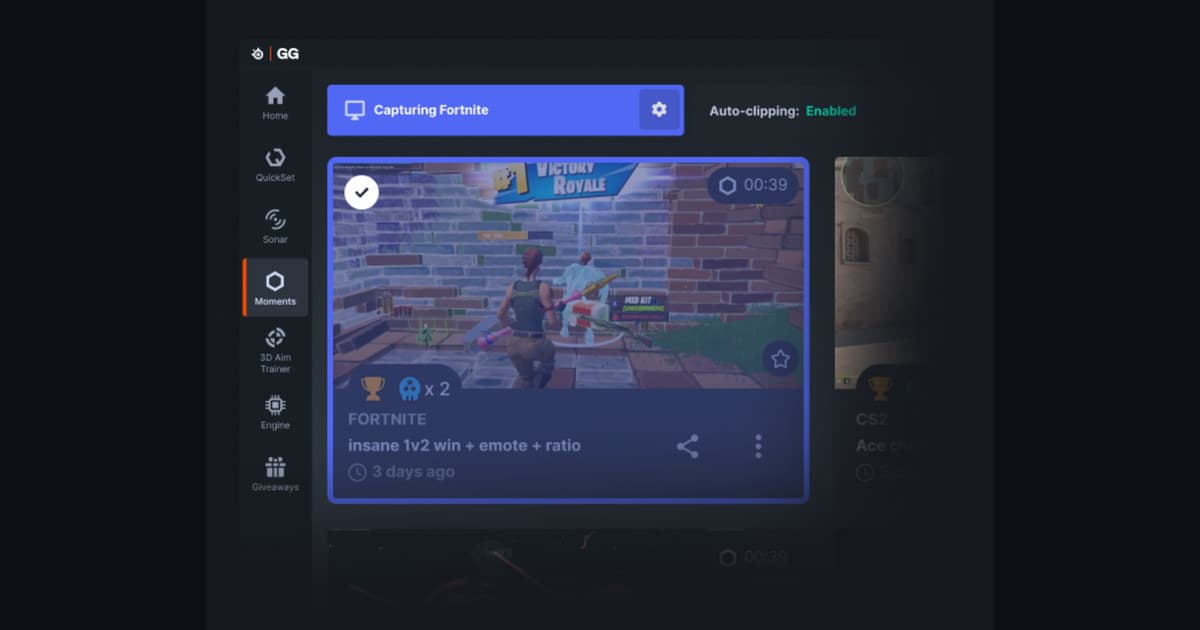
SteelSeries Moments fits players who want supported automatic events and manual clips in one library. However, not every game supports Auto-Clip, so a manual fallback still matters. Record the same sixty-second scene with each candidate separately and compare review time, frame time, audio, and file size. Decide whether you need automatic kill events or only a hotkey that saves the recent moment.
Compare recording approaches, not slogans
| Option | Best fit | Verify before choosing |
|---|---|---|
| SteelSeries Moments | fits players who want supported automatic events and manual clips in one library. | not every game supports Auto-Clip, so a manual fallback still matters. |
| OBS Studio | Custom scenes, sources, replay buffer, and audio tracks | Setup time and encoder headroom |
| Built-in game or GPU capture | Recent moments with fewer additional apps | Hardware and per-game support |
| DOR | A simpler flow for future sessions in supported games | Current game support and the first sample |
Final checklist before a real match
- Main games and required events are currently supported
- A manual path exists when automatic detection misses an event
- Game and microphone audio scope can be controlled
- Retention will not remove important files
- Exports play in the editor and on a phone
A controlled troubleshooting sequence
- 1Define the required coverage — Prioritize automatic events, a recent moment, a complete match, or a full session.
- 2Make equal sixty-second samples — Run candidates separately at the same resolution with the same audio signals.
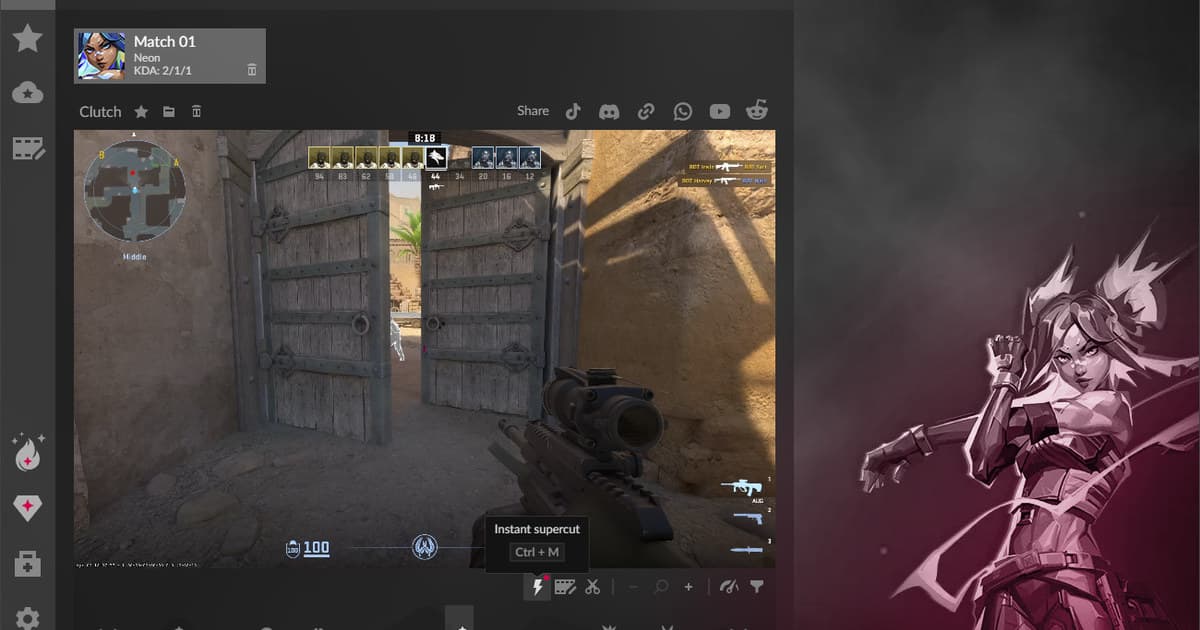
- 3Measure review cost — Count the clicks and time needed to find, trim, name, and export one moment.
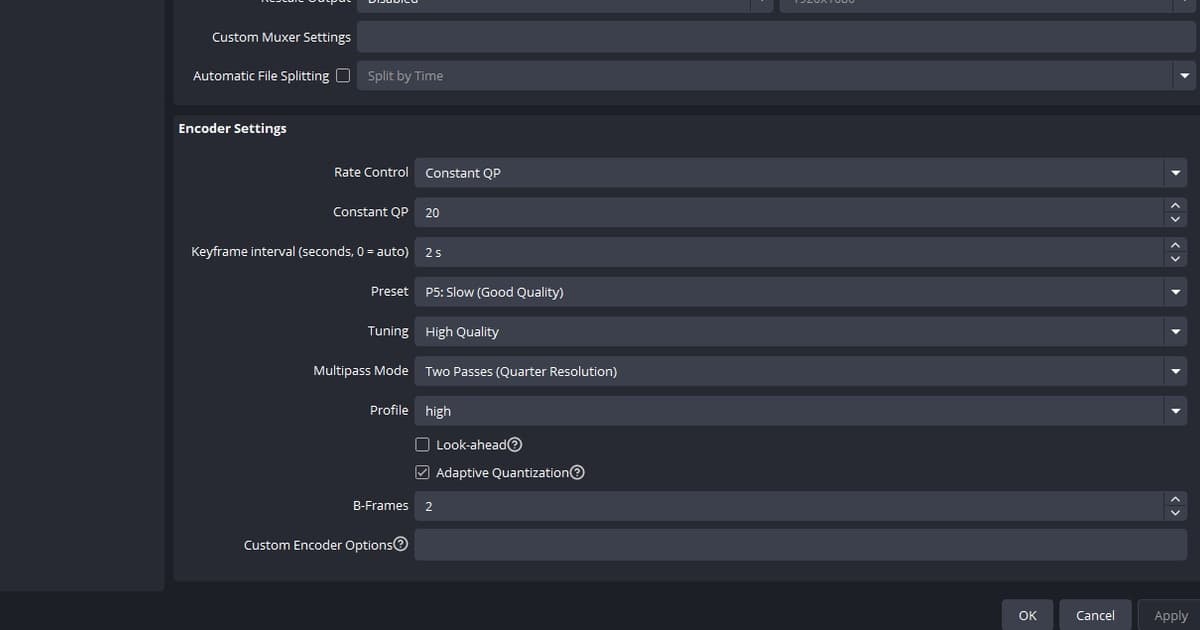
- 4Compare performance and size — Record frame time, encoder load, and file size per minute rather than only average FPS.
- 5Back up the old library — Preserve valuable clips as ordinary video files before changing the primary tool.
Use DOR for a future supported-game session
SteelSeries Moments alternatives for automatic and manual game clips: For a separate DOR test in a future supported-game session, use the free game recorder comparison, game-audio troubleshooting guide, and VALORANT game hub.
Recheck the current official documentation
SteelSeries says Moments automatic clipping supports many popular games but not every title, while manual shortcut capture remains available. SteelSeries Moments game-detection support.