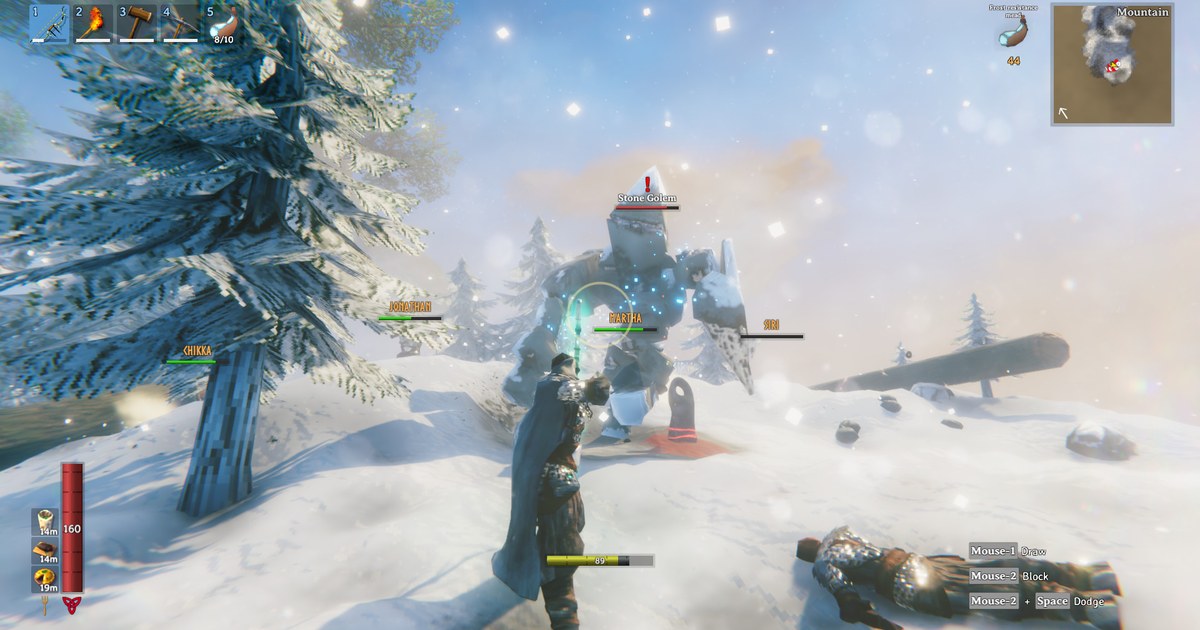

The short answer: Valheim console commands take three steps. Turn on the console in Settings under Gameplay, or add -console to the Steam launch options. Open it in game with F5.
Then type devcommands to activate cheats. That unlocks god mode (god), enemies ignoring you (ghost), flying (fly), a full heal (heal) and item creation (spawn). Treat commands as a single player tool.
On someone else's server or a dedicated server they will not work, so do not plan around them. Also, once you use a cheat, achievements are locked for that character. Below is which commands are worth using and when, plus how to turn a cheat built scene into a video. Everything here is as of November 24, 2026, and updates can change commands.
Bottom line: open the console, then type devcommands
Every Valheim cheat starts with devcommands. If commands do nothing, you most likely skipped that step. Commands typed in the chat box (opened with Enter) do not run, so use the console window.
To turn cheats off, type devcommands again. If you do not know which commands to learn first, seven cover most situations: god, heal, fly, spawn, tod, goto and exploremap. If you want to show a cheat assisted build or boss practice to friends, read how to share Valheim gameplay videos. Game info and DOR recording notes for the game are collected on the Valheim page.
How to turn cheats on and use them safely
- 1Enable and open the consoleTurn on Enable Console in Settings under Gameplay, or add -console to the launch options in the Steam library properties for Valheim. In game, press F5 to open the console. The chat box opened with Enter will not run commands.
- 2Type devcommandsEnter devcommands in the console to activate cheats. Type it again to switch them off. Commands entered before this step will not run.
- 3Use a practice world or a spare characterCheats lock achievements for that character, and items you spawn are marked as cheated. A practice world or a separate character keeps your main save clean.
- 4Set up the scene, then record the whole sessionUse god and tod to get the mood you want, then record the play. DOR detects a supported game when you launch it and records from launch to exit, so you do not need to press start. If you only need the last moments, see how to record the last 30 seconds on PC.
- 5Trim the part you want and share itRecordings collect in My Clips in the app. Trimming is covered in how to trim game clips, and you can save vertical 9:16 versions too.
Valheim console commands you will actually use
| Command | What it does | Use it when |
|---|---|---|
| god | Prevents death (you still take damage and stagger) | Practicing boss patterns or filming a scene |
| ghost | Enemies ignore you | You want to build or explore without interruptions |
| heal | Refills health and stamina | Repeating a fight for practice |
| fly | Toggles flight | Building tall or scouting terrain |
| spawn itemname amount | Creates an item | Testing a build or gear without gathering |
| tod 0 to 1 | Sets time of day (0.5 is noon, -1 restores the cycle) | You want a day or night look for filming |
| exploremap | Reveals the whole map | Planning a route or finding biomes |
| goto x,y | Teleports to coordinates | You want to jump to a specific place |
Check before you type a command
- You opened the console with F5, not the Enter chat box
- You typed devcommands first
- You are in a practice world or on a spare character
- The spawn item name is spelled and capitalized correctly
- Recording is on if you are filming the scene
Record and share your cheat scenes with DOR
DOR is a free Windows game recording app. When a supported game starts it is detected automatically and the whole session is recorded, and the recordings collect in My Clips. For Valheim, record your finished build or boss practice, then trim the scene you want yourself.
You can record, edit and share without a watermark, and DOR Studio handles joining clips, switching to 9:16, BGM and text. Export an mp4 or share a dor.gg link. Continue with how to share Valheim gameplay videos.