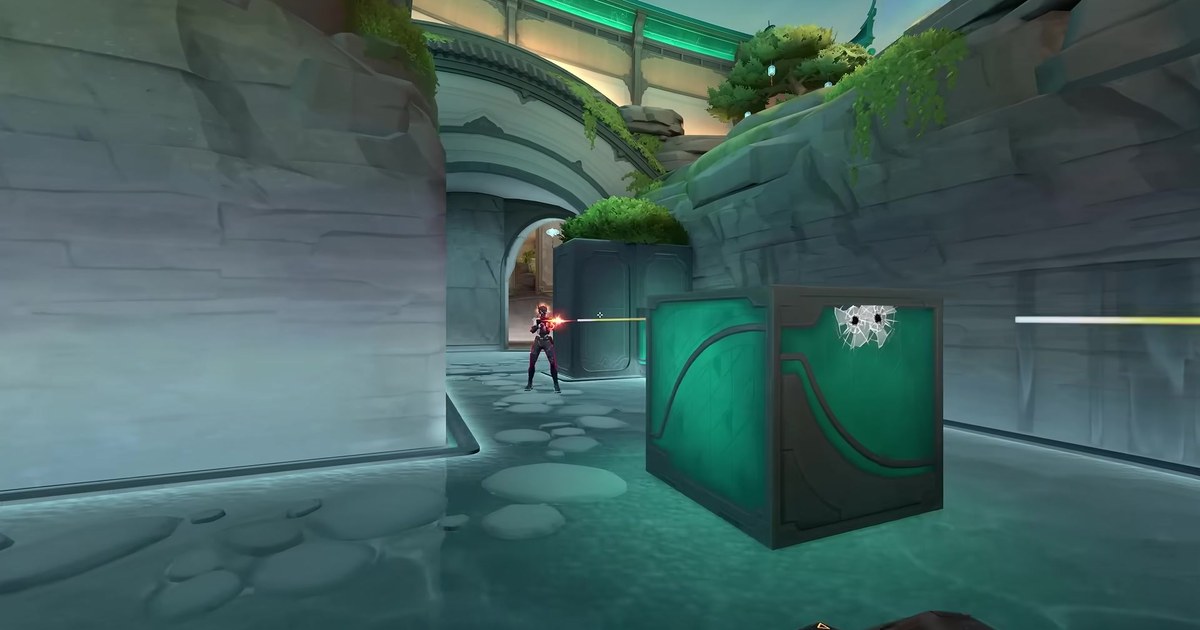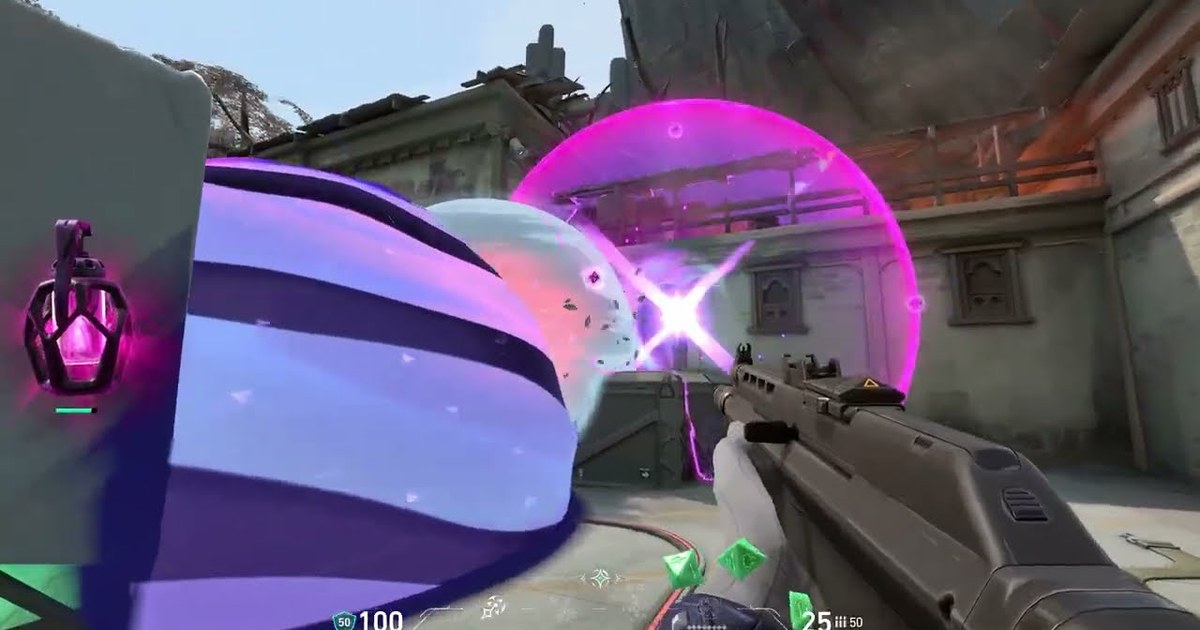
If you are searching for VALORANT custom game cheats, you probably want one thing: a quiet room where you can throw the same smoke, molly or recon dart thirty times on Ascent or Haven before you try it in ranked.
The Range lets you test abilities, but it has none of the walls, ceilings and corners of a real map, so it cannot teach you a lineup. A custom game can.
You can open a lobby by yourself and start it with nobody else in it, and if you allow cheats before launch you can repeat a lineup without waiting on cooldowns or charges. Riot has kept adding to this toolkit. Patch 0.49 in April 2020 added the ghost cheat for flying around the map in no clip mode.
Patch 9.04 in August 2024 changed the unlimited abilities cheat so Neon, Skye and Viper fuel abilities stay full.
Patch 10.00 in January 2025 added a cheat that shows map pings in the world, explicitly to support labbing lineups, and patch 11.07b in October 2025 brought Skirmish, a fast mode on small dedicated maps, into custom lobbies.
This guide walks through setting up the lobby, which cheats to switch on, a simple lineup drill that actually sticks, and how to keep the clips of the throws that work. Everything is checked against Riot's own patch notes and current as of November 10, 2026. Menu labels can vary slightly by client language and version.
Short answer: lineups go in a custom game with cheats, aim goes in the Range or Skirmish
Pick the practice space by what you need to repeat. Anything that depends on real map geometry, such as smoke lineups, post plant mollies, recon darts or ability combos off a specific wall, is fastest in a custom game with cheats on.
Infinite abilities removes cooldowns and charges so you can throw the same smoke back to back. Infinite ammo plus infinite magazines means you never stop to reload when you mix in a few spray transfers between throws.
Ghost mode is for checking results: fly to the other side and see whether the smoke actually sealed the choke or the molly landed on the default plant.
The show map pings in world cheat from patch 10.00 restores the pre 9.11 behavior where a minimap ping also appears in the world, so you can mark both where to stand and where the utility should land. Aim against movement is a different job. The Range bots and Skirmish handle that better.
Skirmish supports 1v1 all the way to 5v5, including uneven teams, has no economy, plays first to 10 rounds on three small maps, and starts with abilities off unless you enable them in the cheat menu.
If your sensitivity still feels off, sort it first with the one minute browser based VALORANT sensitivity test so your aim sessions are comparable from day to day. And because custom games do not affect ranked RR, you can grind as many rounds as you like.
How to enable custom game cheats and practice lineups
- 1Create a custom game from PlayClick Play at the top of the client and choose Custom Game from the mode list to open a lobby. Pick the map and mode you want. For lineups, use the standard mode and move yourself to the attacking or defending side depending on where you plan to throw from. You do not need anyone else in the lobby to start.
- 2Allow cheats before you launchOnly the lobby creator can turn cheats on, and only in the lobby settings before the match starts. Settings are locked once the game begins, so if you switch from an in house game to a practice room, go back to the lobby and enable cheats there first.
- 3Pick an agent and open the Cheats tabLock your agent, load in, press Esc and open settings. A new Cheats tab will be there. Turn on infinite abilities, infinite ammo and infinite magazines, and add infinite creds if you want to buy anything without economy limits. If several abilities share one key, you will fire the wrong one mid drill, so clean up your layout first with VALORANT keybinds.
- 4Mark spots with map pings in worldTurn on show map pings in world, then ping the spot you stand on and the spot the utility should land on. Walk to the first ping, line up your crosshair and throw. If the result is unclear, switch on ghost mode and fly across to see whether the smoke covers the choke or the molly hits the plant spot.
- 5Repeat one lineup and save the hitsThrow the same lineup at least ten times from the same spot until it feels automatic. Pause the match timer from the Cheats tab when the round clock gets in the way, and use the restart game cheat to reset everything. Cut the successful throws out of your recording so you can rewatch exactly where your crosshair was.
What each VALORANT practice option is good for (as of November 10, 2026)
| Practice option | What it gives you | Best for |
|---|---|---|
| Custom game, cheats off | Pick any real map and mode, play with friends or start solo, no ranked RR impact | Scrims, in house games, learning routes |
| Custom game with cheats | Infinite abilities, infinite ammo and magazines, invulnerability, infinite creds, ghost mode | Solo lineup and combo repetition |
| Show map pings in world | Added in patch 10.00 (January 2025), minimap pings also show in the world like before 9.11 | Marking stand spots and landing spots |
| Skirmish mode | Added in 11.07b (October 2025), small maps A, B and C, 1v1 to 5v5, no economy, first to 10 | 1v1 aim duels, fixed loadout drills |
| The Range | Dedicated area for shooting bots and testing new agents, no real competitive map layout | Aim warmup, checking ability keys |
| Full match recording | Keeps the whole practice session so you can cut out only the throws that worked | Lineup notes, review, sharing |
Checklist before and after a session
- The lobby creator allowed cheats before launch, and the Cheats tab shows up in the in match settings.
- Infinite abilities and infinite ammo and magazines are on, so nothing interrupts the repetition.
- You verified where the utility actually landed with map pings in world or ghost mode.
- Each lineup has a one line note: stand spot, crosshair reference, and whether it is a jump throw.
- You clipped the successful throws and compared them with your ranked footage to see if they hold up under pressure. The habit is laid out in how to get better at VALORANT.
Keep and share the lineups you land with DOR
DOR is a free Windows game recorder. It detects VALORANT when you launch it and records the full match, and recordings collect in the app's My Clips. Kills are turned into automatic clips with Ace and Clutch tags, and POTG and party clips work in VALORANT too.
Moments that are not kills, like a lineup you just nailed, are still in the full match recording, so you find the throw and cut it out yourself. You can trim any part of a recording to 16:9, 9:16 or 1:1, so one clip from stand spot to landing becomes a lineup note.
In DOR Studio (dor.gg/studio) you can merge several lineup clips per map, add text labels such as B site smoke from attack, then export an mp4 or send a dor.gg link to your team. The clipping workflow is in how to clip VALORANT, and everything DOR does for the game is on the VALORANT game page.