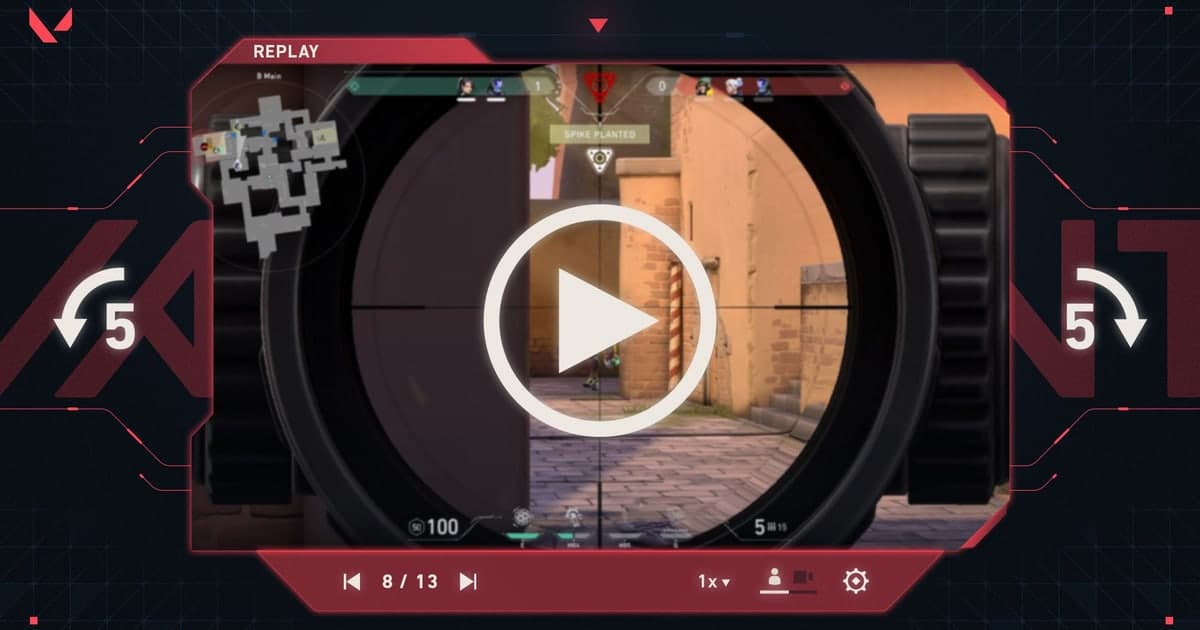
VALORANT Discord communities range from finding one duo to building five-stacks, scrims, and clip-review groups. Member count matters less than organized region, rank, and role recruitment plus clear voice-channel rules. Those details determine whether the server is usable during a real session.

What to check in a VALORANT server
| Area | Positive signal | Warning signal |
|---|---|---|
| LFG structure | Template includes region, mode, role, and time | Ranked, casual, and ads share one channel |
| Voice | Consent rules for recording, streaming, and clips | Forced installation of unknown bots or links |
| Moderation | Report path for harassment and cheating promotion | No visible contact or enforcement standard |
| Active hours | Recent posts and completed markers in your time zone | Only old recruitment posts resurface |
A pre-join and first-use sequence
- 1Filter region and purpose — Find channels for your server and duo, five-stack, or scrim goal.
- 2Read the rules — Check voice, recording, ads, reporting, and enforcement.
- 3Inspect recent LFG posts — See whether time, roles, and closed status are actually maintained.
- 4Recruit once — Limit personal details and evaluate atmosphere and moderation after one session.
Copy-ready VALORANT server listing
[Region/language] NA East/English | [Purpose] Competitive duos, five-stacks, weekend customs | [LFG format] Server, rank goal, primary role, and time required | [Voice] Optional; recording and streaming require participant consent | [Moderation] No harassment, cheat promotion, or account trading; public report channel | [Active] Weekdays 7 p.m.–1 a.m. ET | Include rules and a staff contact route.
Minimum rules for privacy and safety
- Leave real names, phone numbers, school or workplace details, and exact locations out of a public recruitment post.
- Confirm roles, schedule, and goals in a public channel before moving to a private messenger, then make the first game a short trial session.
- Agree on voice chat and whether recording or clip sharing is acceptable before the session. You can decline uncomfortable requests without justification.
- End the conversation and use the platform’s block and report tools if anyone harasses you, asks for money, or requests account access.
DOR does not promise automatic matchmaking or identity verification. It is a place to browse public gameplay, clips, and communities, then start the conversation yourself. Review the VALORANT page for play context, plus the broader game friends and party finder, gaming Discord server finder, and gaming guild and clan finder guides.