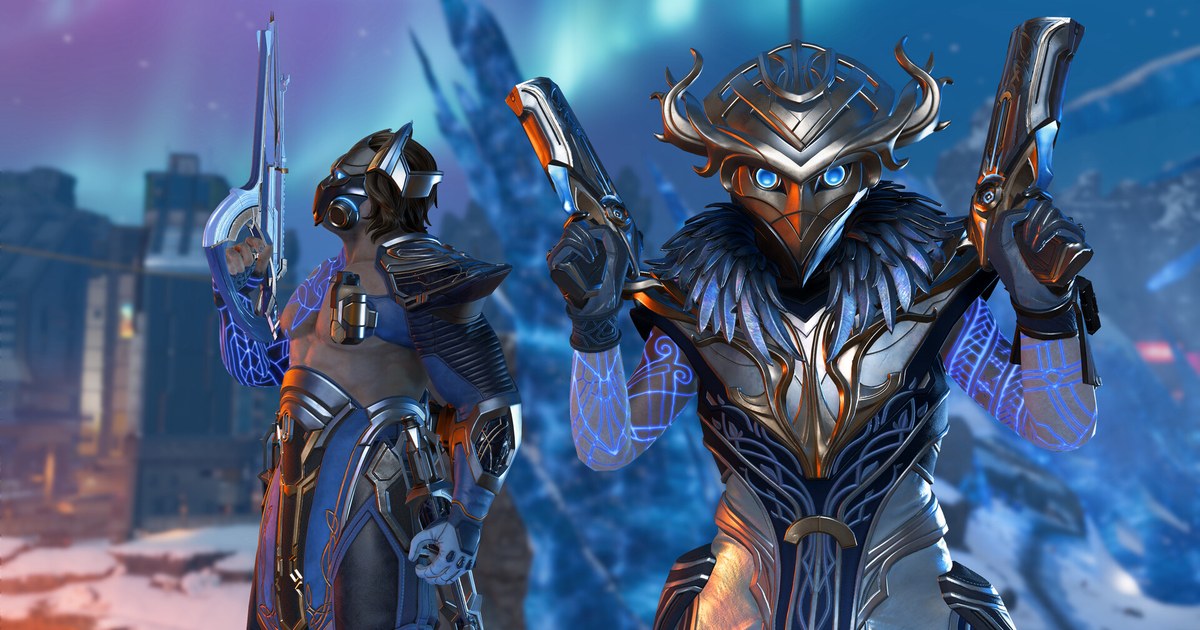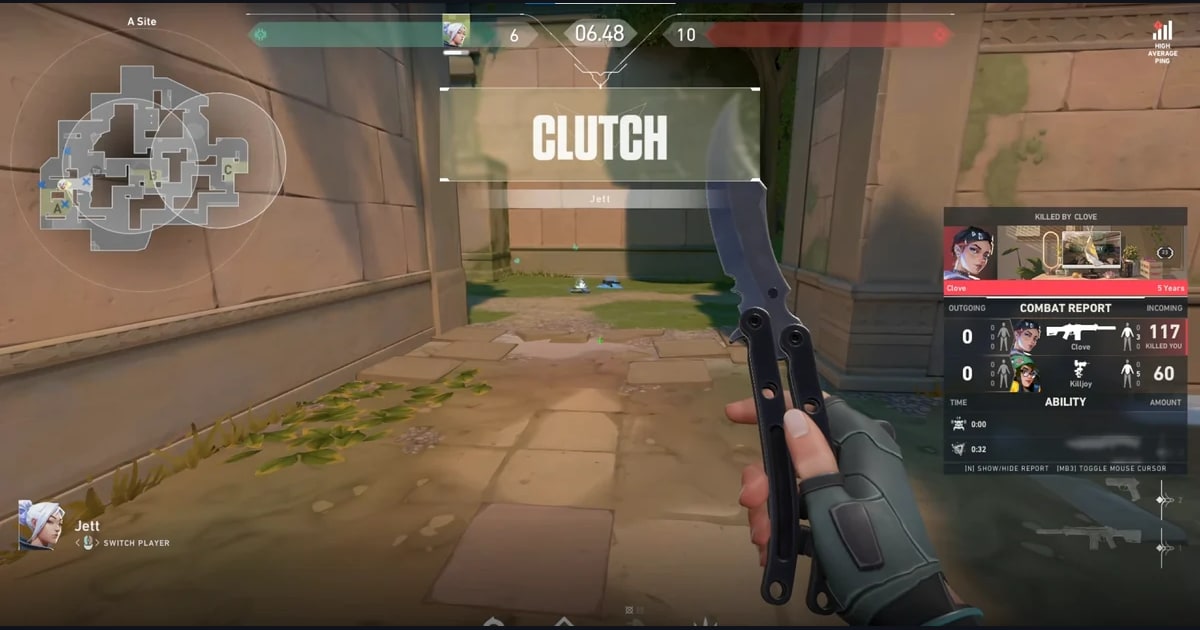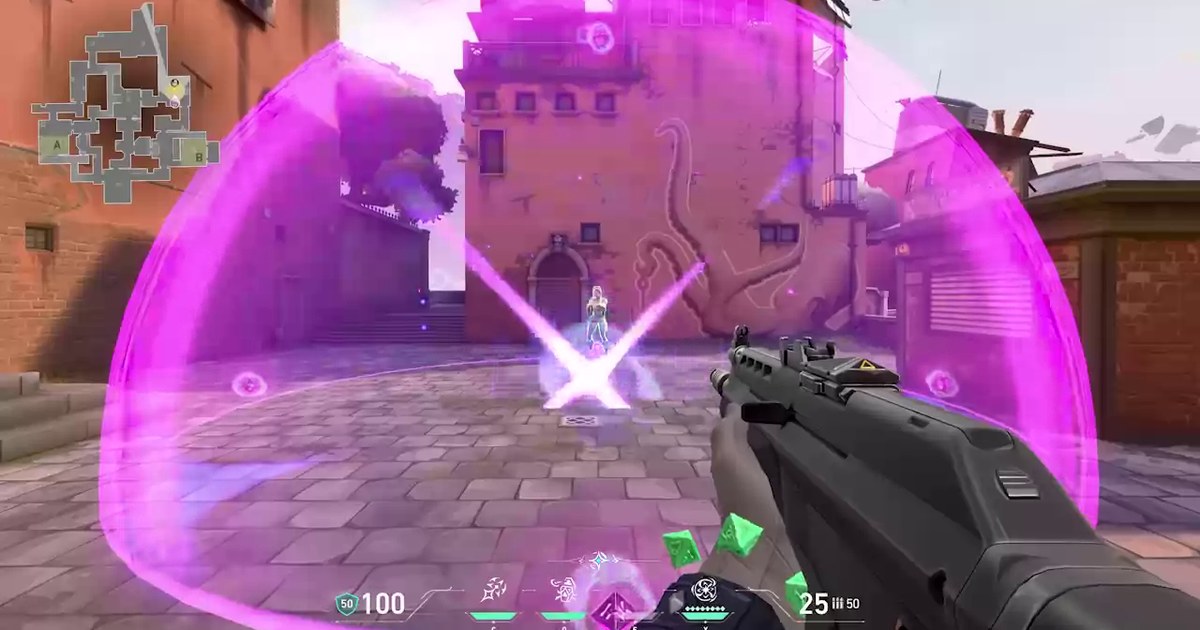

Riot revealed Hush on October 18, the day of the VCT Champions 2026 grand final in Shanghai, and she entered the game with patch 13.09, whose notes were published on October 27 (UTC).
Her official agent page lists her as a Duelist, the ninth in that role after Jett, Phoenix, Raze, Reyna, Yoru, Neon, Iso and Waylay.
The lore pitch is a Chinese operative who uses telekinesis to close classified cases, and that idea runs through the whole kit: most of what she throws can be bent mid-flight toward wherever you are aiming.
That makes Hush feel different from every other Duelist on day one, because the hard part is not the throw, it is the redirect.
Below you will find each ability in Riot's own wording, a short Range drill, a checklist for your first ranked games, and the Clove and Warden changes that shipped alongside her. How DOR records your VALORANT matches is covered on the VALORANT page.
How Hush's kit works: throw first, steer second
Flashbulb and Displacement share the same controls. Equip the ability and press fire to throw it straight away, or press alt fire to prepare it instead. Once it is in the air, reactivate the ability and it turns toward your crosshair.
Both explode when they touch any surface or after a short delay. In practice that means you can lob utility past a corner and then swing your crosshair so it breaks into the angle where an enemy is hiding.
Displacement pulls all players toward its center when it explodes, and anyone who collides with a surface or another player is concussed, so it is strongest next to walls, boxes or stacked defenders. It resets every two kills, which rewards Hush for taking fights.
Flow is her movement tool: it instantly creates an anchor, and after a delay you propel toward it. Use it while airborne and you briefly levitate in place first, which lets you hold a high angle for a moment.
Suspension, her ultimate, is prepared instantly; fire sends it forward, you steer it with your crosshair, and reactivating or firing again detonates it, levitating all players.
Her passive, Telekinesis, lets her pick up weapons and the Spike (on attack) and interact with switches from an increased range. Riot's descriptions say all players rather than enemies, so test how teammates near the blast are affected in a custom game before you rely on it. Ability costs and ultimate points are not listed in the patch notes, so check them in the buy menu.
Learn Hush in the Range in five steps
- 1Read the new tooltip firstPatch 13.09 redesigned ability tooltips so they show the agent, role and keybinds, and they also appear when you test agents in the Range. Default keys are Q Flashbulb, E Displacement, C Flow and X Suspension; if you rebound anything, confirm your own layout here.
- 2Split Flashbulb into throw and prepareAlternate between throwing it instantly with fire and preparing it with alt fire. Reactivate it after it clears a corner and watch where it pops, so you learn which redirects flash the enemy without blinding you as well.
- 3Detonate Displacement next to coverThe concuss only lands if a pulled player hits a surface or another player. Put the center next to a wall or box with a bot beside it and see which spots cause collisions. Remember it resets every two kills.
- 4Practice Flow from a jumpJump, use Flow, and you hang in place briefly before propelling to the anchor. Try anchors behind cover on a few maps so you learn where you end up and what you can see while you float.
- 5Rehearse the Suspension finishFire the ultimate, steer it with your crosshair, then reactivate or fire again to detonate. Repeat until switching back to your gun and shooting a lifted target feels automatic.
Hush's five abilities and the other 13.09 changes at a glance
| Ability (default key) | What Riot's description says | What to watch in a real match |
|---|---|---|
| Telekinesis (passive) | Picks up weapons and the Spike (on attack) and interacts with switches from an increased range | Recover a dropped rifle or the Spike without fully stepping into the open. |
| Displacement (E) | Throw or prepare, reactivate to steer toward your crosshair; pulls players to the center and concusses on collision; resets every two kills | Best beside walls, boxes or grouped enemies, where collisions actually happen. |
| Flashbulb (Q) | Same throw and steer controls; explodes on a surface or after a delay, flashing all players looking at it | Bend it past the corner so it pops away from your own view. |
| Flow (C) | Instantly creates an anchor; briefly levitates if airborne; propels toward the anchor after a delay | Start by using it to peek and reposition rather than to dive in. |
| Suspension (X, ultimate) | Prepared instantly, sent forward and steered with your crosshair; reactivate or fire again to detonate and levitate all players | Call it out so teammates are ready to shoot lifted targets. |
| Clove | Pick-me-up bonus speed down from 15% to 10%; killing Clove after Not Dead Yet gives the killer an ultimate point and a signature refresh point | Finishing a revived Clove now pays off more for your team. |
| Warden (rifle) | Smoother pitch recoil on the first few bullets; second bullet error 0.25 to 0.2; third bullet error 0.6 to 0.5 | The automatic rifle added in 13.06 is easier to control in short bursts. |
Before your first ranked game on Hush
- You have two or three Flashbulb redirects per map that do not blind you
- You treat Displacement as reusable after every two kills, so you do not hoard it
- You know Flow has a short delay before the dash and pick your exit before using it
- You warn your team before Suspension so someone is ready to shoot
- You know Riot said Hush's Performance Score may be bumpy for her first few days, and you judge rounds, not the number
Keep your first Hush games automatically with DOR
DOR is a free Windows app for recording games. Leave it running and it detects VALORANT when you launch it, records the whole match and cuts kill highlights automatically.
Ace and clutch rounds get a tag, and one Play of the Game clip is picked for each match, so a Displacement pull followed by a kill ends up in My Clips without you pressing anything. How hands-free kill clips work is covered in auto editing Valorant clips.
For the things a kill clip cannot show, like whether your Flashbulb redirect came too late or where Flow dropped you, open the full recording and jump to that round.
Trim the best moments in the app as 16:9, 9:16 or 1:1, or use DOR Studio (dor.gg/studio) to merge clips and add text, music and effect templates like shake zoom before exporting an mp4. To show a friend, send a dor.gg link that plays straight in a phone browser; sharing VALORANT clips with friends walks through it.