
GTA 6 video making and guides
GTA 6 is out now on PS5 and Xbox Series. Move the moments you record on console to your PC, cut them into Shorts in DOR Studio, and find mission and location guides right below.
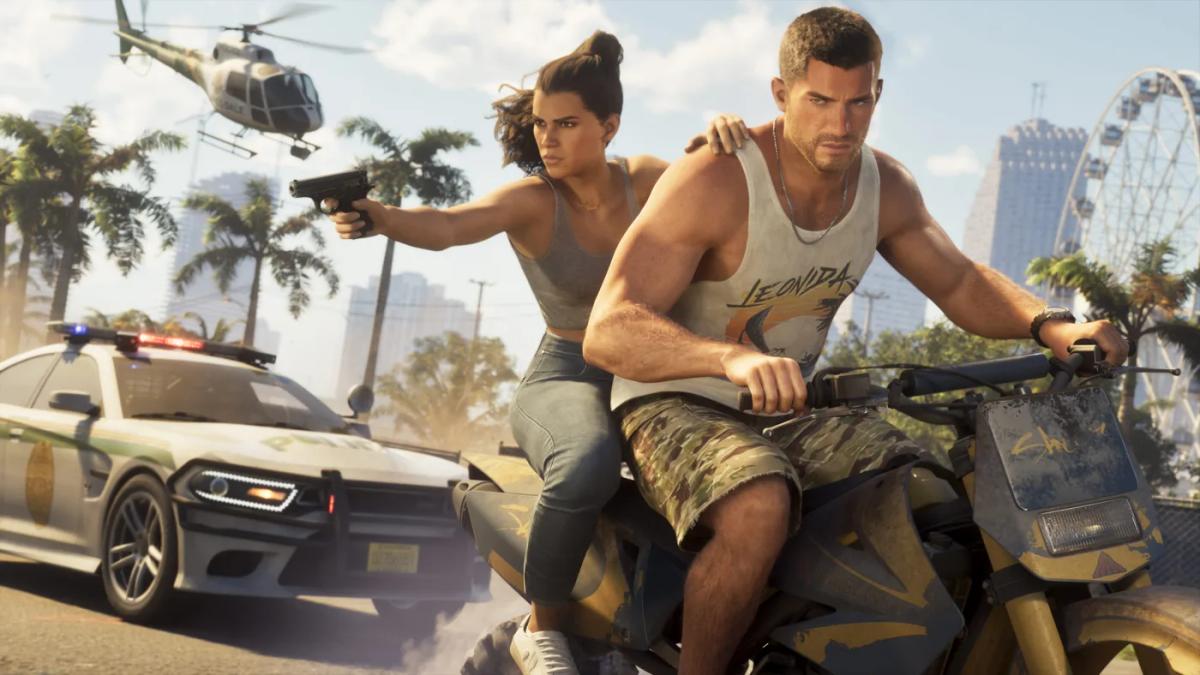
About the game: GTA 6
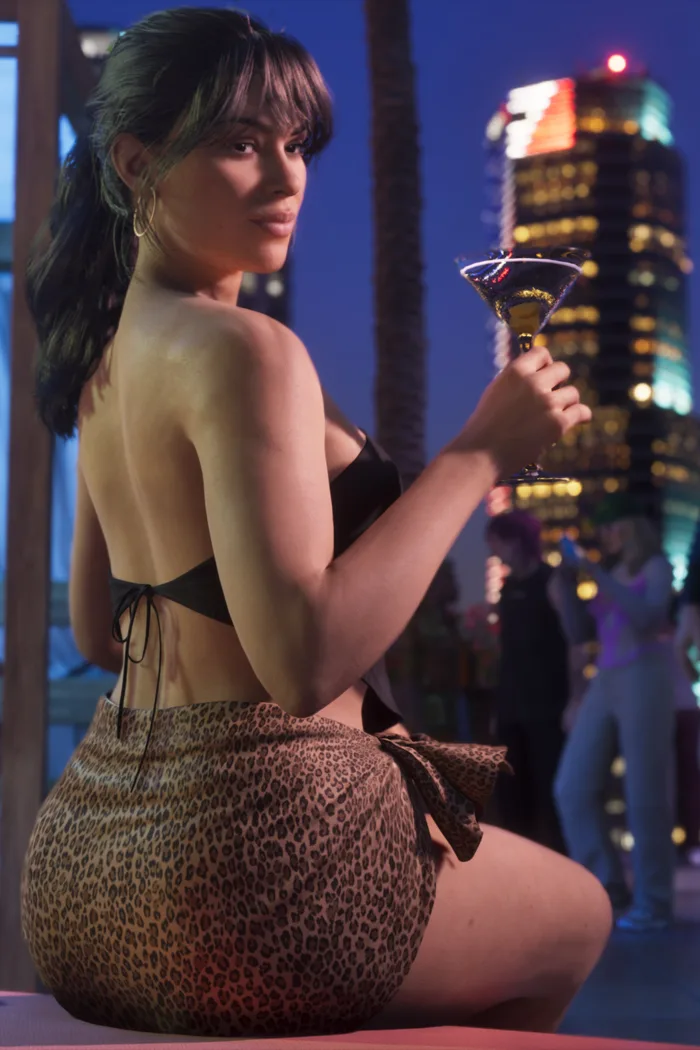
Grand Theft Auto VI is Rockstar Games’ open world action adventure set in the state of Leonida, home of Vice City. It launched on PS5 and Xbox Series X|S on November 19, 2026.
- Developer
- Rockstar Games
- Publisher
- Rockstar Games
- Released
- Nov 19, 2026
GTA 6 PC release status
| Platform | Status |
|---|---|
| PlayStation 5 | Released Nov 19, 2026 |
| Xbox Series X|S | Released Nov 19, 2026 |
| PC | Not announced yet |
As of November 23, 2026. We update this table as soon as there is an official announcement.
- Now: edit GTA 6 clips recorded on console in DOR Studio
- When the PC version launches: DOR auto recording is planned
GTA 6 videos: edit today, recording planned for the PC version
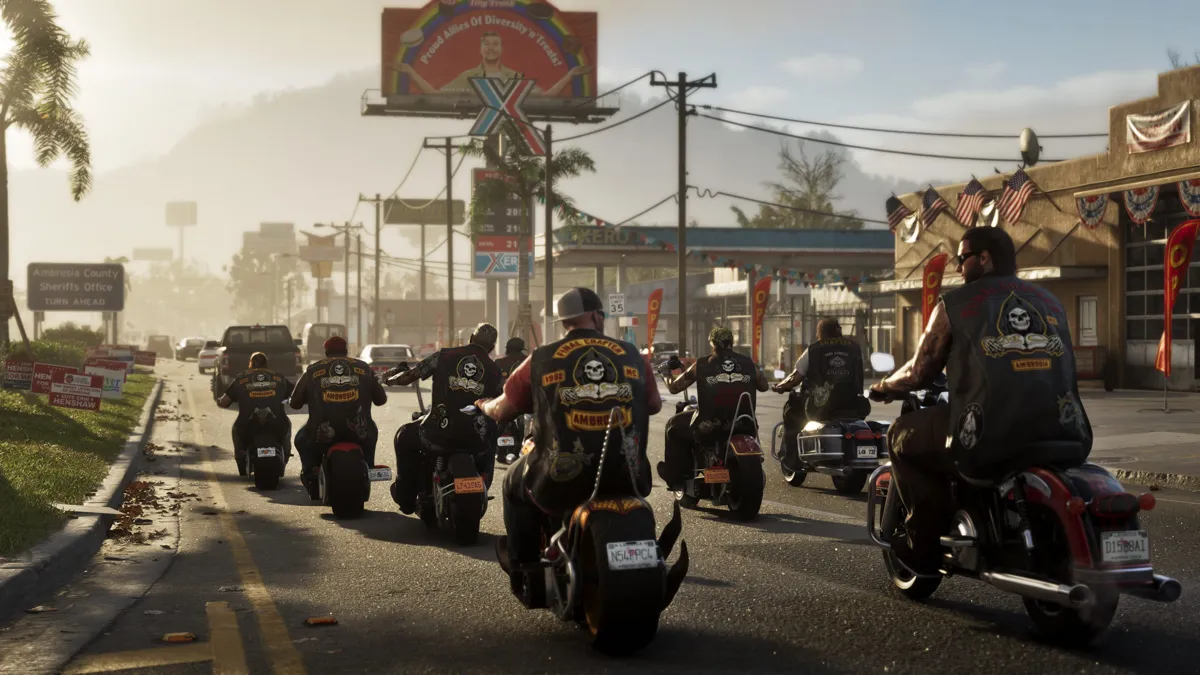
Turn console footage into vertical Shorts, add shake zoom to the crashes
Upload GTA 6 footage recorded on PS5 or Xbox to dor.gg Studio. Switch it to 9:16, join several clips, trim the ends, then add text, music and effects, all in your browser.
- Right in your browser, nothing to install
- Upload PS5 and Xbox clips as they are
- Free export with no watermark
Console clips work too, just upload them
Drag the GTA 6 clip you copied to USB from the PS5 Media Gallery, or saved through the PS App, into dor.gg Studio. It takes mp4, mov, webm and mkv as they are, so there is nothing to convert.
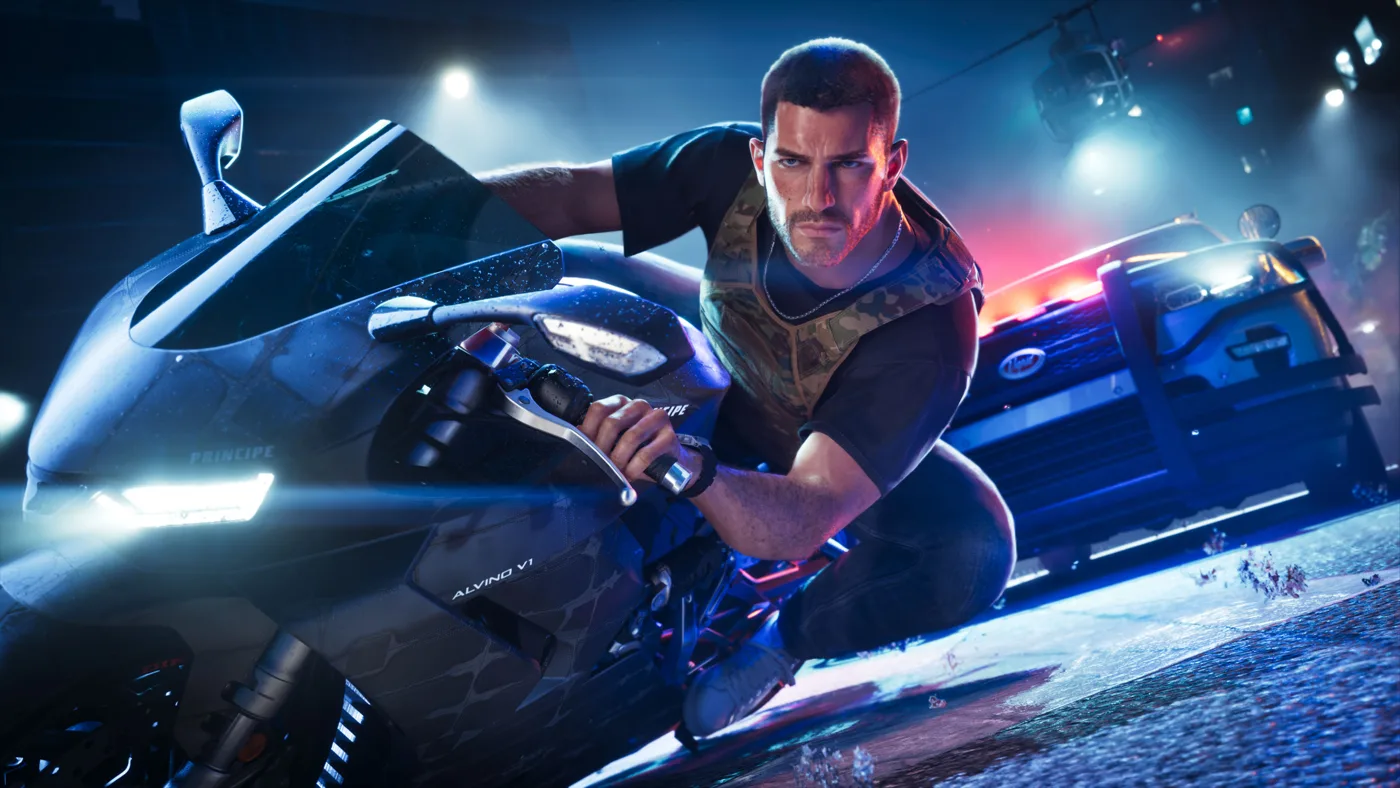
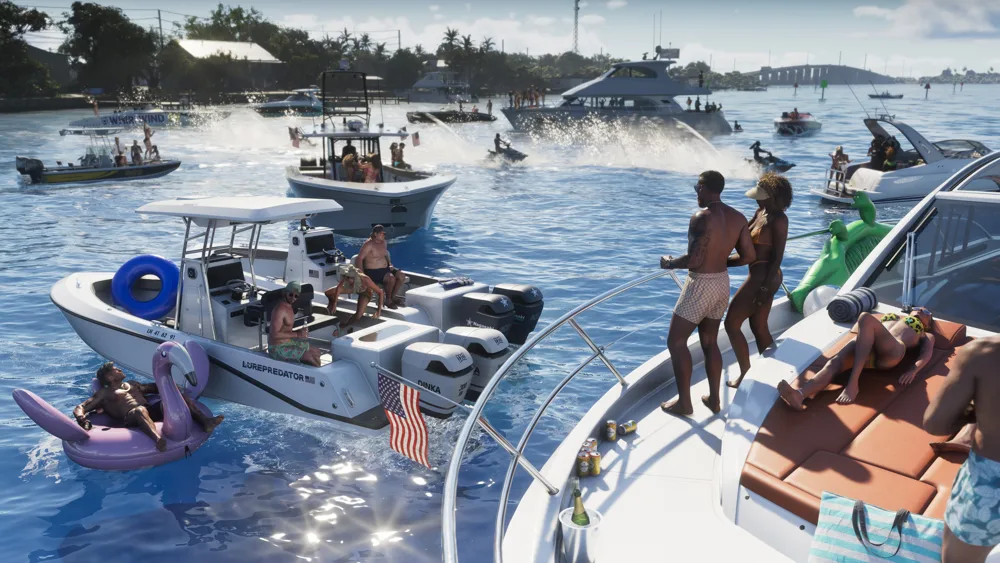
Export an mp4, or send friends a link
Save your edited GTA 6 video as an mp4 for TikTok, YouTube Shorts and Reels, or copy the dor.gg link and paste it into Discord. It is free and adds no watermark.
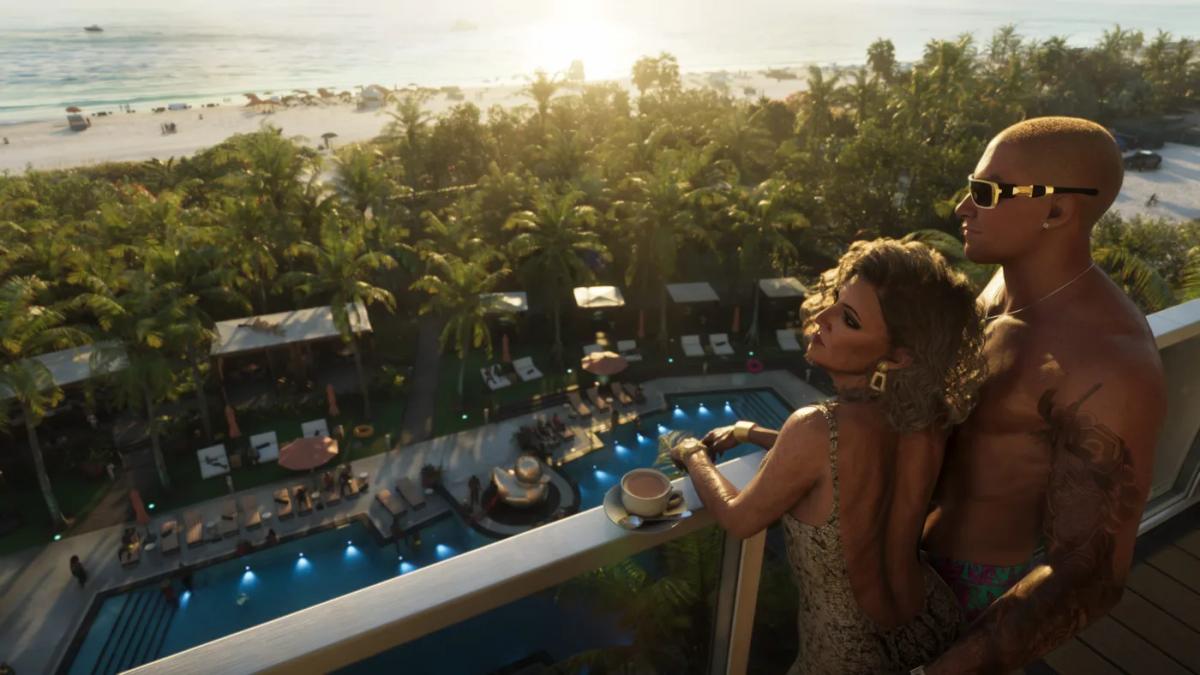
Auto recording from the moment you launch, planned for the GTA 6 PC version
DOR is a PC app that records on its own when you start a game, like it already does for GTA 5 and FiveM. We plan to support GTA 6 auto recording the same way when the PC version arrives. Install it now and try it with GTA 5 today.
More about game recording →Match Notes (AI Voice Notes) turn Discord chatter into text, planned for PC
What you say on a call with friends lands on the recording timeline as text, so you can jump back to the video from that line. We are preparing the same feature for the GTA 6 PC version.
- Vice City chase01:08
- Boat escape in the Keys00:42
- Grassrivers swamp run00:27
- Heist finale00:57
- Mount Kalaga bike jump00:19
- Port Gellhorn motel shootout00:31
AI Highlight joins chases and stunts into one video, planned for PC
Pick clips from your library and press AI Highlight to join them into one video. Today you can get the same result by joining console clips yourself in the Studio.
Learn about highlight clips →The GTA 6 Leonida map and its 6 regions
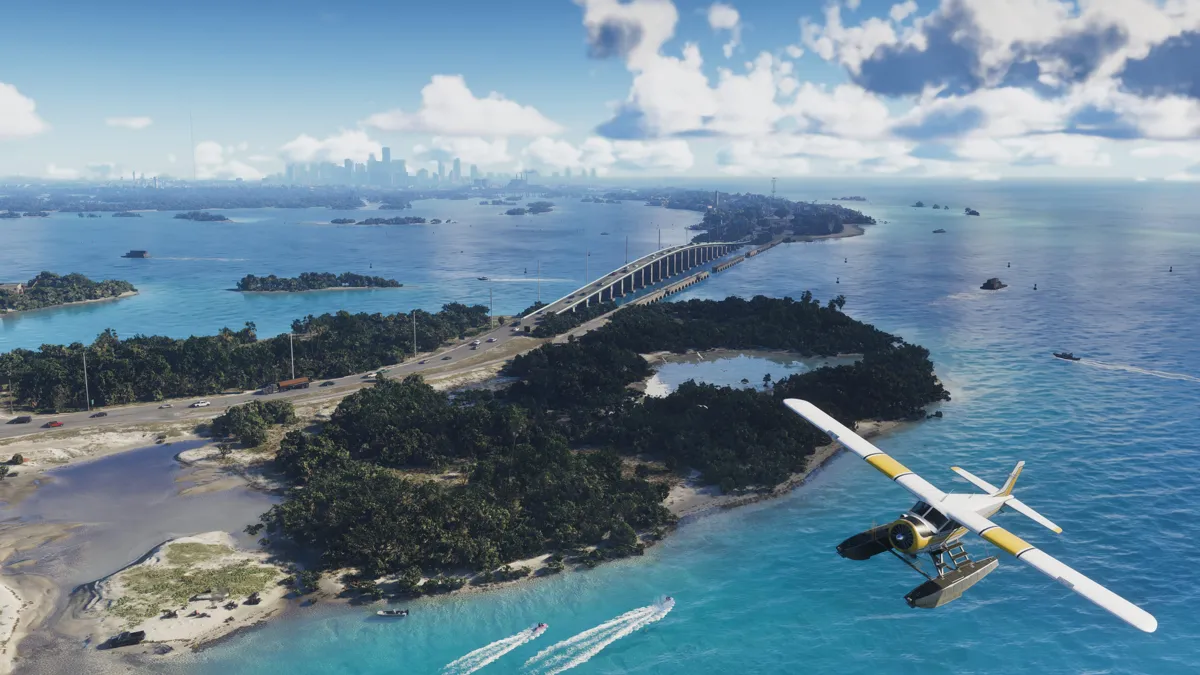
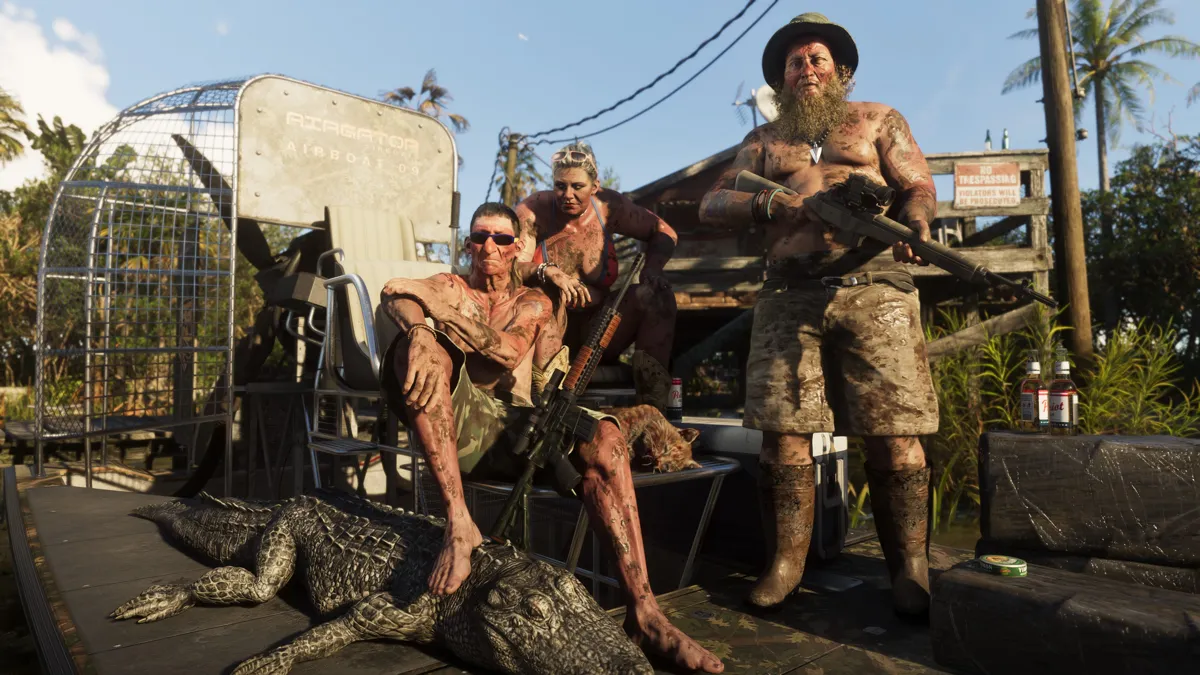
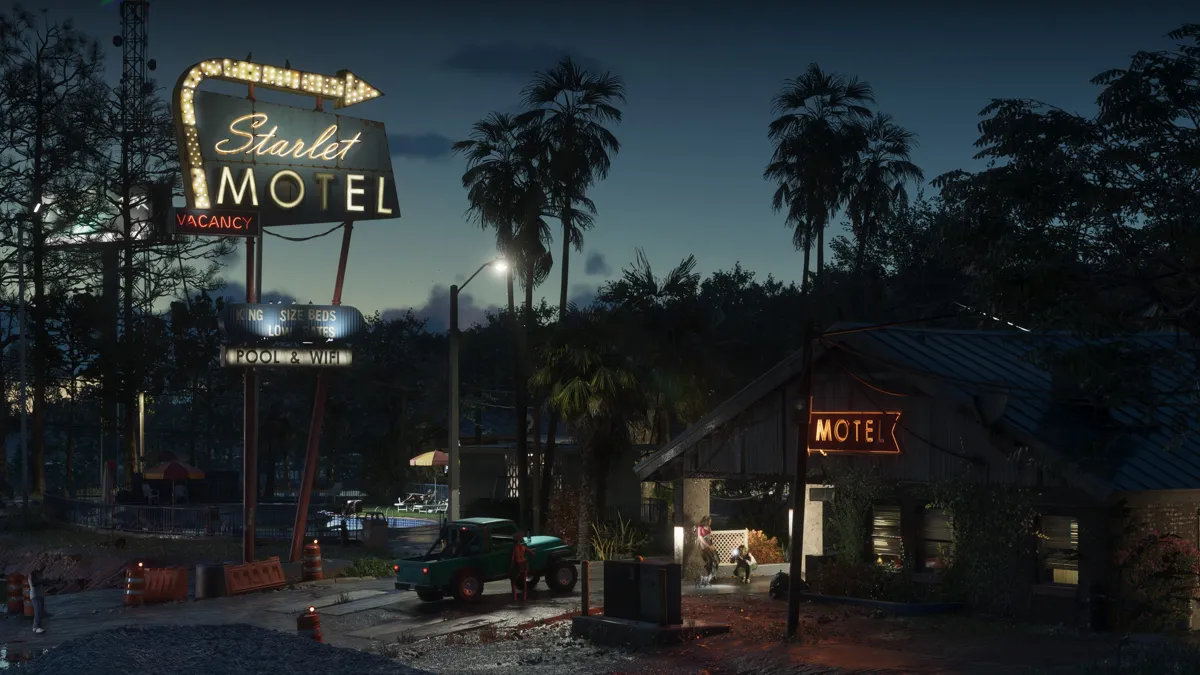
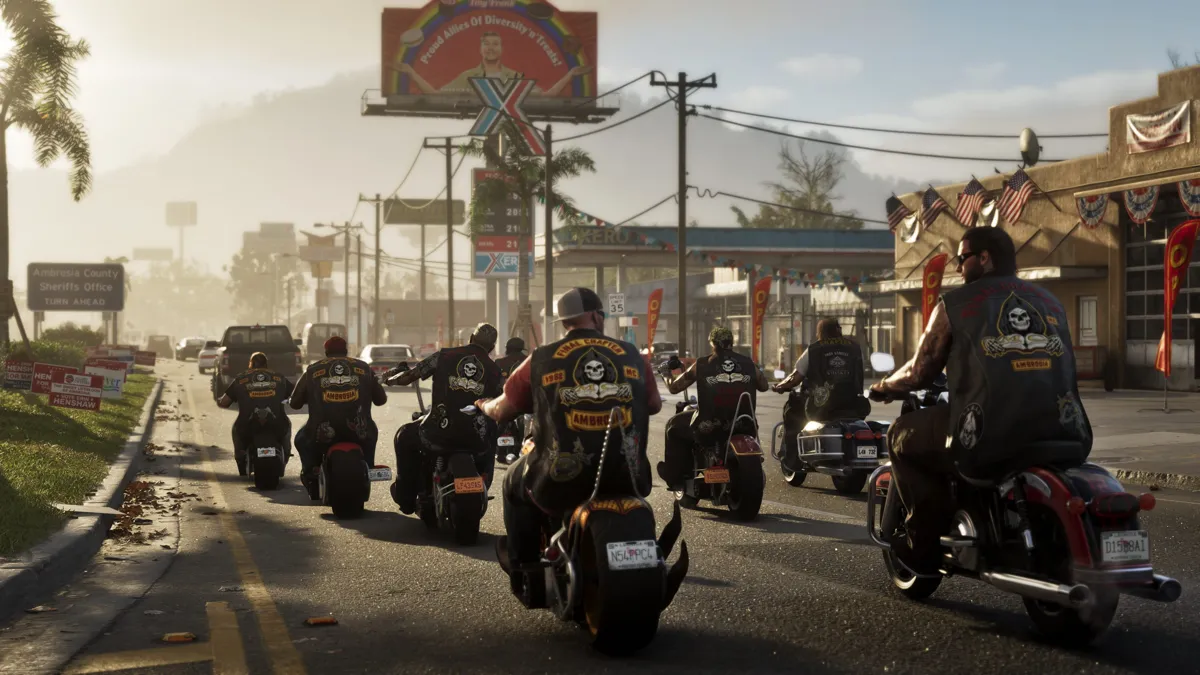
Every image here is official Rockstar Games material. Tap a region to open the map guide.
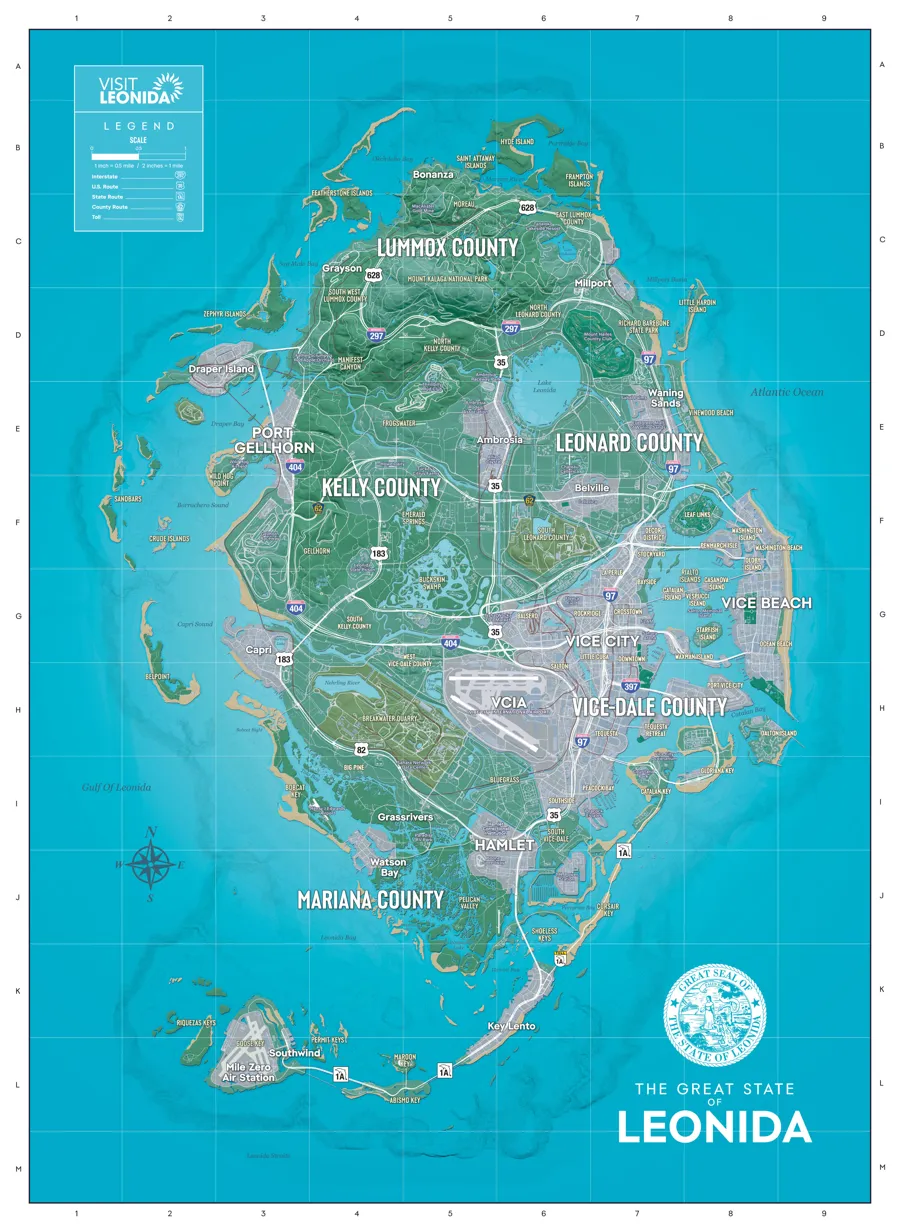
From Vice City to Mount Kalaga
Leonida, the setting of GTA 6, splits into a city, islands, wetlands and a mountain national park. Our map guide covers the missions and collectibles in each region and where to find good cars.
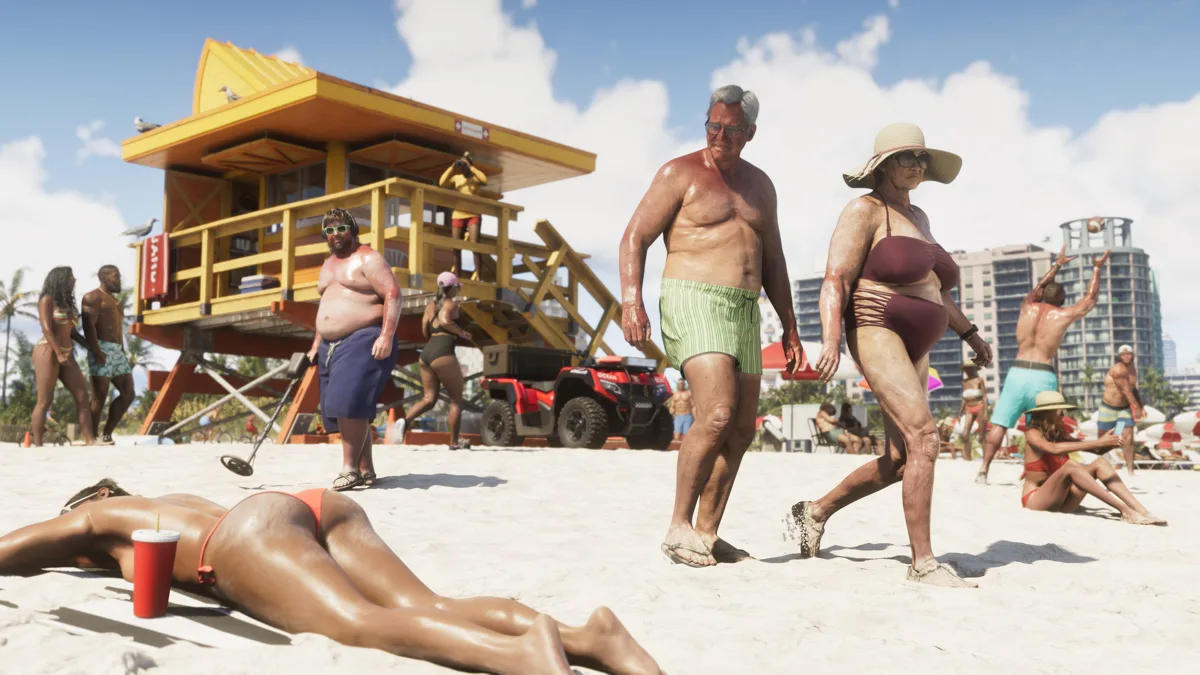
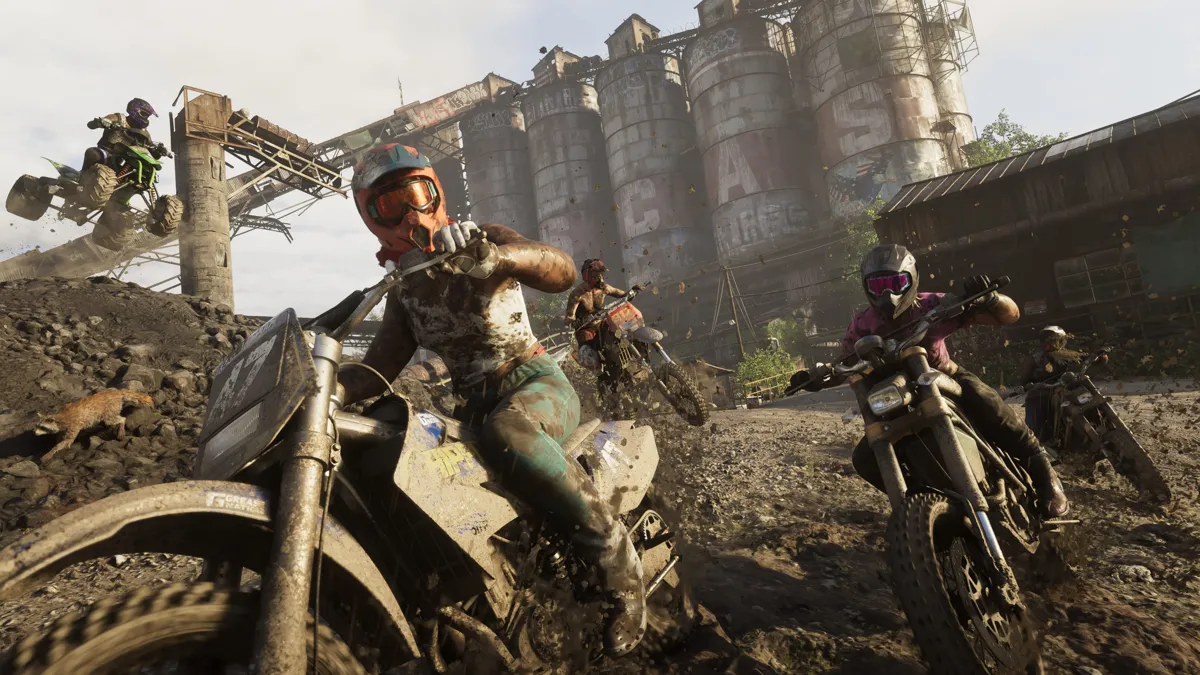
Polish your GTA 6 clips in the Studio now
Nothing to install, 9:16 Shorts in your browser, free and with no watermark.
How to make GTA 6 videos
Record on console
On PS5, press the Create button to save recent gameplay or start a new recording of up to one hour. On Xbox, press the Xbox button and then X to keep what just happened.
Move it to your PC
Copy it from the PS5 Media Gallery to a USB drive, or get it on your phone with PS App auto upload. Xbox clips download from the Xbox mobile app.
Edit in DOR Studio
Upload the video to dor.gg Studio, convert to 9:16, join, trim, add text, music and effects, then export an mp4 or share a link.
DOR is a free game recording and editing service. GTA 6 is console only for now, so the PC app does not record it directly, but you can upload GTA 6 footage recorded on PS5 and Xbox to dor.gg Studio and edit it for Shorts, Reels and YouTube right away. When the PC version arrives, we plan to support auto recording as soon as you start the game, just like GTA 5.
Moments worth turning into videos
GTA 6 video recording · editing · troubleshooting
How to record GTA 6 on PS5 and Xbox, compared
| Situation | How to record |
|---|---|
| PS5 · What just happened | Create button, save recent gameplay (15 seconds up to 1 hour) |
| PS5 · From now on | Create button, start new recording (up to 1 hour) |
| Xbox · What just happened | Xbox button then X, last 30 seconds (up to 2 minutes) |
| Xbox · From now on | Capture & share, start recording (10 min internal, 1 hour external) |
Based on official PlayStation and Xbox support pages (checked Nov 23, 2026). 4K capture needs a compatible display on PS5 and 4K TV output on Xbox. Some scenes the game blocks are not recorded.
How to move GTA 6 console clips to your PC
| Method | Best for | Notes |
|---|---|---|
| USB copy (PS5) | Long or 4K videos | Media Gallery, More, Copy to USB drive |
| PS App auto upload | Clips under 3 minutes, up to 1080p | Kept in the cloud for 14 days, download to phone |
| Xbox mobile app | Xbox clips | Download once the capture uploads to Xbox network |
DOR Studio editing features for GTA 6
9:16 Shorts conversion
Turn 16:9 console footage into vertical video for TikTok, Shorts and Reels. Square 1:1 works too.
Join and trim
Put several clips on the timeline, join them and cut the parts you do not need.
Text, music, effects
Add text you can use like captions, suggested music or your own mp3, and effects like shake zoom and punch zoom.
mp4 export and link sharing
Download the finished cut as an mp4 or share it with a dor.gg link. No watermark is added.
GTA 6 video editing troubleshooting
My GTA 6 clip is not showing up in the PS App
Auto upload only covers videos under 3 minutes at up to 1080p, made after you turned the feature on. Copy longer or 4K videos over USB.
Part of my recording is blank
Scenes the game blocks from capture are not included in console recordings. Bridge that part with another clip.
My video will not upload to the Studio
Check that it is mp4, mov, webm or mkv, and at least 3 seconds long.
Ready for the PC version: DOR recording specs
| Component | Minimum | Recommended |
|---|---|---|
| OS | Windows 10 (64bit) | Windows 11 (64bit) |
| CPU | Intel Core i5-8400 (8th gen) / AMD Ryzen 5 2600 | Intel Core i5-12400 (12th gen) / AMD Ryzen 5 5600+ |
| RAM | 8GB | 16GB |
| GPU | NVIDIA GeForce GTX 1050+ (NVENC) | NVIDIA GeForce GTX 1660 · RTX 2060+ |
| Storage | 5GB free + clip space | SSD, 20GB+ free |
We will add the GTA 6 PC requirements once they are announced. The table above is for recording with the DOR app.
GTA 6 video and PC FAQ
When is GTA 6 coming to PC?
As of November 23, 2026, Rockstar Games has not announced it. GTA 6 is out on PS5 and Xbox Series X|S only. We update the PC release status post as soon as there is news.
Can DOR record GTA 6?
DOR is a Windows PC app, so it does not record console only GTA 6 directly today. You can edit footage recorded on console in dor.gg Studio, and we plan to support auto recording when the PC version launches.
How do I move GTA 6 clips from PS5 to my PC?
Pick the video in the Media Gallery and use More to copy it to a USB drive. Videos under 3 minutes at up to 1080p can also reach your phone through PS App auto upload.
Can I turn GTA 6 footage into vertical Shorts?
Yes. Pick the 9:16 ratio in DOR Studio and you get vertical video for TikTok, Shorts and Reels.
Is it free? Is there a watermark?
It is free and adds no watermark.
Similar games DOR records today


Find your other games
 League of LegendsRecording guide
 PUBG: BattlegroundsRecording guide
 OverwatchRecording guide
 Teamfight TacticsRecording guide
 FC OnlineRecording guide
 FortniteRecording guide
 Counter-StrikeRecording guide
 RobloxRecording guide
 MinecraftRecording guide
 Sudden AttackRecording guide
 Apex LegendsRecording guide
 Rainbow Six SiegeRecording guide
GTA 6 PC auto recording is planned, start with GTA 5 today
Auto recording is planned for the PC version. Install now and record GTA 5 right away.