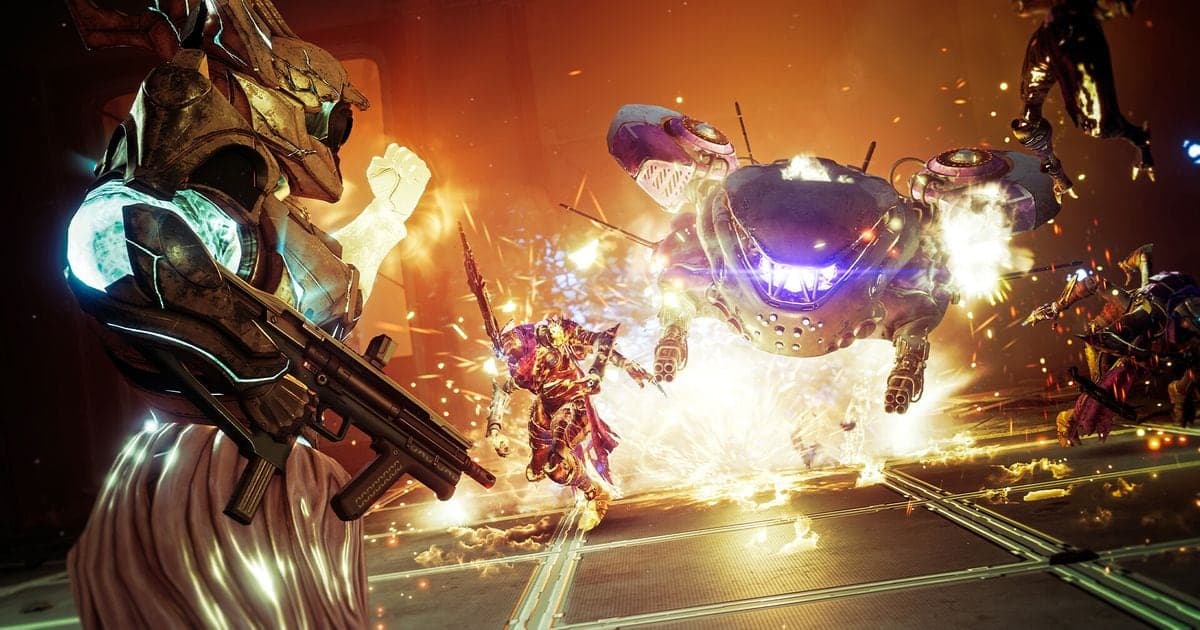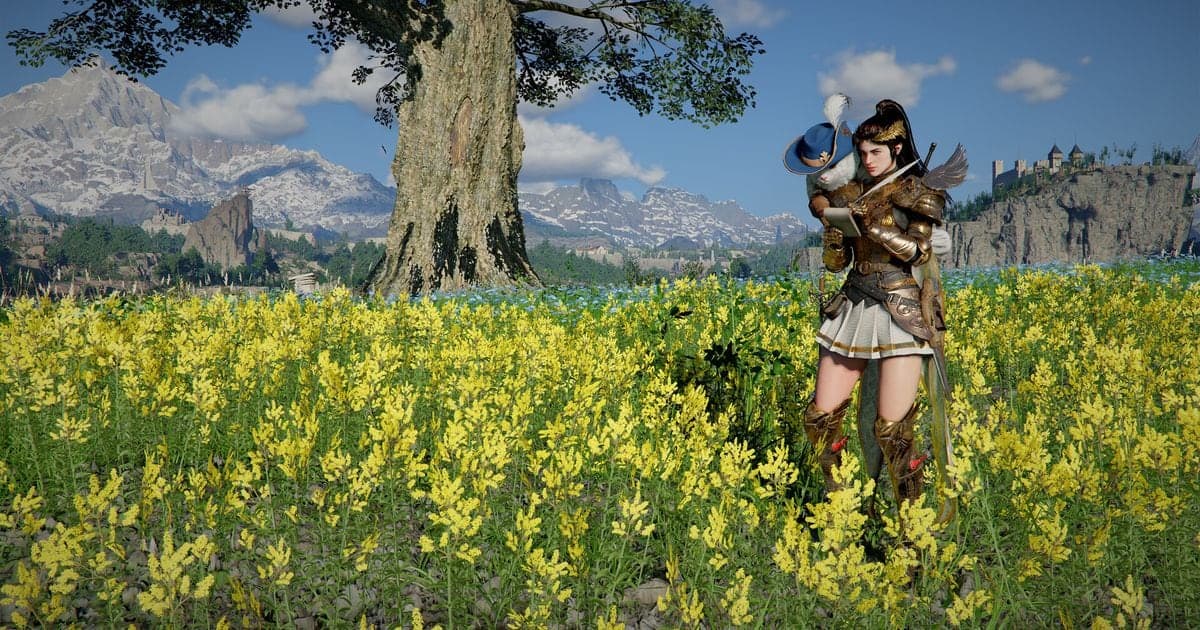
Crimson Desert's minimum PC (Windows, Steam) requirements are a Ryzen 5 2600X / i5-8500 processor, 16 GB of RAM, an RX 5500 XT / GTX 1060 graphics card, DirectX Version 12 and 150 GB of available space, with an SSD required (checked October 6, 2026). The recommended spec changes only the CPU and GPU, to Ryzen 5 5600 / i5-11600K and RX 6700 XT / RTX 2080. The Steam listing is now named Crimson Desert Enhanced, and Pearl Abyss's August 25, 2026 free update notice (version 2.00.00) mentions no spec or storage change. If you also plan to record while you play, the recommended specs for game recording guide covers that side separately. This guide covers Windows PC only, not Mac or console.
Crimson Desert PC (Steam) minimum and recommended requirements (checked October 6, 2026)
| Item | Minimum | Recommended |
|---|---|---|
| OS | Windows 10 64-bit (a 64-bit processor and operating system are required) | Windows 10 64-bit (same as minimum) |
| Processor | Ryzen 5 2600X / i5-8500 | Ryzen 5 5600 / i5-11600K |
| Memory | 16 GB RAM | 16 GB RAM |
| Graphics | RX 5500 XT / GTX 1060 | RX 6700 XT / RTX 2080 |
| DirectX | Version 12 | Version 12 |
| Storage | 150 GB available space | 150 GB available space |
| Additional Notes | SSD required | SSD required |
| Sound Card | Windows Compatible Audio Device | Windows Compatible Audio Device |
The one-line verdict
Minimum and recommended share the same OS, RAM, DirectX, storage and SSD requirement; only the CPU and GPU lines differ. That makes 16 GB of RAM, an SSD and 150 GB of free space the bar you must clear whether you aim for minimum or recommended. The 150 GB figure is the available space Steam asks for, not an official statement of the size after installation, so this guide never says it installs at a given number of GB. Pearl Abyss's Performance Specs notice has resolution and frame-rate tables, but they are images, so no figures are copied here; the notice says its numbers come from internal testing and vary with hardware and graphics settings. If your drive is already tight, the approach in how to reduce game recording file size is worth reading as well.
Check whether your PC fits, in order
- 1Read the Windows specs on the Steam store page — Open Crimson Desert (listed as Crimson Desert Enhanced) on Steam and read the Minimum and Recommended columns under System Requirements. Steam also lists Mac specs, so look only at the Windows side. The same values showed up with the US and Korea store regions.
- 2Compare your CPU and GPU model names with the reference models — Each slash in the table separates two models from different makers: an AMD and an Intel model for the processor, an AMD and an NVIDIA model for the graphics card. Steam does not explain how to read the slash, so use the entries as reference points and compare model names side by side to see whether your part is in the same class or above. The official pages give no frame-rate or resolution targets, so this guide does not predict fps for any part.
- 3Confirm the DirectX version with dxdiag — Following Microsoft's official steps, type dxdiag into the search box on the taskbar and select dxdiag. In the DirectX Diagnostic Tool, open the System tab and read DirectX version under System Information. The spec table asks for DirectX Version 12, and the Pearl Abyss notice also says the latest DirectX 12 is required.
- 4Check free space and the SSD on your install drive — Open File Explorer from the taskbar, choose This PC on the left, and look under Devices and drives for the space left on each drive. Settings > System > Storage shows it too. Make sure the drive you plan to install on has at least 150 GB available and is an SSD. Because the store lists an SSD as required, installing on a hard disk drive falls outside the official spec.
- 5Free up space first if you are short — Per Microsoft, Windows 11 offers Settings > System > Storage > Cleanup recommendations and Windows 10 offers Disk Cleanup, and Storage Sense removes temporary files and Recycle Bin items. The 150 GB figure is for the game itself, so if you will keep recordings or other games on the same drive, leave extra room beyond it.
- 6Check the real size in Steam after installing — No official after-install size was found, so once the game is installed, look up the actual installed size of Crimson Desert in your Steam library. Comparing that figure with the free space left on the drive tells you whether there is room for updates and recording files.
Checklist before you buy or install
- I read the Windows specs on the Steam store page and did not mix in Mac or console figures.
- I compared my CPU and GPU with the minimum or recommended reference models in the table.
- I confirmed my installed RAM is 16 GB.
- dxdiag shows DirectX version 12 on the System tab.
- My install drive has at least 150 GB available and is an SSD.
- After installing I checked the real size in my Steam library and set aside separate room for recordings.
If you want to record while you play
As the Crimson Desert game page shows, DOR lists Crimson Desert as a supported game and is a free Windows app that records the full match automatically and saves it as mp4. Crimson Desert is not one of the games with automatic highlight clips for kills and similar moments, so on a long recording you trim the part you want in the app's library. Two lines of the table above matter here. One is 16 GB of RAM: a recording app also uses PC resources, so running it next to the game leaves less headroom, and DOR does not lower the spec requirements. The other is storage: 150 GB is what the game itself asks for, and recordings pile up on top of that. There is no public basis for a specific figure, so none is given. On an NVIDIA graphics card, NVENC hardware encoding is the default, and game sound and your microphone can be captured together if you like to talk over your play. If the picture stutters or goes black while you record, continue with fixing game recording lag and black screen.
Official sources and check date
The spec values here come from the Steam store text, opened and checked on October 6, 2026, and they can change. The requirements table is based on the Crimson Desert Steam store page, the statements that performance figures come from internal testing and that DirectX 12 is required come from Pearl Abyss's PC, Console, Mac Performance Specs notice, and the DirectX check is from Microsoft's Which version of DirectX is on your PC. The drive-space steps come from Microsoft's Free up drive space in Windows article, and the point that nothing changed in the August 25, 2026 update comes from Pearl Abyss's own notice. The detailed spec tables in the notice are images, so numbers were taken from the Steam text only.