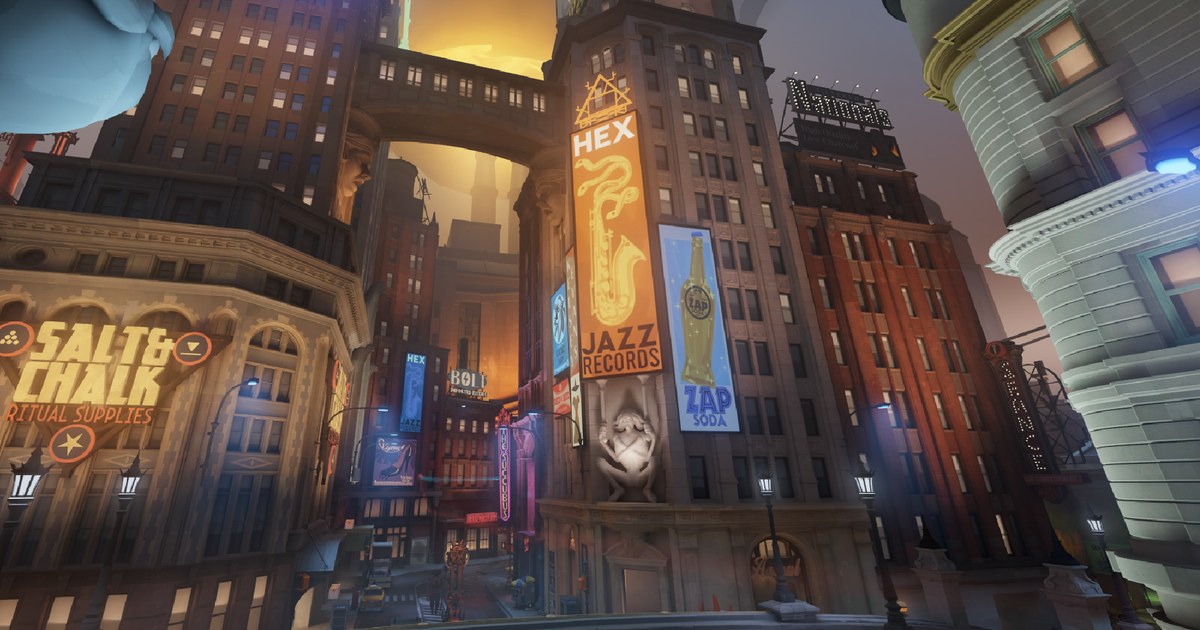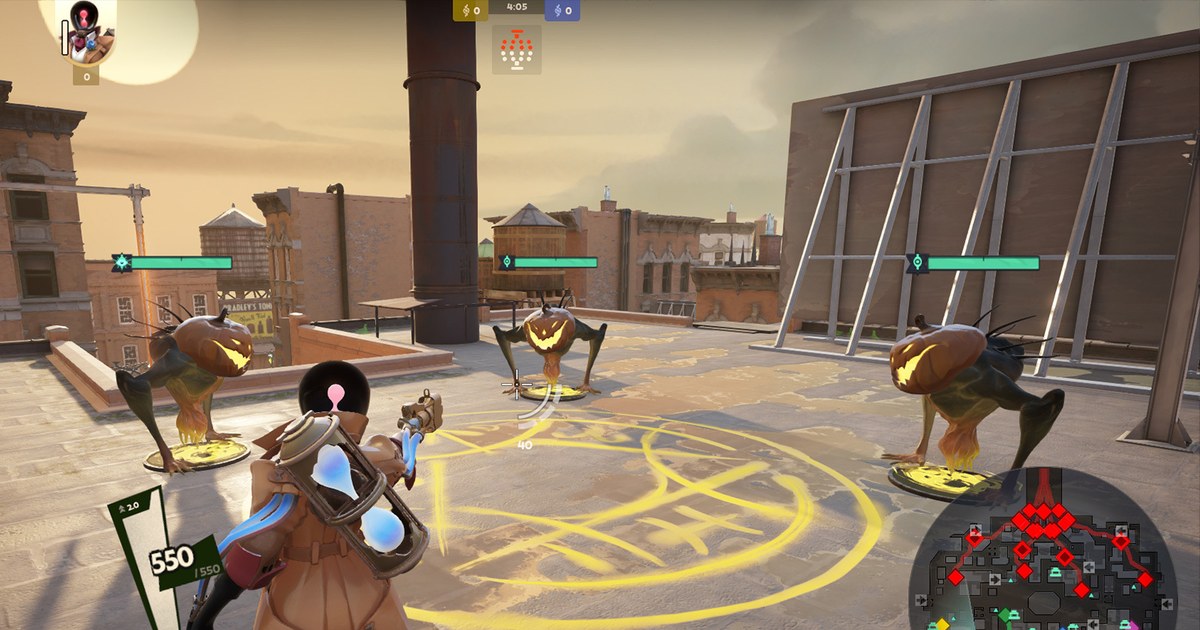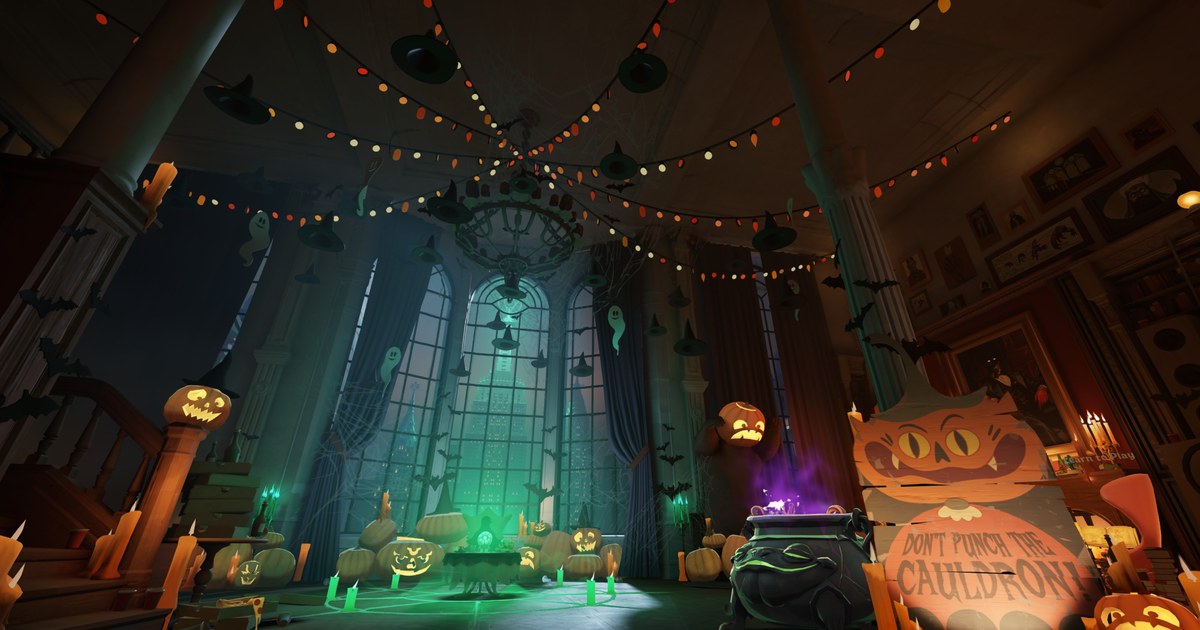

Here is the short answer: Deadlock's Sandbox is the best place to practice and capture clips at the same time. Pick Sandbox from the Play menu, or walk into the teleporter at the back of the Hideout's Atrium, and the dedicated map opens.
There you can swap heroes, raise levels and ability upgrades in one click, and change cooldowns and game speed, so you can repeat combos and routes dozens of times when a real match gives you only a few chances. If you are curious about new heroes, read Deadlock new heroes first to pick who to practice.
If you cannot get in yet, check how to play Deadlock and get an invite. Everything below is as of November 24, 2026, and menu names and positions can change with patches.
The answer: enter from the Play menu, one rule at a time, finish at normal speed
Three steps are enough. First, enter from the Play menu or the Atrium teleporter and decide which hero and level to practice. Second, turn on only the game rules the drill needs, such as shorter cooldowns, infinite ammo, no death or fast stamina.
Third, turn the rules back to normal and repeat the same move at regular speed once more. With cooldowns held at one second and no death, you never feel resource pressure, so a move learned only under easy settings tends to fall apart in a real match.
Remember too that Sandbox does not reproduce vision fights, enemy pressure or human reaction time. Writing one line about what you want to check each time you change a setting keeps practice focused.
How to run a Sandbox practice session
- 1Enter from the Play menu or the teleporterChoose Sandbox in the Play menu, or step into the teleporter at the back of the Hideout Atrium, to load the dedicated map. You spawn in front of a Curiosity Shop, the spawn area heals you, and you can buy items anywhere on the map.
- 2Pick your hero and levelUse the hero tools to switch to the hero you want, then level up, go to max level and unlock all ability upgrades to reach a finished build. To practice the early game, reset the hero and start again from level 0.
- 3One goal, one ruleTurn on only the rule that matches the drill: no death and no cooldown for combos, no reload for shooting practice. Turning everything on makes practice comfortable but also moves it furthest from a real match.
- 4Repeat on dummies and botsTarget dummies move near the shooting range and behind the truck. Use the melee dummy in the gym for parry timing, the lane guardians and troopers for lane pressure, and the neutral camp for jungle cycles. You can also spawn an enemy hero right at your crosshair. If you notice lag or frame drops, check Deadlock best settings for FPS first.
- 5Slow the game down to see itSlowing the game lets you see ability animations and timing windows. Do not stop at a slow success: return the speed to normal and repeat the same move to confirm it is in your hands.
- 6Trim the good moments and join themCut your best and worst practice moments into short clips and join them into one video so you can compare later. The steps are in how to merge game clips.
Sandbox practice tools and what they are for
| Tool | What it does | Use it when |
|---|---|---|
| Hero tools | Change hero and team, level up, max level, unlock all ability upgrades, set health | You want to test a hero with a finished build right away |
| Game rule: No Death | Heroes cannot die, only NPCs can | You want to repeat a combo without interruption |
| Game rule: No Reload | Ammo is infinite | You want long recoil and aim practice |
| Game rule: No Cooldown | Cooldowns drop to 1 second, not truly instant | You want to learn ability timing and chains |
| Game speed | Slow down, reset, or speed up | You want to see animations and timing |
| Hero control | Spawn an enemy or friendly hero, remove bots, control another hero directly | You want to see a matchup from the other side |
| Map layout | Target dummies, lane guardians and troopers, a walker, a melee dummy in the gym, neutral camps | You want to practice jungling, lane pressure and parry timing |
Before you leave Sandbox
- You wrote the practice goal in one line before starting
- You kept only the game rules the drill needs
- You turned rules back to normal and repeated the move at regular speed
- Your level and items matched a realistic match build
- The practice moments you want to compare are saved as clips
Record your Sandbox practice and keep it as clips with DOR
DOR is a free Windows game recording app. When you launch a supported game, it detects it automatically and records from launch to exit, and recordings collect in My Clips. You do not press a record button during Sandbox practice, and you can trim the good moments and save them in 16:9, 9:16 or 1:1.
In DOR Studio (dor.gg/studio) you can join several moments into one video, add text or BGM, then export an mp4 or share a dor.gg link. DOR recordings and edits have no watermark. The default recording quality is 1080p at 30fps, and free users can choose 720p or 1080p at 30 or 60fps. To share a combo video with friends, continue with how to share Deadlock gameplay videos.