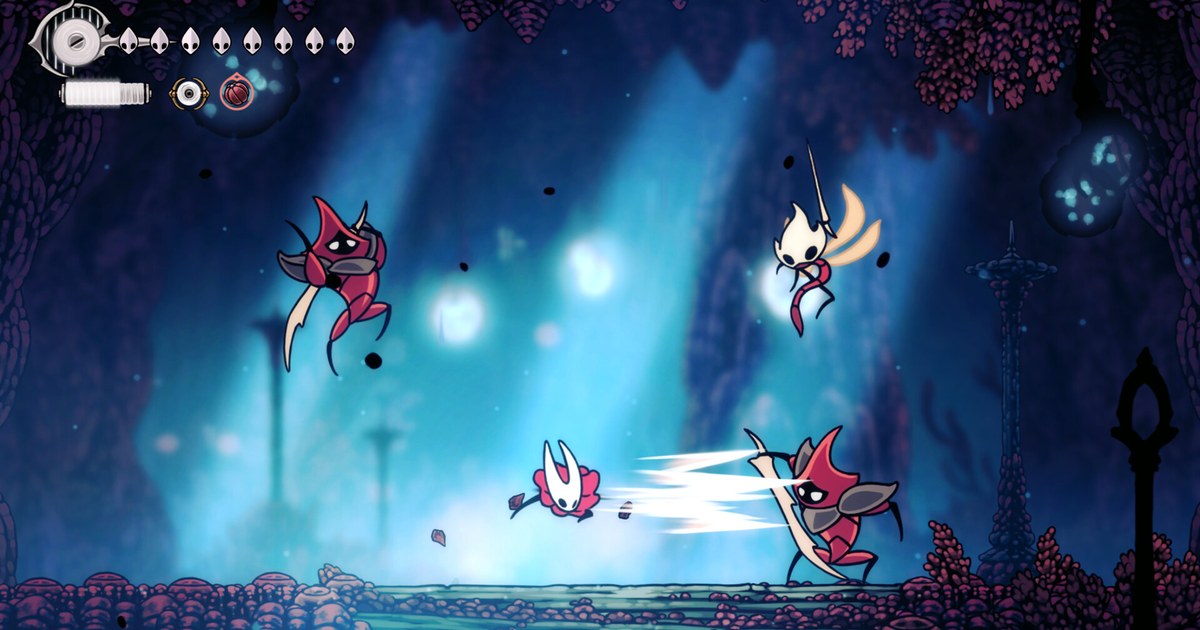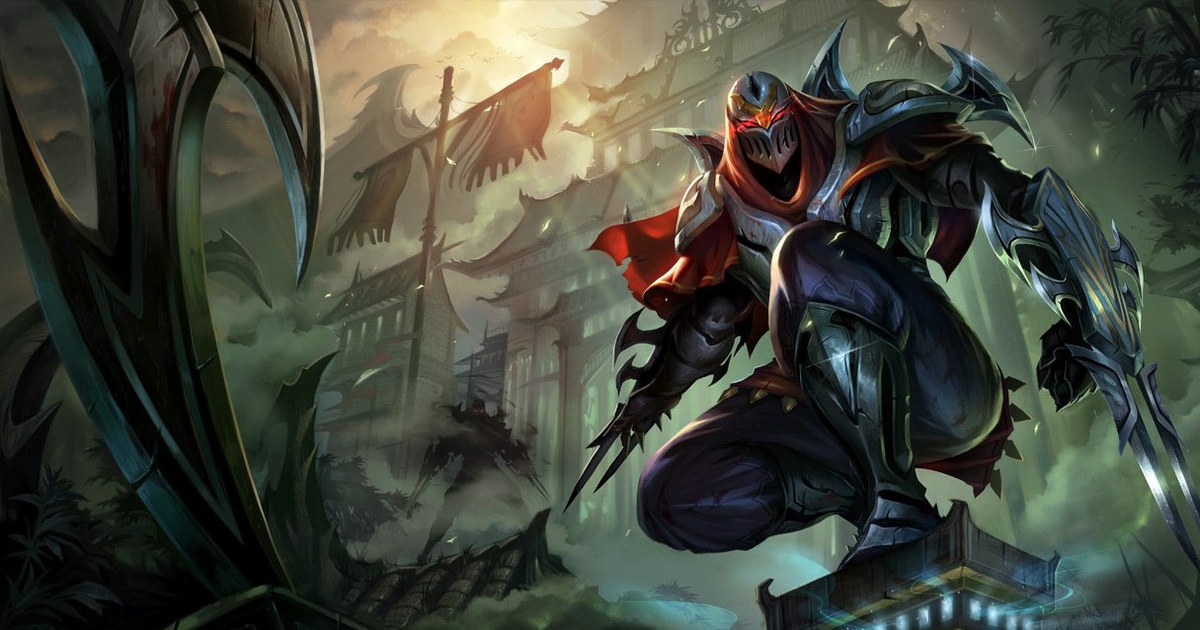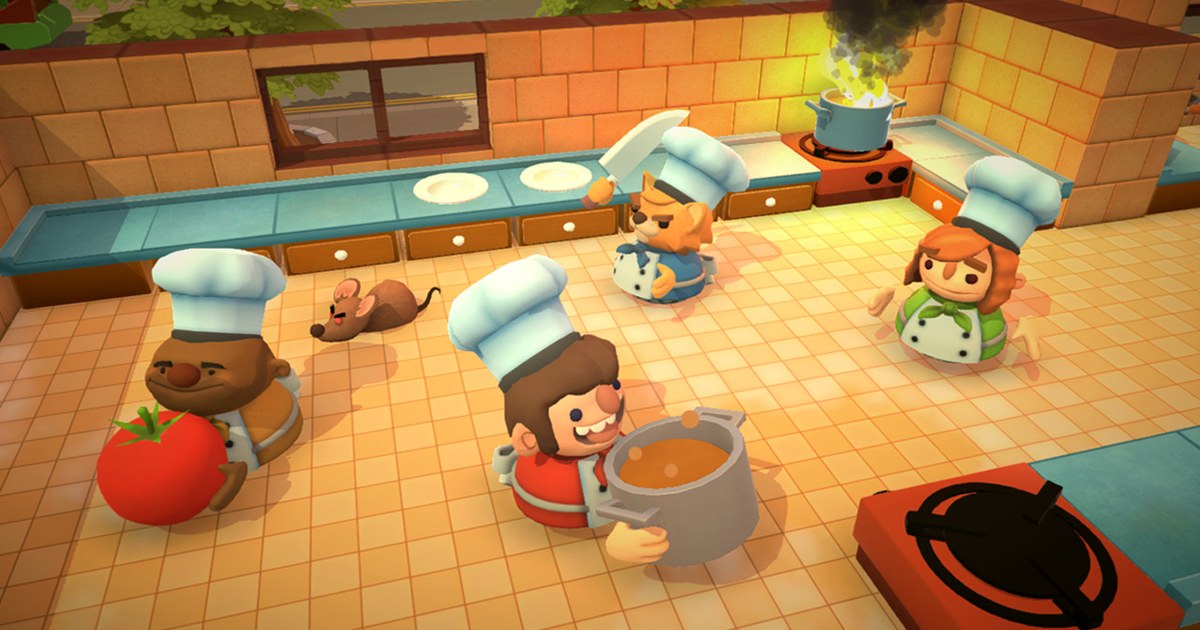
The short answer: the easiest way to keep a game night is for everyone to leave recording on, then the next day each person picks two or three clips and you merge them into a single video. During the night you just play, and the editing happens once afterwards. Aim for about three minutes.
Longer and even your friends stop watching, shorter and the mood of the night is gone. Because each player picks their own clips first, the person editing never has to dig through everyone's footage.
The exact steps for joining clips are in how to merge multiple game clips, and the flow from collected clips to a finished reel is in how to make a highlight reel from clips, so this guide focuses on doing it together with friends.
The answer: two or three clips each, three kinds of scenes
Three kinds of scenes are enough for a game night highlight: moments everyone laughed, close calls or comebacks, and teamwork that clicked perfectly. A scene that shows the mood of the night gets rewatched far more than a pure skill flex.
If every player contributes the same number of clips, nobody argues about whose footage got more screen time. When several people recorded the same moment, keep only the clearest angle. If the voice chat was part of the fun, check how to record Discord call audio before your next session so the conversation is captured too.
Steps to make a friends game night video
- 1Leave recording on before the sessionWith DOR running for everyone, launching a supported game is detected automatically and the whole match is recorded, with recordings collected in My Clips. Games with event detection, such as League of Legends and VALORANT, also save kill moments as separate clips, and for other games you cut the scenes you want from the full recording afterwards.
- 2Each player picks two or three clips the next dayEditing right after a long night is tiring, so let everyone choose scenes from their own footage the next day. Use the clip trimmer in the app to keep only the needed part, and aim for 10 to 20 seconds per scene.
- 3Collect everything in one place and set the orderSend the chosen clips to the one person editing. If files are big, see how to share clips on Discord. Place them as opening, funny scenes, close calls, teamwork, and finish with the signature moment.
- 4Merge in DOR StudioIn DOR Studio (dor.gg/studio) you can join several videos on one timeline and add effect templates between scenes. Shake zoom or punch zoom suits funny moments, and glitch transitions work when the scene changes. For the technique, see how to merge multiple game clips.
- 5Add text and BGM for the moodPut the date and a title in the opening as text, then set BGM and volume so your friends' voices are not buried. A one line name tag under each scene shows at a glance whose play it is.
- 6Pick the ratio and share as a link or mp4Use vertical 9:16 for group chats and social posts, and horizontal 16:9 for YouTube. The vertical workflow is in how to make vertical game videos. When it is finished, export an mp4 or send a dor.gg link so friends can open it right away.
Layout of a three minute highlight video
| Section | What goes in | Target length |
|---|---|---|
| Opening | Date and title text, plus one shot with the best mood of the night | About 10 seconds |
| Part 1 | A scene where everyone laughed, one per player | About 40 seconds |
| Part 2 | Close calls and comebacks | About 50 seconds |
| Part 3 | Teamwork that clicked | About 40 seconds |
| Signature moment | The one moment everyone kept talking about, played a little slower | About 20 seconds |
| Ending | Next session date or a one line text, finished with BGM | About 10 seconds |
Check before you post it
- Each player has a similar number of clips
- The total length is around three minutes
- The opening has the date and a title
- The BGM does not bury your friends' voices
- You asked your friends if every scene is fine to share
From recording to merging and sharing with DOR
DOR is a free Windows game recording app. Launch a supported game and it is detected automatically, the whole match is recorded, and recordings are collected in My Clips.
In League of Legends, VALORANT, PUBG, FC Online, Fortnite, CS2, and Overwatch, moments such as kills are saved as clips automatically, and in other games you cut the scenes you want from the recorded match in the app. The app can trim sections in 16:9, 9:16, and 1:1.
In DOR Studio (dor.gg/studio) you can merge the trimmed clips, change the ratio, add effect templates such as shake zoom, punch zoom, handheld, and glitch transitions, plus text, BGM, and volume, then export an mp4 or share a dor.gg link.
PC recordings and Studio results carry no watermark, and free recording supports 720p and 1080p at 30 and 60 fps.