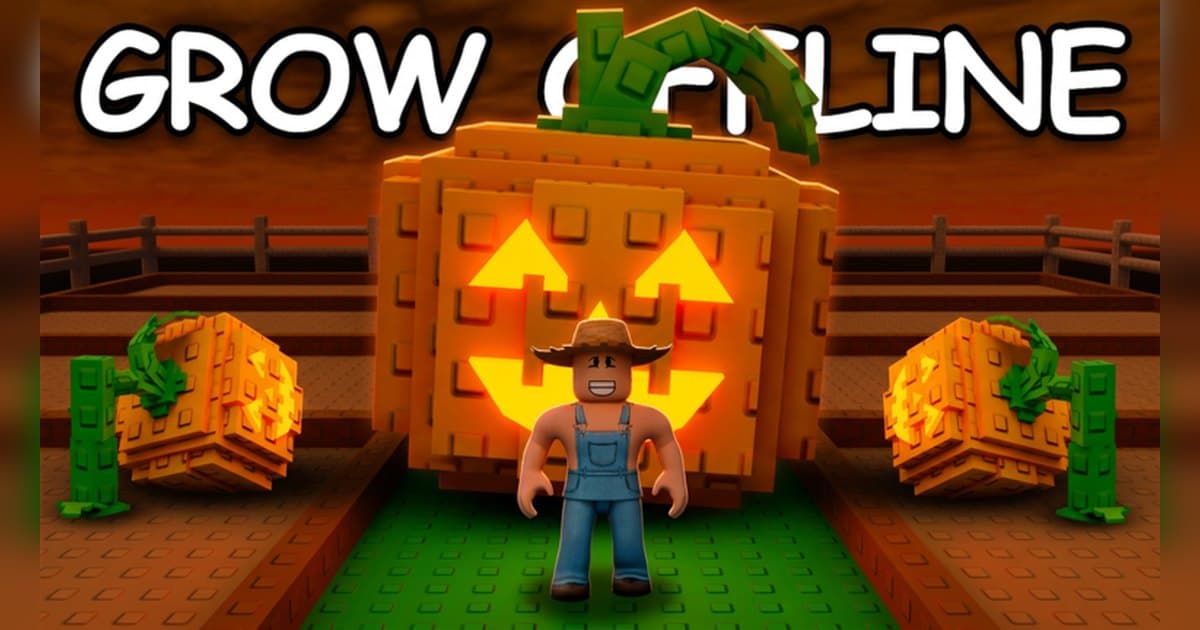
Grow a Garden is a farming experience where you plant seeds, wait for them to grow, then harvest and sell. It is made by The Garden Game, it has been live since March 2025, and a server holds up to 4 players, which makes it a good fit for playing with one or two friends. Checked on 19 October 2026 it sits at roughly 36 billion visits, about 19,000 players in the experience at that moment, and around 11.5 million favorites, with an update landing that same morning. The word people search for most here is mutations, because the same crop in gold or rainbow sells for far more than the plain version. The official badge list includes collecting your first gold fruit, picking a golden apple, and picking a rainbow fruit, which makes those two kinds the ones the experience itself confirms. The multiplier tables floating around online, by contrast, list different numbers depending on the version and the patch they were written for, so this guide points you to where current values live rather than quoting figures. An in-experience Garden Guide, an index of plants and pets, arrived in an official update, and that is where to read the current values. One more thing: events here rotate weekly, so it pays to plan what you want to record around the official schedule. If recording Roblox is new to you, start with how to record Roblox gameplay.
The short version: plant in the official order, and line the harvest clip up with the event times
The loop is spelled out in the official description: equip the seed you want, click the brown plots on your farm to plant it, watch it start growing, and harvest once it is fully grown to collect the profits. Seeds come from the shop when it restocks, and the description states that your garden grows while you are offline, so there is usually something waiting when you come back. For goals, read the official badges. They run from planting your first carrot to using ten watering cans, buying the Basic, Advanced, and Godly Sprinklers, collecting your first gold fruit, picking a golden apple, and picking a rainbow fruit; on the selling side there is a badge for selling a tomato above 7KG and another for selling 1,000 carrots. In other words, what decides value here is the crop, the mutation, and the weight. Pets have their own badges too: hatching 200 eggs, opening 200 seed packs, and getting a pet to age 100. The timing comes from the official event listing. At the time of checking, the Halloween event GHOUL GARDEN runs from 20:30 UTC on 17 October to 20:00 UTC on 24 October and brings a Halloween garden, a new currency, plants, pets, and gear. The next update is listed for 20:30 UTC on 24 October, and between the two there is a WATERING WEDNESDAY slot that lasts 30 minutes at 22:00 UTC on 21 October. Because some windows are that short, it is easier to have recording running before you join. Trading crops and pets with other players happens in Trade World, a place inside the same experience. For keeping a trade screen on file in detail, see the Adopt Me trading guide; for a once-only odds animation, see how to get Huge pets in Pet Simulator 99.
One full loop of Grow a Garden, in the official order
- 1Settle the recording side before you step onto the plotA harvest happens once and that crop is finished, so settle the recording side before you step onto the plot. With the roblox.com desktop build open and the recorder live, join the experience. To include your first look at the plot, have Roblox open a little before you join. The capture option in the Roblox experience menu fits clips of up to 30 seconds, while the planting and the waiting in between, audio included, is what a PC recorder holds.
- 2Buy seeds and plant them on the brown plotsThe official description lays out the order: buy and equip the seed you want when the shop restocks, click the brown plots on your own farm to plant it, and check that it has started growing. Your first visit may put you in a separate place called Grow a Garden [New Players], which is still part of the same experience. Planting a carrot makes an easy first goal since it is an official badge, and badges for planting 50 watermelons and opening 200 seed packs make volume a goal in itself.
- 3Look after the plot with cans and sprinklersThe official badges include Care taker for using ten watering cans and separate badges for buying the Basic, Advanced, and Godly Sprinklers. That places watering and sprinkler upgrades squarely among the experience's own progress goals. Which sprinkler is currently in the shop and what to buy first is best read in the in-experience shop. For the tending itself, one pass over a plot that is nearly ready is footage enough.
- 4Learn to spot gold and rainbow mutationsThe mutations the official badges confirm are gold fruit and rainbow fruit: collecting your first gold fruit, picking a golden apple, and picking a rainbow fruit are all badges. Mutations also appear alongside weather in the official event notes, and a dedicated pet mutations update ran in 2025. Which conditions produce which mutation, and how much the value rises, change with each update, so read the current details in the in-experience Garden Guide and the official update notes. When you spot a mutated crop, make checking your recording part of the routine before you harvest it.
- 5Sell with the weight in mindValue here comes down to the crop, the mutation, and the weight. The official GIANT TOMATO badge for selling a tomato above 7KG is the evidence for that. Badges for selling 1,000 carrots and for selling cactus fruit also mean steady sales of one crop can be a goal. Keeping the sell screen where the weight and the payout both appear makes it much easier to compare which combinations paid off later on.
- 6Hatch eggs and raise petsThere is a pet side to this experience as well. The official badges include What Came First? for hatching 200 eggs and Pet Master for getting a pet to age 100, and a pet mutations update ran in 2025. Since the official description says the garden grows while you are offline, harvests and pet growth both pile up between sessions. Coming back and clearing the whole plot in one pass looks good on video as well.
- 7Trade in Trade World, then cut the moments outTrading crops and pets with other players happens in Grow a Garden: Trade World. It is a place inside the same experience, so the trip usually stays within one recording. When the session ends, find the gold or rainbow harvest, the sell screen for a heavy crop, and the completed trade, and trim with a few seconds of room on either side. Short uploads export at 9:16 and longer cuts at 16:9. If a friend's voice is in the clip, ask them before posting.
Windows worth having recording on, from the official schedule (UTC)
| When | What the official listing says | What to have recording |
|---|---|---|
| 20:30 on 17 October to 20:00 on 24 October | The Halloween event GHOUL GARDEN, bringing a Halloween garden, a new currency, plants, pets, and gear. | Your first planting and first harvest of the event crops. Next week brings a different event. |
| 22:00 on 21 October, for 30 minutes | WATERING WEDNESDAY, listed in the official event schedule as a 30 minute slot. | Have recording running before you join, because the window itself is short. |
| 20:30 on 24 October | The time the next update opens. The official listing gives the slot without revealing its content. | Planting a new seed for the first time. Day-one footage of an update gets looked up a lot. |
| Whenever the shop restocks | From the official description: buy seeds from the shop when they restock, then plant them. | The restock list with the seed you wanted in it. That list turns over quickly. |
| Once a crop is fully grown | From the official description: when it is fully grown, it is time to harvest. Official badges cover gold fruit, a golden apple, and a rainbow fruit. | The moment a gold or rainbow crop lands in your hands. Harvest it once and that crop is done. |
| The moment you sell | Official badges: selling a tomato above 7KG, selling 1,000 carrots, selling cactus fruit. | The sell screen with the weight and the payout both visible. In an experience where mutation and weight set the price, that one frame explains itself. |
Check this before you record a harvest
- Roblox is open on PC, installed from roblox.com.
- Recording is on and storage has room to spare.
- You have checked the event times: the Halloween window, the next update slot, and the 30 minute Wednesday slot.
- You have decided in advance which seed you are waiting on at restock.
- You have visually confirmed recording is live before harvesting a mutated crop.
- If friends are joining, the four players per server limit has been worked into the plan.
Keeping a Grow a Garden session, sound included, with DOR
DOR is a free Windows PC app that detects the PC version of Roblox downloaded from roblox.com on its own. Recording starts when you enter an experience and ends when you leave for the home screen or close Roblox. It is on by default and adjustable with the full game recording setting. Each experience becomes one mp4 in the library, and going between your farm and Trade World inside the same experience, as Grow a Garden does, usually stays in one recording. Because this experience mixes planting with waiting, keeping the whole session and picking the harvests out of it suits it well. Game audio and your microphone, with noise suppression, record together on one track, so what you say when a mutated crop turns up is in the clip too. When you only want what just happened, such as the seconds around a harvest, press F8, which is remappable, and the last 30 seconds are saved as a separate clip, with the length set to 15, 30, 45, or 60 seconds. The hotkey works while a recording is running inside an experience. Video saves at 1080p and 30fps by default with 60fps available, so settle resolution, frame rate, and clip length before you go in. DOR tells you when free space drops under 30GB, so clear room before a long event weekend. Afterwards the trim tool in the app library exports just the harvest in 16:9, 9:16, or 1:1 and shares it as a dor.gg link, and DOR Studio in the browser joins several harvests together with text, background music, and effect templates before you download the mp4. For routines that stretch over days, see the Bee Swarm Simulator guide; for a rare catch that lands only once, see the Fisch rare fish guide.
 #Roblox