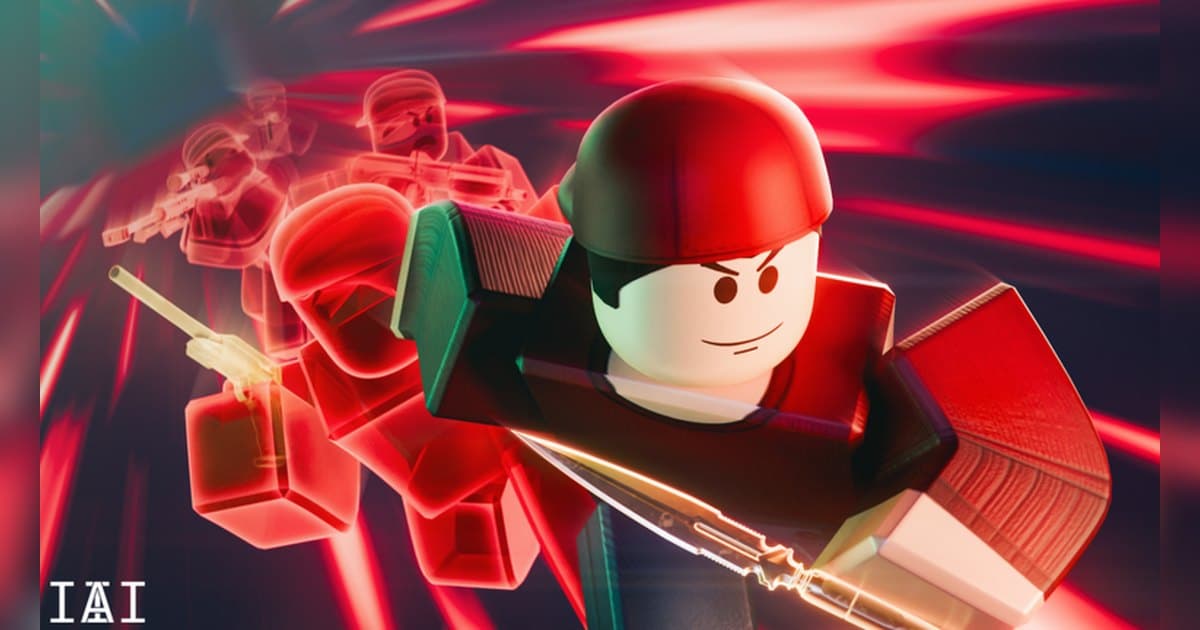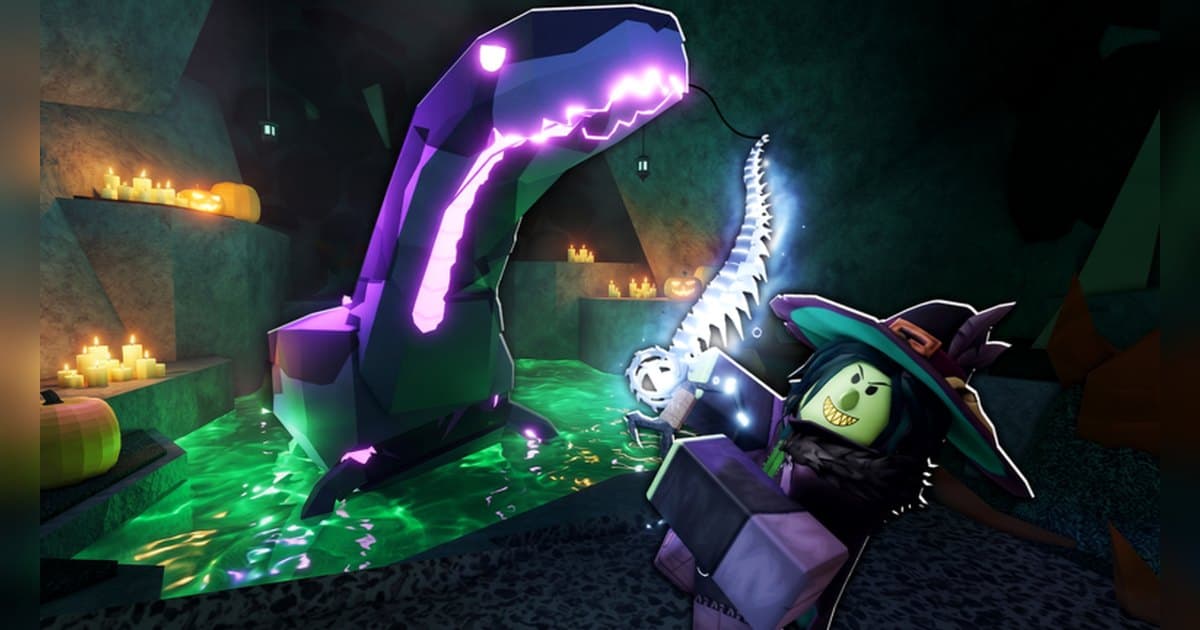
Fisch is the experience that set the standard for fishing on Roblox. It was made by the group Fisching on 13 March 2024 and was still receiving updates on 19 October 2026, the day the numbers here were checked. The official description introduces it as a fishing adventure where exploration and progression are yours to control, promises more than 400,000 possible variations per fish, and tells you to explore a growing world with your trusty rod. On the check date it was running around 68,000 concurrent players with roughly 5 billion visits and about 3.69 million favourites, and a server holds up to 20 anglers. This guide works from the control scheme written into the official description and the regions and events that the badge list confirms, so you can see where rare results actually come from in Fisch and how to keep those moments with sound on a PC. General recording setup is covered separately in how to record Roblox gameplay on PC.
The short answer: follow the blue line, and let a recording cover the waiting
In Fisch the skill shows up after the bite. The official instructions tell you to hold down or click to pull the white bar, follow the blue line as well as you can, and explicitly add that it is okay to mess up a few times, so beginners should practise tracking the line rather than chasing a perfect run. The next question is where to fish, and here the badge list works as a map. The Bestiary badges alone name Moosewood, Roslit, Sunstone Island, Terrapin Island, Snowcap Island, Roslit Volcano, Vertigo Caves, Mushgrove Swamp, Forsaken Shores, Brine Pool, Desolate Deep, The Depths, Ancient Archives, Ancient Isle, Overgrowth Caves, Frigid Cavern, Cryogenic Canal, Keepers Altar and the Ocean itself, and each one hands you a badge for catching every fish there. The rare-side goals are badges too: catching a Shiny fish, catching a legendary fish, having the Aquatic Appraiser appraise a fish, using a Fish Abundance Radar for the first time, enchanting your rod inside Keepers Altar, and casting your bobber into the volcano. A couple of badges keep their descriptions hidden behind question marks, which tells you the list is meant to be discovered in play. Weather and events run at the server level. The Aurora Borealis badge states that it counts only when you are in the server as it starts, so officially these are events you wait out inside a server. Since the waiting is the long part, a running recording is a better net than your reflexes. Roblox's own capture sits in the in-experience menu under Capture, and per the official help article what it saves is up to 30 seconds of picture, so the reel and the ambience come from a PC recorder. If you want the other big fishing experience, with a completely different input and goal list, see Fish It! rare catches, and for the same feeling applied to harvests rather than fish, Grow a Garden mutations.
A Fisch routine for hunting rare catches
- 1Set your recording and clip length firstFisch makes you wait for bites and then resolves a catch in seconds, so it is easier to leave the recording running and just change the clip length to suit the session. Roblox's own capture is in the in-experience menu under Capture, saves videos of up to 30 seconds into the Roblox app storage, and exports to your PC's Videos folder; per the official help article what lands in those videos is the picture. For the reel and the ambience in the file, start a recorder on your Windows PC before you join.
- 2Find Fisch and joinSearch Roblox for Fisch and check that the creator reads Fisching. The title carries an event tag that read Fisch [FISCHFRIGHT] on the check date and changes with each update, so the creator name is the reliable identifier. A server holds 20 players, and the official description even jokes about reeling in new friends along the way, so expect company at the good spots. To record on PC, run Roblox from the build you downloaded at roblox.com.
- 3Cast and wait for the biteAs the official instructions put it, hold down to cast your bobber. While you wait you can shake your rod to attract fish faster, which is worth doing whenever a spot feels slow rather than standing still. For your first session, casting the same spot repeatedly in the starting area is enough to learn how long bites take.
- 4Pull the white bar along the blue lineWhen you get a bite, hold down or click to pull the white bar and follow the blue line as well as you can; the official text says it is fine to mess up a few times. When the progress bar at the bottom fills, the fish comes in and the species and grade appear. Your mouse hand is busy during this, so remap your clip hotkey to a key your other hand can reach.
- 5Use selling, appraising and the radar to speed upThe badge list quietly describes the intended economy. Selling a fish for the first time is a badge, getting the Aquatic Appraiser to appraise a fish is a badge, and the badge for using a Fish Abundance Radar even adds that it is useful and you should get one. So common species fund your gear, the radar points you at where fish are thick, and anything that looks valuable goes to the appraiser. Prices and appraisal outcomes shift with updates, so read the current terms from the in-experience shops and NPCs.
- 6Open up regions and fill the BestiaryThe Bestiary badges are effectively the progression track. You start around Moosewood and spread to Roslit, Sunstone Island, Terrapin Island and Snowcap Island, then into stranger environments like Roslit Volcano, Vertigo Caves, Mushgrove Swamp and Forsaken Shores, and eventually into Brine Pool, Desolate Deep and The Depths, plus Ancient Archives, Ancient Isle, Overgrowth Caves, Frigid Cavern, Cryogenic Canal and Keepers Altar. There are badges for the whole Ocean and for catching every fish in the game, so the ceiling is high, and a couple of badges hide their descriptions behind question marks on purpose.
- 7Pick your moments when the session endsWith the session recorded end to end, you choose afterwards. Find the legendary catch, the aurora starting, the volcano cast and the region you finished, then trim with a little air on both sides. Export 16:9 for a normal upload and 9:16 for Shorts, Reels or TikTok. To collect the rare catches from several sessions into one video, stitch them in the browser-based DOR Studio and add text and background music before downloading the mp4.
Moments worth keeping in Fisch, and where they come from
| Moment | Where it comes from | How to keep it |
|---|---|---|
| Landing a legendary fish | Catch a legendary fish is a badge condition word for word, and the outcome is decided in the last seconds of filling the progress bar. | Leave the recording alone once the fight starts, then press your clip hotkey right after the result appears to keep the previous 30 seconds. |
| The moment Aurora Borealis starts | Its badge counts only when you are in the server as it starts. The first seconds of the sky changing are the shot. | The start time is up to the server, so keep the full-session recording running while you fish normally and hit the hotkey as the sky turns. |
| Casting into the volcano | There is a dedicated badge for casting your bobber into the volcano at Roslit Volcano, and the setting alone carries the frame. | This one you plan, so raise the clip length to 45 seconds and capture the approach and the cast in a single clip. |
| Enchanting your rod at Keepers Altar | Enchanting a rod inside the altar has its own badge, and the rod visibly changes along with the effect. | It resolves quickly, so drop the clip length to 15 seconds and keep just the enchant result. |
| Completing a region Bestiary | Moosewood, Roslit, Sunstone Island and the rest each have their own Bestiary badge, so the last fish in a region is a real finish line. | You know which species is missing, so set the clip length to 60 seconds before you go hunting that last catch. |
| A Shiny fish, or an appraisal result | Catching a Shiny fish and getting the Aquatic Appraiser to appraise a fish are both on the badge list. | Appraisal involves clicking through dialogue, so cut the part where the result is on screen out of the full-session recording. |
Check this before a long Fisch recording
- Roblox is open from the PC build installed via roblox.com.
- Your recorder is open before you join, so the session is captured from the moment you enter.
- Your clip hotkey sits on a key your off hand can reach and sits clear of the reeling input.
- You have decided how to switch clip length by situation: 15 seconds for a result, 45 for an approach, 60 for finishing a region.
- You have 30GB or more free so a multi-hour session has room.
- Your mic is live and you have checked that the friends fishing with you land in the file.
Keeping an entire Fisch session with DOR
Fisch keeps you in one spot for a long time, which suits a recorder. DOR is a free Windows PC app that detects the Roblox build you installed from roblox.com. Recording kicks in on its own as you enter an experience and ends when you step out to the home screen or shut Roblox down. It ships switched on, you manage it under the Full Game Recording setting, and each experience lands in the library as one mp4. Launch Roblox before you join and the session lands cleanly from your first second inside. Right after a legendary comes in, or right after the sky turns for an aurora, press F8 and the previous 30 seconds are saved as a separate clip, with 15, 30, 45 and 60 seconds available. The hotkey works while a recording is running inside an experience and can be remapped, so you can keep it clear of the hand you reel with. Game sound and your mic are recorded together into one track, so the reel and your friends' reactions both land in the file, and the mic is on by default with noise suppression. Video defaults to 1080p at 30fps and can go to 60fps; set resolution, frame rate and clip length before the recording begins. Leave 30GB or more free and a multi-hour session fits comfortably. Afterwards the app library trims a section between a start and an end point, exports it at 16:9, 9:16 or 1:1 with text available on the 1:1 output, and shares it as a dor.gg link. DOR Studio works straight in the browser, where several clips become one video with text, background music and effect templates, then downloads as an mp4. For another experience built on a long repeatable routine, see Bee Swarm Simulator guide, and to follow update announcements as they land, how to find a Roblox group covers that.
 #Roblox