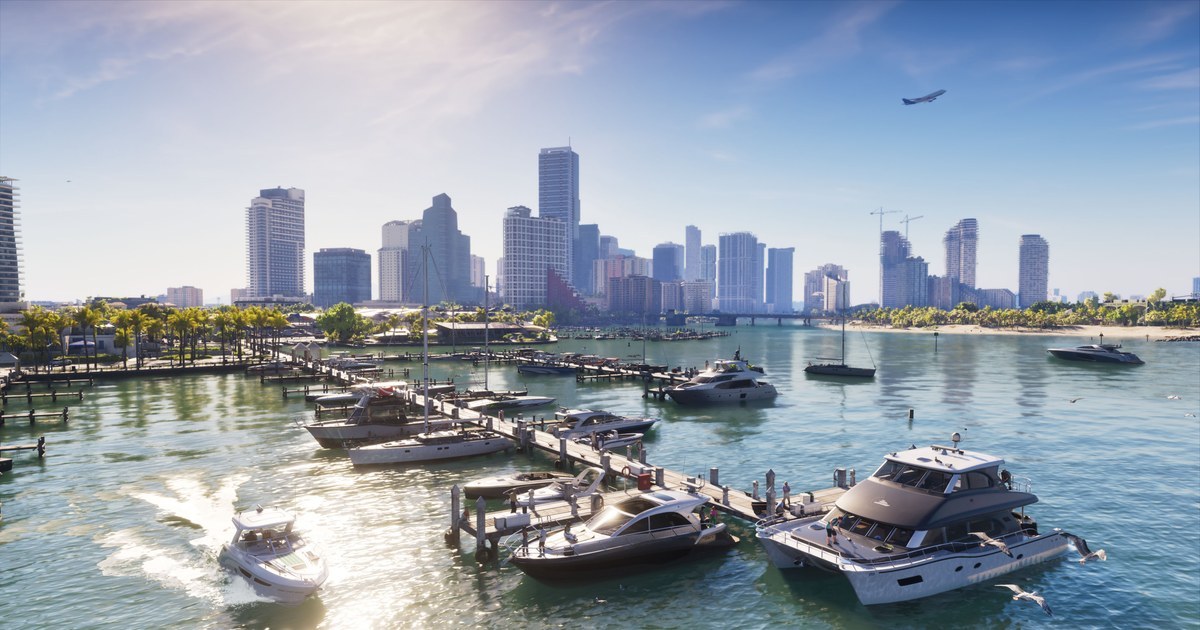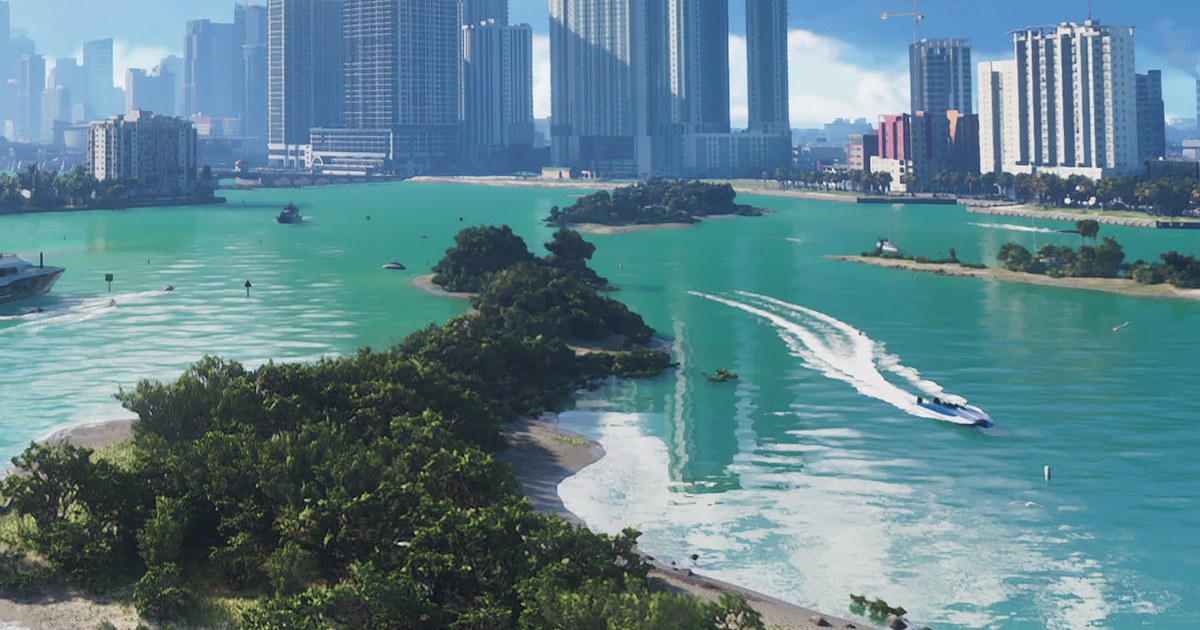
Short answer: boats and jet skis in GTA 6 are not something you pay for. There is no boat dealer and no purchase app like the one for cars, and you cannot register a boat and park it in a garage. So there are only two routes to remember.
The first is a free boat the story gives you: a fishing boat is tied up at the dock behind Jason's house in Key Lento, and Kenton's charter boat sits at the dock beside Island Dreams Boat Charters, also in Key Lento.
The second is taking a boat from a dock, a marina or the open water, the same way you steal a car. Jet skis work the same way. As of November 24, 2026, several guides agree on this setup.
This guide covers where to find each boat, the basic controls, how to avoid losing your boat, and how to save your time on the water as a video.
The answer: don't shop, go to Jason's dock first
If you just want to get on the water, Jason's fishing boat at the dock behind his house is the quickest option. It is available in Key Lento early in the story, and you do not need to steal or pay for anything.
Guides report that it returns to Jason's dock if you leave it at sea, and that a badly damaged boat is repaired and shows up at the dock again. If you want to go scuba diving, take Kenton's charter boat from the dock next to Island Dreams Boat Charters instead, because it carries scuba gear.
If you need something fast, such as a speedboat or a jet ski, the only way is to take one from a marina, a dock or the water, and a boat taken this way may disappear once you walk away.
Boats cannot be registered or called back like cars, so it is safer to ride the boat you took until you reach your destination.
How to get a boat and take it out
- 1Go to the dock behind Jason's house in Key LentoDuring the early free roam stretch, head back to Jason's house and walk around to the back. A fishing boat is tied up at the dock. It is free, so it is the best boat to practice on first.
- 2Get in and head out onto the waterWalk up to the boat and press the enter button. Steer with the left stick, accelerate with R2 on PS5 or RT on Xbox, and brake or reverse with L2 on PS5 or LT on Xbox.
- 3Switch boats if you want scuba or speedFor scuba, go to Kenton's charter boat at the dock beside Island Dreams Boat Charters. For speed, take a speedboat or jet ski from a marina or the water.
- 4Remember where you parkBoats cannot be registered like cars and may vanish once you leave them. Do not get off before you reach your destination, and if you must, stop close to a dock. Exit with Triangle on PS5 or Y on Xbox.
- 5Check the dock if Jason's boat is missingJason's fishing boat is reported to return to his dock if you leave it at sea, and to be repaired and reappear there if badly damaged. If it still is not there, try saving and reloading.
GTA 6 boats and jet skis at a glance
| Item | Details | What to check |
|---|---|---|
| Buying | Not possible, no boat dealer or purchase app | Boats cannot be registered or stored like cars |
| Jason's fishing boat | Dock behind Jason's house in Key Lento | Free, returns to the dock if left at sea |
| Kenton's charter boat | Dock beside Island Dreams Boat Charters, Key Lento | Carries scuba gear |
| Other boats | Steal from docks, marinas or the water like a car | May vanish once you leave them |
| Jet skis | Speedophile Seashark and others, taken from the water | Good for quick trips |
| Ultimate Edition bonus | Shitzu Squalo speedboat | A separate bonus boat |
| Controls | PS5 R2 accelerate, L2 brake, Triangle exit; Xbox RT, LT, Y | Same layout as driving a car |
Check before you go looking for a boat
- Accept up front that boats cannot be bought and start with the free ones
- Jason's fishing boat: the dock behind his house in Key Lento
- Kenton's charter boat: dock beside Island Dreams Boat Charters, with scuba gear
- Take fast boats from marinas, docks or the water
- Getting off can make the boat vanish, so ride it all the way to your goal
How to make a GTA 6 video
If you want to keep a moment on the water or a jet ski jump as a video, record it on your console, move it to your PC or phone, and edit it there.
On PS5, press the Create button and choose Save recent gameplay to keep anything from the last 15 seconds up to 1 hour, or Start new recording to capture up to 1 hour.
On Xbox Series X|S, press the Xbox button and then X to save the last 30 seconds, pick a length to keep up to the last 2 minutes, or choose Start recording to record from now.
Copy PS5 videos from the Media Gallery to a USB drive or pull them through the PS App, and view and share Xbox captures in the Xbox mobile app.
Then upload the video to DOR Studio on dor.gg, switch it to vertical 9:16, merge several clips, trim, add text, music and effects such as shake zoom, and export an mp4 or share a link. Your result has no watermark. The full workflow is in how to make a GTA 6 video, the merging steps are in how to merge game clips, and vertical Shorts are covered in how to make vertical gameplay videos.