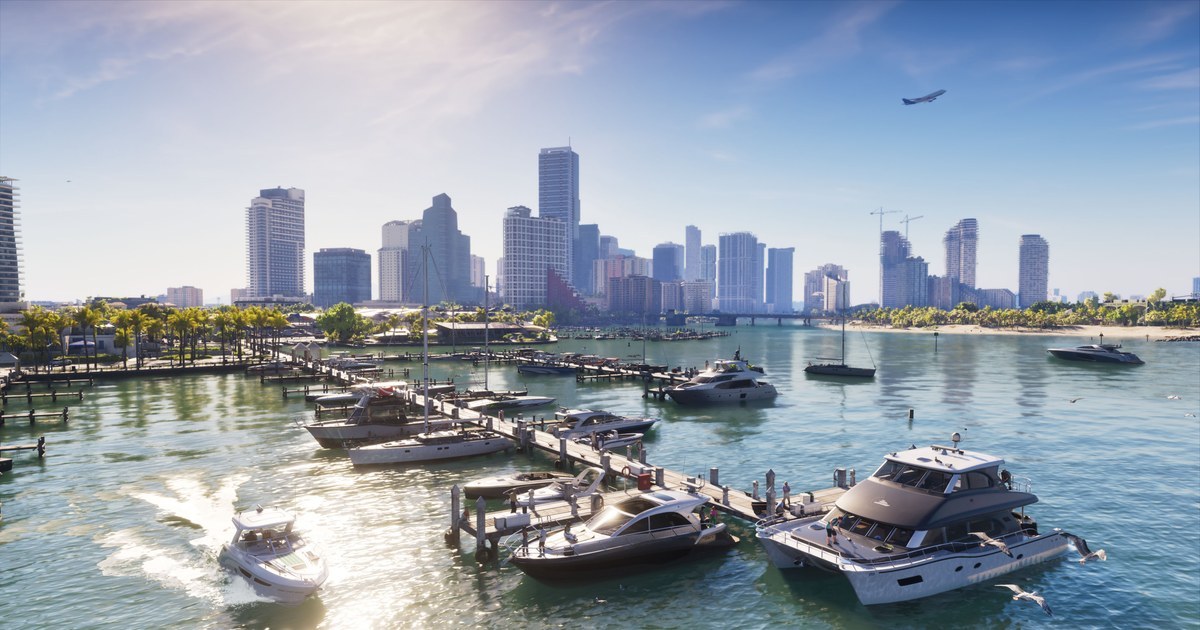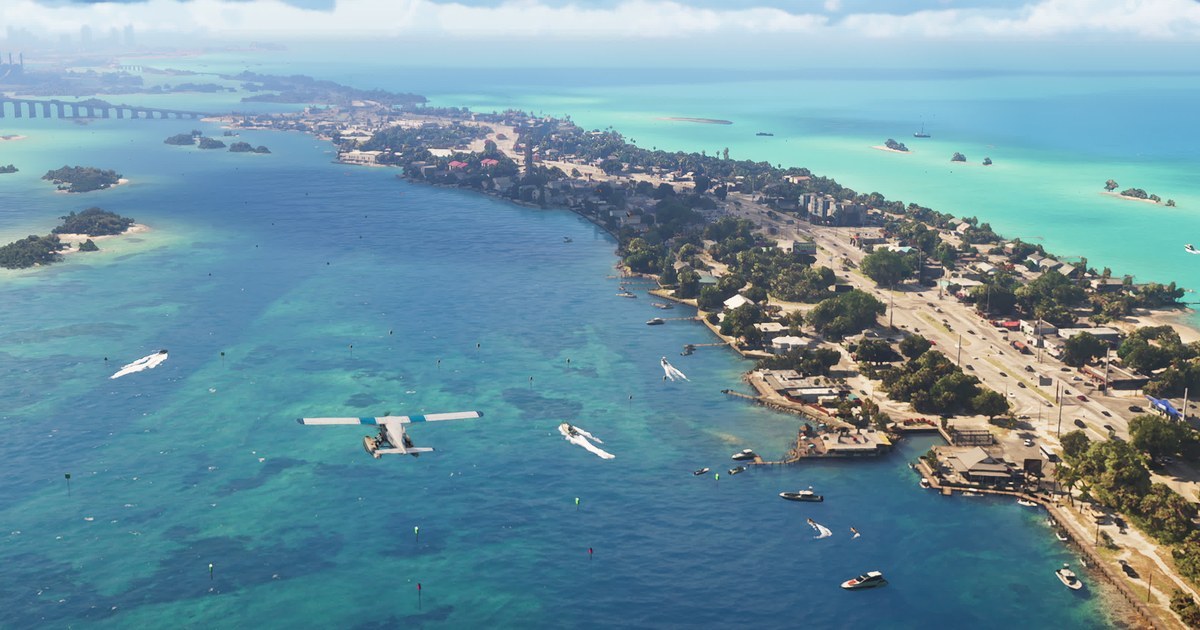
Spoiler warning: this guide names Chapter 2 missions and describes the flow of the story. Short answer: GTA 6 Chapter 2, Paradise Lost, has very few branches, so you can play the 11 core missions in order from What's in the Bag? to Checking Out.
Three things are worth your attention. The Moses mission opens up car registration, Breakfast Run opens character switching, and Afternoon Delight is the one choice in the chapter that stands out.
Chapter 2 of GTA 6, which launched on November 19, 2026 for PS5 and Xbox Series X|S, is where Jason and Lucia start a new life around the Starlet Motel.
Sites count the missions differently, 11 on some lists and 13 or more on others, because some of them also count the short objectives between missions. The full order of all 91 missions is in GTA 6 mission list and chapter order, and this page breaks out Chapter 2 on its own. At the end there is a short section on saving Chapter 2 scenes as a video.
The answer: play in order, and save before Afternoon Delight
Afternoon Delight is the only fork in Chapter 2 you cannot undo, so keep one manual save slot free right before you start it. Early walkthroughs describe the choice as changing how hard the chase is and how the scene plays out, while the payout stays the same.
Because these notes come from the days right after launch, details differ a little between sites, so trust the prompts on your own screen first. Everything else is a straight line, so you will not skip a mission by accident.
A few lists put the first missions in a slightly different order, for example swapping Moses and Ambulance Chaser, but the game shows you the next marker anyway, so it does not matter.
How to play through Chapter 2
- 1Start with What's in the Bag? and the first three missionsChapter 2 opens at the Starlet Motel with What's in the Bag? right after Discharge Time. Ambulance Chaser and Just Moved In follow and get you settled in the new place. Just follow the markers here and you will not get stuck.
- 2Set up your car with Girls' Trip and MosesAfter Girls' Trip, the Moses mission opens Moses's shop and lets you register a car. Registration is paid from your BuckMe account, so deposit cash at an ATM beforehand. The details are in GTA 6 steal, register and garage cars.
- 3Finish Daily Driver and Slam DunkDaily Driver is the car job Moses asks for, and Slam Dunk comes next. Many guides stress delivering the requested car rather than swapping to a different one.
- 4Unlock character switching in Breakfast RunFinishing Breakfast Run opens free switching between Jason and Lucia. How to use it is covered in how to switch characters in GTA 6.
- 5Wrap up with Coffee Break, Afternoon Delight and Checking OutCoffee Break sets up your plans to earn money, and Afternoon Delight holds the chapter's only choice. Save before it so you can see the other side. Checking Out moves you into Chapter 3, so finish anything you want to tidy up before it.
GTA 6 Chapter 2 mission order at a glance
| Stage | Mission | What to check |
|---|---|---|
| Start | What's in the Bag? | Right after Discharge Time, at the Starlet Motel |
| 2nd to 5th | Ambulance Chaser, Just Moved In, Girls' Trip, Moses | Lists differ slightly on the order here |
| 6th and 7th | Daily Driver, Slam Dunk | Car related missions follow Moses |
| 8th | Breakfast Run | The mission that opens character switching |
| 9th and 10th | Coffee Break, Afternoon Delight | The one choice in the chapter is in Afternoon Delight |
| Last | Checking Out | Ends Chapter 2 and moves the story on (spoiler) |
| Count | 11 core missions | Sites that count short objectives say 13 or more |
What not to miss in Chapter 2
- If you hate spoilers, read only the mission names and find out the rest in game
- Put money into your BuckMe account at an ATM before Moses
- Use both Jason and Lucia once switching opens after Breakfast Run
- Keep one manual save slot free before Afternoon Delight
- Finish any shopping or cleanup before Checking Out
How to make a GTA 6 video
If you want to keep a Chapter 2 scene or any GTA 6 moment as a video, record it on your console, move it to your PC or phone, and edit it there.
On PS5, press the Create button and choose Save recent gameplay to keep anything from the last 15 seconds up to 1 hour, or Start new recording to capture up to 1 hour.
On Xbox Series X|S, press the Xbox button and then X to save the last 30 seconds, pick a length to keep up to the last 2 minutes, or choose Start recording to record from now.
Copy PS5 videos from the Media Gallery to a USB drive or pull them through the PS App, and view and share Xbox captures in the Xbox mobile app.
Then upload the video to DOR Studio on dor.gg, switch it to vertical 9:16, merge several clips, trim, add text, music and effects such as shake zoom, and export an mp4 or share a link. Your result has no watermark. The full workflow is in how to make a GTA 6 video, the merging steps are in how to merge game clips, and vertical Shorts are covered in how to make vertical gameplay videos.