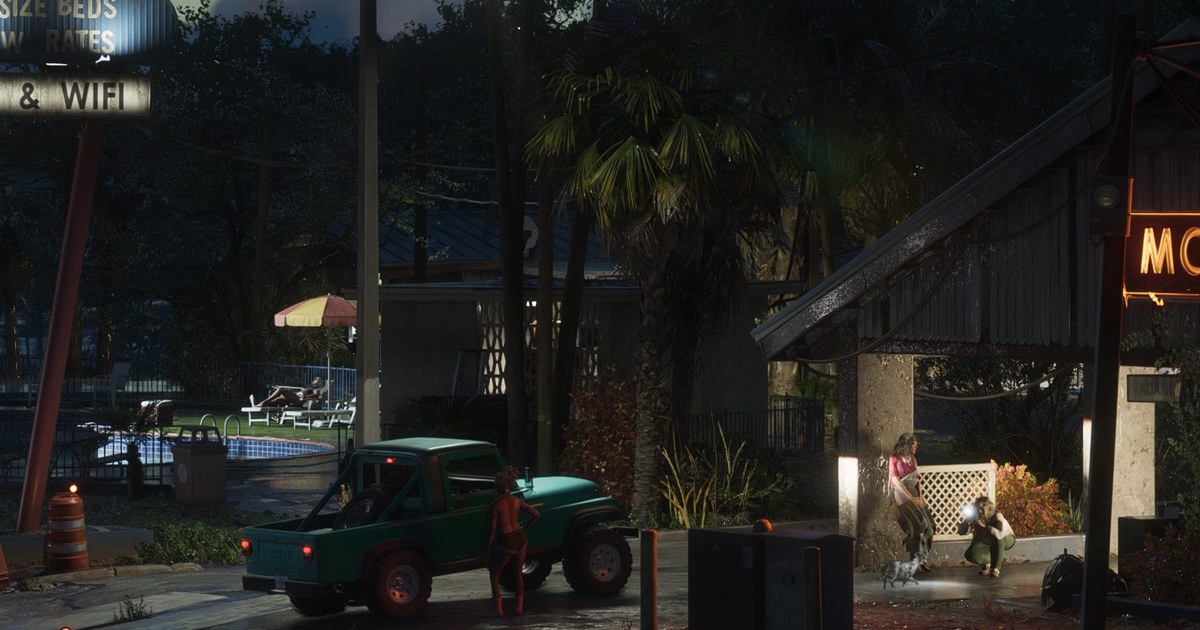
The short answer: GTA 6's evading the police mission is the Chapter 1 main mission Unwanted Attention. You break into the impound, take a red Imponte Phoenix, shake the police who chase you, change the car's color and park it in Brian's garage.
Some guides call it mission 2, but in our GTA 6 mission list it is the sixth main mission, after Lab Fees and before Pipework. Numbering differs between guides, so search by the name. This page contains early story spoilers.
How the police recognize you is covered in GTA 6 criminal profile and wanted system, and here we only cover the order that finishes this mission in one go.
The answer: keep the car, leave the search circle, then change its color
The two most common mistakes are turning the chase into a shootout and swapping to another car halfway through. The objective is to hand the Phoenix to Brian, so a different car will not finish the delivery.
Brian will not take a car the police are still looking for, so break line of sight first, get outside the search circle, and only then respray it at Pay 'n' Spray. Losing sight of the police for a moment does not clear the wanted level, so if a patrol car approaches, keep moving instead of hiding.
How to finish the mission in order
- 1Meet Cal and head to HamletCal says Brian's payment is inside the impounded Phoenix, and you travel to Hamlet together. He installs a police radio app on your phone, so do not be surprised when alerts pop up during crimes and chases.
- 2Get into the impound and release the PhoenixLook for the red Phoenix hanging on a tow truck inside the yard. The way over the fence differs between guides, so take whichever route you can see, and avoid knocking out guards because that brings patrols. Use the release device at the back of the truck to drop the car, get in, and start it when the hotwire prompt shows.
- 3Drive through the gate and leave the search circleWait for the gate to open and drive out, and the police will chase you. The flashing red and blue circle on the minimap is the search area, so watch the minimap rather than distance, take a couple of turns, and accelerate on straight roads until you are outside it. Try not to wreck the car.
- 4Respray at Pay 'n' SprayAfter the chase, go to the Pay 'n' Spray in Hamlet, choose respray instead of repair, and pick a different color. If the color stays the same, Brian treats it as the car the police are looking for.
- 5Deliver to Brian and change your lookPark the Phoenix inside Brian's garage and collect the payment in the back room. If hats or glasses still match your description, change them in the item wheel, then buy an outfit at the gun store next to the garage to wrap up the mission.
Unwanted Attention at a glance
| Item | What happens | What to check |
|---|---|---|
| Mission name and order | Unwanted Attention, the sixth main mission of Chapter 1 | It comes after Lab Fees and before Pipework. Some guides call it mission 2 |
| The job | Cal tells you Brian's payment is inside a car held at the impound | Cal installs a police radio app on your phone, so alerts appear during the chase |
| Target car | A red Imponte Phoenix in the Hamlet impound | It hangs on a tow truck, so release it with the device at the back of the truck |
| The chase | Police come after you once you leave through the impound gate | Get outside the flashing search circle on the minimap |
| Respray | Change the color at the Pay 'n' Spray in Hamlet | Pick respray, not just repair |
| Handover | Park the Phoenix in Brian's garage and collect the cash in the back room | A different car will not work, and he will not take it while police are searching |
| Wrap up | Buy an outfit at the gun store next to the garage to change your look | Guides list the payout as $150 |
Check before you start
- Stay in the same Phoenix until the end: switching cars does not complete the delivery
- Avoid knocking out guards when you can: patrols arrive and the escape gets harder
- During the chase, use the minimap search circle as your guide
- Respray to a different color instead of repairing: gray or black are safe choices
- After the handover, change clothes and headwear too: the outfit at the gun store finishes the job
How to make a GTA 6 video
If you want to keep this chase as a video, record it on your console, move it to your PC or phone, and edit it there. On PS5, press the Create button and choose Save recent gameplay to keep anything from the last 15 seconds up to 1 hour, or Start new recording to capture up to 1 hour.
On Xbox Series X|S, press the Xbox button and then X to save the last 30 seconds, pick a length to keep up to the last 2 minutes, or choose Start recording to record from now.
Copy PS5 videos from the Media Gallery to a USB drive or pull them through the PS App, and view and share Xbox captures in the Xbox mobile app.
Then upload the video to DOR Studio on dor.gg, switch it to vertical 9:16, merge several clips, trim, add text, music and effects such as shake zoom, and export an mp4 or share a link. Your result has no watermark. The full workflow is in how to make a GTA 6 video, the merging steps are in how to merge game clips, and vertical Shorts are covered in how to make vertical gameplay videos.