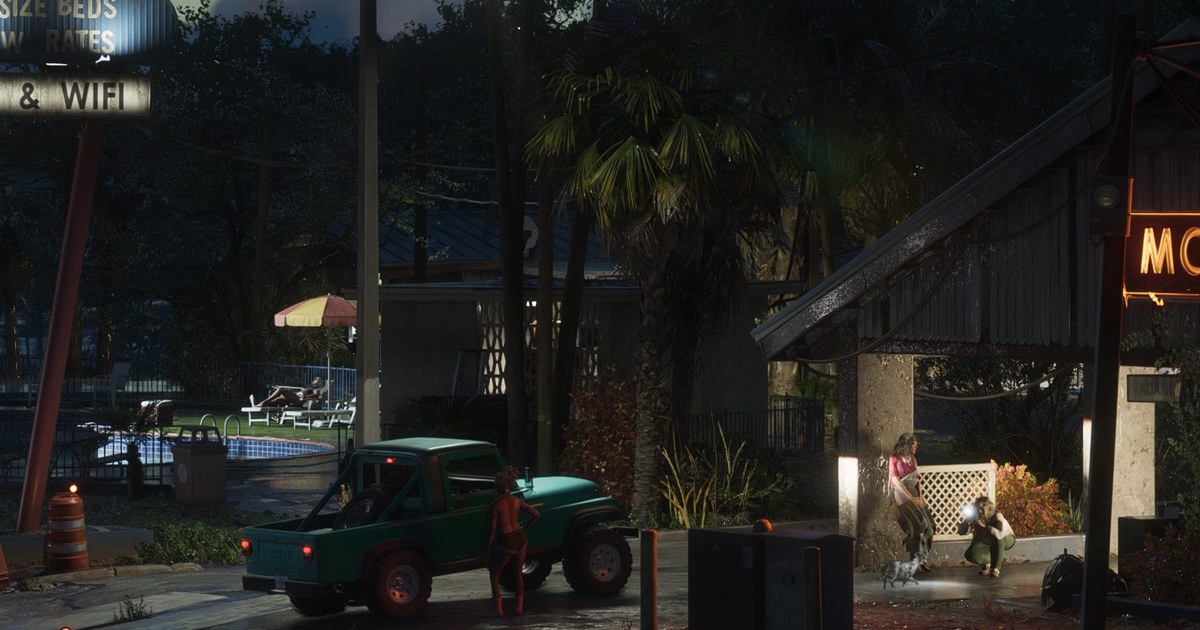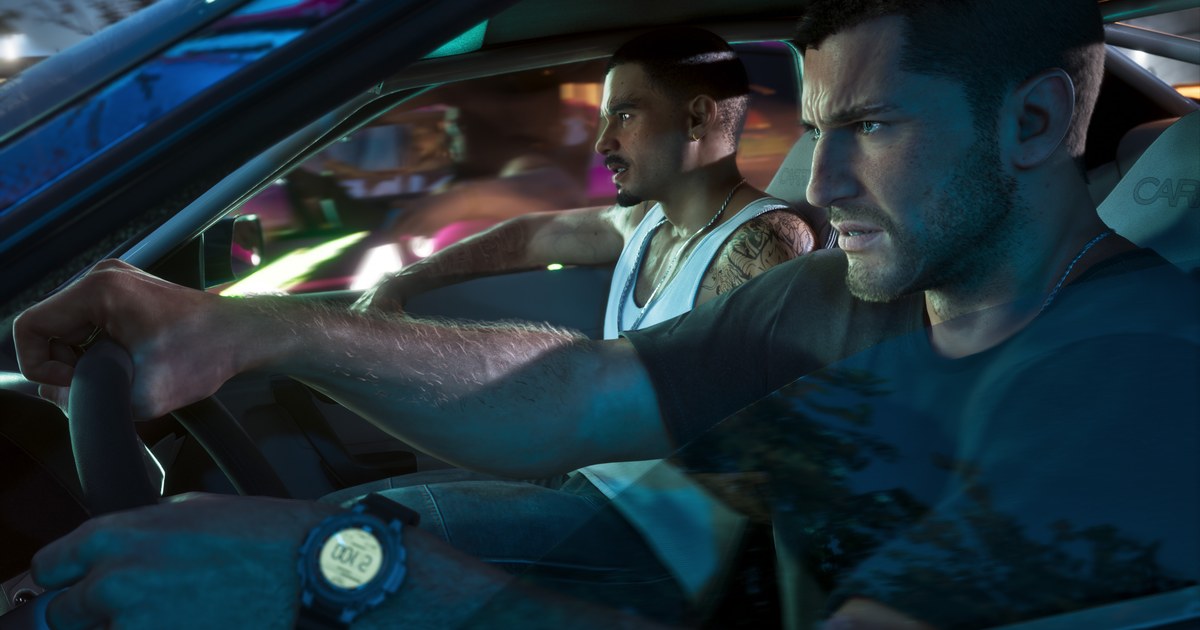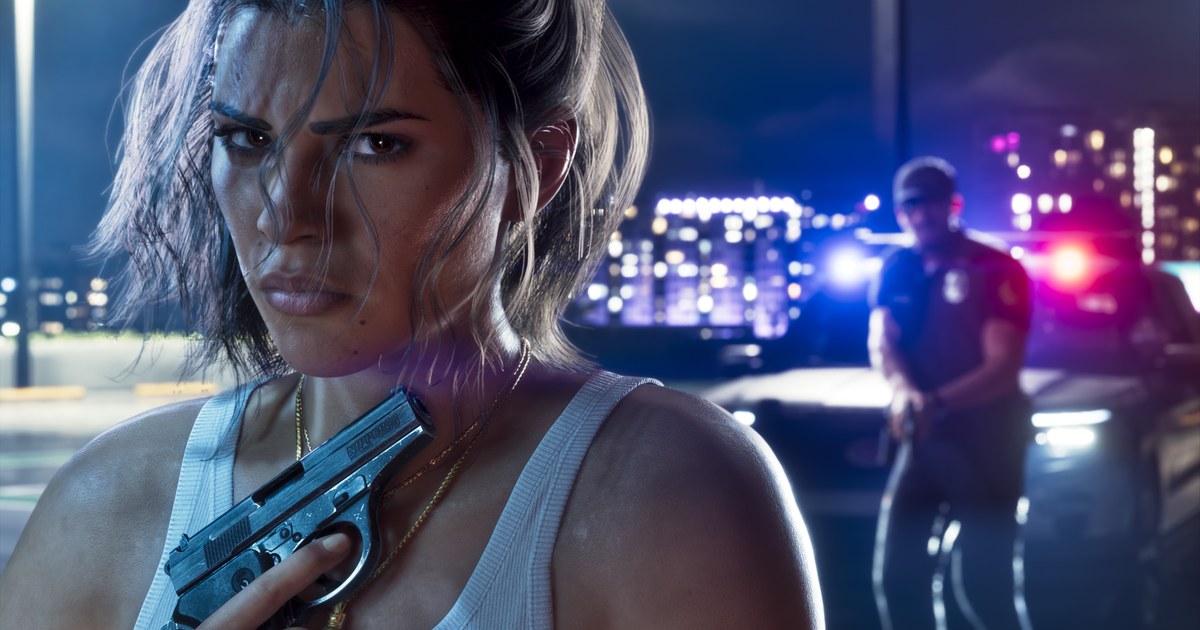
The short answer is that you lose a GTA 6 wanted level in three steps. First, break the police line of sight. Second, leave the search area shown on the map.
Third, clear every piece of information the icons under your stars point to. Hiding until the stars flash away is not enough on its own, because police now remember your outfit, vehicle, weapon and companion, and the chase only ends once that information is gone.
GTA 6 launched on November 19, 2026 for PS5 and Xbox Series X|S, and guides still differ on small details, so this page only keeps what several guides and community discussions agree on. The five tiers themselves are explained in GTA 6 criminal profile and wanted system, and this guide focuses on the escape order. At the bottom you will also find how to save a chase as a video.
Short answer: break sight, leave the area, clear the info
The most common mistake is doing these steps in the wrong order. If officers can still see you, changing clothes does nothing, so duck into an alley or behind a building first. Then get outside the red search area, and clear any icon that is still showing with the matching fix.
Many guides note that swapping only a hat or glasses does not clear a known outfit, so use a clothing store or the spare clothes in your vehicle trunk for a full change.
How to lose your wanted level
- 1Stop escalating and slow the chase downShooting at police or running over pedestrians raises your level and brings more officers. Avoid fights during a pursuit, and if you are driving, avoid crashes so you keep control of the route.
- 2Break line of sight with alleys and buildingsSkip long straight roads and use narrow alleys, side streets and the backs of buildings so officers cannot see you. Underpasses can hide you from a helicopter, and bushes or parked vehicles help when you are on foot.
- 3Get out of the red search areaMove outside the search area marked on the map, and do not go back along the route where police last saw you. While the stars are flashing police are still searching, so keep moving out of sight.
- 4Clear the icons under the stars one by oneIf outfit, vehicle, duo, weapon, face or camera icons are showing, use the matching fix from the table. Abandon or respray the car only after sight is broken, and separate Jason and Lucia if the duo icon appears.
- 5Avoid hot areas while things cool downEven after the stars disappear, the area where you committed the crime stays on alert, and being recognized there restarts the chase. Spending time elsewhere without new crimes lets it cool, and guides do not give an exact time.
GTA 6 wanted level icons and what to do
| Icon or star | Meaning | What to do |
|---|---|---|
| Hollow star | A crime was reported but you are not identified | Leave the scene and stay low profile |
| Solid white star | Police see you and are chasing | Duck into alleys or behind buildings to break sight |
| Flashing star | Police lost you but are still searching | Stay hidden and move out of the search area |
| Red star | The chase is over but the area stays hot | Leave the hot area and wait for it to cool |
| Outfit icon | Police know what you are wearing | Change outfits at a store or from the vehicle trunk |
| Vehicle icon | Your getaway car is identified | Abandon it for another car or respray it |
| Duo icon | Police know Jason and Lucia are together | Split the two characters up |
| Weapon, face or CCTV icon | A weapon, your looks or camera footage is a lead | Holster the weapon, change hat, mask or hair, or move away from cameras |
What to check after you lose them
- Confirm all stars are gone and no red icon remains under them
- If the outfit icon showed, make sure you changed your whole outfit, not just a hat or glasses
- If your car was identified, switch to a different vehicle instead of driving it again
- Check that no police are nearby before Jason and Lucia travel together again
- Deposit carried cash at an ATM, because it can be lost after an arrest or death
How to make a GTA 6 video
If you want to keep a chase or any GTA 6 moment as a video, record it on your console, move it to your PC or phone, and edit it there.
On PS5, press the Create button and choose Save recent gameplay to keep anything from the last 15 seconds up to 1 hour, or Start new recording to capture up to 1 hour.
On Xbox Series X|S, press the Xbox button and then X to save the last 30 seconds, pick a length to keep up to the last 2 minutes, or choose Start recording to record from now.
Copy PS5 videos from the Media Gallery to a USB drive or pull them through the PS App, and view and share Xbox captures in the Xbox mobile app.
Then upload the video to DOR Studio on dor.gg, switch it to vertical 9:16, merge several clips, trim, add text, music and effects such as shake zoom, and export an mp4 or share a link. Your result has no watermark. The full workflow is in how to make a GTA 6 video, the merging steps are in how to merge game clips, and vertical Shorts are covered in how to make vertical gameplay videos.