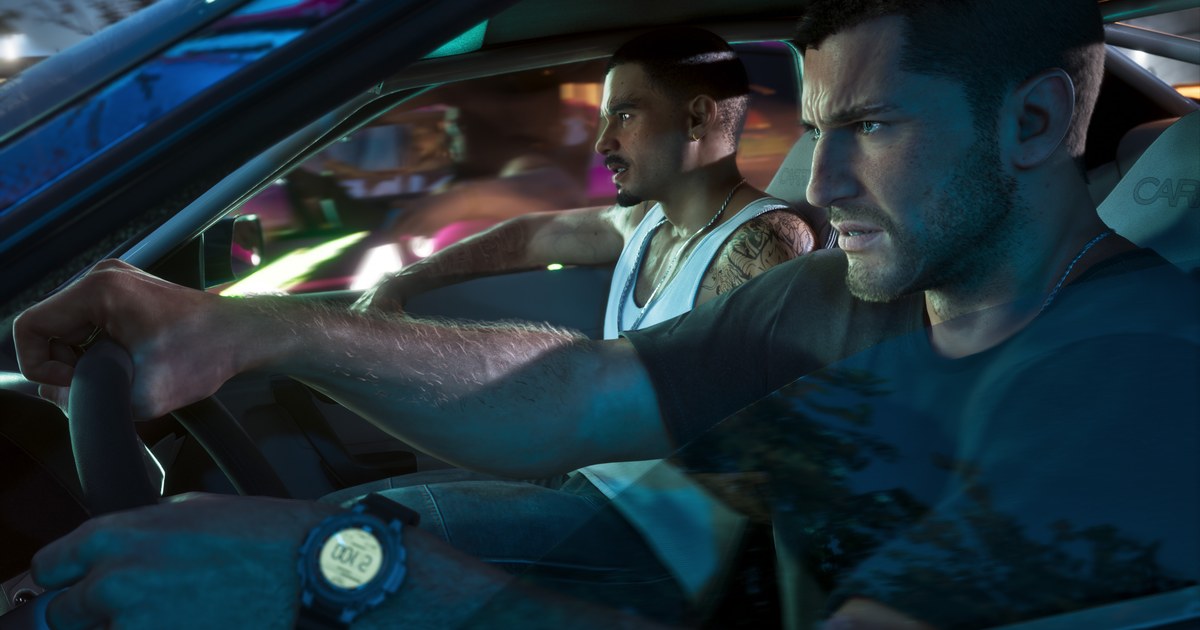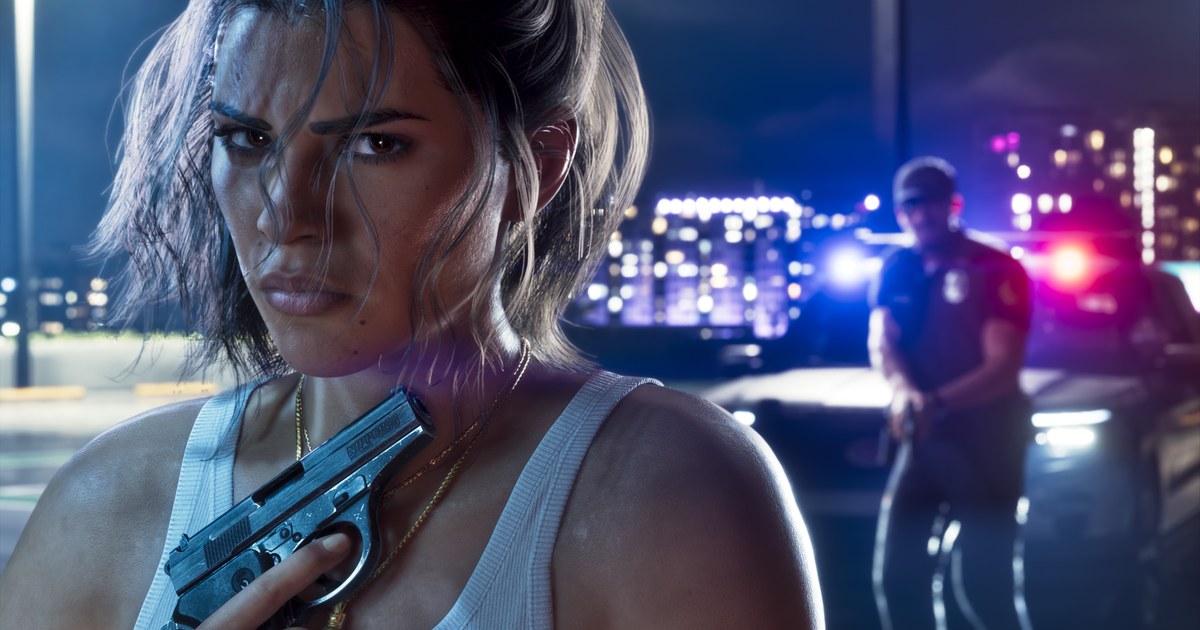
The short answer: GTA 6 Pay 'n' Spray is where you change the color of a car the cops have spotted. Several guides agree that the shops show up as an orange spray can icon as you uncover the map, and that you drive your car in to have it repaired or resprayed.
After the new paint, the police no longer recognize that vehicle and you can drive freely again. As of November 24, 2026, guides count 19 shops. This page covers how to find the closest one, the order to use it when you are being chased, and why paint alone is not enough.
For the full method of clearing stars and icons, start with how to lose your wanted level in GTA 6 and treat the respray as the finishing step. At the bottom there is also a short guide to saving your getaway as a video.
Verdict: break line of sight first, then respray and change outfits
The key rule is to get out of the cops' sight before you use a Pay 'n' Spray. Guides say swapping or painting a car while officers are watching does not help, and that you should clear the vehicle identification only after the line of sight is broken.
Even after a respray, police in the area can recognize you again if your outfit or appearance is unchanged, so change clothes too. Red stars do not always mean the wanted level is fully cleared, and staying in the same area looking the same can get you spotted again.
Guides also describe the exact services inside the shop a little differently, so check the menu and prices on the shop screen before you confirm.
How to use Pay 'n' Spray while being chased
- 1Break line of sight with tight streets and buildingsUse narrow alleys, the backs of buildings and side streets to get out of the cops' sight first. Guides agree that changing or painting your car while they can still see you does not help.
- 2Find the nearest Pay 'n' Spray on the mapOpen the map and pick Pay 'n' Sprays in the vehicle filter to see the orange spray can icons. Set a waypoint to the closest shop. Areas you have not uncovered yet may show no icon.
- 3Drive your car into the shopThe services need the car to be inside the shop. If the police spot you again on the way, change your route and break their line of sight once more.
- 4Pick repair and color change on the shop screenChoose the paint service, check the price and confirm. Add repairs if you need them. This is the step that wipes the vehicle identification.
- 5Change clothes and leave the area after you exitAfter you leave the shop, change your outfit or appearance and move away from the area where the police gathered. Staying in the same spot looking the same can get you recognized again.
GTA 6 Pay 'n' Spray at a glance
| Item | Detail | What to check |
|---|---|---|
| Shop count | 19 by guide counts | Tallied as of November 24, 2026 |
| Map icon | Orange spray can | Appears automatically as you uncover the map |
| Map filter | Map > Vehicles > Pay 'n' Sprays | Use it to find the nearest shop |
| What it does | Repairs and resprays your car | Drive the vehicle into the shop |
| Paint effect | Police stop recognizing that car | Use it after you break line of sight |
| Do alongside | Change your outfit and look | Paint alone can leave you recognizable |
| Warning | Red stars are not a full clear | Same area and same look gets you tracked again |
Finding the 19 shops by area
- Southwind, Key Lento, Watson Bay, Grassrivers: the 4 shops guides group under Mariana County
- Hamlet, Salton, West-Vice Dale County, Downtown, Balsero: the first 5 of the 10 in Vice-Dale County
- La Perle, Stockyard, Waxman Island, Ocean Beach, Washington Beach: the other 5 in Vice-Dale County
- Waning Sands (1), Port Gellhorn and Ambrosia (2), Grayson and Millport (2): the remaining 5
- Names follow the guides' area labels, so in game use the icon positions on your map to pick the closest shop
How to make a GTA 6 video
If you want to keep the moment you slip into the paint shop at the end of a chase, record it on your console and move it to a PC or phone to edit. On PS5, press the Create button and use Save Recent Gameplay for the last 15 seconds up to 1 hour, or start a new recording of up to 1 hour.
On Xbox Series X|S, press the Xbox button and then X to save the last 30 seconds, or choose a length up to the last 2 minutes. Copy PS5 videos to a USB drive from the media gallery or move them with the PS App, and review and share Xbox captures in the Xbox mobile app.
Upload the moved video to DOR Studio at dor.gg, switch it to 9:16 vertical, merge several clips, trim, add text, music and effects like Shake Zoom, then export an mp4 or share a link. The results have no watermark. The full flow is in how to make a GTA 6 video, clip merging is in how to combine game clips, and vertical Shorts are in how to make vertical game videos.