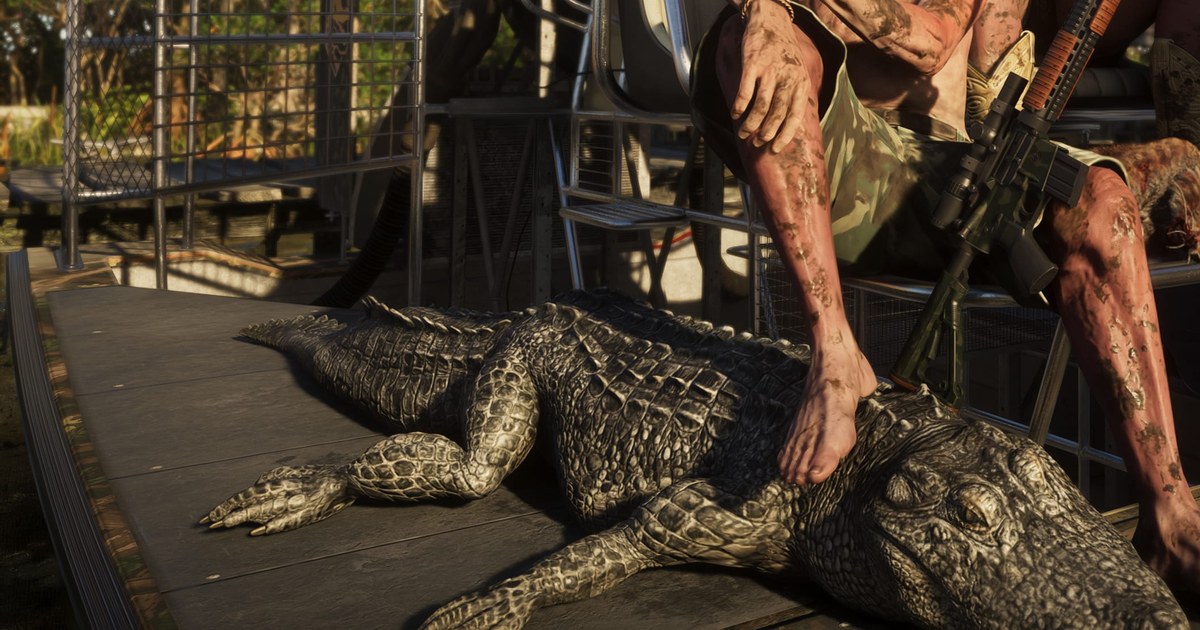
Short answer: in GTA 6, Zombix is your main heal. You buy it at convenience and grocery stores, you can use it in the middle of a shootout, and every guide agrees it is the most dependable way to refill health.
When you have none or want to save it, get behind cover and stay unhit, and health refills by itself. Food and drinks with the health icon work as well. In GTA 6, which launched on PS5 and Xbox Series X|S on November 19, 2026, health comes back from consumables, food, or natural regeneration.
This guide covers which one to use in which situation, how to trigger items with the controller, and how to avoid the weaker effect you get from back to back use. Where guides disagree, for example whether sleeping in a bed restores health, we marked it as unconfirmed. At the end you will also find a short workflow for saving a close call as a video and editing it.
The call: Zombix when pressed, regeneration when you can hide
Pick the heal by the situation. If bullets are flying, use Zombix. If you can step out of the fight for a moment, waiting behind cover without taking damage saves your supply.
Zombix is reported to be used by holding L1 and pressing Square on PS5, or holding LB and pressing X on Xbox, but each item has its own button, so trust the on screen prompt. Using it again and again in a short window weakens the effect, so when it stops working well, hide and let health regenerate.
Regeneration only fills up to the white line on the health bar, and a single hit interrupts it. Body armor does not heal, it reduces the damage you take, and it has its own page: how to get body armor in GTA 6.
Healing order by situation
- 1Buy Zombix ahead of time and keep it in your loadoutConvenience and grocery stores sell Zombix, and if it is not on the shelf you may have to ask the clerk. You can also pick some up out in the world. Before a big mission or shootout, always carry a few.
- 2Use items mid fight by holding L1You can use items while shooting. Hold L1 (LB on Xbox) and press the item button shown on screen. Zombix is reported to be Square on PS5 and X on Xbox, so check it against the actual prompt.
- 3When the effect fades, hide and regenerateUsing Zombix repeatedly in a short window makes it weaker. When that happens, get behind cover or put distance between you and the enemy and stay unhit. Health slowly refills to the white line on the bar, and it is slower when stamina is low, so it takes longest early in the game.
- 4Eat items with the health icon when you have timeAmong the food and drinks in restaurants, kitchens and shops, only those with the health icon restore health. You can eat while running, shooting or driving, but enemies keep damaging you meanwhile. Items with an orange heart push your health above the normal maximum for a while.
- 5Save Adrenaline for big fightsAdrenaline is a temporary boost to health, stamina and focus. It does not refill your health from scratch, so use it before a major firefight and carry it alongside Zombix.
GTA 6 healing options at a glance
| Option | What it does | Good to know |
|---|---|---|
| Zombix | The main consumable that restores health | Sold in convenience and grocery stores; repeated use weakens it |
| Natural regeneration | Health refills when nothing hits you | Only fills to the white line; any hit interrupts it |
| Food and drinks | Only items with the health icon restore health | Items without the icon do other things such as stamina |
| Orange heart items | Health goes above the normal maximum for a while | Lost once damage drops you below the normal maximum |
| Adrenaline | Short boost to health, stamina and focus | A temporary boost, not a full heal |
| Body armor | Reduces damage you take | Combat prep gear, not a way to heal |
What to check when you keep running low on health
- Count your Zombix: stop by a store and restock before a big mission
- Avoid back to back use: if the effect has faded, hide and let health regenerate
- Check the health icon: food and drinks without it are not for healing
- Cover habits: regeneration stops on a single hit, so get fully out of sight first
- Review difficulty: if damage feels too harsh, check GTA 6 difficulty settings
How to make a GTA 6 video
If you want to keep a narrow escape as a video, record it on your console, move it to your PC or phone, and edit it there. On PS5, press the Create button and choose Save recent gameplay to keep anything from the last 15 seconds up to 1 hour, or Start new recording to capture up to 1 hour.
On Xbox Series X|S, press the Xbox button and then X to save the last 30 seconds, pick a length to keep up to the last 2 minutes, or choose Start recording to record from now.
Copy PS5 videos from the Media Gallery to a USB drive or pull them through the PS App, and view and share Xbox captures in the Xbox mobile app.
Then upload the video to DOR Studio on dor.gg, switch it to vertical 9:16, merge several clips, trim, add text, music and effects such as shake zoom, and export an mp4 or share a link. Your result has no watermark. The full workflow is in how to make a GTA 6 video, the merging steps are in how to merge game clips, and vertical Shorts are covered in how to make vertical gameplay videos.