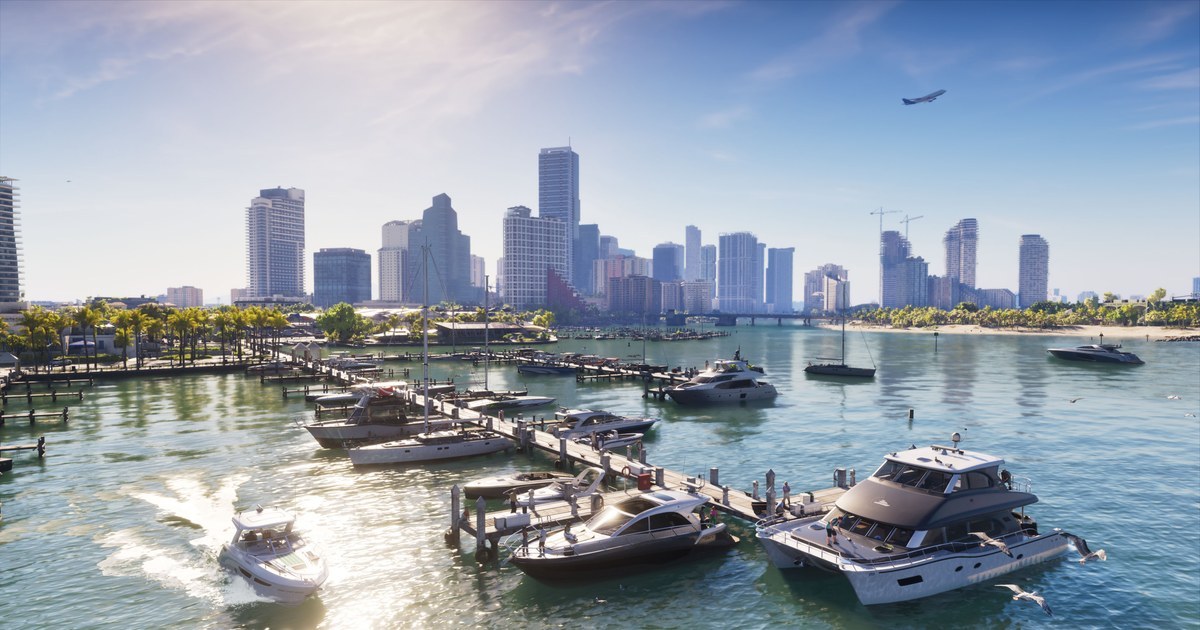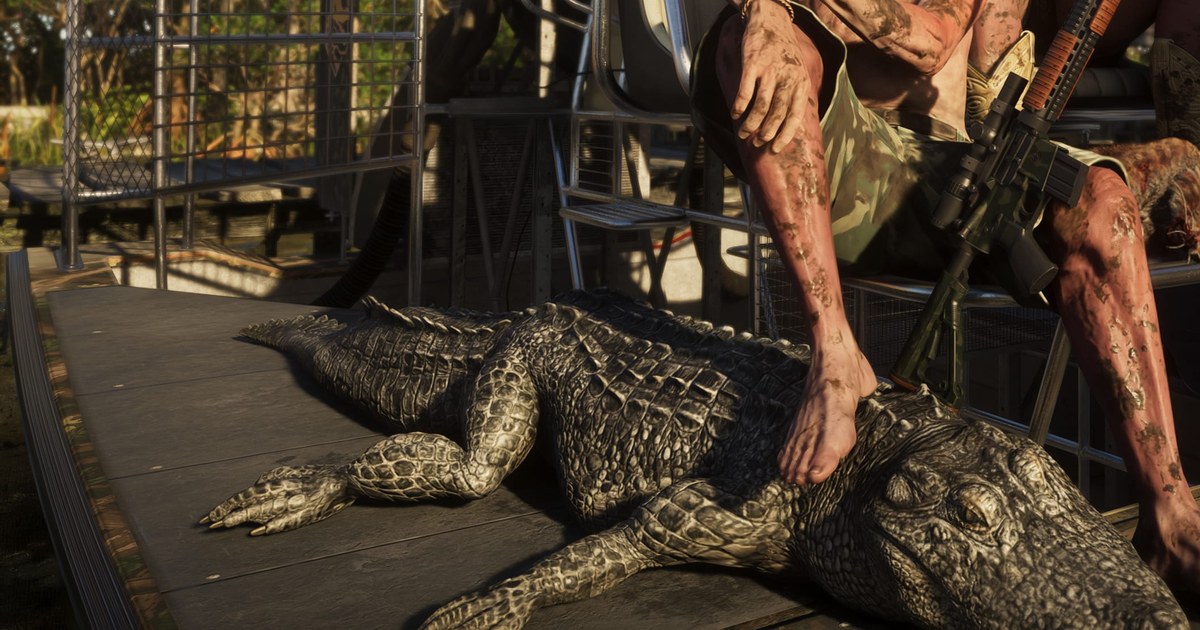
The short answer: GTA 6 does not let you carry every gun at once like GTA 5 did. You carry two sidearms (pistols and revolvers) and two longarms (shotguns, assault rifles, tactical rifles and sniper rifles). Only one longarm rides on your back, and the other has to be in your hands.
Any gun beyond that limit has to go into your personal vehicle's trunk or an Ammu-Nation weapon locker, and stored guns do not disappear.
This guide covers GTA 6 on PS5 and Xbox Series X|S, released on November 19, 2026 (as of 2026-11-24): how to use the weapon wheel, whether the limit can be raised, how the trunk and locker work, and what happens to your guns when you die or get arrested.
For what to buy, see GTA 6 best weapons, and for store locations see GTA 6 Ammu-Nation locations. A short section at the bottom explains how to save your gameplay as video.
Verdict: you cannot raise it, so pick four guns and store the rest
No guide or report has confirmed a permanent inventory expansion. A few sources mention duffel bags or bigger backpacks, but none of that is confirmed, so do not expect extra slots. Two habits work instead.
First, choose two sidearms and two longarms for the mission before you set off. Second, leave the rest in your car trunk or an Ammu-Nation locker. Storing a gun frees a carried slot but does not raise the limit.
The weapon wheel only moves between guns you are already carrying, so if you need a different gun you have to go back to the trunk or locker and swap. One thing to remember: only guns you paid for come back after you die or get arrested.
How to organize your guns without losing them
- 1Check your four carried guns on the weapon wheelHold L1 on PS5 or LB on Xbox to open the wheel. It only shows the sidearms and longarms you are carrying right now, so if a gun you want is missing, it has already been pushed out to storage.
- 2Pick two sidearms and two longarmsBefore you set off, choose two sidearms and two longarms for the mission. Only one longarm rides on your back and the other has to be in your hands, so keep the gun you swap to most in your hands.
- 3Put spare guns in the car trunkOpen your personal vehicle's trunk and use the weapon wheel button to enter storage, then stow a carried gun and take out a stored one. Stored guns can only be taken out at that car, so remember where you parked.
- 4Check the Ammu-Nation locker for bought gunsThe weapon locker at an Ammu-Nation store is linked to your trunk, so you can take bought guns back out of it. Not every store has one, so look for the gun icon on the map.
- 5If a gun vanishes, check the trunk and locker firstDying or getting arrested removes the guns you were carrying, but bought guns can be recovered from the trunk (if the car was not impounded) or an Ammu-Nation locker. Look at your stored list before you buy a replacement.
GTA 6 weapon wheel and inventory at a glance
| Item | What it means | What to check |
|---|---|---|
| Carry limit | 2 sidearms + 2 longarms | One longarm on your back, one in your hands |
| Open the wheel | Hold L1 on PS5, LB on Xbox | The wheel only switches between carried guns |
| Cycle longarms | L2 / R2 on PS5, LT / RT on Xbox | Use it while the wheel is open |
| Raising the limit | No permanent upgrade confirmed | Duffel bag and backpack talk is unconfirmed |
| Storage spot 1 | Personal vehicle trunk | You can only reach it at that car |
| Storage spot 2 | Ammu-Nation weapon locker | Linked to the trunk, so bought guns can be taken back |
| Dying or getting arrested | Bought guns stay, pickups are lost | Pocket cash is lost too, so use an ATM |
Gun checklist before a mission
- Confirm you picked two sidearms and two longarms that fit the mission
- Decide which longarm goes in your hands and which on your back
- Leave guns you will not use in the car trunk or an Ammu-Nation locker
- Pickups are lost on death or arrest, so buy the same gun at Ammu-Nation if you like it
- Bank your cash at an ATM or safehouse, and park the car where it will not be impounded
How to make GTA 6 videos
If you want to keep your gun setup tips or firefights as video, record on your console, move the file to a PC or phone, and edit it there. On PS5, press the Create button and use Save Recent Gameplay to keep the last 15 seconds up to 1 hour, or Start New Recording for up to 1 hour.
On Xbox Series X|S, press the Xbox button and then X to save the last 30 seconds, pick a longer length for up to the last 2 minutes, or choose Start Recording to record from now.
Copy PS5 videos to a USB drive from the Media Gallery or pull them down with the PS App, and check and share Xbox captures in the Xbox mobile app.
Then upload the file to DOR Studio at dor.gg, switch it to 9:16 vertical, combine clips, trim, add text, music and effects like Shake Zoom, and export an mp4 or share a link. The result has no watermark. The full flow is in how to make GTA 6 videos, clip merging is in how to merge game clips, and vertical Shorts are in how to make vertical game videos.