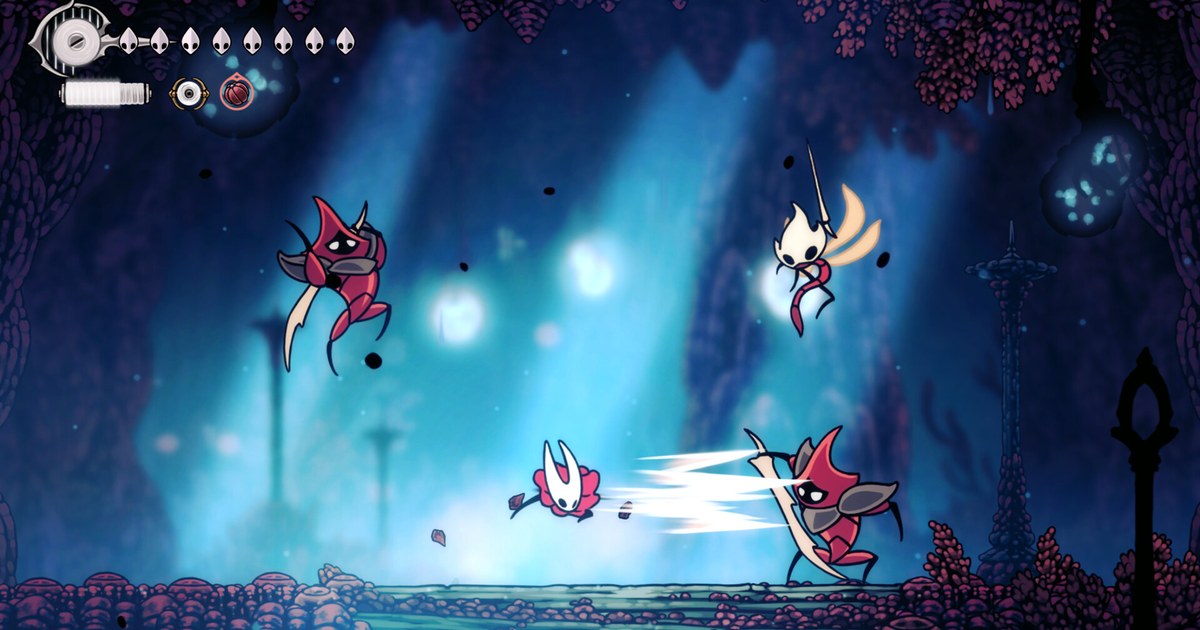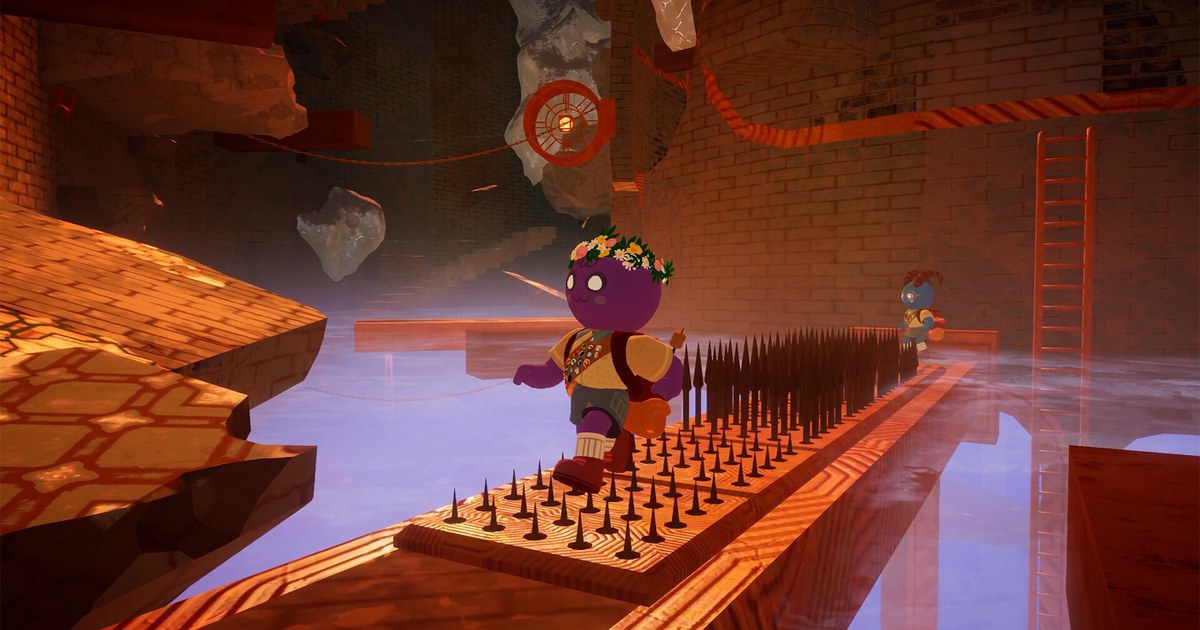
The short answer: start every clip 3 seconds before the fail. The laugh does not come from the crash itself; it comes from the 3 seconds where viewers realize something is about to go wrong. If you cut from the moment of the fail, viewers see it happen without knowing why it is funny.
After the fail, keep 1 to 2 seconds of the scream, the gasp, or the friend laughing, then cut. Eight to twenty seconds is enough for a clip, and one effect per clip is plenty.
The basics of cutting a range are in how to trim game clips, and joining several clips is covered in how to merge game clips, so this guide focuses only on keeping the comic timing. The most common mistake is stretching things out. Even with great moments, a compilation drags if every clip has a long lead in and a long tail.
The answer: start 3 seconds early, keep the reaction, one effect
Choose clips for a funny compilation by two standards. First, the viewer can spot a clue before the fail, such as a bad jump stance, feet heading toward a ledge, or an item thrown the wrong way. Second, a reaction follows the fail in words or laughter.
A clip without a clue ends too suddenly to get a laugh, and a clip without a reaction leaves only the crash and feels empty. Start 3 seconds before the fail and end 1 to 2 seconds after the reaction fades. One effect at the moment of the fail is enough, and a caption should stay on one line.
For quick falls and failed rescues, see how to share PEAK gameplay videos. If a clip shows a friend's username or voice, ask them before you post it.
How to make a funny gaming fails compilation
- 1Play as usual with recording runningFunny moments arrive without warning, and pressing record after the fail is already too late. If the whole match is recorded, the 3 seconds before the fail are in the footage and you can choose the start point later.
- 2Cut each moment from 3 seconds before the failFind the moment you laughed at, start 3 seconds before the fail, and end 1 to 2 seconds after the reaction. If a clip runs past 20 seconds, move the start to the point where the clue appears. The basic cutting steps are in how to trim game clips.
- 3Collect the clips and decide the orderPut the cut clips in one place and pick the one or two funniest first. Place the funniest clip second or last, and avoid back to back clips of the same type, such as falls, friendly fire, or getting lost. The first clip should have an obvious clue so viewers understand the video right away.
- 4Add one effect only at the failUse a single punch zoom or shake zoom at the moment of the fail. Several effects per clip cover up the comic timing. A comparison of which effect fits which moment is in gaming video effects.
- 5Keep music low and reactions loudWhen you add background music, lower it so game sound and mic reactions come through first. If the reaction is buried, half the laugh is gone. How to pick tracks and balance volume is covered in how to add music to game videos.
- 6Merge into one video and make a vertical version if neededJoin the clips in order and export an mp4 or share a link. If you post to Shorts or Reels, make a vertical version of the same video too. The steps for turning landscape clips vertical are in how to make vertical game videos.
Clip editing standards for a funny fails compilation
| Part | Standard | How to do it |
|---|---|---|
| Clip start | 3 seconds before the fail | Start where a clue is visible, such as a jump setup, a wrong call, or a risky approach |
| Clip end | 1 to 2 seconds after the reaction | Hold only 1 to 2 seconds after the scream or laugh ends, then cut |
| Clip length | 8 to 20 seconds | Over 20 seconds, trim the lead in; under 8, check whether the clue is missing |
| Effects | One per clip | Add a single punch zoom or shake zoom at the fail and leave the rest untouched |
| Sound | Reaction first | Keep music low so game sound and mic reactions are the loudest thing |
| Order | Strong clip second | Put the funniest clip second or last and mix weaker clips into the middle |
Check before you post the compilation
- Every clip shows a clue from 3 seconds before the fail
- No clip is cut before the reaction audio finishes
- No single clip runs past 20 seconds
- Each clip has one effect or fewer
- You confirmed it is fine to post friends' usernames and voices
Collect and merge funny moments with DOR
DOR is a free Windows game recording app. When you launch a supported game, it detects it automatically and records the whole match, and recordings collect in My Clips. The 3 seconds before a fail are already inside the full match video, so after you laugh you can simply pick the start point.
Voice is captured as game sound and mic on a single track, so the reaction after the fail is saved too.
Trim ranges in 16:9, 9:16, or 1:1 in the app, then join clips in DOR Studio (dor.gg/studio), add effect templates such as shake zoom and punch zoom, text, BGM, and volume, and export an mp4 or share a dor.gg link. DOR output has no watermark. In any game, you can cut just the funny part you want from the full match recording.