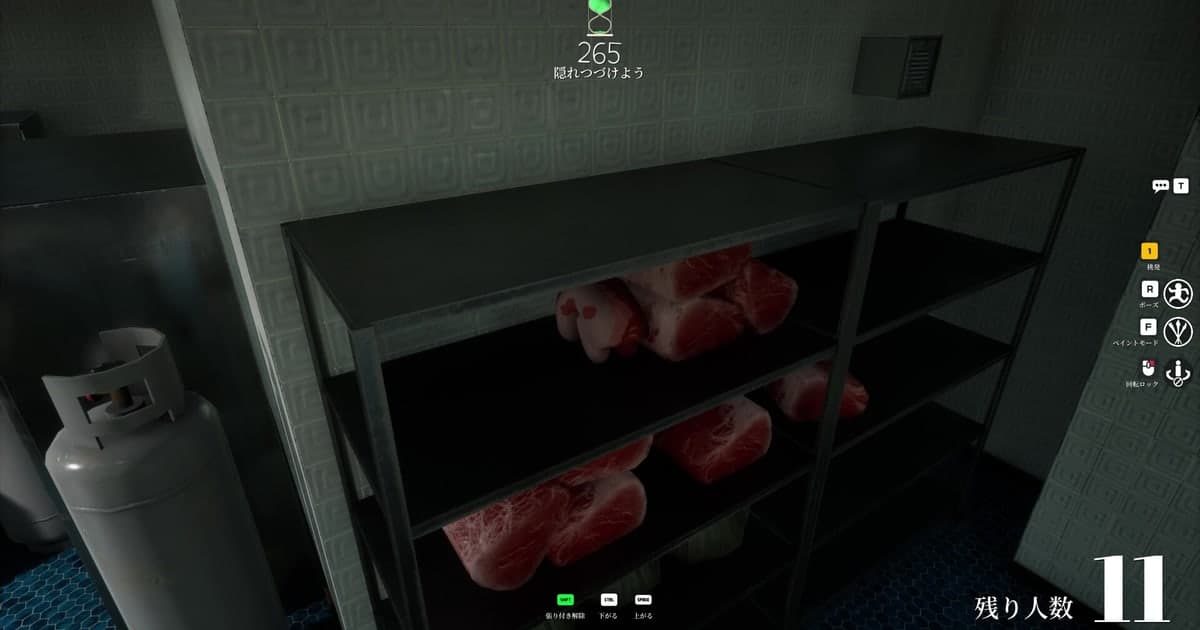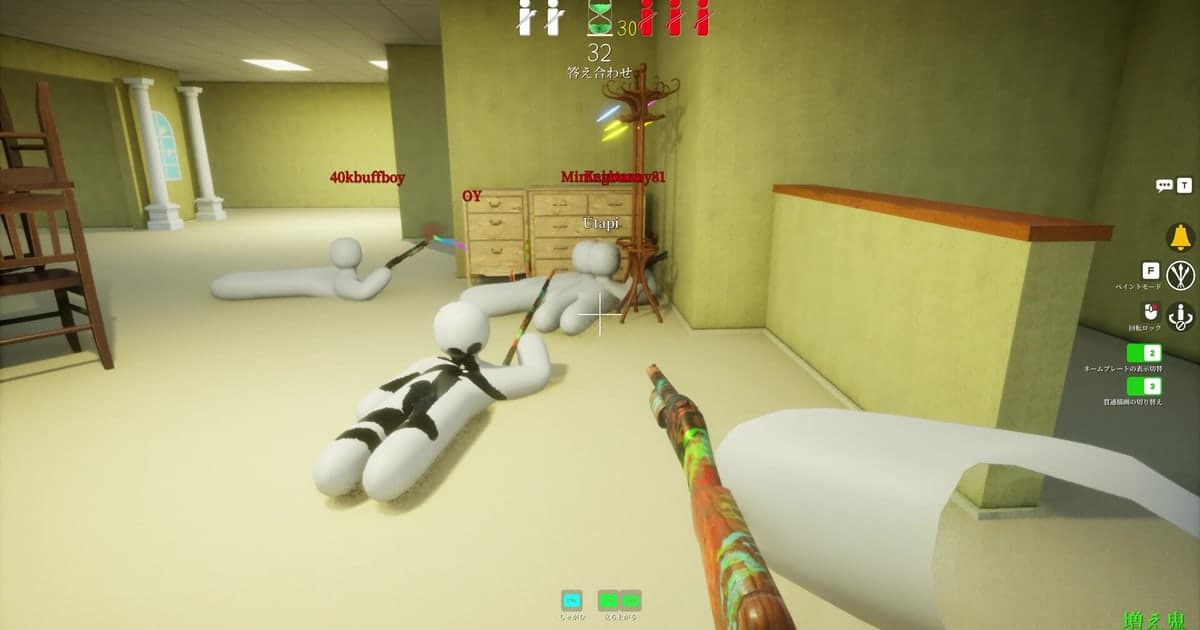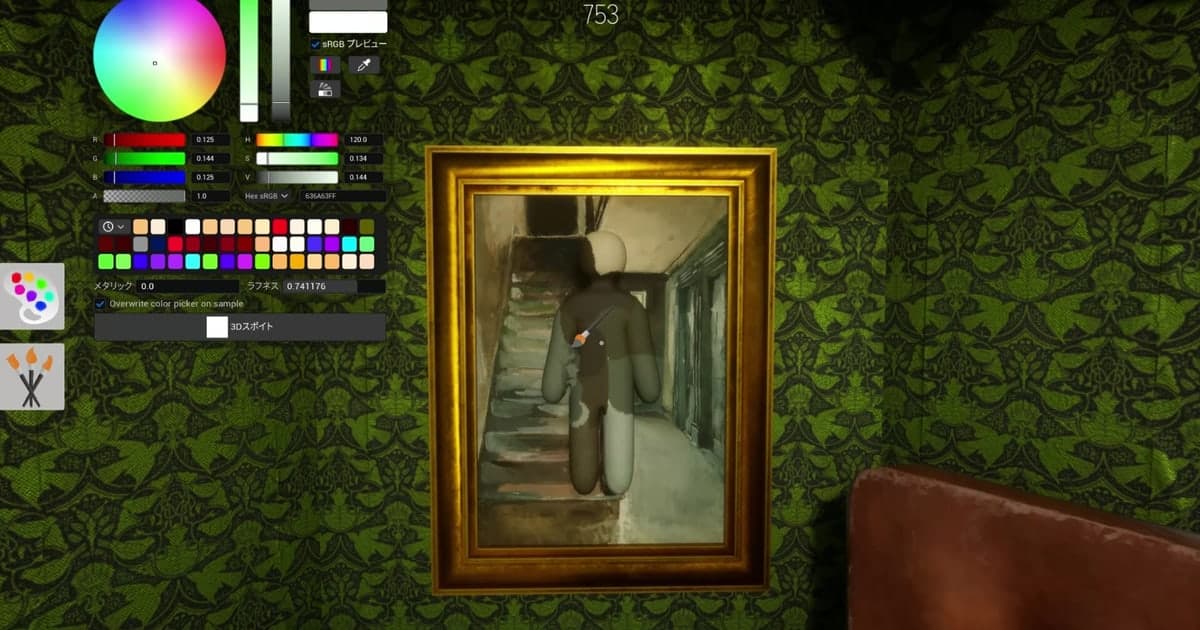
MECCHA CHAMELEON is a hide-and-seek game where the hiding team paints a pure white body to blend into the stage, and the seeking team wins by finding everyone before the timer runs out. The core rule fits in one sentence, but almost everything built around it arrived later: clones, hunter ammo, the answer reveal, the unanimous vote to skip ahead. That is why a first match usually ends with questions rather than answers. This guide sticks to what the developer's own patch notes say, checked on 16 October 2026 against build 4.1.1. The store page recommends roughly 2 to 10 players, so settling who you are playing with beforehand makes that first lobby much calmer.
Decide first: which mode, and which host options are on
Three modes are described in the official notes. Basic and Growing Demon both reveal where everyone was hiding once the match ends (1.3.0, 16 June 2026), which makes them the gentler way in for a new player. Reverse Chicken Race is a scoring mode instead: you read a hider's body paint, work out who it is and score for spotting them first, while hiders score for going unnoticed, and the highest score takes the win (2.4.0, 2 July 2026). One more label exists on paper: a 2.3.0 fix line (29 June 2026) mentions Double Mode a single time and the notes never explain it, so it is named here and nothing more. Several things that feel like fixed laws are really switches the host flips, so look at the lobby settings before you decide how to play. Updates land often, so keep one channel for announcements; our notes on choosing a game Discord server cover how to judge whether a server is actually maintained. And if the format turns out not to suit you, check the Steam refund conditions early rather than after a long session. Mode names follow your game language setting, so the English labels from the patch notes are used here as the reference.
How a single match actually runs
- 1Check the teams and the win conditionPlayers split into a seeking team and a hiding team, and the seekers win by finding everyone before the timer expires. The maximum headcount depends on the host's network connection: the store page recommends somewhere around 2 to 10 players and says that figure may rise or fall after future playtests. One newer rule matters in quiet lobbies: the match now ends if the hunter count reaches zero while hunters are waiting (4.1.0, 28 August 2026).
- 2Paint your body during the hiding timeHiders paint their pure white body to imitate the stage. The store page names three things that keep you alive: the hiding spot, the pose, and above all your drawing skill. If you plan to sit in a dark corner, note that glow-in-the-dark paint was added in 2.9.0 (19 July 2026), so factor it into your colour choice. Body size varies with the room: hider size options arrived in 1.6.0 and 1.4x and 1.7x options for the Cube character in 2.2.0.
- 3Place up to two clonesClones are an official feature from 2.0.0 (26 June 2026) and you can create up to two of them. The same note states that clones count toward the blind spot metrics and that destroying a clone also destroys the main body. So a clone is not a free decoy; it is a shared risk. Put one somewhere that gets checked early and you lose the real body along with it.
- 4As a hunter, manage view and ammoHunters gained a third-person view in 2.0.0, and the hunter field of view was adjusted from 100 to 105 in 2.6.0 (10 July 2026). When the ammo limit option is on, a miss spends one round and a hit restores one, while shots at fleeing players spend nothing. If every hunter runs out, the hiders win the match (2.3.0, 29 June 2026). Controller support arrived as an alpha in 2.6.0 that did not cover UI operation, and the notes kept going: 3.1.0 made non-UI actions controller-usable and 4.1.0 fixed stick-based paint speed.
- 5Watch the answer revealWhen the clock runs out the answer reveal begins. As of 1.5.0 (20 June 2026), players who were never found glow red and discovered players glow blue, and you can press Like on the hiders. Like can be pressed once per match and the total is saved permanently; 3.6.0 later added a way to reset those Likes. Hiding time and answer reveal time can be skipped only by a unanimous Mo Eeyo vote (3.8.0, 14 August 2026).
- 6Do the post-match passIn Basic and Growing Demon the game shows where everyone was hiding once the match is over (1.3.0). Use that screen to memorise spots worth reusing and spots that fooled nobody. If somebody ruined the round, a report feature was added in 1.7.0 (22 June 2026), and hosts can use the BAN added in 3.8.0, although the same note says the BAN list resets whenever the server restarts.
Modes and options, limited to what the patch notes state
| Mode or option | What the official note says | Version and date |
|---|---|---|
| Basic | Teams split into seekers and hiders; the seekers win if they find everyone within the time limit | Steam store description, checked 16 Oct 2026 |
| Growing Demon | Together with Basic, this mode lets players see everyone's hiding spots after the match ends | 1.3.0 (16 Jun 2026) |
| Reverse Chicken Race | Deduce a hidden player from their body paint and score for finding them first; hiders score for staying unnoticed, and the most points wins | 2.4.0 (2 Jul 2026) |
| Clones | Up to two clones, counted toward the blind spot metrics; if a clone is destroyed, the main body is destroyed too | 2.0.0 (26 Jun 2026) |
| Hunter ammo limit (option) | One round is spent on a miss and restored on a hit, nothing is spent when shooting fleeing players, and hiders win if every hunter runs dry | 2.3.0 (29 Jun 2026) |
| Petit Chameleon (x0.5) | A half-size body that can be used only if the host allows it | 4.0.0 (20 Aug 2026) |
| Mo Eeyo and BAN | A unanimous vote can force-skip hiding time and answer reveal time; the BAN list resets when the server restarts | 3.8.0 (14 Aug 2026) |
Before your first match
- Confirm whether the room is running Basic, Growing Demon or Reverse Chicken Race
- Check host-side switches such as the ammo limit, Petit Chameleon (x0.5) and hider size options
- Remember Like is once per match, so pick who deserves it before the reveal ends
- Do not count on skipping the hiding time: Mo Eeyo needs a unanimous vote, not an impatient one
- If nobody can be heard, check the options, because 4.1.1 changed the default to mute incoming voice chat
- If you plan to record, set resolution and frame rate before you launch the game
Keep the whole match so you can look back at it
The most frustrating thing for a new player is watching the answer reveal show a handful of clever hiding spots and then forgetting all of them by the next round. DOR is a free Windows desktop app, and when you launch a game on its supported list, including MECCHA CHAMELEON, it records your whole session automatically as one video from launch to exit (on by default on a personal PC, off by default in a PC cafe, switchable per game under Settings and Games). A moment you want to keep is saved with F8, which writes the last 30 seconds to its own file; 15, 30, 45 and 60 second lengths are selectable. Resolution, frame rate and clip length are chosen before launch; the defaults are 1080p and 30fps. Audio is a single track, and with the record-all-sound setting on, a Discord call goes into the same track as the game, so check whose voice and whose nickname ended up in a video before showing it around. The full-session folder has a 5GB allowance by default, and once that allowance is full the oldest folders are cleared along with the clips inside them, while favourited videos stay, so mark what you want with the favourite button or trim it right away. If space is the problem, start with fixing low disk space for Steam game recording. DOR is a Windows PC app, so this recording section applies to the Steam PC build.