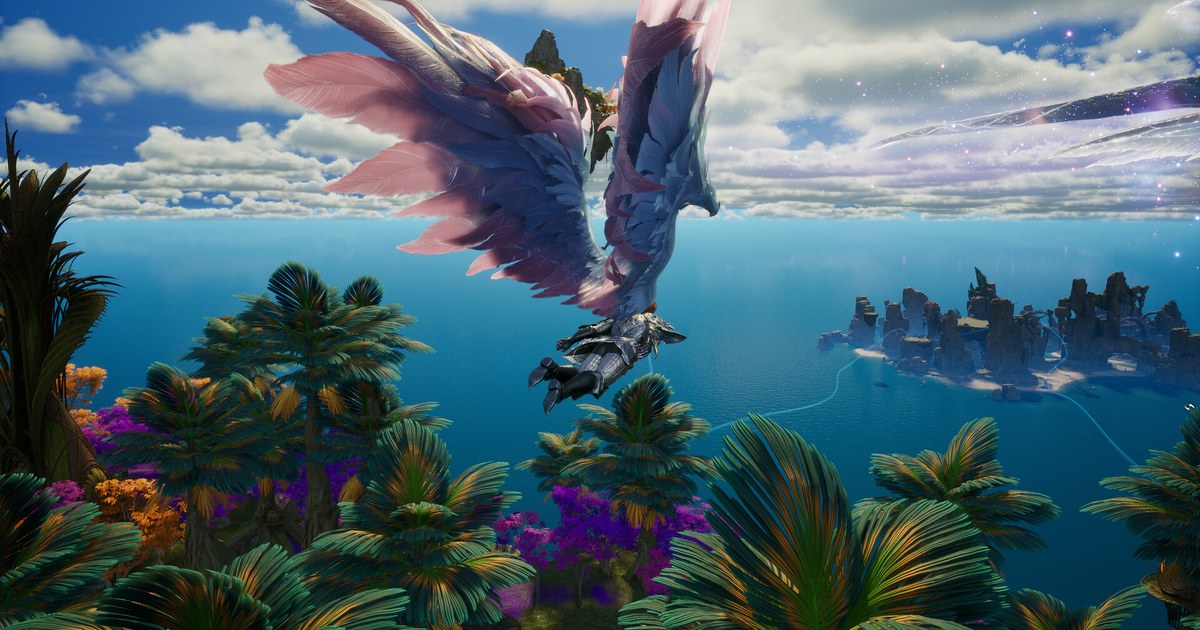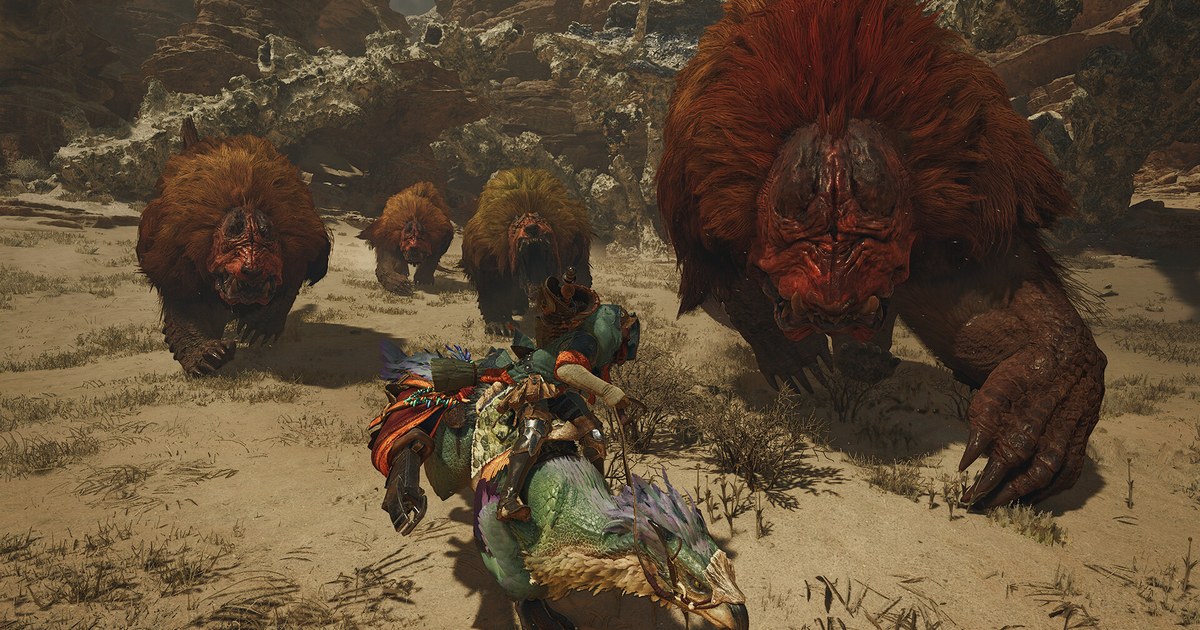

If you have heard that Monster Hunter Wilds is a heavy game and want to know whether your PC can handle it, three numbers matter most: your graphics card and its VRAM, 16 GB of RAM, and 75 GB of free space on an SSD.
Capcom lists the same CPUs for both minimum and recommended, so the GPU is what really separates the tiers. Two details are easy to miss when you only skim the spec sheet.
The recommended 60 fps target assumes frame generation is switched on, and the official benchmark tool that many players used to test their rigs is being pulled, according to Capcom.
Monster Hunter Wilds launched in February 2025 on PS5, Xbox Series X|S, and Steam, with crossplay so friends on different platforms can hunt together.
Capcom has shipped several CPU and GPU optimization updates since launch, and requirement lists can change along with them, so everything below reflects the Steam store listing and Capcom's official notices as checked on November 10, 2026.
Monster Hunter Wilds Official PC Requirements (Steam, November 10, 2026)
| Spec | Minimum | Recommended |
|---|---|---|
| Operating system | Windows 10 or 11, 64-bit (Windows 10 no longer guaranteed since October 14, 2025) | Windows 10 or 11, 64-bit (Windows 11 is the safer pick for future updates) |
| CPU | Intel Core i5-10400, Core i3-12100, or AMD Ryzen 5 3600 | Same as minimum (i5-10400, i3-12100, or Ryzen 5 3600) |
| Memory | 16 GB | 16 GB |
| Graphics card (VRAM) | GeForce GTX 1660 (6 GB) or Radeon RX 5500 XT (8 GB) | GeForce RTX 2060 SUPER (8 GB) or Radeon RX 6600 (8 GB) |
| Storage | 75 GB, SSD required, DirectStorage supported | 75 GB, SSD required, DirectStorage supported |
| Performance target (Capcom) | Lowest preset, native 720p upscaled to 1080p, 30 fps | Medium preset, 1080p at 60 fps with frame generation |
| High Resolution Texture Pack (free DLC) | Needs at least 16 GB of graphics memory | Store lists an RTX 4070 Ti SUPER or RX 7800 XT (16 GB), Ultra at 2160p and 60 fps with frame generation |
Read These First: The Frame Generation Assumption, VRAM, and the SSD
First, the recommended 1080p at 60 fps figure is a target for the Medium graphics preset with frame generation enabled.
In a test Capcom published in December 2025, the exact recommended combo (Core i5-10400 and RTX 2060 SUPER at 1080p with DLSS set to Performance on Medium) was run with frame generation off.
In the Windward Plains during an Inclemency, the heaviest area, the frame rate hovered around 40 fps before Title Update 4 and mostly stayed above 40 fps after it. Capcom added that the Scarlet Forest and Oilwell Basin gained roughly 5% or more and run faster than the Windward Plains.
So if you skip frame generation on recommended hardware, plan for the 40s in the busiest scenes. Second, the same notice said the gains on minimum spec hardware were limited. If your PC sits right at the minimum, start from the Lowest preset with upscaling and aim for 30 fps.
Third, check VRAM, not just the card name. The GTX 1660 on the minimum line has 6 GB, the other listed cards have 8 GB, and the free High Resolution Texture Pack needs at least 16 GB of graphics memory. Fourth, an SSD is required for both tiers and the game supports DirectStorage.
Fifth, Windows 10 is still on the list, but Capcom stopped guaranteeing the game on Windows 10 from October 14, 2025, the day Microsoft ended support, and warned that future updates could make it incompatible even if it runs today.
How to Check Whether Your PC Runs Monster Hunter Wilds Without the Benchmark
- 1Look up your GPU name and VRAMOpen Task Manager, go to the Performance tab, and select GPU to see the card name and its Dedicated GPU memory. Anything below a GTX 1660 (6 GB) or RX 5500 XT falls outside the official minimum, and an RTX 2060 SUPER or RX 6600 (8 GB) is the bar for 60 fps. For CPU and RAM in one place, follow how to check your PC specs on Windows 11.
- 2Confirm the install drive is an SSDSearch Windows for Defragment and Optimize Drives. The Media type column shows whether each drive is a solid state drive or a hard disk drive. Keep your Steam library folder on the SSD and free up more than 75 GB, because updates need their own room too. Title Update 4 in December 2025 alone was about a 12 GB download.
- 3Update your graphics driverIn its latest update notes (Ver.1.042.00.03, October 2026), Capcom recommends NVIDIA GeForce 581.57 or newer and AMD Radeon 25.9.1 or newer. That same update also added measures against a crash affecting some AMD graphics cards. Restart your PC once after changing drivers.
- 4Run the free Prologue DemoSince August 2026, Steam has offered a free Monster Hunter Wilds Prologue Demo. It covers the prologue and character creation through the end of the To the Forest mission and needs more than 26 GB of space. Online features are off, but if you have no full game save yet, your demo save carries over. Watch real frame rates with the Steam overlay performance monitor; setup is in how to show FPS in games. If the demo runs well, the Steam price as of November 10, 2026 is US$39.99 for the base game and US$79.99 for the Gold Edition, which bundles cosmetic add-ons such as outfits, gestures, and stickers; both are regular prices, not a sale.
- 5Tune preset, upscaling, then frame generationNear the minimum, start on Lowest; on recommended hardware, start on Medium. Since the June 2025 update, upscaling and frame generation are separate settings, so an RTX 30 series card can pair DLSS upscaling with FSR frame generation. RTX 50 series cards can also pick DLSS multi frame generation at 2x to 4x. Check your base frame rate with frame generation off first, then turn it on.
- 6Lower the CPU tab and heavy optionsA Steam exclusive patch in January 2026 added a CPU tab to Options. Lowering Endemic Life Display Count, Players Displayed in Lobby, Small Monster Quality, Effect Quality, and Animation Quality reduces CPU load, while the graphics side gained Foliage Density and a five level Volumetric Fog. On a laptop, first make sure the game runs on the dedicated GPU using how to choose which GPU a game uses.
Checklist Before You Buy or Install
- Your graphics card is a GTX 1660 (6 GB) or RX 5500 XT or better, and an RTX 2060 SUPER or RX 6600 (8 GB) class card if you want 60 fps.
- You have 16 GB of RAM, which is the baseline even for the minimum tier.
- Your SSD has comfortably more than 75 GB free, and your Steam library folder lives on it.
- Your graphics driver is NVIDIA 581.57 or AMD 25.9.1 or newer.
- If your GPU has less than 16 GB of VRAM, the High Resolution Texture Pack is not installed.
If You Also Record Your Hunts
DOR is a free Windows app that detects Monster Hunter Wilds when you launch it and records the whole session from launch to exit. Recordings land in My Clips in the app, and you trim only the moments worth keeping, like a part break or the finishing blow, then save them in 16:9, 9:16, or 1:1.
The steps for sending those cuts to your hunting party are in our Monster Hunter Wilds clip sharing guide. Wilds leans hard on the graphics card, so leave some headroom if you plan to record while you hunt. On supported NVIDIA graphics cards such as the RTX series, DOR records with NVENC hardware encoding.
The free plan records at 720p or 1080p and 30 or 60 fps (1080p at 30 fps by default), and on a PC near the minimum spec, dropping to 720p at 30 fps lightens the load. For recording headroom, see recommended specs for game recording and recording games on a low-end PC.
Older recordings are cleared only when full gameplay videos go past their share of space (5 GB by default), and your recent recordings and liked videos stay. If you save recordings to the same drive as the game, leave room for them on top of the 75 GB.