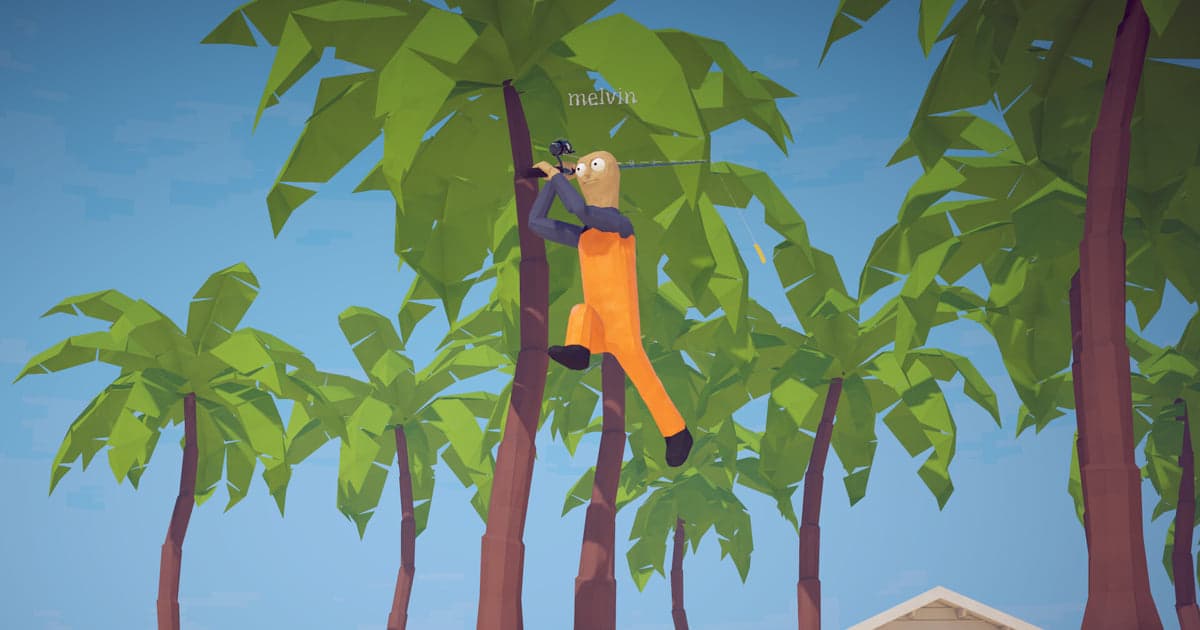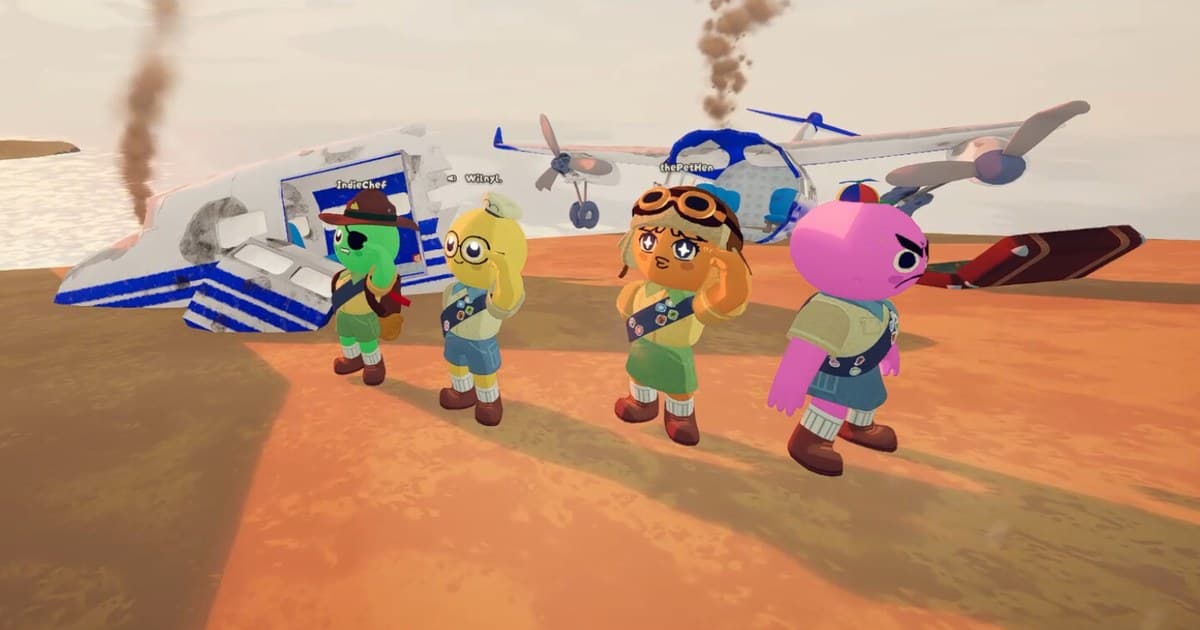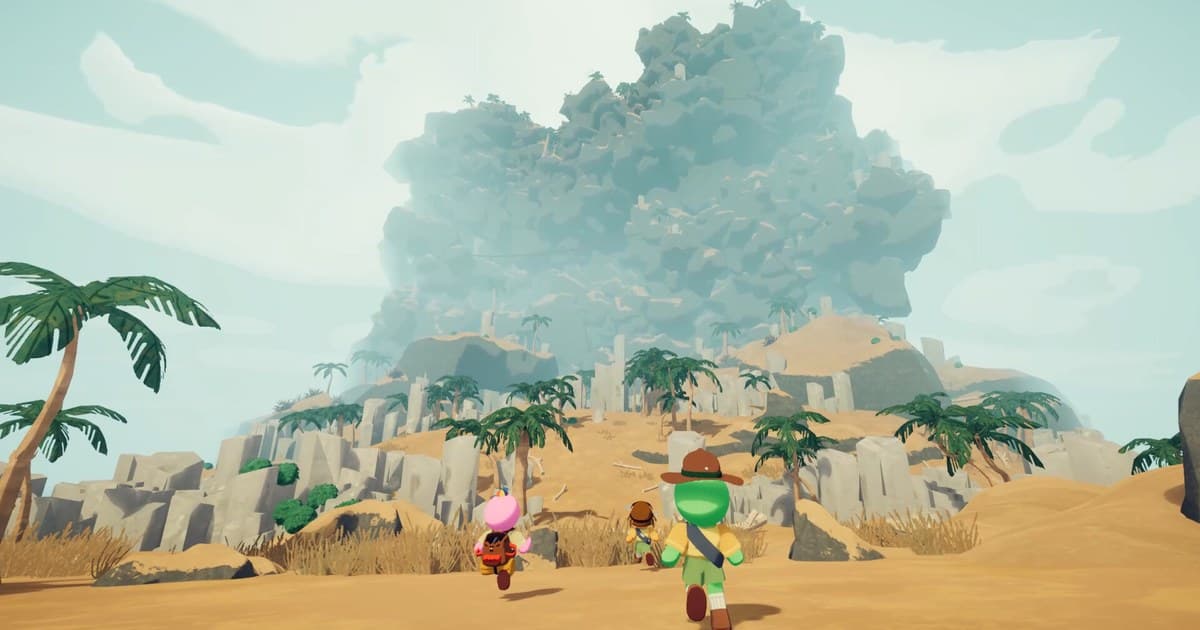
A few runs into PEAK and the pattern is obvious: the ledges you memorised yesterday are gone today. The official Steam description explains it in one line. The game's map rotates out every 24 hours, and you can give the same island multiple attempts in a day until you conquer it. That is why the question people search most about PEAK maps, what today’s map is, is the one thing no article can keep current. So this guide covers what does not change: the rules the rotation follows, the biomes and variants that take turns on each island, the in-game steps for reading today's layout, and how to keep the route you worked out before the island is replaced. Every date and quote below was checked on October 16, 2026 against the Steam store description and the developer announcements. Running the same island several times in one day needs people to climb with, and the way to find them is covered in finding gaming friends and parties.
The short answer: maps turn over daily, and only the game can tell you today's island
Four rules cover almost every map question. First, the island rotates out every 24 hours, and until it does you can keep retrying the exact same layout. Second, you will not get yesterday's island back. The patch released on November 17, 2025 replaced the old approach of swapping MESA and ALPINE every other day with a rotation algorithm in which the map cannot be the same exact configuration two days in a row, and you never see the same biome three days in a row. Third, offline runs will most likely get the same rotation as online ones, based on your local system clock, which is exactly how patch 1.47.a worded it on December 1, 2025. Fourth, the pool itself gets maintained: patch 2.6.a on October 2, 2026 replaced the current map pool with properly randomized islands after a week in which each day was either all old or all new maps. The practical takeaway is to stop hunting for a map tracker and open the game instead. No announcement has ever given the rotation time in hours and minutes, so note the changeover for a few days to learn when it lands in your own time zone. If map generation or your save behaves strangely, the developers asked players to report it in the Bug Reporting channel on the official PEAK Discord in the October 2, 2026 notes; how to judge whether a server is active and safe is covered in finding a game Discord server. Recording your climbs piles up session footage, so if the drive is tight, start with the cleanup order in fixing low disk space for Steam game recording.
How to read today's island and its biomes
- 1Open the game and look at today's island yourselfBecause the map rotates out every 24 hours, the game itself is the one current source for today's layout. PEAK starts you in the airport lobby, and heading out on an expedition drops you on that day's island. Any map of the day written in a post or shown in a video is stale the moment the clock rolls over, so never plan a route from yesterday's information.
- 2Check the Custom Run and Mini Run menu at the Boarding KioskThe update on March 30, 2026 added a Custom Run menu at the Boarding Kiosk in the airport. The announcement describes Mini Runs inside that menu as a mode that lets you play a single biome of today's map, which is handy on evenings when a full run will not fit. The same announcement notes that achievements are disabled while you use the Custom Run feature, so save it for sessions where you are not chasing badges.
- 3Decide within the 24 hours whether to climb the same island againThe store description tells you to give the same island multiple attempts in a day until you conquer it, so the replay window closes when the island rotates. If the team wiped just below the summit, the simplest win is going straight back into the same terrain the same day and repeating the route. Once the 24 hours pass that configuration is gone, and the rotation algorithm will not hand you the identical layout the next day either.
- 4Read the biome mix and pack accordinglyThe biome names confirmed in official announcements are TROPICS and ROOTS, MESA and ALPINE, CALDERA and THE KILN, plus the variants GLOOM and THE CITADEL. TROPICS and ROOTS have alternated at random since November 17, 2025, and the August 11, 2026 notes say it is random whether the CALDERA and THE KILN or the GLOOM and THE CITADEL spawn in a daily map. No announcement pins down a fixed order, so read the sequence in game. A ROOTS forest means spore mushrooms and crawling things; THE KILN means lava terrain, so stock items for whichever one you see.
- 5Finish before the rotation if you plan to stop at a campfireCampfire autosaves arrived with the March 30, 2026 update, so you can leave an expedition and continue it later. The same announcement is blunt about the catch: if the game updates and the map you were playing on is removed, the save gets erased. Plan multi-day climbs with that in mind. So on a day when a patch has just landed, check that the save is still there before you count on continuing from it.
- 6Record today's route so it outlives the islandThe rope anchors, shortcuts and trap spots you found today vanish in 24 hours. With DOR running, the whole PEAK session is recorded as one video from launch to exit, so the climb itself survives even if the island does not. Resolution, frame rate, clip length and the hotkey are set before you launch. Press F8 right after a moment worth keeping and the previous 30 seconds are saved as a separate clip; after the session, mark the footage you want to keep as a favourite.
- 7Report map or save problems in the official Discord bug channelIn the October 2, 2026 notes the developers said that integrating console support created a lot of bugs around how player and world state are saved, and asked players to report remaining problems through the Bug Reporting channel on the PEAK Discord. The support address is support@landfall.se. A clip of the moment makes the report far easier to read, so trim the relevant stretch out of the session recording and describe what happened in words.
PEAK map rotation changes (checked October 16, 2026)
| Date and announcement | What changed in the rotation | What it means for today's run |
|---|---|---|
| November 5, 2025 THE ROOTS (v1.40.a) | ROOTS was added as a new biome replacing the TROPICS, and the announcement said maps would rotate randomly between TROPICS and ROOTS after November 17. | Whether the forest stretch is TROPICS or ROOTS changes day to day. Shroomberry effects in ROOTS cycle out every day alongside the map, so yesterday's colours mean nothing today. |
| November 17, 2025 patch 1.45.a (reissued as 1.46.a) | A new rotation algorithm replaced the old habit of swapping MESA and ALPINE every other day: the map cannot be the same exact configuration two days in a row, and you never see the same biome three days in a row. | Yesterday's island is not coming back. To repeat terrain you have to re-enter it before the rotation, on the same day. |
| December 1, 2025 patch 1.47.a | Offline Mode was changed so players most likely get the same map rotation they would get online, based on their local system clock. | Climbing without a connection usually gives you the same island. Conversely, moving the system clock around can change which island you get. |
| March 30, 2026 THE PLAY IT YOUR WAY | A Custom Run menu appeared at the Boarding Kiosk, including Mini Runs that let you play a single biome of today's map. Campfire autosaves shipped in the same update. | Short on time, you can run one stretch of today's island. Achievements are disabled while the Custom Run feature is in use. |
| August 11, 2026 THE FINAL ASCENT (v2.0.a) | The variant biomes GLOOM and THE CITADEL were added, randomly replacing CALDERA and THE KILN on some maps, and the announcement set a two-week window in which only variant maps appeared, extended by another week in the notice of August 24, 2026. | The same slot can hold very different terrain. This was the last major update; the developers said they would continue with bug fixes and maintenance. |
| September 2, 2026 patch 2.04.a | The CALDERA and THE KILN were re-added to the map rotation, with condors now flying around the CALDERA and petrifying rocks and hot rock bridges added to THE KILN. | A biome with a familiar name no longer matches your memory. Routes learned from older videos are missing the condors and the new terrain pieces. |
| October 2, 2026 patch 2.6.a | The map pool was replaced with properly randomized islands, fixing a week in which each day was either all old or all new maps. | Old biomes and new variants now mix within a single day's map. The October 6 patch 2.6.b was a small follow-up about joining a run in progress. |
Before you climb today's island
- Replaying the same island only works until it rotates out, so re-enter a layout you liked on the same day.
- The exact same configuration never appears two days running, and no biome appears three days running (November 17, 2025 patch).
- Offline Mode most likely follows the same rotation based on your local system clock, which is the wording the patch used, so changing that clock can change the island you get.
- Achievements are disabled while you use Custom Runs and Mini Runs, so take a normal expedition when you are chasing badges.
- Shroomberry effects in ROOTS cycle out daily with the map, so do not trust the colour that was safe yesterday.
- Recording settings such as resolution, frame rate, clip length and the hotkey are set before launching PEAK.
Keeping a climb that outlives the island with DOR
DOR is a free recording app for Windows PCs. When it detects the PEAK executable (PEAK.exe) it starts recording, and when you quit the game it saves that session as a single video. On a personal PC it is on by default, so there is no button to press, and the per-game toggle lives under Settings > Games as full-session recording (it is off by default in PC cafes). That means the route you pieced together today stays in the session footage without any extra work. When something is worth keeping, press F8 right after it happens: the previous 30 seconds are saved as a separate clip, the length can be set to 15, 30, 45 or 60 seconds, and the hotkey can be reassigned. Set both before launching PEAK. The default quality is 1080p at 30 frames per second, 60 frames per second is available for free, and 1440p or higher and 120 frames per second or higher are Pro settings. Audio is recorded as one track: with record all sound on, which is the default, everything the PC plays is captured, including a Discord call; with it off, only the game window audio and your microphone are captured. Keep it on if you want the proximity-chat screaming in the video, and check for other people's voices and names before you publish anything. If four scouts climbed the same island, each person's recording can be combined into one video, which is covered in DOR party clips. A fall or a summit is kept by pressing F8 right after it happens. Below 30GB of free space you get a warning, and at 20GB or less recording will not start and a running recording stops.