The short answer: if you never want to miss a Project Zomboid clip, use an app that starts recording the whole session the moment you launch the game, then cut out the death scene or the base defense once the session is over.
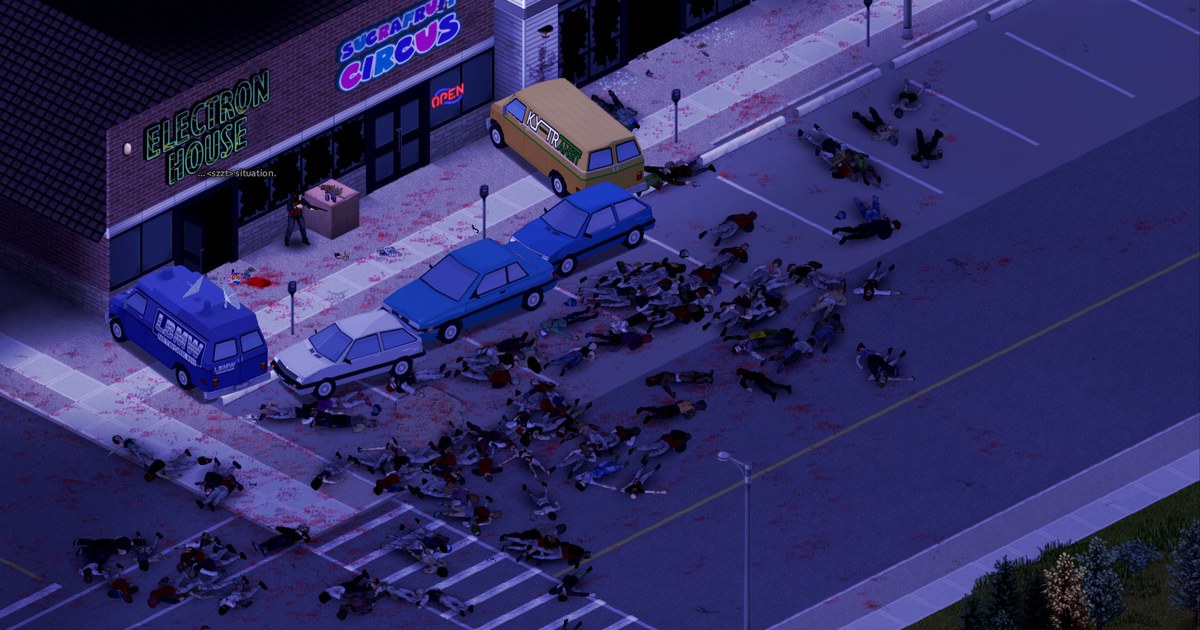
As its Steam page puts it, Project Zomboid asks one question, how will you die, and no matter how many hours you survive, a single bite ends that character.
Death comes without warning, so there is rarely time to hit a save hotkey, and a buffer that keeps only the last few minutes tends to cut off the context of where you went and what cornered you.
This guide compares OBS, NVIDIA app, Xbox Game Bar, Medal and DOR for a game with long sessions like this one. Example moments worth recording are on the Project Zomboid game page, and how to send a recording to friends is covered in Save and Share Project Zomboid Survival Clips.
The verdict: record the session automatically, then trim
There is one rule for choosing Project Zomboid clipping software. You never know when a death or a horde will hit, so the whole session should already be recording without you pressing anything.
Instant replay style saving (replay buffer, Instant Replay) suits games with short, repeated fights, but in a game where one session runs for hours, missing the save moment means the scene is gone.
Build 42.20 reached the Stable branch on July 29, 2026, and as of November 29, 2026 the Stable branch is on version 42.22 while the game remains in Early Access on Steam. The longer your multiplayer sessions with friends run, the bigger this gap becomes.
That is why the right tool starts recording when the game launches and lets you cut any stretch straight from the recording. DOR is a free Windows app: when you launch Project Zomboid it detects the game, records the full session from launch to exit, and collects the recording in My Clips.
Medal also records from game start to close once Full Session Recording is turned on, so if you already use Medal, switching that setting on works too. For a closer look at how the two programs save footage, see Medal vs OBS for Clipping and Recording.
OBS is strong for streaming, NVIDIA app and Game Bar for short clips, and you can keep a full session with them by starting and stopping recording yourself.
Project Zomboid clipping software compared
| App | How it keeps Project Zomboid moments | Best for |
|---|---|---|
| OBS Studio | Start and stop recording yourself, or turn on and start the replay buffer in settings and save the last stretch with a hotkey | People who also stream or want to build their own scene layout |
| NVIDIA app | Save the last stretch with Instant Replay or record manually. Requires an NVIDIA graphics card | NVIDIA graphics card owners who mostly save short moments |
| Xbox Game Bar | Built into Windows, with background recording of the last stretch and manual recording. Maximum recording length is set under Captures in Windows settings | People who only save the odd moment without installing anything |
| Medal | Save the last stretch with the clip hotkey. With Full Session Recording on, it records from game start to close and the clip hotkey becomes a bookmark | People who post clips to the Medal community |
| DOR | Detects Project Zomboid on launch and records the whole session. Cut the moments you want in My Clips at 16:9, 9:16 or 1:1 and share with no watermark | People who want a free app that records on its own while it runs |
What to check before you choose
- Whether you want to keep death scenes without relying on a hotkey
- Whether one session runs for hours and you have enough storage
- Whether you want your voice and game sound together on multiplayer servers
- Whether you want to trim, combine and share in a single app after recording
- Whether you have separated the days you stream from the days you only need clips
How to clip a Project Zomboid death scene
- 1Install DOR and launch Project ZomboidInstall DOR, a free Windows app, and launch Project Zomboid. It detects the game and starts recording automatically. Solo or on a multiplayer server, there is no button to press, and recording begins the moment you pick a profession and lock the door of your first house.
- 2Pick a quality within the free rangeThe default is 1080p at 30fps, and you can choose 720p or 1080p at 30fps or 60fps for free. 1440p, 4K, 120fps and 144fps are DOR Pro. On supported NVIDIA graphics cards such as the RTX series, DOR records with NVENC hardware encoding. Tips for recording multi-hour sessions without stutter are in How to Record Long Gameplay Sessions From Start to Finish Without Stutter.
- 3Find the moment in My Clips after the sessionRecordings collect in the app's My Clips. Find the stretch you want to keep, such as the moment your character got bitten, the horde a helicopter event pulled in, or the night you held a boarded up house, and cut it with some room before and after.
- 4Include the context before the deathRather than cutting only the bite, include a few dozen seconds of where you went and what cornered you so viewers understand the situation right away. Pick 9:16 for Shorts, or 16:9 for an original to send friends.
- 5Combine several moments and shareIn DOR Studio (dor.gg/studio) you can join several moments into one survival story and add text, BGM and effect templates such as shake zoom. Export as mp4 or share a dor.gg link, with no watermark added.
DOR records your whole Project Zomboid session on its own
DOR is a free Windows game recording app. When you launch Project Zomboid it detects the game automatically, records the full session from launch to exit, and collects the recording in My Clips.
Cut the moments you want in the app at 16:9, 9:16 or 1:1, then in DOR Studio combine several moments, add effect templates, text and BGM, adjust volume, and export as mp4 or share a dor.gg link. Audio captures game sound and your mic on one track, and the results carry no watermark.
In a game where you never know when you will die, recording that only needs the app running is the least hassle.