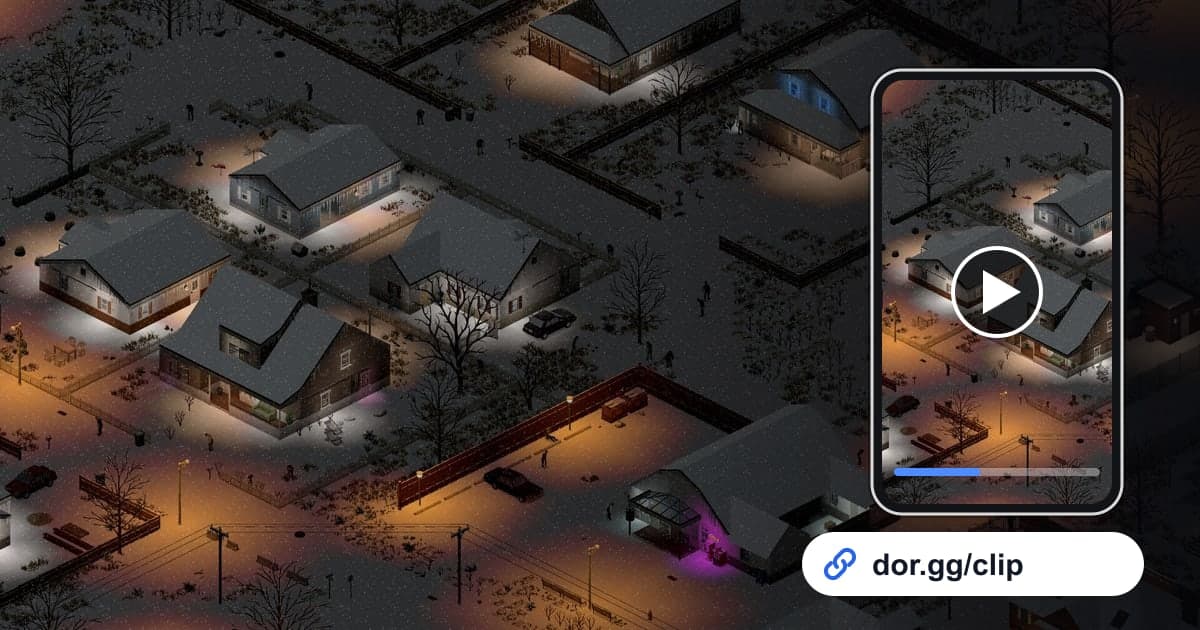
When your character dies in Project Zomboid, that character is gone for good. How a survivor who lasted dozens of days finally fell, or how you slipped through a horde, cannot be seen again unless you kept it on video. This guide covers one method only: record Project Zomboid with DOR, cut those scenes out, and send them to friends as a dor.gg link. Zomboid is a long survival game of looting, building and crafting, so a single session easily runs for hours of footage. This guide focuses on finding the key moments of a survival story inside that long video.
In short
Keep Project Zomboid running on a PC with DOR installed and the whole session becomes one mp4. If your character died, the last moments sit near the end of that session's recording, so scrub backward from there, trim from where the trouble began, and send the dor.gg link. If you worry about recordings not saving during a long run, check the disk space and save path steps in How to Fix Recordings Not Saving first.
Steps to send a Zomboid survival story
- 1Install DOR and start Project ZomboidInstall the free DOR app on your Windows PC and launch Project Zomboid; DOR detects it automatically and records. Everything until you close the game continues as one video, including time spent in the main menu.
- 2Find deaths from the end of the recordingIf you quit right after your character dies, the last moments sit near the end of that session's file. Jump to the end, then scrub backward from the death screen to where the trouble started, and you never need to watch hours from the beginning.
- 3Note the time for moments you survivedSurvival moments, like losing a horde or breaking out by car, get buried mid-recording. Jot down the PC clock time on your phone right after you make it out so you can jump there later. Stretches of sped-up game time race by on screen, which makes them easy markers when skipping.
- 4Cut from the start of the crisis to the outcomeSet the start and end with the library trim tool. For a death, keep 1 to 3 minutes from when things went wrong so viewers see why. For a car breakout, run from departure to stopping somewhere safe. Since the positions of nearby zombies matter, 16:9 suits most of these clips.
- 5Send the link to your server matesWhen the trim finishes you get a dor.gg link. Paste it into your co-op server chat, and teammates who were not online can see right in their browser how the survivor met their end.
- 6Make a survival journal in StudioTo weave everything from the first loot run to the finished base and the final moments into one journal, merge the videos in DOR Studio in your browser, add text for days survived or locations, lay background music under it, and share it as a link or download it as an mp4.
Zomboid scenes worth keeping, by survival situation
| Survival situation | Clue in the recording | Who to watch it with |
|---|---|---|
| The final moments | The very end of that session's recording | The server mates who survived alongside you |
| Horde escape | The stretch where zombies suddenly start crowding the screen | The friend who helped plan the escape route |
| A night of base defense | Boarding up windows and holding the door | The co-op members who built the base with you |
| Car breakout | Starting the engine and plowing through the infected | The friend who spent ages hunting for a car |
| First big loot run | Entering a large building and clearing out supplies | Server mates eyeing the same area |
| Daily life of a long-lived survivor | Touring your base between stretches of sped-up game time | Friends curious about your survival record |
Check before sending
- At least 20GB of free disk space (below that, recording stops automatically)
- The death clip includes the moment that caused the collapse
- No long, dull stretch of sped-up game time left in
- No private conversations from other people in co-op server chat or voice
- Exported in 16:9 so the size of the horde is visible
- Clips from different days are in the right order when merged
What DOR does in Project Zomboid
DOR is a free Windows desktop app, and Project Zomboid has been supported with full-session recording since the October 2026 app update. Launch the game and DOR detects it automatically, saving everything until you quit as one mp4 without splitting it into rounds. There are no automatic highlights that pick out deaths or escapes, so you pull scenes out yourself with the library trim tool. You can switch this game's recording on or off in the Full Session Recording group in settings, and turning it off shows a confirmation prompt. Recording stops automatically when free space drops below 20GB. For landing an exact point such as the seconds before a death, see How to Trim Game Clips, and for weaving several days of survival into one video, see How to Merge Game Clips.