You load into PUBG and your aim feels wrong, or you clearly saved your settings yesterday and they are back to defaults today. Most of these sensitivity bugs come down to a short list of causes: the difference between lobby and in-game sensitivity, a config file that fails to save, environments like PC cafes where local files do not persist, and resets after a patch. This guide is troubleshooting only — it fixes why your sensitivity keeps changing on its own. If you want to rebuild your numbers from scratch instead, start with our PUBG sensitivity guide.
Symptoms, likely causes, and fixes
| Symptom | Likely cause | Fix |
|---|---|---|
| Mouse feels different only in the lobby | The lobby pointer follows Windows mouse settings (confirmed in official docs) | Adjust in-game sensitivity under ESC, Settings, Control, Mouse |
| Sensitivity resets on every restart | GameUserSettings.ini is not saving, commonly linked to a read-only attribute | Clear the read-only attribute; recreate the file if it persists |
| Settings wipe only at the PC cafe | Cafe management software rolls back local files on reboot | Write your values down and reapply them each visit |
| Sensitivity changed after an update | Patches are reported to occasionally restore defaults | Re-enter your values and verify with a measured cm/360 |
| Numbers unchanged but aim feels off | Factors outside the game, such as a switched DPI profile | Lock your DPI and re-measure cm/360 under the same conditions |
Identify your symptom first
The same "sensitivity bug" can have completely different causes depending on the symptom. If your mouse only feels off in the lobby, it is probably not a bug at all: PUBG's official support docs state that the lobby pointer follows your Windows mouse settings, while in-game sensitivity is adjusted separately under ESC, Settings, Control, Mouse. If your values revert every time you relaunch the game, you are looking at a config save problem. If it only happens at a PC cafe, the cafe's management software is rolling back local files on reboot. Find your symptom in the table below and jump straight to the matching fix. More PUBG troubleshooting guides live in our PUBG hub.
Fixing sensitivity that will not stick
- 1Separate lobby from in-game sensitivity — If the mouse only feels wrong in the lobby, nothing is broken. Official support docs state the lobby pointer follows Windows mouse settings, while match sensitivity is set under ESC, Settings, Control, Mouse. Open that menu first and check whether your values actually changed.
- 2Clear the config file's read-only attribute — Sensitivity is known to be stored in GameUserSettings.ini inside the TslGame\Saved\Config\WindowsNoEditor folder — press Windows+R and type %localappdata% to reach it. If the file is marked read-only, changes cannot be saved; right-click it, open Properties, and untick Read-only.
- 3Verify game files on Steam — If corruption seems likely, right-click PUBG in your Steam library, open Properties, go to Installed Files, and run the integrity check. This is the baseline procedure PUBG's official troubleshooting guide recommends.
- 4Back up, then recreate the config file — If resets continue, copy GameUserSettings.ini somewhere safe, delete the original, and launch the game. The file is known to be rebuilt with default values, after which you re-enter your sensitivity and confirm it now survives a restart.
- 5At a PC cafe, carry your numbers with you — Most cafes run management software that rolls local files back on reboot, so the config rarely survives your session. Keep your general, ADS, and per-scope values in a phone note and reapply them when you sit down; some cafes also offer a settings-persistence feature worth asking about.
Keep it from happening again
- A backup copy of a healthy GameUserSettings.ini is stored in cloud storage or on a USB stick
- Mouse software DPI stages and profile-switch buttons are locked down
- cm/360 was measured and noted in the training ground on the day sensitivity changed
- Sensitivity values are re-checked in the settings screen right after every patch
- General, ADS, and per-scope values are written down for PC cafe sessions
Verify the fix in a real fight
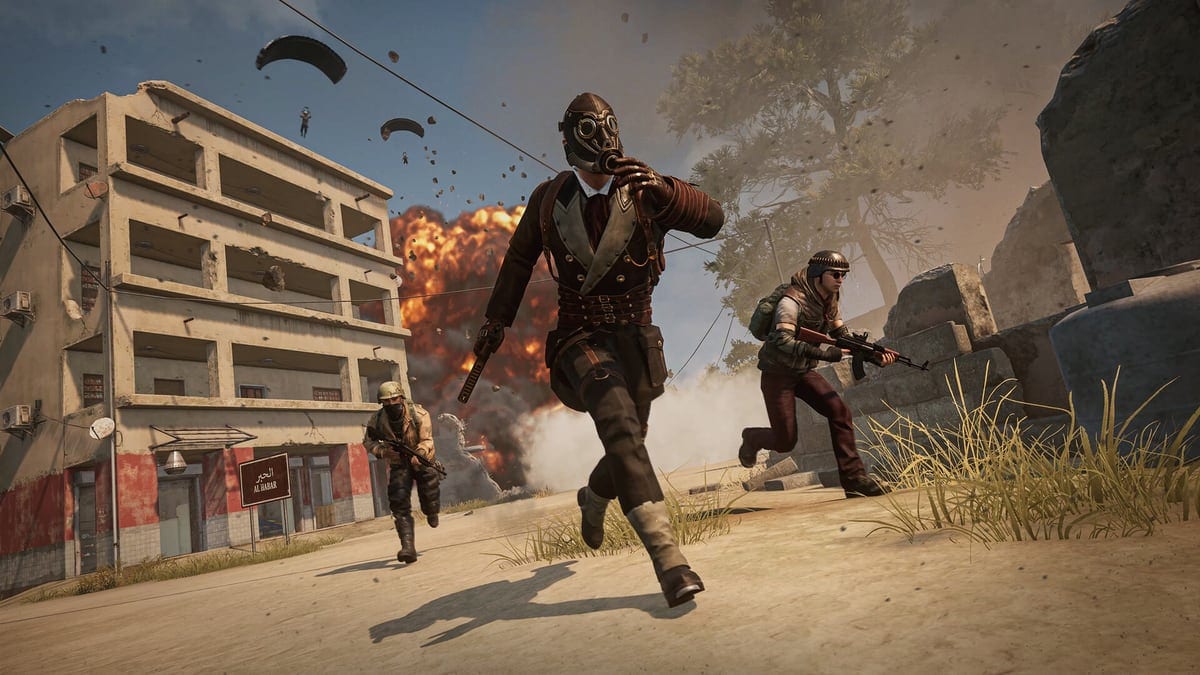
Once the bug is fixed, the last step is not "does it feel the same" but "do I hit like before". DOR is a free Windows desktop app that detects PUBG automatically, records your full matches, and saves highlight moments like kills as clips on its own — so you can compare your aim before and after the fix side by side. NVENC GPU encoding is the default, keeping the load light while you play. Trim clips in the browser-based editor and share them with a dor.gg link, which also plays right in a phone browser.
Official sources
The lobby vs in-game sensitivity split is documented in PUBG's official support article, and the Steam file verification steps plus the local data folder (TslGame under %localappdata%) appear in the official troubleshooting guide. The exact config file path and the recreate-the-file fix are widely used community solutions; official docs do not guarantee every detail.