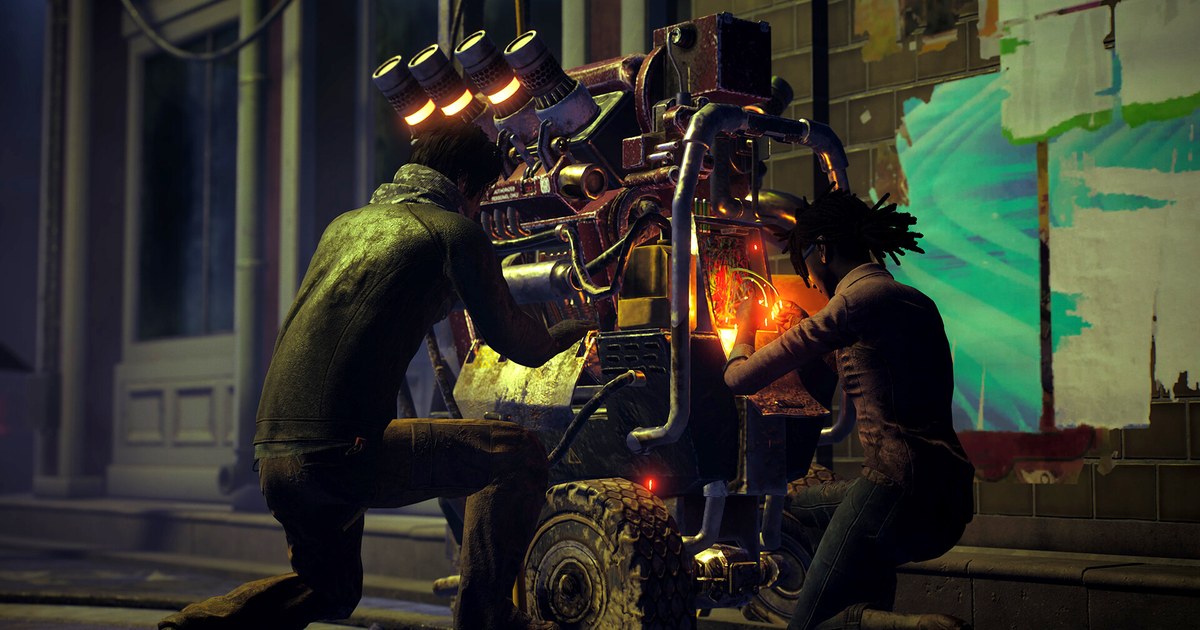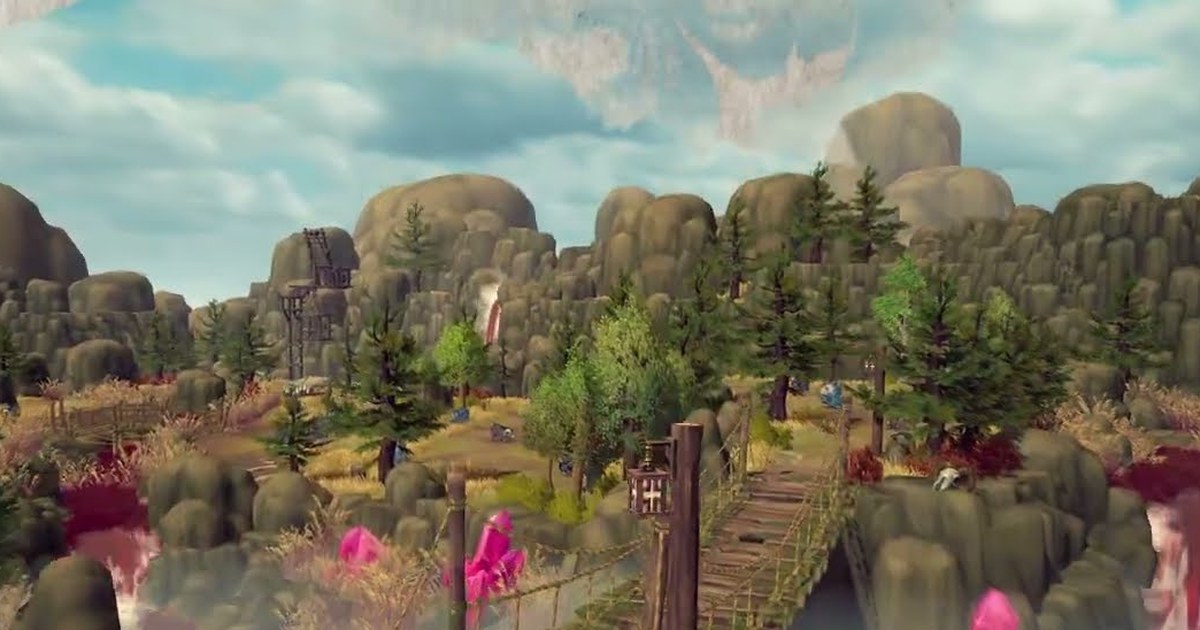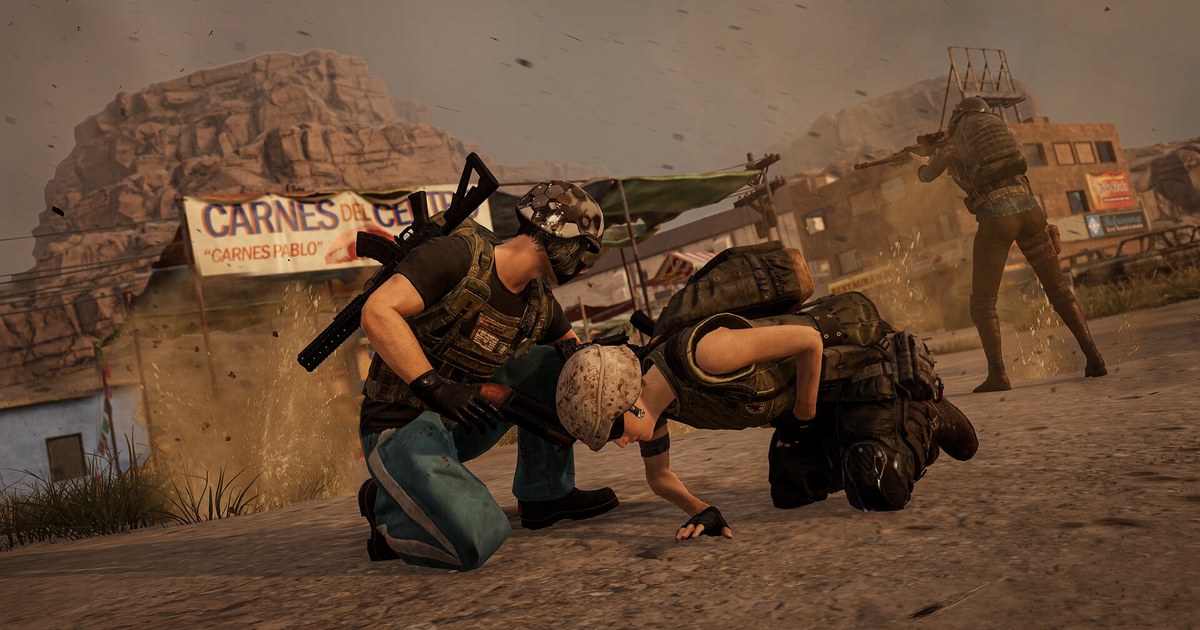
PUBG: BATTLEGROUNDS has had a dedicated Training Mode since 2018. It runs on Camp Jackal, a 2 km by 2 km map built only for practice, with shooting ranges, a vehicle range, driving tracks, an Aim/Sound Lab and a 1v1 Arena in one place.
If you searched for how to get to training mode in PUBG, the short answer is the Training tab in the lobby, but the menu wording has shifted over the years and a lot of guides still describe features that no longer exist. This guide is written for the PC client as of November 10, 2026.
It covers the exact menu path, what each tool inside Training Mode does today, how Training Mode differs from Basic Training and the retired AI Training mode, and a recoil routine built around one gun and one distance.
Recoil is hard to judge while you are spraying, so the last part shows how to record your range sessions and line them up against real fights. For where Training Mode fits into a full improvement plan, see how to get better at PUBG.
PUBG: BATTLEGROUNDS has been free to play since January 12, 2022, and as of November 10, 2026 it is still a free download on Steam; only some features such as Ranked are reserved for the paid BATTLEGROUNDS PLUS upgrade. The PC minimum spec is 64-bit Windows 10, 8 GB of RAM, and 40 GB of free storage.
Training Mode vs Basic Training vs the old AI Training mode
The Training tab holds more than one mode, which is where most confusion starts. Basic Training is the tutorial for new players. Update 42.2 (July 2026) rebuilt it into 17 chapters that cover movement, parachuting, shooting, the Blue Zone, healing, reviving and driving, and it takes about ten minutes.
An NPC partner coaches you by voice and radio messages, and each chapter gives a Clear Rank from B to S+. Training Mode is the opposite: no checklist, no timer pressure, just a map full of targets and a tool that spawns whatever you want to test.
That is where recoil, scope feel and vehicle handling get practiced. Many players also look for the AI Training Match. It arrived in Update 15.2 (January 2022) as a tutorial match against 99 bots on Erangel, and Update 28.1 (February 2024) removed it because few players used it.
If you want to fight something that shoots back today, replay the shooting chapters of Basic Training or step into the 1v1 Arena inside Training Mode.
One more note: Update 16.2 (March 2022) opened Training Mode to players who had completed only Basic Training, so if the mode looks locked on a new account, clear Basic Training first.
How to get to Training Mode and run a recoil drill
- 1Finish Basic Training on a new accountIf Training Mode will not open on a fresh account, clear Basic Training first. Since Update 16.2 (March 2022), accounts that completed Basic Training can enter Training Mode. You reach it through Play, then Training, then Basic Training, and the revamped version takes about ten minutes. Veteran accounts can skip this step.
- 2Open the Training tab and pick Training ModeIn the lobby, open Play, switch to the Training tab and choose Training Mode. Tab labels shift a little between client updates, but Training Mode and Basic Training sit in the same Training group. If your clan is level 3 or higher, any member can also start a private Clan Training session from the Clan page, with room for 32 players for one hour.
- 3Spawn your real loadoutUse the Spawn Tool to pull out the rifle you actually carry in matches. It arrives with recommended attachments, so swap any grip or stock that differs from your usual setup, then save it as a gear set. If you play with magnified scopes, confirm your per scope sensitivity now; the PUBG scope sensitivity calculator walks through it.
- 4Spray one distance, one target, many timesPick a single distance on the range and empty full magazines into the same target. Infinite ammo means a reload is all you need between sprays. Spend the first few just watching how far the shots climb, then adjust how hard you pull down. Change only one attachment at a time so you know which part made the difference. If you are not sure your base sensitivity suits you, the one minute PUBG sensitivity test runs in a browser.
- 5Record the drill and compare it with real fightsRecoil that looks clean on the range often falls apart in a match. Put a spray from the start of your session, one from the end, and a real fight with the same gun side by side, and you will see where your pull down timing drifts. Pair that with your Training Record scores to judge whether a sensitivity change really helped.
What you can use in PUBG Training Mode (as of November 10, 2026)
| Feature | What it does | How to use it for recoil |
|---|---|---|
| Spawn Tool | Spawns weapons, attachments and gear on the spot. Guns come with recommended attachments already fitted (Update 31.2). | Rebuild your real match loadout in seconds before every drill. |
| Save/Load Gear Set | Saves the weapons and gear you are holding and loads them back later (Update 31.2). | Start every session with the same gun and scope so results stay comparable. |
| Infinite ammo | Reloading refills your ammo. It also works in Aim training but not in the 1v1 Arena (Update 31.2). | Empty full magazines again and again without hunting for ammo. |
| Shooting ranges and vehicle range | Targets at set distances, human and vehicle shaped targets, and targets moving at vehicle speed (Update 16.2). | Read your spray pattern on still targets, then practice leading moving ones. |
| Aim/Sound Lab | A private area entered from one of three helipads. Each session lasts one minute (Update 16.2). | Run short sessions back to back and watch score and accuracy move. |
| Training Record | Saves up to 100 Aim and 100 Sound results and shows your best within the last 10, 50 or 100 (Update 24.2). | Use the same session daily as a baseline after any sensitivity change. |
| 1v1 Arena | Duel another player inside Training Mode (Update 17.2). In February 2025 it also ran as a limited time Arcade mode for about two weeks. | Check that your recoil control holds up against a moving human. |
Before you load into Training Mode
- On a new account, make sure Basic Training is complete. It is the first thing to check when Training Mode looks locked.
- Pick one gun to practice. Your most used rifle keeps video comparisons simple.
- Match attachments and scope to your real loadout and save them as a gear set for next time.
- Aim/Sound Lab sessions last one minute, so decide how many you will run and track the best of your last 10 in Training Record.
- If you use DOR, check that PUBG recording is turned on in the app so each session lands in My Clips.
Record range sessions and real fights with DOR
DOR is a free Windows game recorder. It detects PUBG when you launch it and starts recording when you join a server, so whole sessions are saved without pressing anything.
Training Mode is also a server session, so your range work is recorded the same way, and every recording lands in My Clips in the app.
In real matches, DOR also sorts kill, knock and death moments into automatic clips once the match ends, which makes it easy to pull a fight with the same rifle you drilled.
Trim the parts you want to compare in the app at 16:9, 9:16 or 1:1, then open DOR Studio (dor.gg/studio) to merge the two videos, add labels such as Range and Match, and export an mp4 or share a dor.gg link with your squad. The PUBG recording guide covers full match capture, and how to make PUBG Shorts shows how to turn a clean spray into a vertical clip.