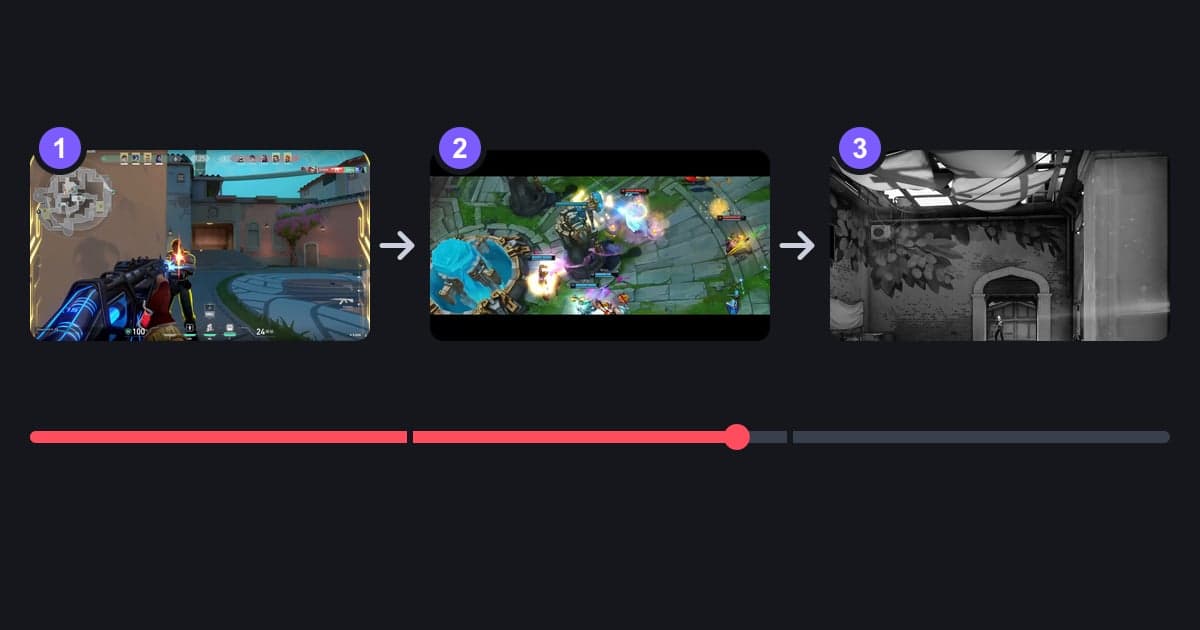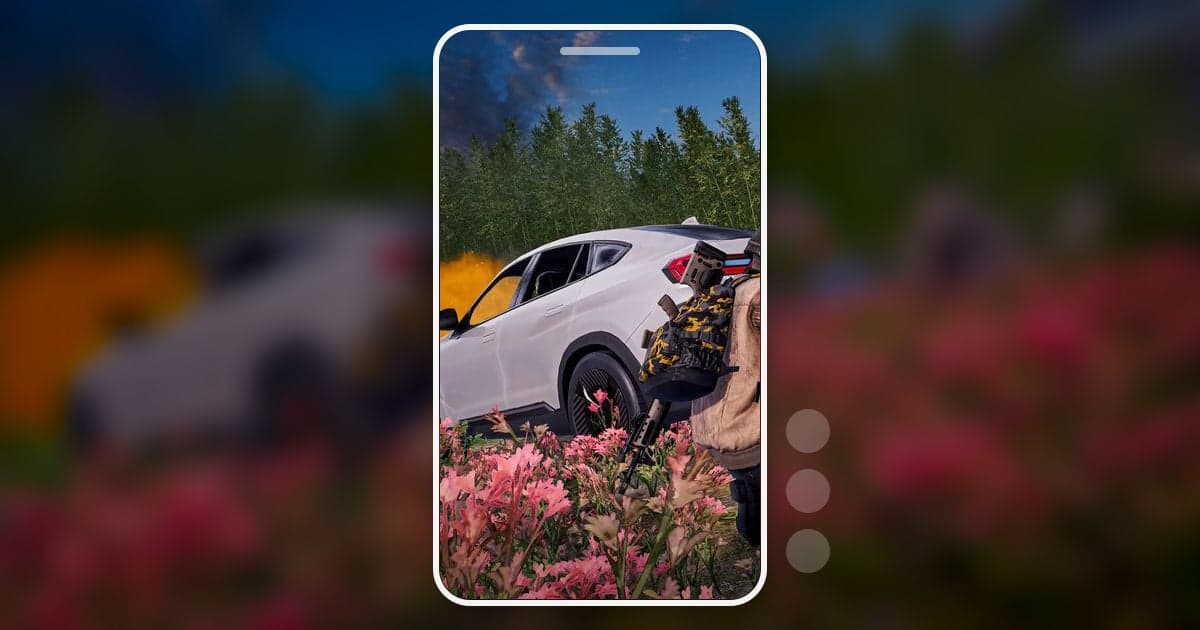
A PUBG Short is not a shortened match; it is one moment moved into a vertical frame. Pick a single moment whose result shows on screen, such as a long-range knock, a fight from a moving vehicle, a chicken dinner in the final circle, or a car flipping down a hill, and cut it to 9:16 from just before the first shot to the instant the result is confirmed. Cropping a 1920×1080 frame to vertical keeps about 608 of its 1,920 pixels, roughly 32% of the width, so moments where the action sits at the crosshair in the middle of the screen hold up well after the move. This guide covers only the PUBG-specific parts: picking moments, dealing with the minimap, kill feed and ammo HUD, and the difference between first- and third-person. The general mechanics of a 9:16 crop are in how to make a vertical 9:16 game video.
Decide first: cut Shorts from your own recording, use replays only for a different angle
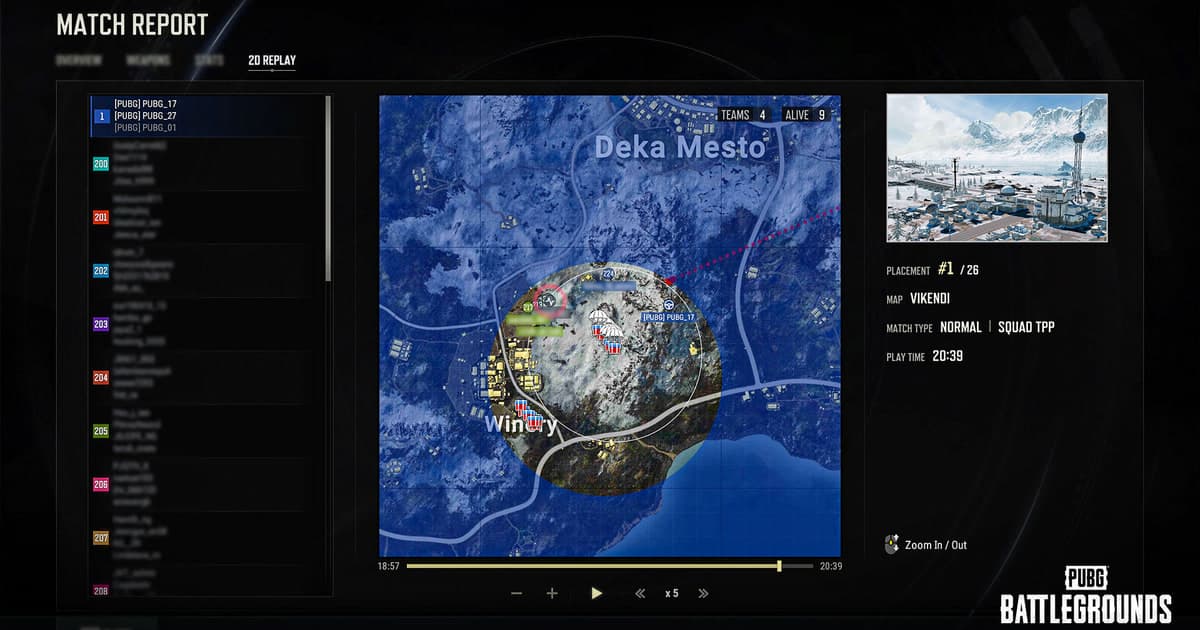
Pulling Shorts from footage you recorded while playing takes less work. An in-game replay is not a video file but a record the game plays back, so to use it in a Short you have to screen-record the replay while it plays. PUBG's PC Update 11.2 patch notes (2021) also stated that replay files from previous updates could no longer be used, so once an update lands you may not be able to reopen the match you wanted. Reach for a replay when you truly need an angle your own screen never showed, such as another player's view. How the replay menu works and where its limits are is covered in how to watch PUBG death cam and replays.
Making a PUBG Short, step by step
- 1Pick one moment with a visible resultSettle on one moment per match. The test is whether the result shows on screen: a knock or kill notice, a vehicle exploding, the victory screen. Moments like these make sense even with the sound off. Long looting runs or rotating with the zone, by contrast, leave a Shorts viewer with nothing to look at. If several moments are worth keeping, split them into separate Shorts.
- 2Get the footage: recording, auto clip or replayIf you already use a recording program, start from that match's recording. With DOR, PUBG kills, knockouts and deaths pile up in the library as automatic clips, so you open the matching clip directly; moments that are not events, like the victory screen, are found in the same match's full recording. If you did not record the match, the remaining route is to play the in-game replay and screen-record it, and after an update you may not be able to open that match at all.
- 3Start just before the shot, end right after the resultSet the start 1 to 2 seconds before the first shot or before the car pulls away so the situation is clear, and set the end just after the knock or kill notice or the victory screen appears. If looting footage trails after the result, viewers tend to swipe away before the end. On YouTube, how a Short with an active copyright claim is handled depends on its length, and the rule for Shorts over one minute changed on September 24, 2026, so if you plan to use someone else's music, keep it under one minute or check the current terms in YouTube Help before posting.
- 4Crop to 9:16 and check which HUD elements are goneCropping around the center keeps only the middle 32% or so: on a 1080p frame, roughly pixels 656 to 1264 across. On the default HUD, the crosshair and the health and ammo readouts at the bottom center mostly stay, while the minimap at the bottom right and the players-alive count and kill feed at the top right are cut. Even in an editor that lets you slide the crop sideways, a frame about 608 pixels wide cannot easily hold both the center crosshair and the bottom-right minimap on the default HUD, so pick one. If the lost information is the point of the moment (two players left, the last member of a squad), put it back as text; if it is not, leaving it out keeps the frame clean.
- 5Re-check the moment for first- or third-personFirst-person (FPP) centers your view on the crosshair, which suits a center crop. Third-person (TPP) shows a wide view from behind your character, so in a vertical crop the character takes up a large part of the frame and an enemy you could see past cover may fall outside the sides. Aiming down sights (ADS) switches to the scope view even in third-person, so a third-person sniping clip that starts the moment you ADS crops much like first-person. Over-the-shoulder aiming in third-person, on the other hand, keeps the third-person camera, so your character still blocks part of the vertical frame.
- 6Polish with effects, text and sound, then exportAdd one zoom effect on the moment of the hit and put a short line of context near the top of the frame. Gunfire and footsteps carry half of a PUBG Short, so if you add background music, keep it quieter than the game sound. On YouTube, a video uploaded on or after October 15, 2024 that is vertical or square and 3 minutes or shorter is classified as a Short; for TikTok and Instagram Reels, check each platform's official help for its current rules. Play the exported mp4 on your phone once to make sure no text is cut off and the audio comes through.
- 7Check KRAFTON's guideline before postingIn KRAFTON's Content Creation Guideline for PUBG: BATTLEGROUNDS (effective February 16, 2024), three clauses are easy to trip over right before you post a Short: do not use the game's IP in a way that could be mistaken for official content, do not use it to promote another company's game (sponsored ads included), and get permission yourself for third-party material such as music. Avoid titles or thumbnails styled to look like an official PUBG video, and do not attach another game's ad to your PUBG footage. The rules on revenue and paid access are covered in the questions below.
PUBG moments that work as Shorts: crop points and text to add back
| Moment | What to watch when cropping to 9:16 | Text to add back on the vertical frame |
|---|---|---|
| Long-range sniper knock or kill | The scope view sits in the center, so little is lost in the crop; keep going until the knock or kill notice appears | A weapon name or a line like 'long-range knock' is enough; the scope view stays in the frame and shows the rest |
| Vehicle fight | Fast sideways movement pushes enemies out of a narrow frame; keep only the stretch where the target is near the center, and keep the 16:9 original too | With the sides cut, it may be unclear who was in the vehicle, so describe it, e.g. 'kill from a moving car' |
| Final-circle chicken dinner | Join the last kill and the victory screen into one video; with DOR, the victory screen is not an automatic clip, so cut it from the full-match recording | The players-alive count at the top right is cut, so write the number, e.g. '2 left' |
| Back-to-back knocks (squad wipe) | With several knocks in a row, cut the gaps between them and join them into one video | The kill feed is cut, so nothing on screen shows how many went down; write the count, e.g. '3 knocks solo' |
| Funny accident (rollover, fall, grenade mistake) | The joke needs the setup, so leave extra time before the accident | Write one line that does not give away the ending; if the text announces the accident first, the joke loses its punch |
| Third-person fight around cover | Your character can cover much of the vertical frame and hide the enemy, so play it back before exporting | If the enemy was outside the crop for part of the clip, note where briefly, e.g. 'behind the rock on the right' |
Before you post a PUBG Short
- Each Short holds one moment, and its result (knock, kill or win) is inside the video.
- The enemy and the crosshair stay visible inside the vertical frame from start to finish.
- Any cropped kill feed or players-alive information that matters has been added back as text.
- Gunfire and footsteps are not buried under the background music.
- A Short longer than one minute contains no music that could draw a copyright claim.
- The title and thumbnail do not look like official KRAFTON content and do not promote another game.
Collecting PUBG footage and making it vertical with DOR
DOR is a free Windows desktop app that detects PUBG: BATTLEGROUNDS when you launch it and records the full match as an mp4. With an NVIDIA graphics card, NVENC hardware encoding is the default, and game sound and your microphone are recorded together. In PUBG, kills, knockouts and deaths are also saved to the library as separate automatic clips, so for a long-range knock or a vehicle-fight kill you can open that clip directly, while moments that are not events, like the victory screen or an accident you survived, are cut from the full-match recording or saved with the clip hotkey during play. In the library's Trim Section tool, set a start and an end and choose 9:16 as the output ratio to get a vertical video, then share it as a dor.gg link that plays in a phone browser. Trim Section adds text only at 1:1, so to put a line such as '300 m knock' on a 9:16 frame, move to DOR Studio in the browser (dor.gg/studio, no install). Studio handles the 9:16 ratio, merging several knockout clips, effect templates such as Punch Zoom and Shake Zoom, text, background music and volume on one screen, then downloads an mp4 or shares a link. Videos must be at least 3 seconds long and no larger than 500 MB, and each project has a limit on how many videos it can hold. For music, see copyright-safe free background music for game videos, and for the first three seconds, see the pattern behind viral gaming Shorts.
 #PUBG: Battlegrounds