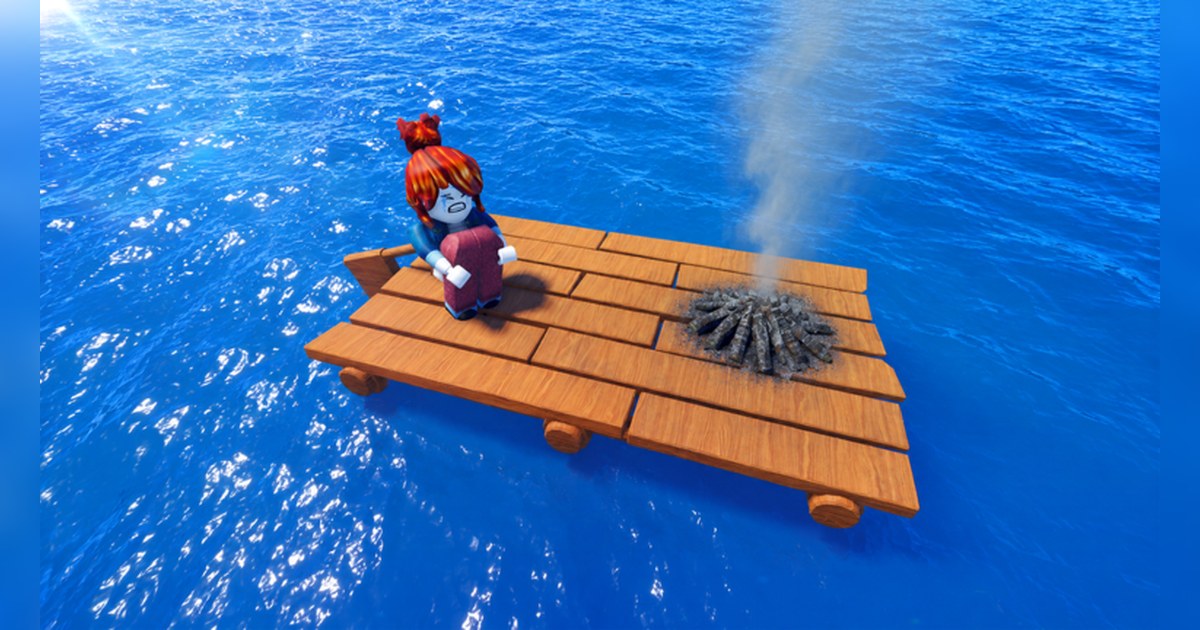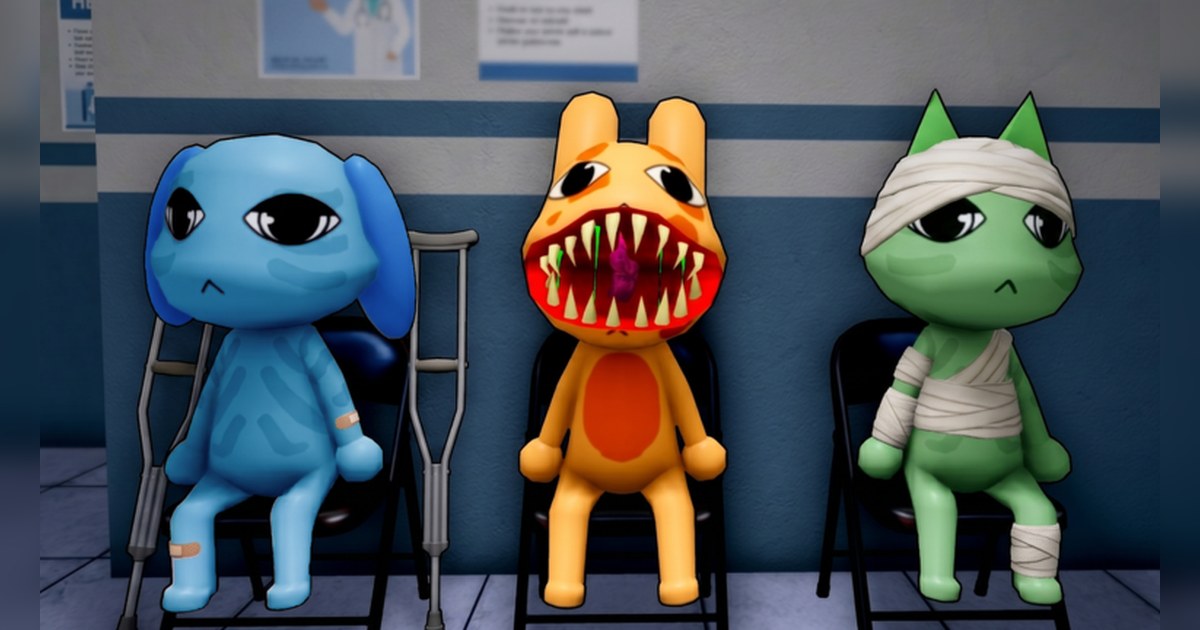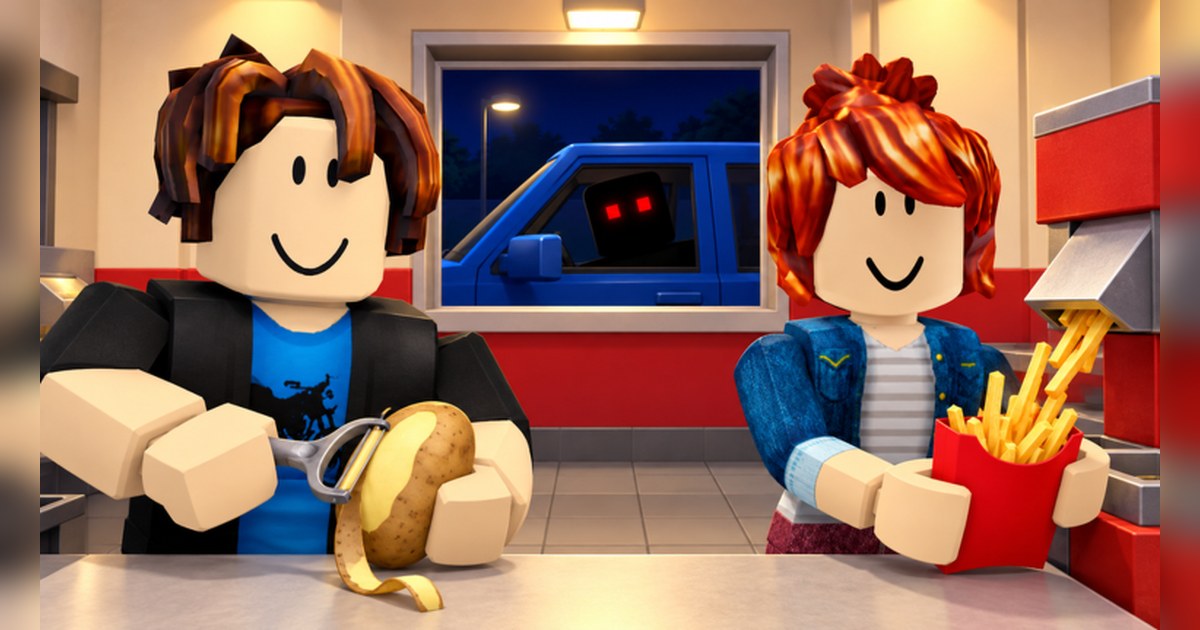
Sell Fries is the Roblox experience listed as Sell Fries! with CH2 at the front of its name and Anomaly at the end. If you searched for Sell Fries Anomaly, this is the same game: the word is part of the title, and the official page does not spell out what it means.
It comes from Pharting, a verified Roblox group, and was created on September 21, 2026 in the Survival genre. The official description is short enough to read in one breath: collect potatoes from the pile, make fries, serve customers, upgrade your kitchen.
Then comes one more line: but be careful when night falls. Read only the first four and you would expect a relaxed shop game. The last one is what fits the Survival label and the fear note on its Roblox content rating.
As of November 4, 2026, official Roblox data showed more than 20,000 people playing, about 98 million visits, roughly 220,000 favorites and a like ratio near 85%, with the experience 35th on the global Top Playing Now chart.
Chapters are worth a look too: as of November 4 the name carries CH2, and a Win Chapter 2 badge was created on November 1. This guide uses only what the official experience page, badge statistics and game pass list confirm.
Chapter clear conditions are not published there, so nothing here guesses at them, and fan site code lists and walkthrough details are left out.
The short version: four jobs, one warning, and badges for your goals
Three things cover most of what the official sources can tell you. First, the jobs. You collect potatoes from the pile, make fries, serve customers and upgrade your kitchen.
Those are simply the four lines of the description, not a published rule about order, but they are the natural place to start on a first visit. Second, the night. The description says to be careful when night falls and stops there, so what happens is left for you to find out.
Roblox lists the experience as Minimal maturity with occasional, mild fear, so it is labeled as a light scare and not as heavy horror. Third, the goals. The description names none, which makes the badges the best official guide.
There are four as of November 4: Welcome! at 100%, Win Chapter 1 at 8.5%, Win Chapter 2 at 5.0% and Hard Mode at 0.3%. Those percentages come straight from Roblox badge statistics and are not a difficulty rating.
Win Chapter 2 was only created on November 1, so expect its number to move. The Hard Mode badge description is just "Beat hard mode." and it does not say which chapter it belongs to.
If your frame rate dips, the night scenes you save will stutter as well, so it is worth running through our Roblox FPS boost settings before a long session.
How to start Sell Fries, in order
- 1Find the real one by its creatorSearch Sell Fries on Roblox. On November 4 the top result was this experience from Pharting, which carries a verified badge. The same results showed similar names from other creators, such as Sell Popcorn, Sell Junk and Cook And Sell Burgers, so check the creator line before you join.
- 2Join on PC and get friends onto the same serverA server holds up to 18 players. To land in the same server as a friend, open their profile once they are in and use Join Experience (the button only appears if they allow others to join them). If Roblox closes the moment you join, start with fixing Roblox crashes on PC.
- 3Collect potatoes and make friesThese are the first two lines of the description: take potatoes from the pile, then turn them into fries. The official page does not explain the controls or how many you need, so spend your first few minutes learning where things are in the kitchen.
- 4Serve customers and upgrade the kitchenYour fries go to customers, and the fourth line tells you to upgrade your kitchen. Which upgrade to buy first is not published, so try them one at a time and see what changes. The game pass list has two items, Golden Vacuum (Permanent) and 2x Gems.
- 5Stay alert when night fallsThis is the only moment the description warns about. It does not say what is coming, so when night starts, keep your eyes on the screen and your sound on. Your first night is also the footage you are most likely to want back later.
- 6Track your progress with badgesThe Badges section of the experience page lists Win Chapter 1, Win Chapter 2 and Hard Mode, and anything you earn shows up in the Badges category of your Roblox inventory. Treat those three as your checklist when you decide what to go for next.
What the official sources confirm, and what is worth keeping on video
| Element | Confirmed by official sources (Nov 4) | Worth keeping on video |
|---|---|---|
| Potatoes | Description line one: collect potatoes from the pile. | Your first trip to the pile, while everything is new. |
| Fries and customers | Description lines two and three: make fries and serve customers. | The first customer you serve. |
| Kitchen upgrades | Description line four: upgrade your kitchen. Game passes listed: Golden Vacuum (Permanent) and 2x Gems. | The kitchen before and after a big upgrade. |
| Night | The description warns you to be careful. Genre Survival, label Fear (Occasional/Mild). | From just before night falls through the whole stretch. |
| Win Chapter 1 | Created October 12, 8.5% in badge stats, awarded about 2.59 million times. | The last stretch of the chapter and the finish. |
| Win Chapter 2 | Created November 1, 5.0% in badge stats, awarded about 100,000 times. | Your first clear, reaction included. |
| Hard Mode | Badge text reads "Beat hard mode." 0.3% in badge stats, awarded about 150,000 times. | The whole attempt, from start to clear. |
| Server | Up to 18 players per server. | A friend in the same server jumping at the same moment. |
Check these before you join
- The creator is Pharting and you are not in a similarly named experience.
- Your Roblox graphics quality suits your PC, so the night does not stutter.
- You know night is the part the official description warns about.
- You have picked a goal: Win Chapter 1, Win Chapter 2 or Hard Mode.
- DOR is running on your PC, and your mic is on if you want your reaction on the recording.
Keep your night scares and chapter clears on video with DOR
DOR is a free Windows PC app that detects Roblox and starts recording the moment you join an experience. When you leave Sell Fries, recording stops and what you played lands in My Clips as video, so you never have to guess when the scare or the chapter finish is coming.
Game sound and your microphone are captured together on one track, which keeps your shout in sync with the picture. Recording defaults to 1080p at 30fps, and 720p or 60fps can be picked in settings. Afterward, open My Clips, trim the night scene or the chapter finish, and choose 16:9, 9:16 or 1:1.
To put your Chapter 1 and Chapter 2 moments into one video, open DOR Studio (dor.gg/studio), join the clips, add effect templates such as Shake Zoom, Punch Zoom and Handheld or a Glitch transition, then set text, background music and volume before exporting an mp4 or sharing a dor.gg link, which is easy to drop into your Discord server.
Older full session videos are cleared only once they pass the space set aside for full play videos (5GB by default), and your latest recordings and liked videos stay. The sharing steps are in how to share Roblox gameplay videos, and cropping a landscape clip for Shorts is covered in making a vertical 9:16 game video.