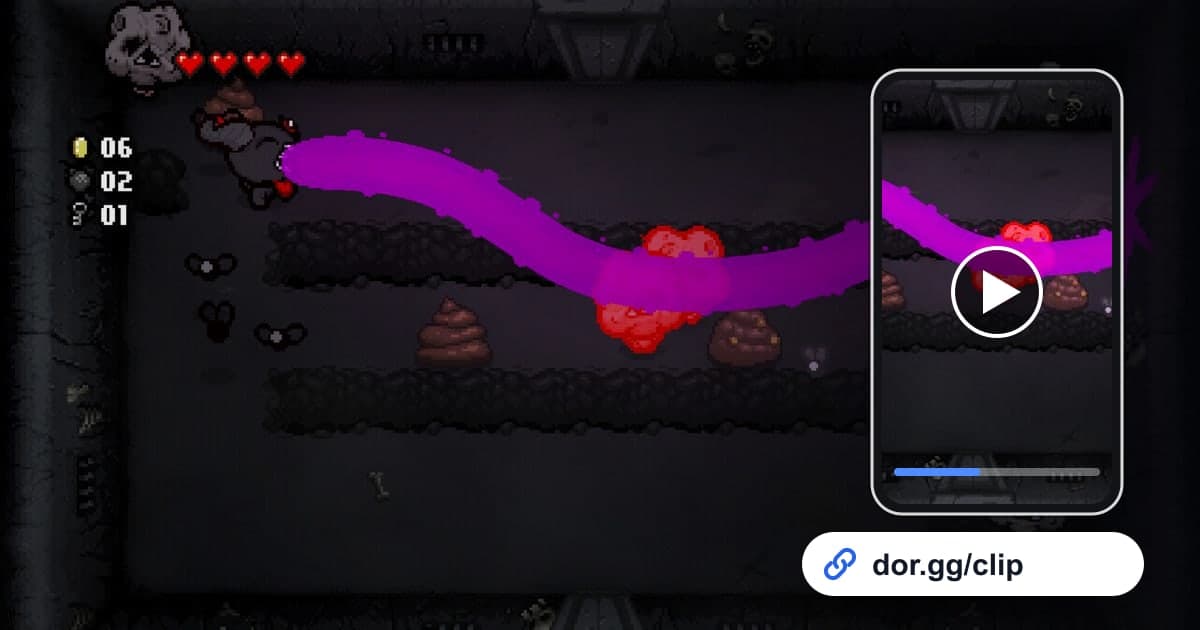
The Binding of Isaac: Rebirth is a roguelike action shooter where you fight your way down through randomly generated basements. With more than 450 items showing up differently every run, an experience like 'my items stacked so hard this time that tears covered the whole screen' only happens in that one run, and it rarely comes across in words. This guide lays out one method: record those runs with DOR, cut out only the decisive moments, and send them to a friend as a link.
Why Isaac recordings get long, and what to do
DOR does not split Isaac by run; it saves everything from launching the game to closing it as one recording. Isaac is the kind of game where you jump straight into the next run as soon as one ends, so an evening of play means several runs strung together in a single recording. The key is remembering which run and which floor, then cutting only that part. General points to know when recording games you bought on Steam are in how to record Steam games.
Five steps to send an Isaac run as a link
- 1Install DOR and launch IsaacDOR is a free desktop app for Windows. After installing it, launch The Binding of Isaac: Rebirth and DOR detects the game automatically and starts recording. Plug in a microphone and reactions like 'this is so broken' get recorded along with the game sound.
- 2Remember the floor where the good item showed upRooms keep changing and transitions are quick in Isaac, so spotting a specific moment by eye in a long recording is harder than you would think. The moment the run feels strong, note which run and which floor it is, and do it once more when you walk into the boss room.
- 3Close the game and find the moment in the libraryWhen you quit, launch to exit is saved as one mp4 in the DOR library. Play around the times you noted and use item pickups or boss room entrances as your landmarks.
- 4Keep the synergy moment with the trim toolIn the library's trim tool, set the start just before you grab the key item and the end where the room-clearing with that combo finishes. Showing off a synergy only makes sense if both the pickup and the payoff are in the clip. Pick 16:9 so the whole room is visible, and cut short reaction moments separately in 9:16 or 1:1.
- 5Bundle the moments and send a dor.gg linkIf you cut the synergy, the boss and the ending separately, merge them in DOR Studio in the browser with no install and add text for the floor and character. Paste the dor.gg link you end up with to your friend, and they can follow the run even in a phone browser.
Moments worth showing from an Isaac run
| Moment | What to cut | What to add when you send it |
|---|---|---|
| A broken item synergy coming together | From picking up the key item to clearing the next few rooms with it | Which items stacked |
| The item name popping up | The few seconds the item's name shows on screen after pickup | Whether it was your first time seeing it |
| Boss kill | From entering the boss room until the boss goes down | Which floor's boss it was |
| A narrow escape | One room survived on half a heart | How much health was left |
| Ending clear | From the last exchange with the final boss to the ending scene | Which character you cleared with |
| Local co-op run | Two players fighting on the same screen | Who played which character |
| A run that ended in disappointment | Going down while holding a strong combo | The punchline |
Checklist before sending the link
- The synergy clip includes both picking up the item and actually using it.
- I trimmed in 16:9 so the whole room is visible.
- The boss clip starts at the boss room entrance.
- The ending clip includes the final boss's last moments.
- I cut out the menu and character select screens between runs.
- I asked the person I played local co-op with whether sharing is okay.
- On days I play for a long time, I keep more than 20GB of disk space free.
How DOR records Isaac
DOR is a free Windows app that detects supported games when you launch them and records them on its own. The Binding of Isaac: Rebirth uses Full Session Recording, so launch to exit piles up in the library as one mp4, with no per-match highlights or automatic clips. Playing many runs in a row makes recordings long and fills your disk fast, and recording stops automatically when free space drops below 20GB. Ways to manage recording file size are in how to reduce game recording file size, and the flow for polishing trimmed moments into one video is in a 7-step workflow for editing game highlight videos. On NVIDIA graphics cards, NVENC hardware encoding is used by default.