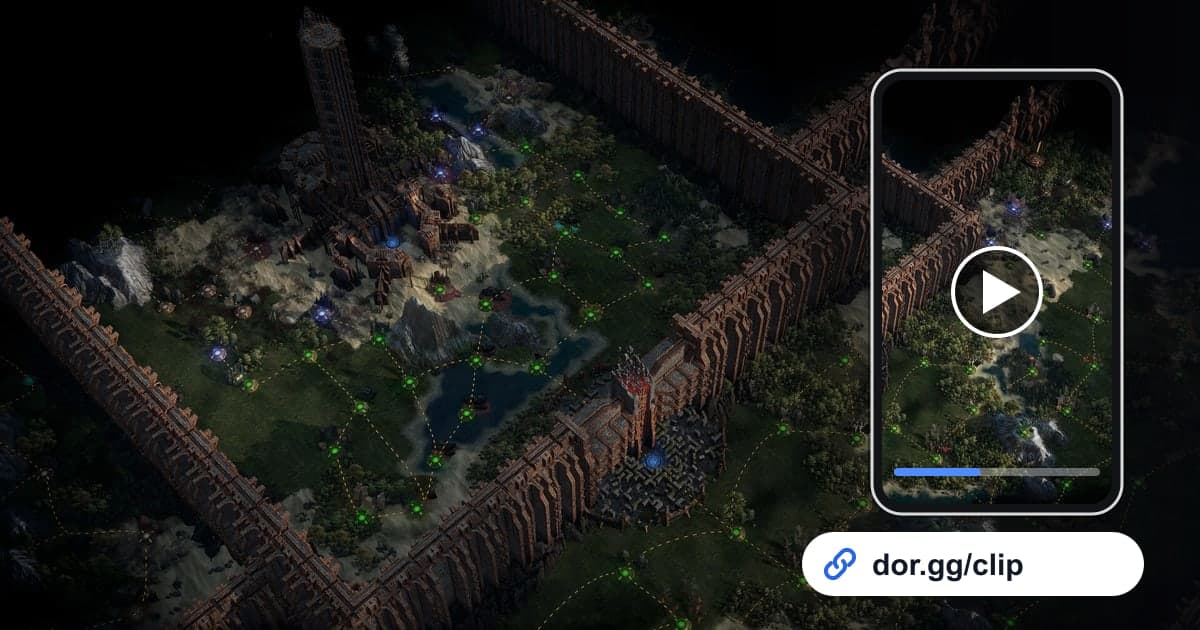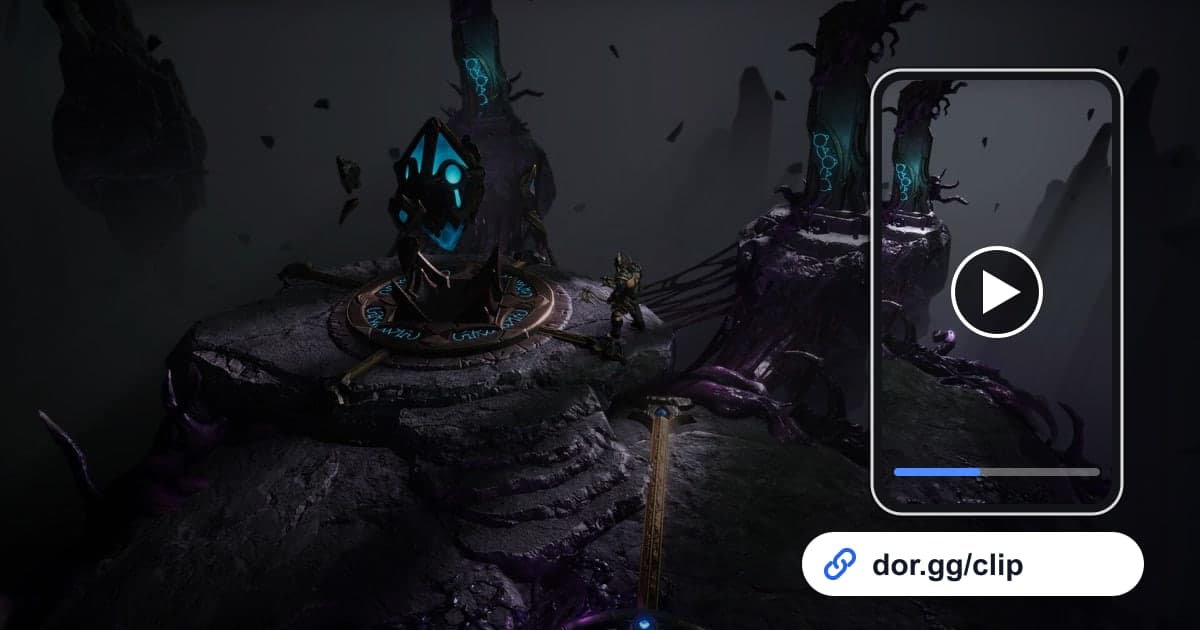
Last Epoch is the kind of game where you log in, bounce between the campaign, the Monolith of Fate, dungeons, and crafting, and suddenly hours have passed. Somewhere in there, the unique you have been chasing hits the floor, or the build you just re-specced through its skill trees wipes an entire pack in one cast. This guide covers one method only: record Last Epoch with DOR, find that moment inside a long farming session, trim it, and send it to friends as a dor.gg link. It also covers how to adjust clip length and context depending on who is watching, whether that is a friend theorycrafting with you, a regular party member, or someone who has not started the game yet.
In Last Epoch, the whole session is one video
DOR saves Last Epoch as a whole-session recording. Everything from launching the game to closing it lands in one video: sorting gear in town, traveling between eras, and running Monolith echoes back to back. DOR does not detect drops or boss kills to make separate clips, so you find each shareable moment in the recording and cut it out with trimming. The basics of picking start and end points are covered in how to trim game clips. If you regularly farm for three hours or more, check your free disk space first, because recording stops automatically once free space falls below 20GB.
From a farming session to a shareable drop clip
- 1Check disk space before a Monolith sessionOn days you chain echo after echo, the recording can run for hours and the file grows with it. Recording stops automatically when free space drops below 20GB, so delete older recordings you have already trimmed, such as last week's sessions, before you start.
- 2Launch Last Epoch with DOR runningDOR is a free Windows app that detects the game when it starts and begins recording. If you want your own voice talking to your party in the video, connect your microphone; game audio and mic are recorded into the same video.
- 3Note the time when a unique dropsWithout automatic clips, leaving yourself a clue is far faster. Instead of remembering which echo it was, write down the actual time from the taskbar clock, and you can narrow down the spot even in a recording several hours long.
- 4Use town returns and echo starts as landmarksWhen you open the session in the library and drag through the timeline, use scenes where the screen changes a lot as landmarks: returning to town, an echo starting, a boss appearing. Match them against your note and you will land within a few minutes of the drop almost immediately.
- 5Trim drops short and build showcases by packIn the library's trim tool, start a drop clip just before you pick up the item and end it when you check the tooltip. For a build showcase, cover one mob pack from the first cast to the last enemy. Builds with screen-filling effects read best in 16:9, while 9:16 or 1:1 suit friends watching on a phone. When the trim finishes, a dor.gg link is created.
- 6Add a one-line note for the person receiving itFor a friend who theorycrafts with you, the item name and the skill nodes you changed are enough. For someone who has never played, add one line naming your class and mastery when you paste the link into chat, and the moment will make much more sense.
What to save at each stage of a build
| Build stage | Moment to trim | Suggested length |
|---|---|---|
| Early campaign | Beating your first boss with a base class | 40 seconds to 1 minute |
| Right after picking a mastery | Using a new mastery skill for the first time | 20 to 30 seconds |
| After reworking a skill tree | A pack melting thanks to the nodes you changed | 15 to 30 seconds |
| Unique or set item drop | The item name appearing on the ground and you checking it | 10 to 20 seconds |
| Crafting | The result screen showing the affix you wanted | 10 to 15 seconds |
| Monolith of Fate | Killing an echo boss and the loot pouring out | 1 to 2 minutes |
| Party co-op | Finishing a boss fight after a close call with friends | About 1 minute |
Before sending a build or loot clip
- I confirmed the drive has comfortably more than 20GB free before a long farming run.
- I wrote down roughly when the unique dropped.
- The drop clip includes picking up the item and checking its tooltip.
- The build showcase starts with the pack gathered, before the first skill goes off.
- I chose the aspect ratio based on whether the viewer will use a phone or a PC.
- I opened the link once to confirm the video and sound play correctly.
How DOR records Last Epoch
DOR is a free Windows desktop app. Since an app update in October 2026, Last Epoch is a supported game: DOR detects it on launch and records the entire session as a single mp4 until you close it. You can turn this on or off per game in the whole-session recording section of settings, and PCs with an NVIDIA graphics card use NVENC hardware encoding by default. Trim a section in the app library to create a dor.gg link, and whoever receives it watches in a browser with no install. To combine several drops and boss fights into a single build video, use DOR Studio in your browser to merge videos and add text and background music; merging game clips explains how to order the scenes. For how much space multi-hour recordings take and general ways to manage it, see reducing game recording file size.