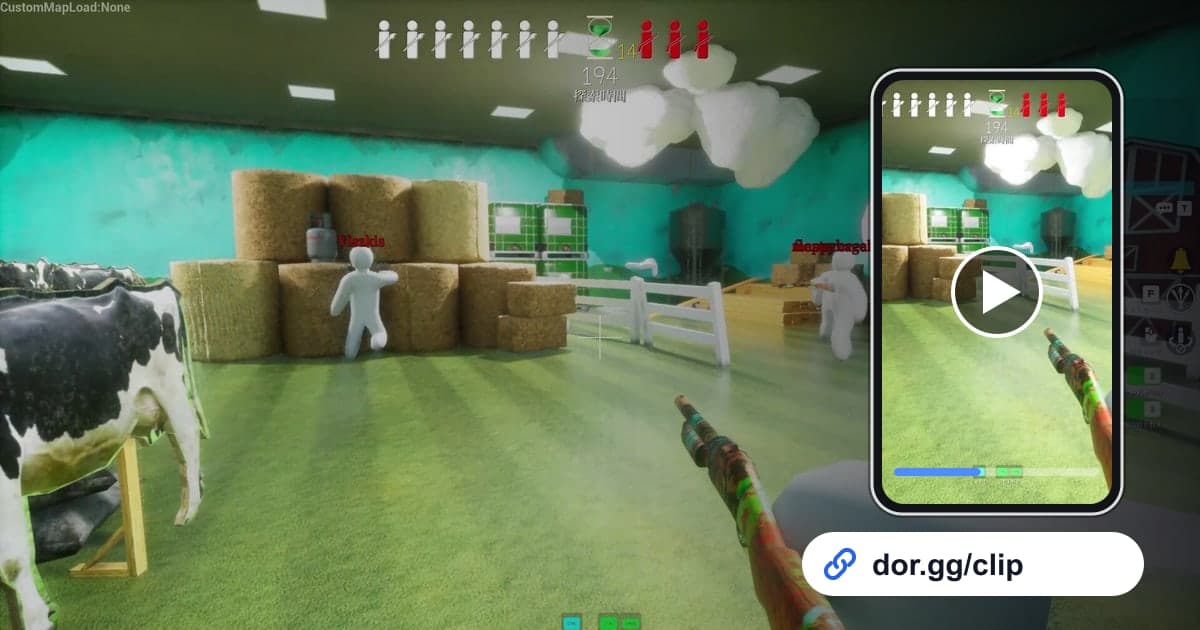
MECCHA CHAMELEON is a hide-and-seek game where players split into Seekers and Hiders, and the Hiders paint their white bodies to melt into the stage. After a few rounds with friends, there is always a moment you need to show someone: the seeker walked right past your nose, or you painted yourself to match the wall pattern perfectly. This guide covers exactly one way to do that: record your MECCHA CHAMELEON session with DOR, cut out the few dozen seconds that matter, and send them to friends as a link.
How the recording works, first
This game is not recorded match by match. It falls under Full Session Recording, where DOR captures everything from the moment the game starts to the moment it closes as one continuous block. If you played with friends for an hour, that whole hour goes into one file. Because there are no automatic clips, the most useful habit is remembering which round it was and roughly what time; the mechanics of picking start and end points are covered in detail in how to trim game clips.
From recording to sending the link
- 1Install DOR and launch MECCHA CHAMELEONDOR is a free Windows desktop app. Once it is installed, launch MECCHA CHAMELEON on that PC and DOR detects the game automatically and starts recording. If you want to keep the laughing and shouting with friends, have a microphone ready; game sound and mic go into the same recording.
- 2Jot down where each moment happenedFull Session Recording produces one long video with no breaks between rounds. A quick note on your phone or in chat, such as which round you pulled off a hide or got caught and roughly what time it was, saves you from getting lost in a long file later.
- 3Close the game and open the recording in the libraryWhen you quit, everything from launch to exit is saved as a single mp4 and shows up in the DOR app library. Jump to the times you noted and use the moment you finished painting or the moment the seeker came close as your landmarks.
- 4Set the start and end with the trim toolUse the trim tool in the library to pick a start and an end. A good hide only feels tense if it begins a few seconds before the seeker shows up, and leaving a second or two after they pass lets viewers understand what happened. Choose an output ratio of 16:9, 9:16 or 1:1 to suit the moment.
- 5Combine moments from several rounds (optional)If you caught several good moments in one night, open DOR Studio in your browser with no install and merge them. Add text such as 'Round 2, not found' or 'Round 5, busted', set background music and volume, and you have a recap of that night's session.
- 6Send the dor.gg link to the people you played withWhen trimming finishes, you get a dor.gg link. Paste it into your group chat or Discord channel, and the people who open it watch the moment right in the browser instead of downloading a big file.
How much to cut and which ratio, by hide-and-seek moment
| Moment to show | What to keep | Suggested ratio |
|---|---|---|
| A hide that worked while the seeker walked right past | From a few seconds before the seeker approaches until they move away | 16:9 (so the background shows) |
| Showing off a paint job | A few still seconds after you finish painting and hold your pose | 1:1 |
| Finding a hidden friend as the seeker | From checking a suspicious spot until just after the find | 16:9 |
| Your reaction when you got caught | From just before you were found until the voices on the mic die down | 9:16 |
| A round you survived to the very end | The last stretch of the time limit | 16:9 |
| Several friends hidden on one stage | From when everyone is in place until the seeker walks in | 16:9 |
Check before you send
- The trimmed segment includes the seeker approaching and a little breathing room after they pass.
- The paint job clip is long enough for viewers to actually spot where my character is.
- I listened for voices of people who were not playing or any personal information on the mic.
- For clips where a stranger from a public server shows up with a big nickname, I rethought who should get the link.
- My PC still has 20GB or more free, so the next session records all the way through.
What DOR does for MECCHA CHAMELEON
DOR is a free Windows app that detects supported games when they launch and records them. MECCHA CHAMELEON uses Full Session Recording, so everything from opening the game to closing it lands in the library as one mp4, and there are no per-round highlights or automatic clips. The longer the session, the bigger the file and the faster your disk fills; recording stops automatically when free space drops below 20GB, so clear some room before game night. With an NVIDIA graphics card, NVENC hardware encoding is used by default. To stitch moments from several rounds into one video, see how to merge multiple game clips, and for capturing your own voice along with the game, see how to record game sound and mic together.