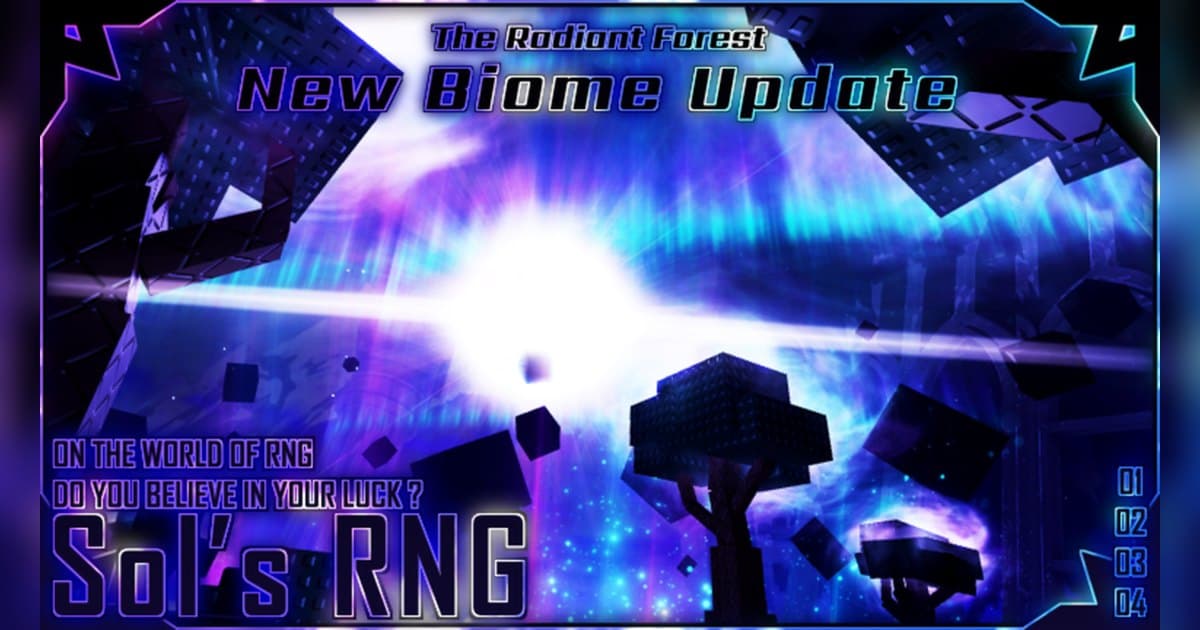
Sol's RNG is built around one button. You press Roll, an aura appears, and you keep going: collecting auras to craft gear, drinking potions to raise your luck, and chasing something rarer than what you have. It is made by the group Sol's Studio and was created on December 3, 2023. Checked on October 19, 2026, it had roughly 2.2 billion visits, about 1.03 million favorites and around 35,000 players in at once, and the experience was listed as 'Sol's RNG [ Radiant Forest🌙]'. Those figures are a snapshot from that date and move with updates and events, and the bracketed part of the name changes too, so the reliable way to find the right experience is to check that the creator is Sol's Studio. The most recent update at the time of checking was October 17, 2026. The official description sets out four things to do: press Roll to discover 400+ unique auras of varying rarity, craft gear using the auras you collect, drink potions to increase your luck, and compete with friends for the rarest auras. Servers cap at 20 players, and the description also notes that free private servers are available. Rather than copying an odds table from somewhere unverifiable, this guide sticks to what you actually do in the experience, which moments never come back, and how to keep those moments on PC with the sound intact. For recording basics, see How to Record Roblox Gameplay; everything below is the part specific to Sol's RNG.
Bottom line: read your goals off the badges, and catch rolls with a full-session recording plus F8
The badge list is the clearest official statement of what this experience wants you to do. 'Break the Space', 'Break the Galaxy' and 'Break the Reality' are awarded for collecting 100, 1,000 and 10,000 biome-exclusive auras, which tells you that farming auras that only appear in a given biome is the long game here. The badge 'Biome itself' is described as 'When will the new Biome be released?!', so biomes are content that keeps arriving. For a sense of scale, the Glitch badges are the most useful thing on the list: '-Flaws in the World-' is described as 1 in 12,210,110, '-One who stands before God-' as 1 in 220,000,000, and '-The Unknown-' simply as 1 in ????. In other words, a single big find can take far longer than one session. For steady progress there are Quest Board badges at 1, 10 and 100 missions, and playtime badges that start at 30 minutes and one hour. The badge '[20,000,000]' is described with the line 'Haven't you won the Chromatic yet?', which is where the name Chromatic shows up as a long-term target in official text. Per-aura odds, potion prices and effect numbers, and how often biomes rotate are values to read in the experience itself and in the creator's announcements, so this guide keeps to what official text confirms. Sol's RNG is not the only experience where the whole point is catching the moment something lands. Hatching for a huge pet in Pet Simulator 99 Huge Pets and pulling a mutated crop in Grow a Garden Mutations pose the same problem, so the capture routine below carries over.
From starting Sol's RNG to keeping the rare-aura scene
- 1Launch the PC version and set recording up firstA once-in-a-lifetime roll can happen in your first ten minutes, so finish your recording setup before you start. If you plan to record on PC, launch Roblox from the PC version downloaded from roblox.com. It is easiest to settle quality and clip length before you enter: the default is 1080p at 30 fps with 60 fps available, and clip length is chosen from 15, 30, 45 or 60 seconds. Roblox's own Captures option in the in-experience menu stores up to 30 seconds per capture, and saving one exports it to the Videos folder on desktop.
- 2Find the experience and joinSearch Roblox for Sol's RNG and check that the creator is Sol's Studio before you join. At the time of checking the listing read 'Sol's RNG [ Radiant Forest🌙]', and the bracketed part can read differently after an update, so matching on the creator name is the safe route. Recording of the full session starts when you enter the experience, so launching Roblox and waiting a moment before you join gets you a clean start from the entry screen onwards.
- 3Press Roll and learn the loopThe first job is simple: press Roll and get used to how results are presented on screen. The official description puts the count at 400+ auras of varying rarity, so early on it pays to spend time learning which names come up constantly and which ones you almost never see. While you are at it, press F8 once so you know where saved clips land.
- 4Raise your luck with potions and gearThe official description covers both: drink potions to increase your luck, and craft gear from the auras you collect. Read the current potion prices and effect numbers in the in-experience shop and descriptions. A stretch of rolling while your luck is boosted is also the stretch most likely to produce something rare, so that is the time to roll with a longer clip length set.
- 5Pick your goals: biomes or the Quest BoardBy the badges the long game splits in two. One side is biome-exclusive auras, with badges at 100, 1,000 and 10,000. The other is the Quest Board, with badges at 1, 10 and 100 missions. Decide how long you will play in a sitting and the playtime badges at 30 minutes and one hour follow on their own. For how often biomes rotate, follow the in-experience information as you go.
- 6Choose your scenes and build one videoWhen you stop, the library holds one mp4 for that session plus whatever you saved with F8. Cut rare-aura moments with a few seconds on either side, export at 9:16 for a vertical post, or at 1:1 when you want text over the frame. To put several rolls into one video, merge the clips in DOR Studio in your browser and add text and background music there.
Moments worth keeping in Sol's RNG and how to keep them
| Moment | When it happens | How to keep it |
|---|---|---|
| The roll where a rare aura lands | It resolves within seconds of pressing Roll, it arrives without warning, and you react that way only once. | Keep the full session recording and press F8 once you have seen the result: the last 30 seconds are saved separately. Raise the clip length to 45 or 60 seconds beforehand to include the build-up. |
| Your first biome-exclusive aura | It is only available while that biome is up, so the window is fixed. By the badges it is the first step of a 100, 1,000 and 10,000 ladder. | The rolls run on from the moment you notice the biome, so cut the whole biome stretch out of the full recording first and pick scenes inside it. |
| An aura out of Glitch | This is the slot the badges put at 1 in 12,210,110 and 1 in 220,000,000. How often one person sees it is anyone's guess. | Half of it is sound. Record on PC with game audio and your own reaction, press F8 right after you read the result, then tidy the head and tail in the library. |
| Finishing a piece of gear from collected auras | Crafting gear is in the official description, and you can see the materials coming together in advance. | Because you know it is coming, raise the clip length to 60 seconds before you craft, keep the finished screen in frame, and export at 1:1 so you can add text. |
| Clearing a Quest Board mission | Mission badges sit at 1, 10 and 100, so the points where the digit count changes, like 10 or 100, are the ones worth marking. | The reward screen passes quickly, so save it with F8 and collect several of them into one edit in Studio later. |
| Trading rolls with friends in the same server | Servers hold 20 players and the official description has you competing with friends for the rarest auras, so the talk over each result is the scene. | Record the session with your mic on and the conversation is kept as it happened. Tell the friends you played with before you post it. |
Check before you start rolling
- You launched Roblox from the PC version downloaded from roblox.com.
- You checked free disk space; 30 GB or more leaves plenty of room for a long session.
- You raised the clip length to 45 or 60 seconds so the build-up before a roll is included.
- F8, or whichever key you moved it to, does not clash with the keys you use in the experience.
- Your mic is on, so your reaction to a result is recorded with it.
- If you are in a server with friends, you told them their voices are being recorded.
Keep a full Sol's RNG session, sound included, with DOR
DOR is a free Windows PC app that detects Roblox automatically when you run the PC version downloaded from roblox.com. Recording starts by itself when you enter an experience and ends when you leave it for the home screen or close Roblox. It is on by default and managed with the Full Game Recording setting. Each experience becomes one mp4 in your library, so a three-hour rolling session comes out as a single file. Any experience is recorded the same way regardless of genre or creator, so if you hop into a friend's experience between rolls, each visit is filed as its own recording. Game audio and your mic (with noise suppression) are captured together on one track, so the sound effect on a big result and your own reaction stay in the same clip. Once you have read the result, press F8 and the last 30 seconds are saved as a separate clip; the length is chosen from 15, 30, 45 or 60 seconds. The hotkey works while you are inside an experience with recording running. Quality defaults to 1080p at 30 fps with 60 fps available, and resolution, frame rate and clip length apply as set when you choose them before you start rolling. The app flags free space once it drops below 30 GB, so clear room ahead of a long session. Afterwards, the library's trim tool exports at 16:9, 9:16 or 1:1 and shares as a dor.gg link, with text available on the 1:1 output, and DOR Studio in your browser merges several clips and adds text, background music and effect templates before you download the mp4. In the library, find a session by the time it was recorded. If you want people to roll alongside, see How to Find Roblox Groups.
 #Roblox