
Verdict: buy the V4 Pro new, keep the V3 Pro you already own
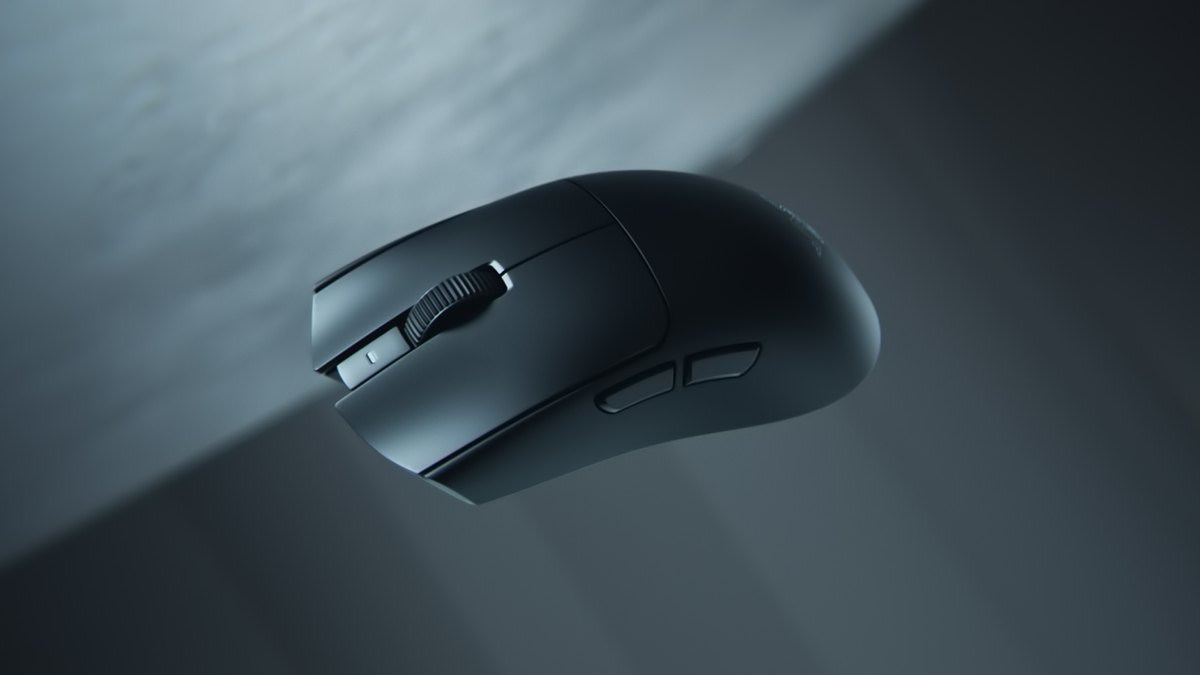
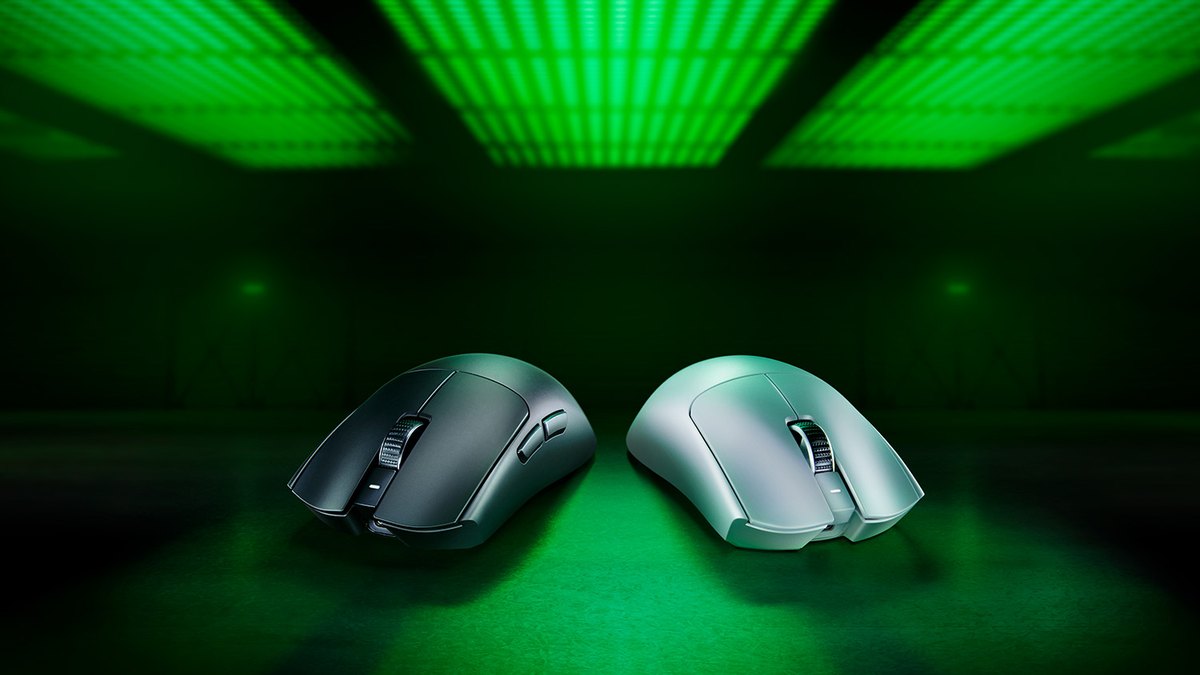
If you are buying new, most people should get the Razer Viper V4 Pro. It uses the exact same shell dimensions as the Viper V3 Pro, 127.1 × 63.9 × 39.9mm, but the official weight drops from 54g to under 49g for the black model.
Battery life at 1000Hz roughly doubles, from up to 95 hours to up to 180 hours, and at 8000Hz it goes from 17 hours to 45 hours, about 2.6 times longer. The V4 Pro also officially supports 8000Hz over the cable, and the scroll wheel moves from a mechanical encoder to an optical one.
Razer lists both mice at the same full price on its own store, so apart from a discount there is little reason for a new buyer to pick the older model.
That said, the V3 Pro still makes sense for three groups: people who can grab it on sale right now, people who hate loud clicks, and people who already own one, run it at 1000Hz, and have no issues with charging or the wheel.
Measured reviews describe the V4 Pro as an incremental update with a small performance edge, not a leap, so a working V3 Pro is not something you need to replace.
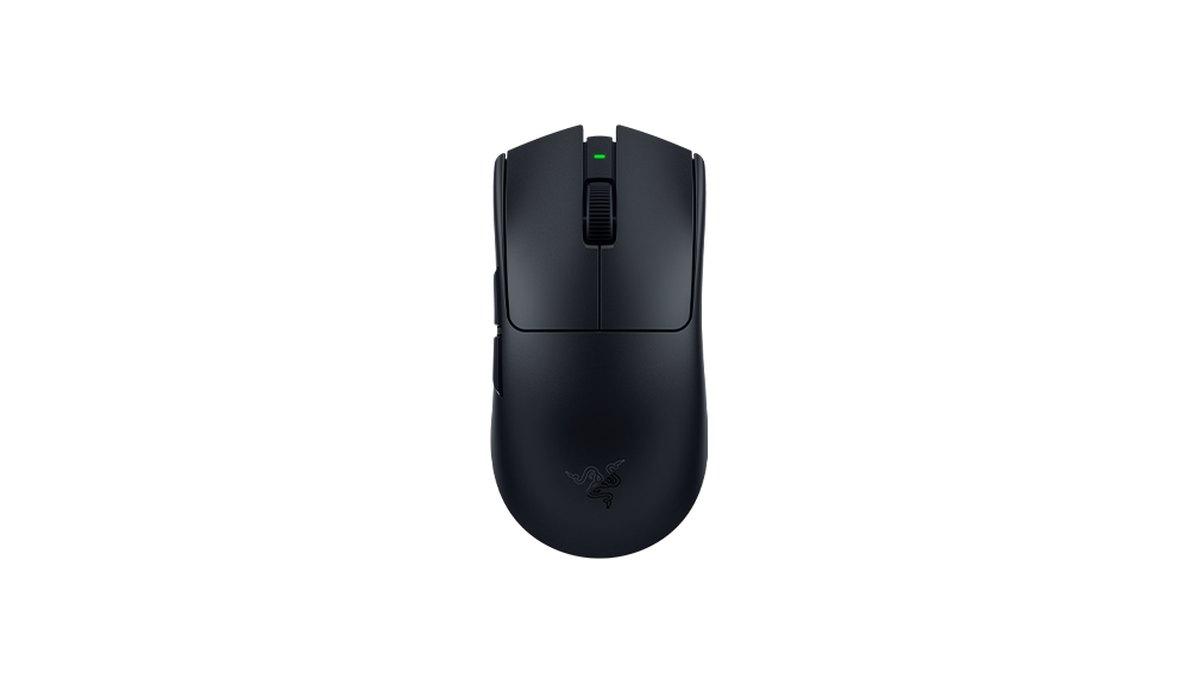
- Most new buyers: Viper V4 Pro ★★★★½ 4.5. Same shell, lighter, roughly double the battery.
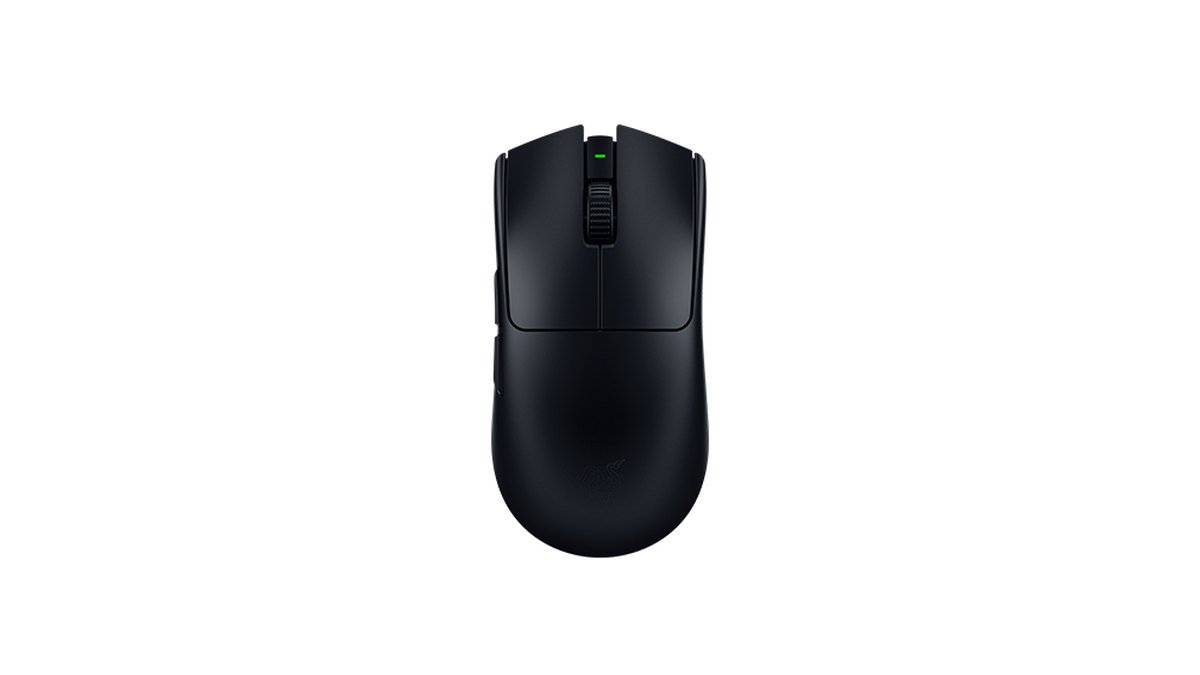
- Saving money: Viper V3 Pro ★★★★☆ 4.0. It is on sale on the Razer store, which puts it a step below the V4 Pro right now.
- Sensitive to click noise: V3 Pro. Both measured reviews and user comments say the V4 Pro clicks are louder.
- Worth upgrading from a V3 Pro: you run 4000 to 8000Hz and charge constantly, you have had scroll wheel trouble, or you want 8000Hz wired.
- Fine to keep your V3 Pro: you play at 1000Hz with no complaints. If the V3 shell never fit your hand, the V4 Pro will not either, since the shape is the same.
Star ratings: V4 Pro 4.5, V3 Pro 4.0
| Criterion | Viper V4 Pro | Viper V3 Pro |
|---|---|---|
| Overall | ★★★★½ 4.5 | ★★★★☆ 4.0 |
| Performance (35%) | 5.0 · under 49g, 8000Hz wired and wireless, 180h at 1000Hz | 4.5 · 54g, 8000Hz via dongle, 95h at 1000Hz |
| Value (25%) | 3.5 · same list price, but a step pricier today | 4.0 · a step cheaper thanks to store discounts |
| User reputation (20%) | 4.0 · high retailer ratings, complaints about click noise | 4.5 · long track record, quiet clicks |
| Popularity (10%) | 5.0 · most used mouse among VALORANT pros | 4.0 · second among all pros, trending down after its successor |
| Durability and support (10%) | 4.0 · up to 2 year warranty, optical switches and wheel | 3.5 · up to 2 year warranty, mechanical wheel encoder |
The gap comes mostly from performance and popularity. Measured reviews rate the V4 Pro as outstanding for FPS games, and it trims 5g from the same shell while greatly extending battery life, which earns it a 5.0 for performance.
The V3 Pro also gets an outstanding FPS rating, but shorter battery life and a mechanical wheel encoder keep it at 4.5. Value is judged by the street prices in the price table below and by position within the wireless lightweight flagship tier.
Both share the same US list price, but the V3 Pro black and white models are discounted on Razer stores right now, US$129.99 versus US$159.99 in the US, so the V3 Pro edges ahead by half a point there. It also leads on user reputation thanks to more than two years of reviews and its quieter clicks.
If you want to see how these two stack up against other brands on the same scale, our best gaming mouse picks rate 13 mice, and the scores for these two match.
Spec differences: same shell, new weight, battery, wheel and sensor
| Spec | Viper V4 Pro | Viper V3 Pro |
|---|---|---|
| Release | March 2026 | 2024 |
| Size (L × W × H) | 127.1 × 63.9 × 39.9mm | 127.1 × 63.9 × 39.9mm |
| Weight (official) | Black under 49g, white under 50g | Black 54g, white 55g |
| Measured weight | 48.9g | 53.8g |
| Sensor | Focus Pro 50K Gen 3, 50,000 DPI, 930 IPS, 90G | Focus Pro 35K Gen 2, 35,000 DPI, 750 IPS, 70G |
| Sensor sync | Frame Sync | Motion Sync |
| Polling rate | Up to 8000Hz wired and wireless | Up to 8000Hz with included HyperPolling dongle |
| Battery | 180h at 1000Hz, 45h at 8000Hz | 95h at 1000Hz, 17h at 8000Hz |
| Main switches | Optical Gen 4, 100M clicks | Optical Gen 3, 90M clicks |
| Scroll wheel | 24 step optical wheel | Mechanical encoder |
| Buttons and memory | 6 programmable buttons, 1 onboard profile | 6 programmable buttons, 1 onboard profile |
| Warranty | Up to 2 years | Up to 2 years |
Both mice share a right hand symmetrical shape with side buttons on the left only, and Razer recommends claw and fingertip grips. Both use large 100% PTFE feet, a smooth touch finish, and a USB A to C cable.
In the V4 Pro box you get the mouse, the new HyperSpeed Wireless Gen 2 dongle, a cable, and grip tape; the V3 Pro box has the mouse, the HyperPolling dongle, a cable, and grip tape.
Both are configured in Synapse, and the V4 Pro adds Synapse Web, which runs in a browser with no install, plus automatic polling rate switching per game.
The V4 Pro comes in black, white, and Esports Green, while the V3 Pro has black and white plus limited editions such as Sentinels, Faker Edition, Esports Green, and Counter-Strike 2.
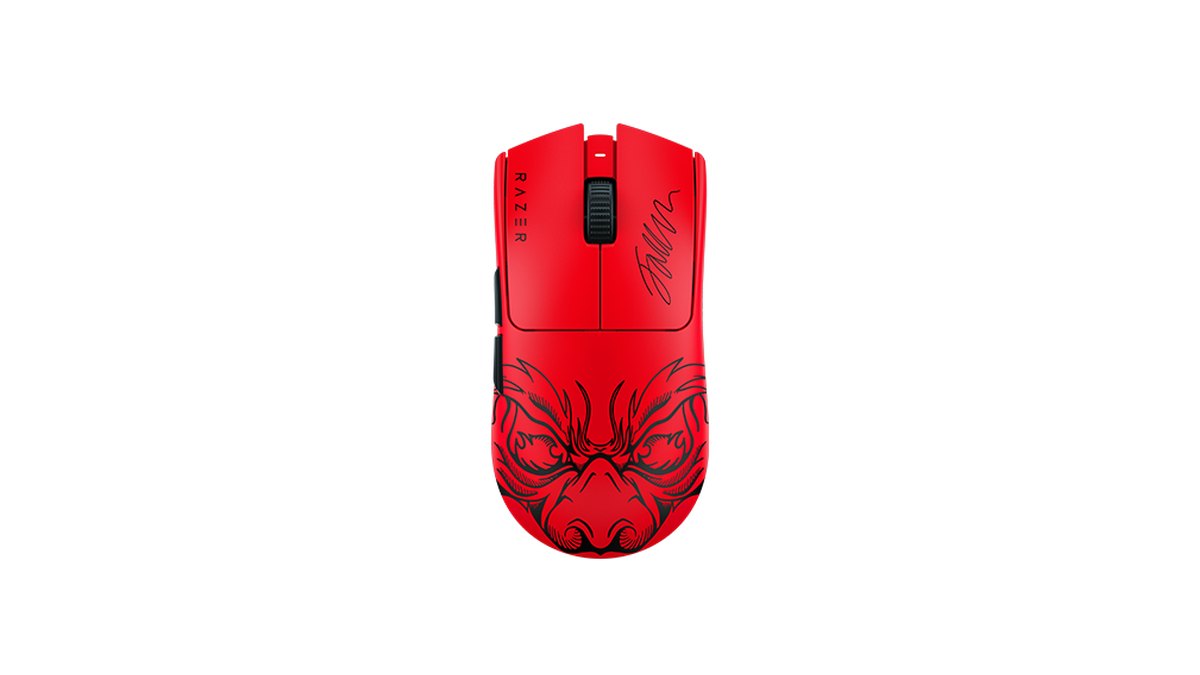
If you are wondering what the Faker Edition actually is, our Viper V3 Pro Faker Edition breakdown covers it: the internals match a regular V3 Pro, and only the design, signature, and default settings (1800 DPI at 1000Hz) differ.
Weight: 5g gone from the same shell
The V4 Pro is clearly lighter. Officially the black model goes from 54g to under 49g, and a measured review puts them at 53.8g versus 48.9g, roughly a 5g gap. Razer says the V4 Pro is more than 9% lighter than the V3 Pro.
That sounds small, but because the shape and size are unchanged, the mouse feels the same in the hand and simply carries less mass. Razer says it thinned the shell, used a smaller PCB, and added internal reinforcement to improve rigidity and balance.
The players most likely to notice the difference are low sensitivity arm aimers who lift the mouse often and anyone who leans on short, fast flicks in games like VALORANT.
On the other hand, 54g is already very light for a high sensitivity wrist aimer, so weight alone is a weak reason to retire a V3 Pro.
Battery and polling rate: the biggest difference
Battery life is where these two mice differ the most. Razer rates the V3 Pro at up to 95 hours at 1000Hz and the V4 Pro at up to 180 hours, while at 8000Hz the numbers are 17 hours versus 45 hours. If you play at 8000Hz, a V3 Pro needs a charge every day or two, while a V4 Pro lasts several days.
Polling options changed too. The V3 Pro reaches 8000Hz only through the included HyperPolling dongle, while the V4 Pro does 8000Hz wireless through its new dongle and also officially supports 8000Hz over the cable.
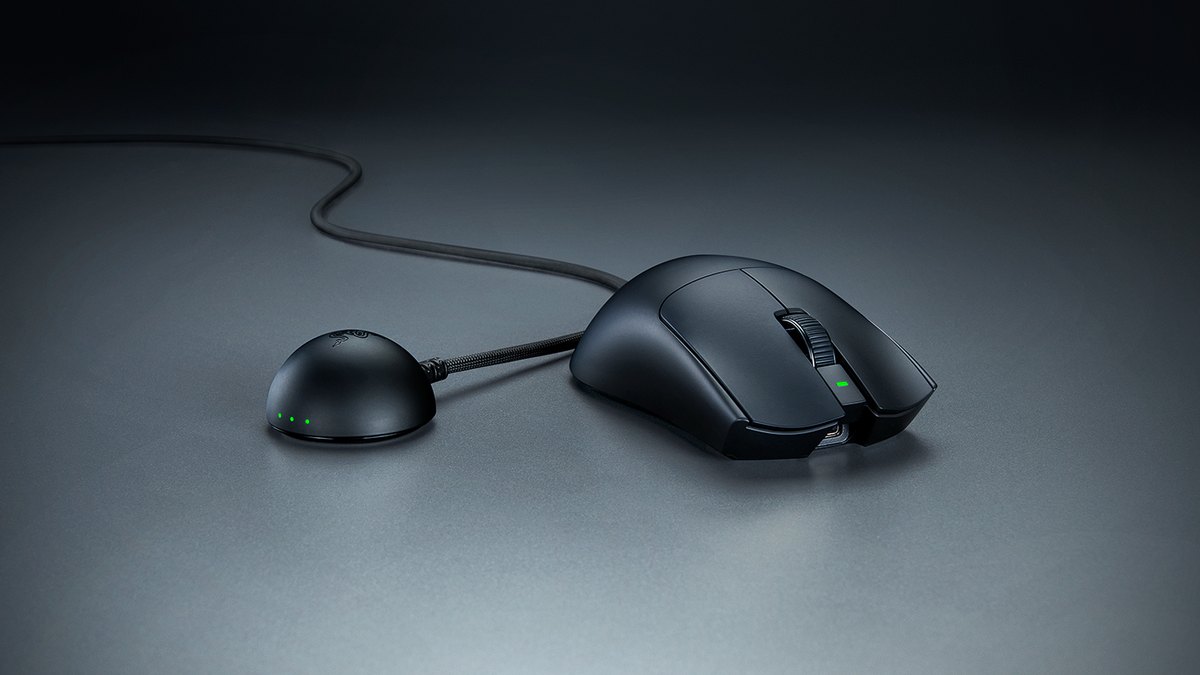
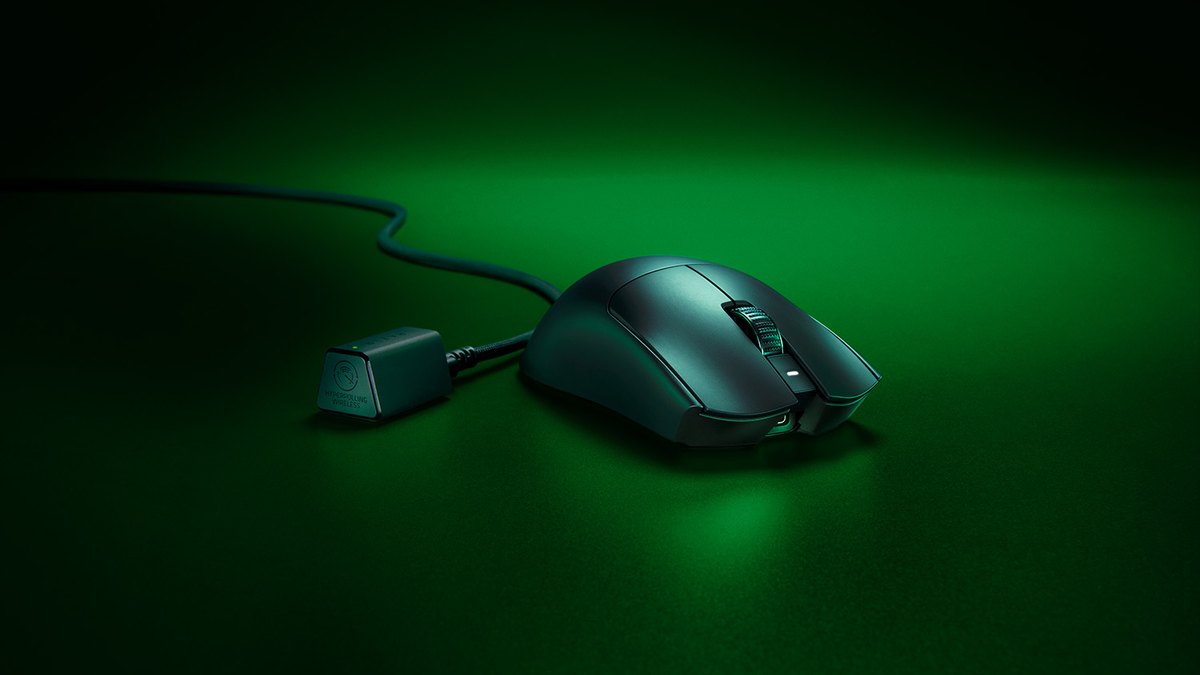
The new dongle has a dome shape with a taller antenna, a weighted base, and three LEDs for battery, connection, and polling status. Keep in mind that 8000Hz puts more load on your CPU and the benefit depends on the game, so read our 8000Hz polling rate settings guide before deciding to run it. If you stay at 1000Hz, 95 hours already lasts close to a week of play, so the battery gap matters less.
Click switches and noise: V4 wins on rated lifespan, V3 is quieter, feel is split
On paper the V4 Pro switches are better: Optical Gen 4 rated for 100 million clicks versus Optical Gen 3 rated for 90 million on the V3 Pro. Noise goes the other way.
A measured review lists loud clicks as the first downside of the V4 Pro, while the V3 Pro lands on the quieter side by the same standard. Complaints about loud V4 Pro clicks show up in several user communities, and some owners sold theirs because of it, though others say they are happy anyway.
So the real question is how much noise bothers you. Click feel itself is divided: some users say the V4 Pro feels better, while others prefer the V3 Pro. If you game late at night or do not want clicks picked up by a streaming mic, the V3 Pro is the safer choice. If noise does not bother you, the V4 Pro has the better specs.
Wheel, sensor, firmware: the wheel is a clear upgrade, the sensor gap is small
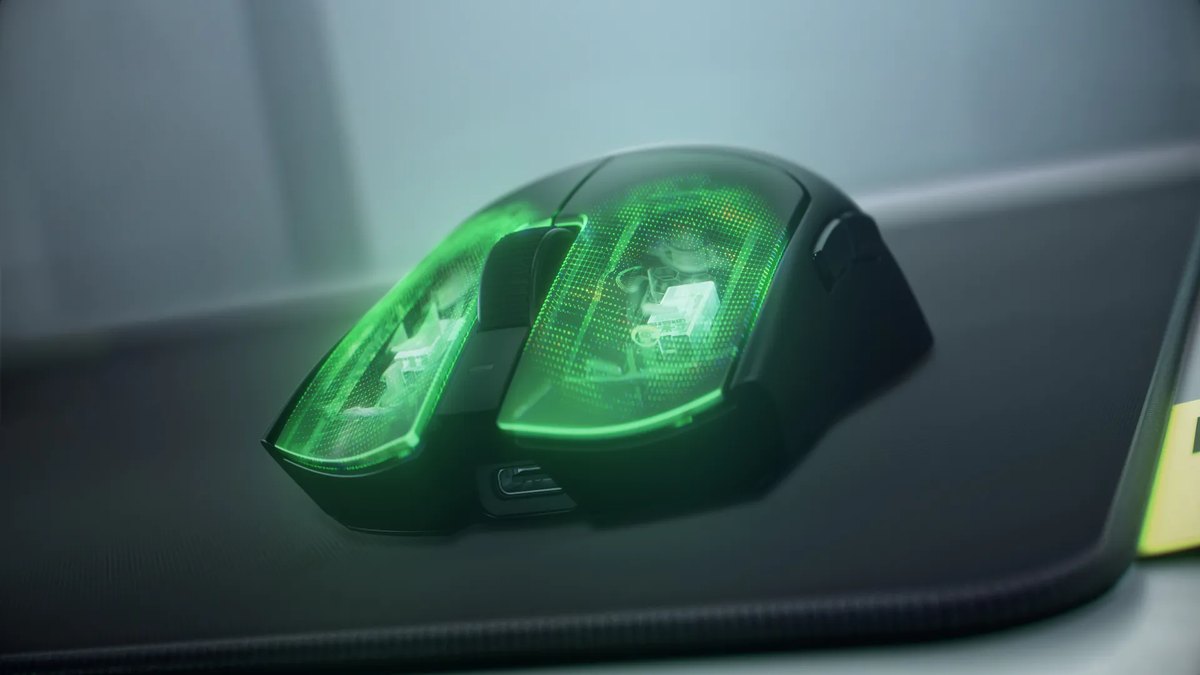
The scroll wheel is the most concrete hardware change. The V3 Pro uses a mechanical encoder, while the V4 Pro switches to a 24 step optical wheel. Razer says the optical design is more reliable than a mechanical one, and a measured review expects better long term durability from it.
The V4 Pro has only been out for eight months, so there is no long term data yet. Treat it as one good reason to upgrade if your V3 Pro wheel has skipped or become noisy. The side buttons were also reshaped into separated buttons to reduce accidental presses.
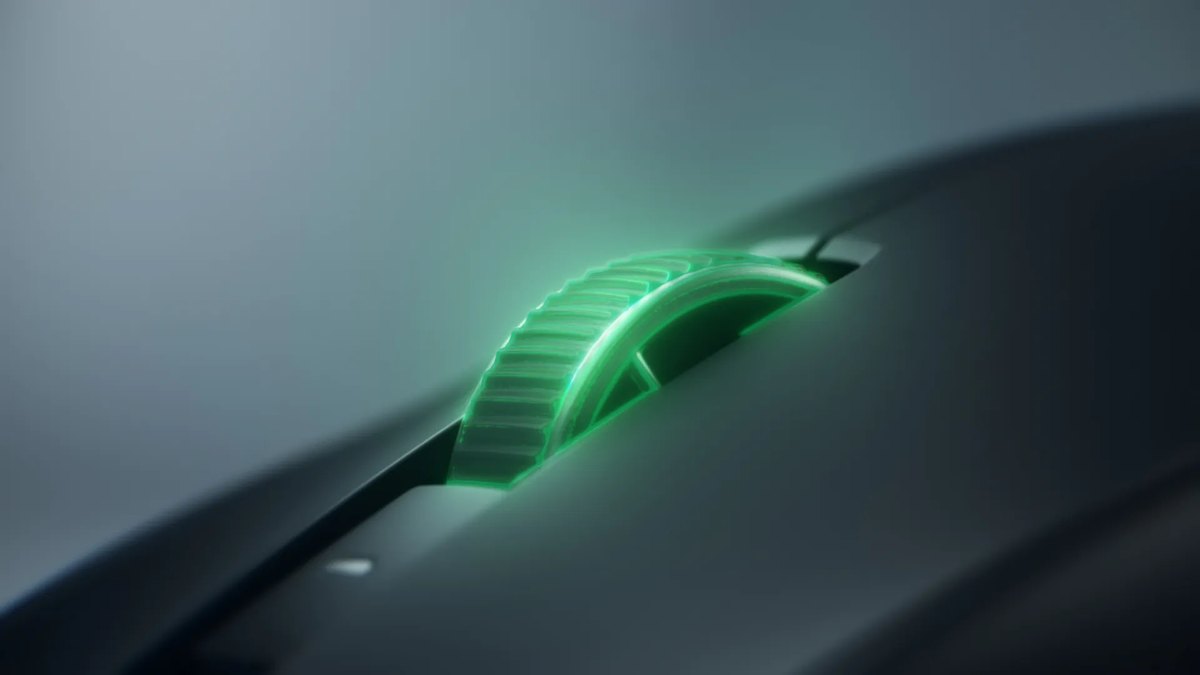
The sensor numbers jumped: max DPI from 35,000 to 50,000, max tracking speed from 750 IPS to 930 IPS, and acceleration from 70G to 90G. Almost nobody hits those limits in a real game, though.
A measured review found slightly lower motion latency on the V4 Pro, a small edge, and rated both mice outstanding for FPS. There is no like for like latency measurement that lets you put the two side by side in milliseconds, so the sensor is not a reason to replace a V3 Pro.
If you do get a V4 Pro, update the firmware first: a retest after a post launch firmware update showed lower click latency. Lift off distance and Asymmetric Cut-off are worth matching to your pad, and our mouse acceleration and LOD settings guide walks through both.
Popularity and pro usage: VALORANT pros moved to the V4, overall it is a tie
Public pro gear data checked on November 10, 2026 shows the V4 Pro at 18.16% of 705 VALORANT pros, the top spot, with the V3 Pro second at 12.20%. Eight months after launch, the V4 Pro has overtaken its predecessor in VALORANT.
Across all games, though, the 2,447 tracked pros split almost evenly: V3 Pro at 10.50% and V4 Pro at 10.30%, both behind the Logitech SUPERLIGHT 2, and in CS2 the V4 Pro ranks fourth. So the number one claim only holds for VALORANT.
Razer also features a recommendation from Faker on the V4 Pro product page. A measured review has marked the V3 Pro as replaced by the V4 Pro, which is another sign the older model is on its way out. If you are torn between the V4 Pro and the newest Logitech flagship, read our PRO X3 SUPERSTRIKE vs Viper V4 Pro comparison.
Buying in the US: the V3 Pro is discounted and the Faker Edition is still listed
As of November 10, 2026, the US Razer store sells both mice. They share the same list price, but the V3 Pro is discounted, which makes it a step cheaper than the V4 Pro for now.
The Faker Edition is also listed in the US at the same discount, while Razer stores in Korea, Japan, and Taiwan show it as sold out. Both models carry up to a 2 year warranty, and buying directly from RazerStore comes with a 14 day return window, which helps if the shell turns out not to suit you.
Because the warranty is tied to the country of purchase, buying from your local Razer store or an authorized retailer makes support simpler than importing.
The Faker Edition performs exactly like a regular V3 Pro, so unless you want the design and signature, a standard V3 Pro or V4 Pro is the better use of money.
Price (as of November 10, 2026)
| Product | Launch / list price | Street price range |
|---|---|---|
| Razer Viper V4 Pro | US$159.99 (Razer US store list price) | About US$160, no discount seen |
| Razer Viper V3 Pro | US$159.99 (Razer US store list price) | About US$130 (Razer store sale price) |
Prices move often and differ by retailer, and coupon or card deals are not included. The list price is the Razer US store price, and the street price is what the same store charged on November 10, 2026. The V3 Pro is about US$30 cheaper only while its sale lasts, so check the final price and warranty terms on the seller's page before you buy.
Who should buy which: clear picks by situation
| Situation | Pick | Why |
|---|---|---|
| Buying your first one or switching brands | Viper V4 Pro | Same list price, lighter, about double the battery |
| You run a V3 Pro at 4000 to 8000Hz and charge often | Upgrade to V4 Pro | 8000Hz battery goes from 17h to 45h |
| Your V3 Pro wheel skips or rattles | Upgrade to V4 Pro | Optical wheel and separated side buttons |
| Your V3 Pro at 1000Hz has no issues | Keep the V3 Pro | Measured performance gap is small |
| You dislike loud clicks | Viper V3 Pro | Many reports of louder V4 Pro clicks |
| The V3 shell never fit your hand | A different shape | The V4 Pro uses the same shell |
What users say: praise for weight and battery, split on clicks
- Praise examples: some owners say the lighter weight is noticeable, and others cite the 180 hour battery at 1000Hz and the sensor as reasons to buy. Retailer ratings are high as well.
- Common complaint: V4 Pro clicks are loud, a point that shows up in several places and matches the measured review downside.
- Split opinion: some prefer the V4 Pro click feel and some prefer the V3 Pro, so trying both in person is the surest test.
- Regret examples: owners of both models report selling them because the shell did not fit. Same shell, so if the V3 Pro was uncomfortable, the V4 Pro will be too.
How we rated and selected
Each mouse is scored from 0 to 5 in half point steps on five criteria, then weighted. Performance (35%) uses official specs and measured review verdicts. Value (25%) looks at list price and discount status on Razer stores on November 10, 2026, relative to other wireless lightweight flagships.
User reputation (20%) combines retailer review scores and community feedback. Popularity (10%) uses sales rankings and public pro gear data. Durability and support (10%) covers warranty length, switch and wheel design, and whether failure reports repeat.
Single reports do not move a score, and we never claim a specific product breaks often. This article answers one question: should you move from the V3 Pro, and which one should you buy new. If you are still choosing a shape, grip style, or size, start with our gaming mouse buying guide.
Record before and after with DOR to see if the swap helped
- 1Lock your settingsWrite down the DPI, in game sensitivity, and polling rate you use on the V3 Pro, and set the V4 Pro to the same values. The mouse should be the only thing that changes.
- 2Record before the swapWith DOR running, play a few VALORANT deathmatches. DOR detects supported games automatically and records each full match, and in VALORANT your kills are collected into highlight clips with Ace and Clutch tags.
- 3Record after the swapPlay the same mode on the same map at the same sensitivity with the V4 Pro. Footage from after a few days of adjustment is a fairer comparison than day one.
- 4Compare side by sidePick flick and tracking moments in My Clips, trim them in the app, then merge the before and after clips in DOR Studio. Compare where your crosshair stops and when the first shot lands in matching situations.
The 5g and battery gaps are easy to read off a spec sheet, but whether your aim actually improved only shows up in footage recorded under the same conditions. For a longer walkthrough, see our guide to recording before and after a gear upgrade.