
The verdict: the Viper V4 Pro for most, the PRO X3 SUPERSTRIKE for click tuners
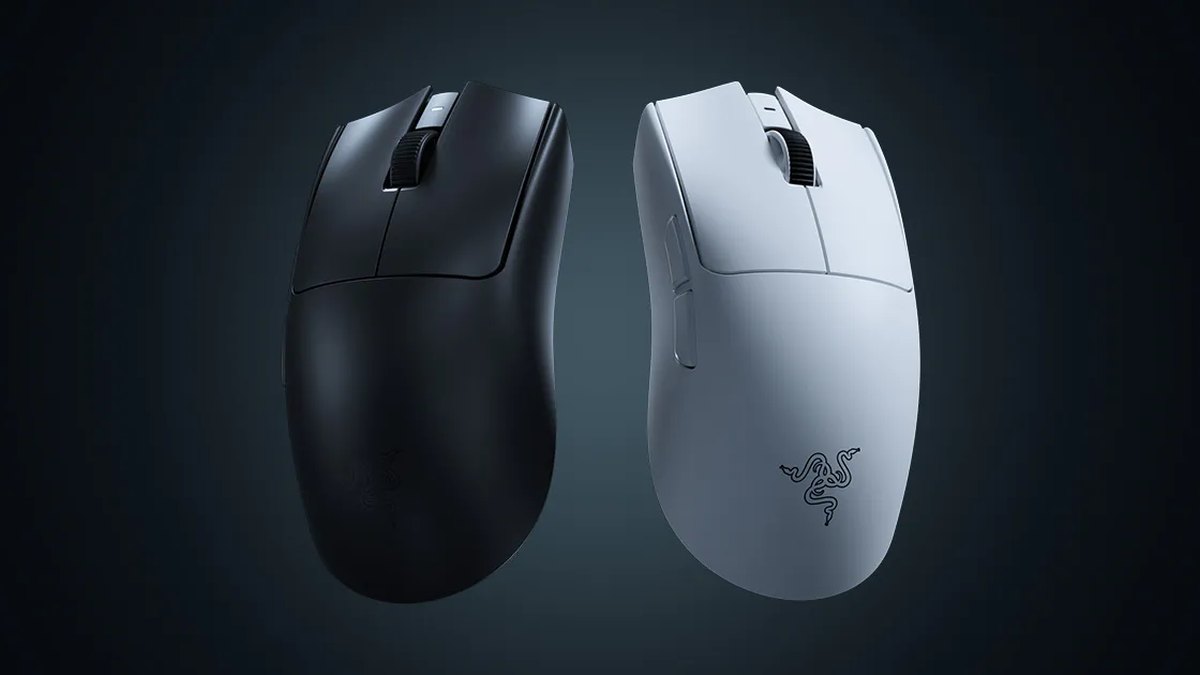
Most people should buy the Razer Viper V4 Pro. Razer lists the black version under 49 g (48.9 g in lab measurement), almost 10 g lighter than the 59 g PRO X3 SUPERSTRIKE, and rates the battery at up to 180 hours at 1000 Hz.
Lab testing calls it an outstanding FPS mouse, one grade above the X3, and the package is polished: PTFE feet, an optical scroll wheel and browser based configuration with no install. It is also the most used mouse among VALORANT pros in public gear tallies, and it costs less than the X3 in the US.
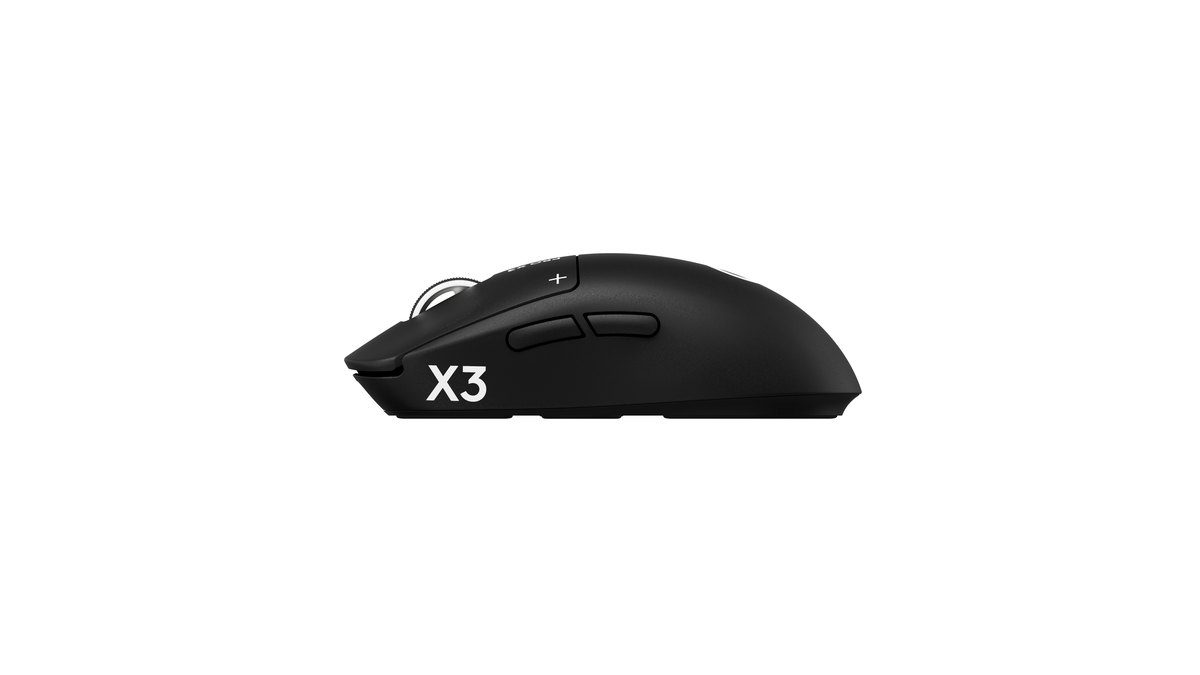
The Logitech G PRO X3 SUPERSTRIKE makes sense for a narrower group: people who mainly play tactical shooters like VALORANT or Counter-Strike 2, who want to choose exactly how deep each click registers and where it resets, who prefer near silent clicks, and whose hands already like the SUPERLIGHT shape. If that is not you, the Viper is the safer buy.
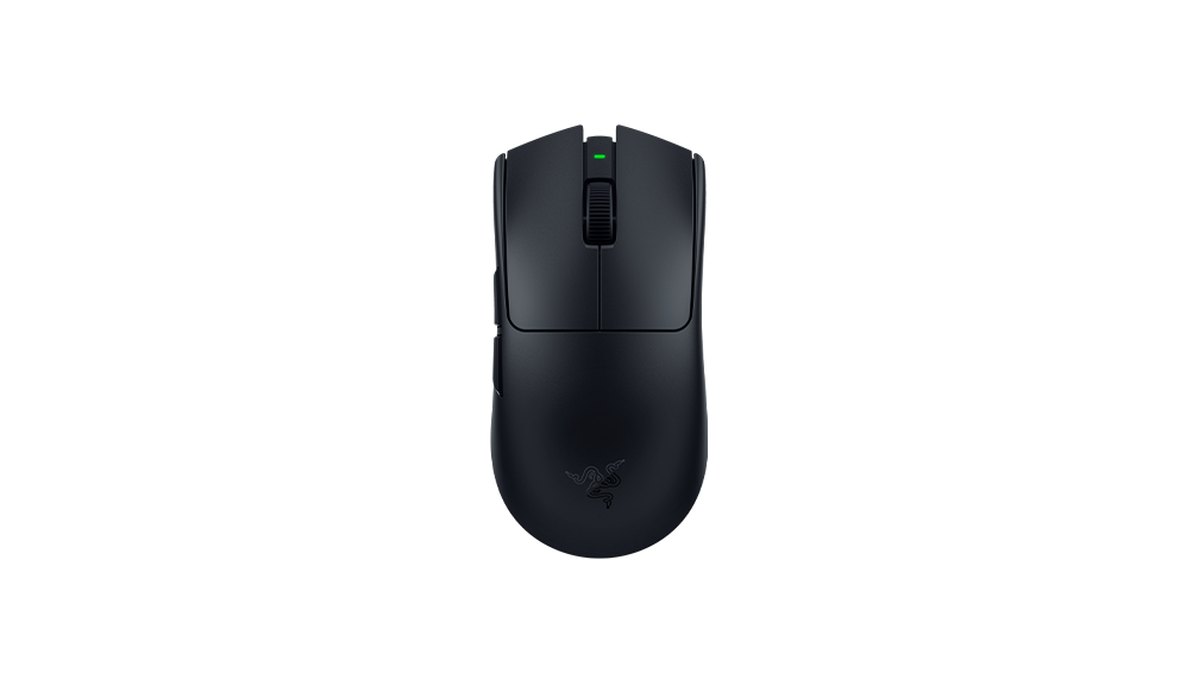
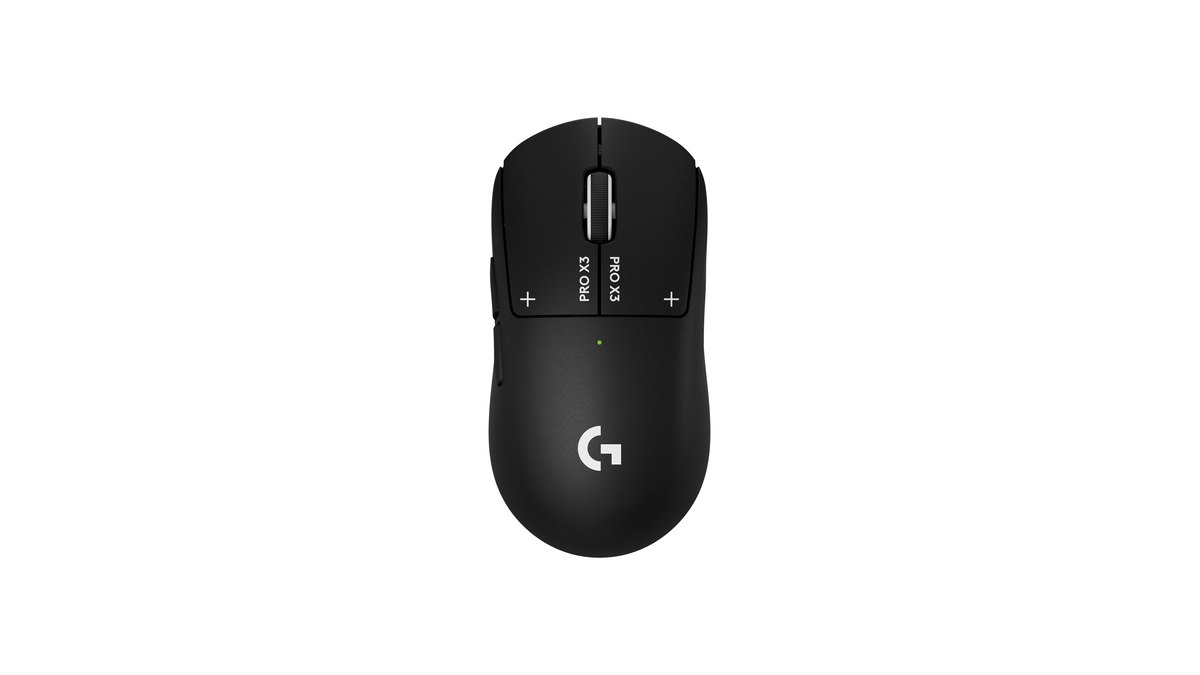
Star ratings: Viper V4 Pro 4.5, PRO X3 SUPERSTRIKE 4.0
| Category | Viper V4 Pro | PRO X3 SUPERSTRIKE |
|---|---|---|
| Overall | ★★★★½ 4.5 | ★★★★☆ 4.0 |
| Performance (35%) | 5.0 · under 49 g, 180 hours, top FPS verdict | 4.5 · 59 g, 135+ hours, slightly front heavy |
| Value (25%) | 3.5 · mid pack among flagships | 2.5 · priciest tier among flagships |
| Owner feedback (20%) | 4.0 · praised build, loud click complaints | 4.0 · praised quiet clicks, small upgrade over X2 |
| Popularity (10%) | 5.0 · No. 1 among VALORANT pros | 4.5 · new release, strong retail interest |
| Durability and support (10%) | 4.0 · optical switches, up to 2 year warranty | 4.0 · inductive HITS, 2 year limited warranty |
The gap comes from performance and value. Lab testing rated the Viper V4 Pro an outstanding FPS mouse with exceptionally low click latency, excellent build quality and good balance, which earns it a 5.0.
The X3 also showed very low and consistent click and sensor latency, but its FPS verdict is one step lower (remarkably good), and reviewers noted a slightly front heavy balance and UHMWPE feet that glide less smoothly than PTFE, so it lands at 4.5.
Value is judged against other lightweight wireless flagships using current prices: in the US the X3 lists at US$199.99 against US$159.99 for the Viper, a full tier higher. If you want to see how both stack up against the rest of the market, our best gaming mouse rankings score 13 mice on the same scale.
Specs side by side: nearly identical size, different weight, battery and switches
| Spec | PRO X3 SUPERSTRIKE | Viper V4 Pro |
|---|---|---|
| Announced or released | Announced September 23, 2026; Japan launch October 15 | Released March 2026 |
| Weight (official) | 59 g; 61 g on European listings | Under 49 g black, 50 g white |
| Measured weight | 58.2 g | 48.9 g (black) |
| Size (L × W × H) | 125 × 63.5 × 40 mm | 127.1 × 63.9 × 39.9 mm |
| Sensor | HERO 2, up to 48,000 DPI | Focus Pro 50K Gen-3, up to 50,000 DPI |
| Polling rate | Up to 8000 Hz wired and wireless | Up to 8000 Hz wired and wireless |
| Battery | 135+ hours (some regions list 130) | Up to 180 hours at 1000 Hz, 45 hours at 8000 Hz |
| Main clicks | HITS inductive sensing with haptics; adjustable actuation, reset and haptics | Razer Optical Mouse Switches Gen-4, rated for 100 million clicks |
| Wheel and feet | Wheel type not listed; UHMWPE feet | 24 step optical wheel; 100% PTFE feet |
| Warranty | 2 year limited hardware warranty | Up to 2 years, valid in country of purchase |
Neither mouse has Bluetooth; both use a 2.4 GHz dongle or a USB C cable.
The PRO X3 SUPERSTRIKE box includes the mouse, a LIGHTSPEED receiver, a USB A to C cable, a receiver extension adapter, a POWERPLAY cover, optional grip tape and a cleaning cloth, and the mouse charges wirelessly on a POWERPLAY pad sold separately.
It comes in Midnight Black and an X3 exclusive Magenta Eclipse. The Viper V4 Pro ships with its dongle, a cable and grip tape, in black or white; the white model is listed at 50 g.
Logitech buyers in the US get 30 day free returns from the official store, while Razer Store purchases have a 14 day return window. Software is G HUB (desktop install) for the X3 and Synapse or the browser based Synapse Web for the Viper.
Weight and balance: the Viper is lighter and better balanced
The Viper V4 Pro wins clearly on weight. Officially it is under 49 g versus 59 g, and measured weights of 48.9 g and 58.2 g confirm a gap of almost 10 g. Lab testing describes the Viper as very light and well balanced.
Logitech says it moved internal weight toward the center on the X3 to fix the front heavy feel that was the biggest complaint about the PRO X2 SUPERSTRIKE, but lab testing still finds the X3 slightly front heavy.
Low sensitivity players who make big arm swipes or lift the mouse often are the ones most likely to notice. That said, 59 g is still light for a wireless flagship, and wrist aimers at higher sensitivity may not care. If you are buying in Europe, note that the X3 is listed at 61 g there.
Clicks: adjustable depth on the X3, instant optical clicks on the Viper
Clicks are where these mice really split. Choose the X3 if you want to tune them, and the Viper if you want a crisp click that just works.
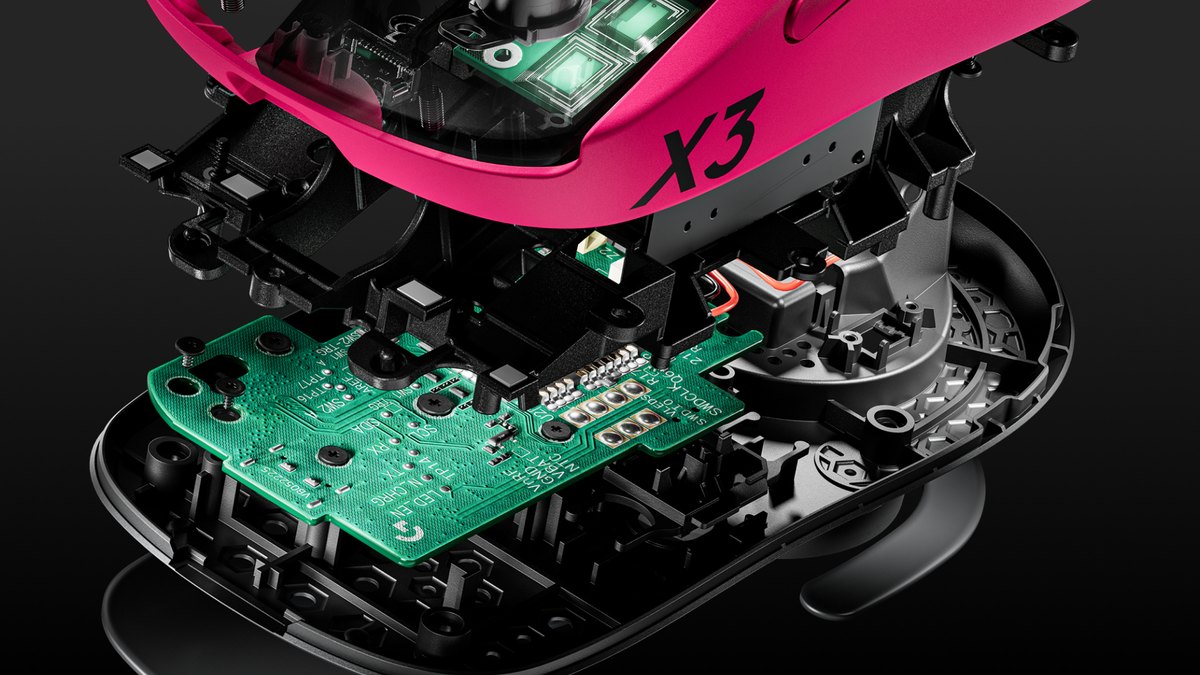
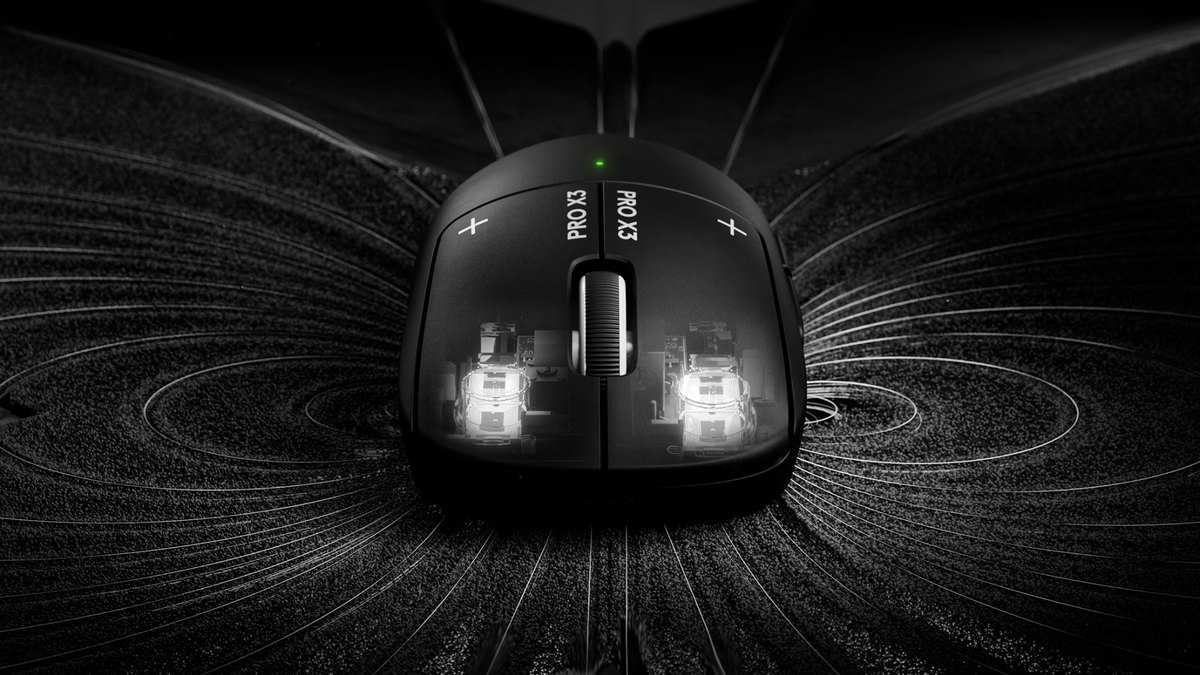
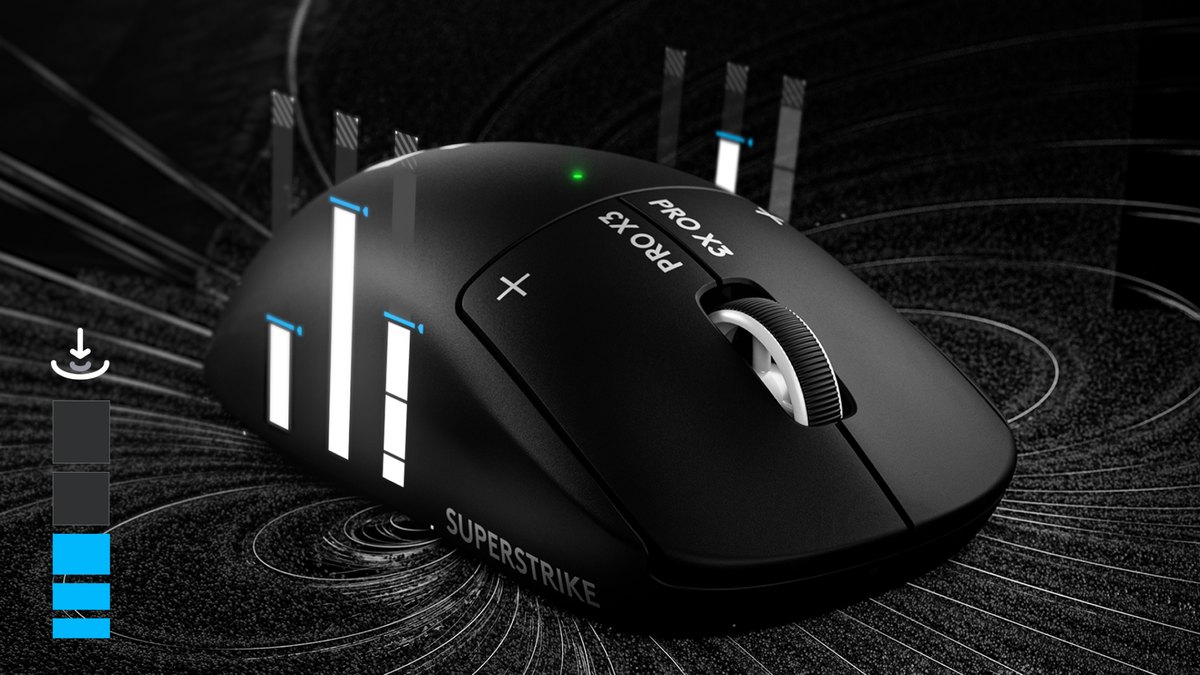
Instead of conventional microswitches, the PRO X3 SUPERSTRIKE uses a system Logitech calls HITS, which combines inductive sensing with a haptic module under each main button.
That lets you set how far the button travels before it registers (10 actuation levels), where it resets for the next shot with rapid trigger (5 levels), and how strong the haptic feedback feels (6 levels), separately for left and right.
Lab testing found the main clicks nearly silent even at strong haptic settings, with very low and consistent latency at the most sensitive actuation point. The same testing warns that the most sensitive settings take time to adapt to and can cause more accidental clicks.
The Viper V4 Pro uses Razer fourth generation optical switches, which detect clicks with light. Reviews praise its click and scroll quality, and lab testing rates its click latency as exceptional.
The trade off is noise: loud clicks show up both as a lab review drawback and in owner feedback, so if you game late at night or stream with an open mic, think about this first.
We could not find a verified head to head latency figure for these two mice, and both sit at the top of lab charts, so choose on adjustability, sound and feel rather than speed.
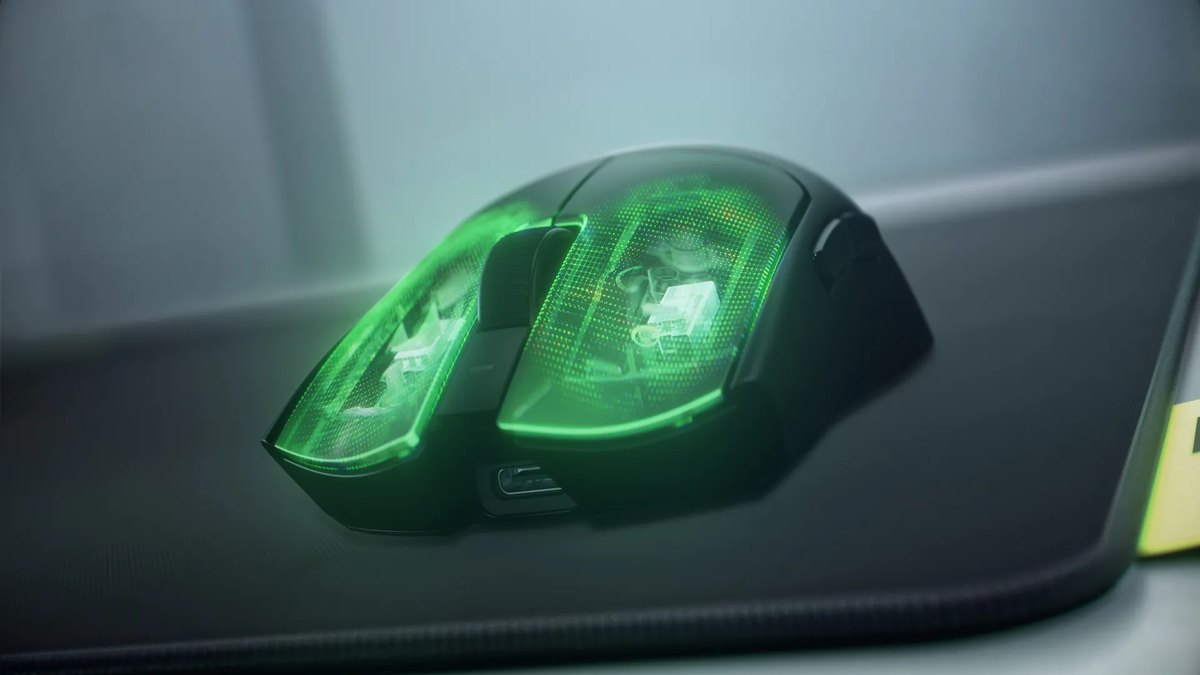
Battery and wireless: the Viper charges less often
The Viper V4 Pro lasts longer. Razer rates it at up to 180 hours at 1000 Hz and up to 45 hours at 8000 Hz.
Logitech lists the X3 at 135 hours or more and says it uses 50% less power than the X2 for 45 extra hours per charge, but it does not state the polling rate behind that figure, some regional spec sheets list 130 hours, and there is no official 8000 Hz runtime.
At three hours a day, the rated figures work out to roughly two months on the Viper at 1000 Hz and about six weeks on the X3, though the X3 number has no published polling condition, so treat it as a rough guide.
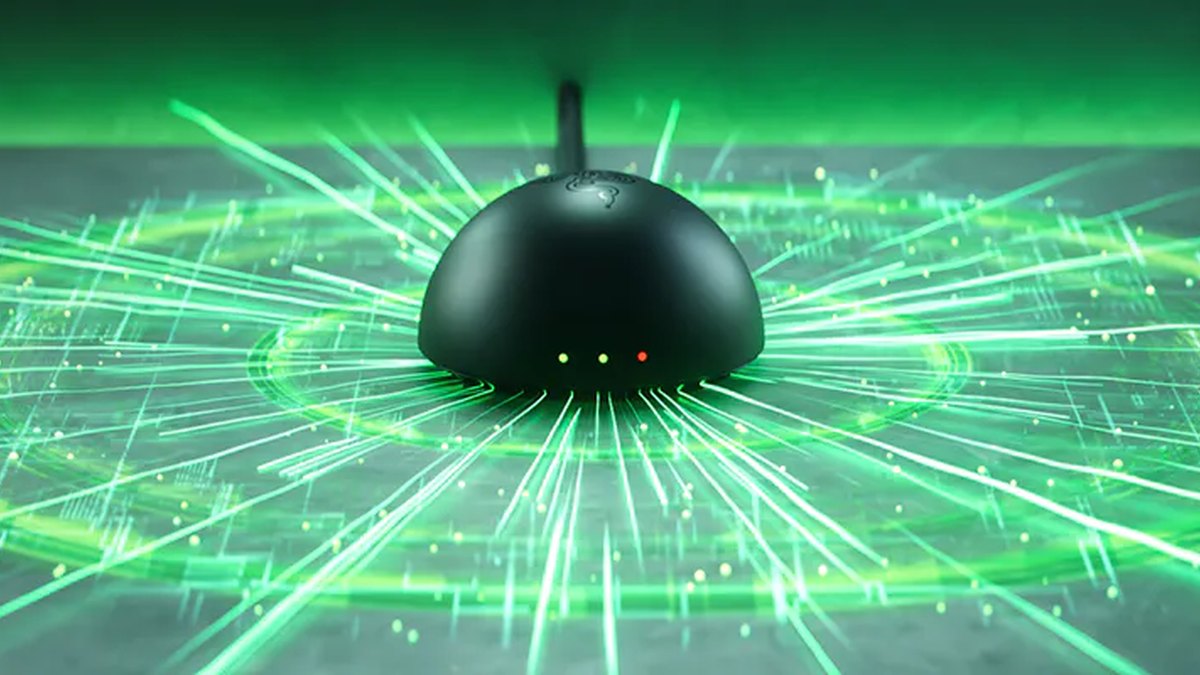
The X3 has its own advantage: it works with the POWERPLAY wireless charging pad, so if you already own one, charging basically disappears as a concern. The Viper answers with a dome shaped dongle whose LEDs show connection status, battery and polling rate at a glance.
Sensor and polling rate: both are top tier, so this is not the deciding factor
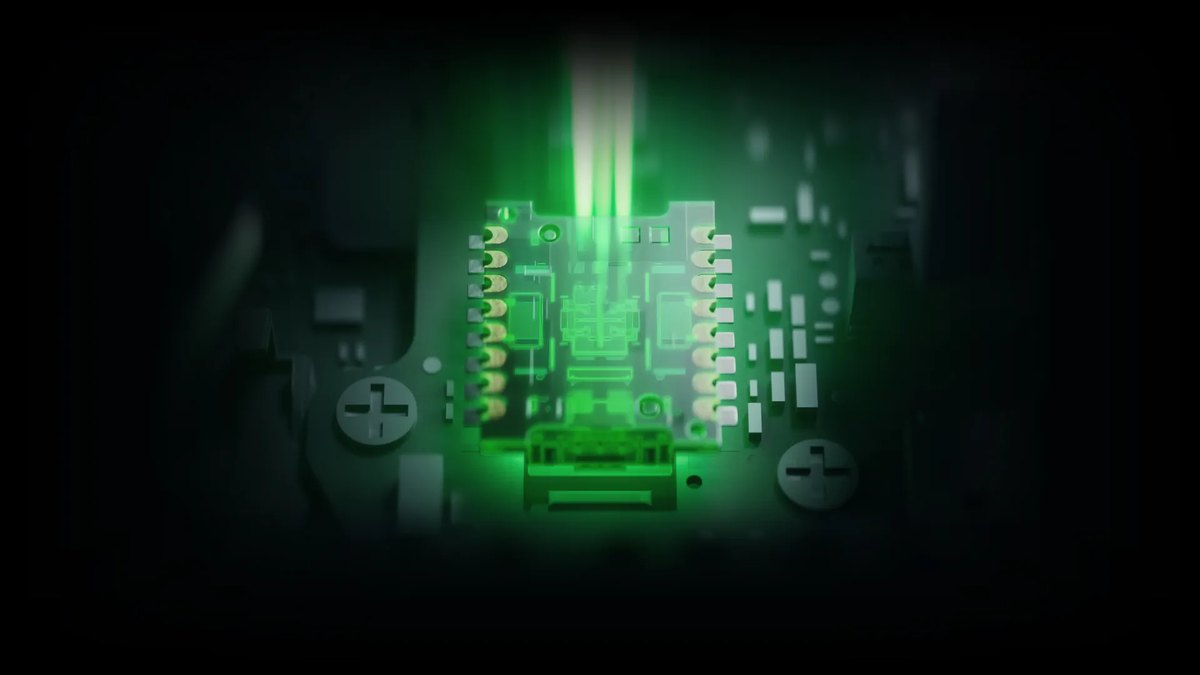
Call the sensor matchup a draw. The X3 uses Logitech HERO 2 at up to 48,000 DPI and the Viper uses Focus Pro 50K Gen-3 at up to 50,000 DPI, and both support up to 8000 Hz over cable and wireless. Lab testing puts both sensors near the top for latency.
The one footnote is that the X3 showed slight tracking irregularities at some 4000 Hz and 8000 Hz settings.
In game, what matters more than the DPI ceiling is whether your chosen DPI is accurate, so run a quick DPI accuracy check first, and only raise polling once your PC and game can keep up by following our 8000 Hz polling rate setup guide step by step.
Wheel, feet and software: the Viper is more polished out of the box
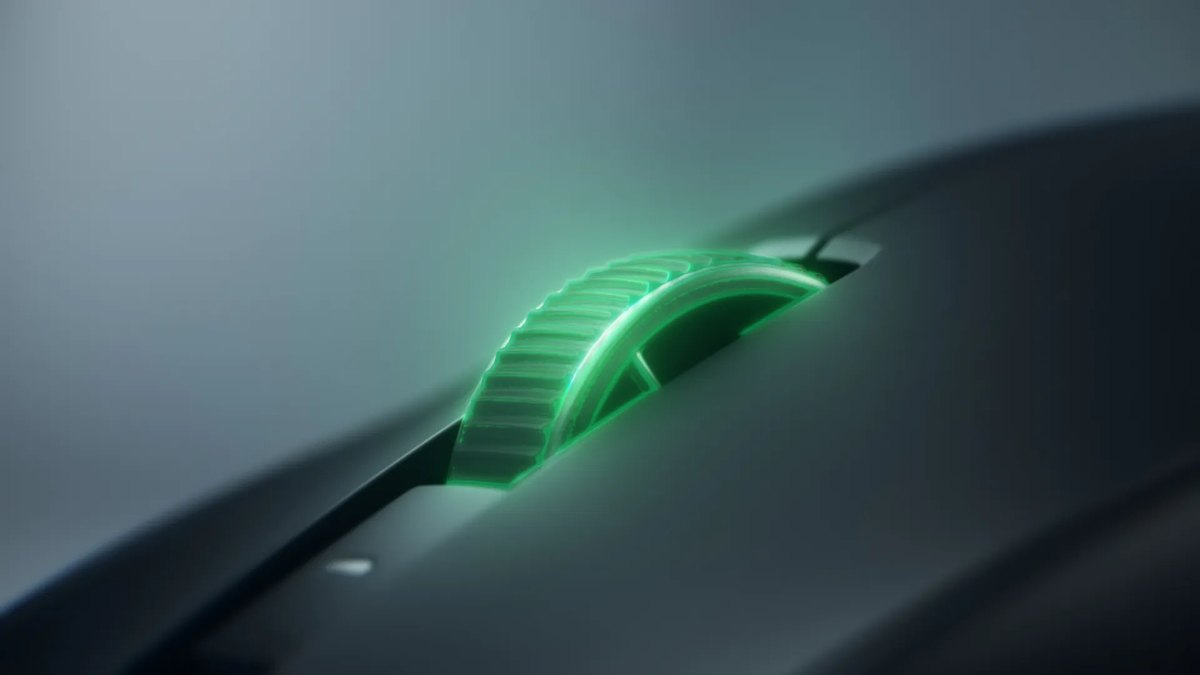
The Viper V4 Pro takes this round. It has a 24 step optical scroll wheel, 100% PTFE feet and Synapse Web, which lets you change settings in a browser without installing anything.
Logitech does not list the wheel type for the X3, and its UHMWPE feet were described in lab testing as less smooth than PTFE. The feet alone should not decide your purchase, but straight out of the box the Viper is more refined.
On the X3, settings live in the desktop G HUB app and save to onboard memory, so your click tuning travels with the mouse to other PCs.
Shape and grip: the dimensions are nearly the same, so shape familiarity comes first
Shape is where these two are closest. Official dimensions are 125 × 63.5 × 40 mm for the X3 and 127.1 × 63.9 × 39.9 mm for the Viper, roughly 2 mm apart in length, and lab testing describes both as symmetrical shells that suit most hand sizes and grip styles.
Both put their two side buttons on the left only, so neither is a true lefty mouse. In practice the X3 follows the SUPERLIGHT family shape and the Viper follows the Viper family shape, and the best predictor is which one your current mouse resembles.
Hand size charts are only a rough baseline; if a local store has them on display, hold both before you buy.
Pro usage and popularity: the Viper is the proven pick, the X3 is the new buzz
| Metric (date) | Viper V4 Pro | PRO X3 SUPERSTRIKE |
|---|---|---|
| VALORANT pro usage (public tally, Nov 9) | No. 1, 18.16% | Not listed |
| All tracked pros (public tally, viewed Nov 10) | No. 3, 10.30% | No. 11, 1.39% |
| Amazon PC gaming mice best sellers (Nov 5) | No. 16 | No. 5 |
| Kakaku.com gaming mouse ranking, Japan (Nov 3 to 9) | No. 19 | No. 3 |
Since its March launch, the Viper V4 Pro has climbed to the top of public VALORANT pro gear tallies and is also among the most used mice across all tracked pros, so it is popular with pros and regular buyers alike.
The X3 is drawing strong early retail interest in the US and Japan, but pro adoption is still low, which is unfair to judge only a month after launch. One common mix up: the mouse sitting at No. 4 among VALORANT pros (7.23%) is the older PRO X2 SUPERSTRIKE, not the X3. For how pros in another tactical shooter set up their gear, see our CS2 pro settings and gear breakdown.
Price (as of November 10, 2026)
| Product | Launch price (MSRP) | Street price range |
|---|---|---|
| Viper V4 Pro | US$159.99 | About US$159.99 at Razer and major retailers |
| PRO X3 SUPERSTRIKE | US$199.99 | About US$199.99 at Logitech and major retailers |
Prices move with sales events and stock, so check the seller right before you buy. MSRP is the price listed on each manufacturer's US store, and the street range reflects regular listings without coupons or card offers.
The X3 costs about US$40 more, which is the main reason its value score trails the Viper. With holiday sales starting, either mouse may dip below these figures for a short time.
Who should buy which
- Get the Viper V4 Pro if you want a light symmetrical wireless mouse that rarely needs charging, play a mix of FPS and other genres, or prefer a set and forget setup
- Get the PRO X3 SUPERSTRIKE if you mainly play VALORANT or CS2 and want to tune click depth and reset, need quiet clicks, or already love the SUPERLIGHT shape
- If you already own a POWERPLAY pad, the X3 is the more convenient mouse to keep charged
- Skip the Viper V4 Pro if loud clicks bother you or you want adjustable click depth
- Skip the PRO X3 SUPERSTRIKE if you mostly play tracking heavy shooters like Overwatch 2 or Apex Legends, lift your mouse a lot at low sensitivity, or do not want to fiddle with settings
- If you already use a PRO X2 SUPERSTRIKE, the upgrade is small; consider the X3 only if the front heavy balance kept bothering you
What owners say: clear strengths and clear complaints
Feedback on the PRO X3 SUPERSTRIKE splits along predictable lines. Fans like the near silent clicks and the ability to tune actuation, and one owner found the click pressure more comfortable than on the X2.
On the other side, a couple of people who moved over from the X2 say they barely notice a difference in performance, balance or battery, one owner could not get the left and right clicks to feel identical through settings, and one felt the feature matters little for MOBA or RPG players.
Reviews of the earlier X2 reached a similar conclusion: the benefit of analog style clicks shows up mainly in tactical shooters with short time to kill, and much less in tracking heavy games.
Owner feedback on the Viper V4 Pro praises the sensor, the build and the low weight. Complaints cluster around loud clicks, a click feel that is a matter of taste, and the premium price.
The loud click point appears in both lab and owner feedback, so if noise matters to you, listen to the click before buying. In short, the Viper has one main drawback, while the X3 divides opinion depending on whether you will actually use its tuning features.
Buying in the US: availability, returns and warranty
As of November 10, both mice are in stock on the official US stores. Logitech offers a 2 year limited hardware warranty plus 30 day free returns on its store, while Razer offers up to 2 years of warranty, valid only in the country of purchase, with a 14 day return window on Razer Store orders.
If you import either mouse, assume warranty claims may be harder at home. The white Viper V4 Pro is priced slightly above the black one. If the Viper stretches your budget, our Viper V4 Pro vs V3 Pro comparison covers the previous generation in the same shape.
How we rated and picked
Overall ratings are a weighted average of performance (35%), value (25%), owner feedback (20%), popularity (10%) and durability and support (10%), rounded to the nearest half star.
Performance is based on official specs, lab review verdicts and measured weight; we did not use detailed latency numbers we could not verify. Value compares the street prices in the price table with other lightweight wireless flagships.
Popularity uses public pro gear tallies and retail rankings, owner feedback uses store ratings and community posts, and durability uses warranty terms and switch design. Single failure reports did not move scores, and we do not claim either mouse is prone to breaking.
If you want the underlying criteria explained, our gaming mouse buying guide walks through weight, shape, sensor and polling rate in order.
Check whether the new mouse actually helped by recording it
Whichever mouse you buy, the only way to know if your aim improved is to compare recordings made under the same conditions. DOR is a free Windows app that detects VALORANT when you launch it, records each match from start to finish, and automatically saves kill highlights with Ace and Clutch tags. Everything lands in My Clips, so before and after footage is easy to line up.
- 1Record a baselinePlay a few rounds of the same routine with your current mouse, such as the Range or Deathmatch, and let DOR record them automatically.
- 2Match sensitivity on the new mouseSet the same DPI and in game sensitivity on the new mouse and record the same routine for the same number of rounds.
- 3Compare three momentsClip and compare first shot reaction, where your crosshair stops after a flick, and spray or tap reset. On the X3, also check whether accidental shots rise after each actuation change.
- 4Record again a week laterAfter an adjustment period, record the same routine once more and see whether it differs from your first comparison.
For more detail on which clips to compare and what to look for, see our guide to recording before and after a gear upgrade. It is not a way to benchmark the mouse itself, but a way to see how your own play changed.