APM is short for actions per minute: the number of inputs you make in one minute of play. Clicking to select a unit, issuing a move or attack command and pressing a control group hotkey each count as one action. The term became famous through real-time strategy games, above all StarCraft, where APM gets discussed alongside skill. But as Liquipedia, the StarCraft community wiki, points out, there is no standard formula. Which actions count, and whether you divide by the whole match or only the last few seconds, changes the number for the same play. BWChart and bwRepInfo, two well-known replay analysis tools for StarCraft: Brood War, for example, calculate over the whole game and leave out the first 150 seconds, while plug-ins that show APM during a game mostly work in 60-second intervals. That is why a second metric, EAPM (effective APM), tries to drop redundant repeats of the same command and count only meaningful actions. The same three letters also mean other things, which helps explain confusing search results. In IT, APM is application performance monitoring, and in the Tetris-style game TETR.IO, APM means attack per minute. This guide is about APM as hand speed in games. It is built around the questions people search for most, such as what a good APM is, how to see APM in StarCraft and how to check APM in League of Legends. It covers where StarCraft: Remastered and StarCraft II show APM, published figures with their sources, how to read APM from a recorded clip when a game has no counter, and how to practise raising it. Game menus and figures were checked on October 14, 2026.
Bottom line: a good APM is not a fixed number but your own trend under the same conditions
Almost all of the public evidence on what a good APM is comes from StarCraft II. The largest study is the SkillCraft study by Thompson and colleagues, published in PLOS ONE in 2013. It analysed replays from 3,360 players, from Bronze to Master league plus 55 professionals. The sample's mean APM was about 117, with a standard deviation of about 52. The researchers also compared which measures separate one league from the next. Between Diamond and professional players, APM mattered more than action latency, the time from moving your view to your first action there. Between Gold and Diamond, and between Platinum and Master, action latency was the most important measure. In other words, APM made the difference at the top, while in the middle leagues reading the situation quickly and starting the first action carried more weight. Keep in mind that the data comes from replays of an early version of the game (1.3.6, around 2011), and that from Legacy of the Void onward StarCraft II shows APM in the observer, replay and post-game screens in real time (Liquipedia). Today's in-game numbers are therefore not a one-to-one match. Pro figures vary by source. The English Wikipedia article "Actions per minute" says Korean professionals usually average around 250 to 350 APM and often exceed 400 in intense battles. Guinness World Records, in its StarCraft entry, says a pro-gamer looks to maintain around 180 APM with peaks of over 1,000 in battles. The two sources do not measure the same way, so they cannot be merged into one average. League of Legends and VALORANT are a different story. Neither game shows APM on screen or in match results, and as of October 14, 2026 we found no published benchmark with a checkable source. People often search for Faker's APM or other pros' hand speed, but with no official record, any number you see is hard to verify. So the answer is simple. Rather than chasing someone else's number, collect the APM of your own matches in the same game with the same tool, and compare before and after you practise.
How to check APM, game by game
- 1Turn on the in-game APM display in StarCraft: RemasteredOpen Settings from the main screen, or open the menu with F10 during a match and go to Settings, then choose the Game section. Tick the in-game APM display option in the APM tracking area and confirm, and your APM appears live on the match screen. Blizzard added this option, together with a game timer, in patch 1.18 in April 2017. In the same area you can enter a number for the low-APM alert and switch on coloured text, so the figure turns red whenever your APM drops below it. Exact labels can differ slightly by client version and language.
- 2In StarCraft II, check replays and the post-game score screenWhen you watch a StarCraft II replay, the APM entry in the replay overlay at the top left shows each player's average and current APM. The post-game score screen also tracks APM, an addition from patch 2.0.4 in 2013. Since Legacy of the Void, APM in the observer, replay and post-game screens is calculated in real time. As of October 14, 2026 we could not confirm from official sources a built-in setting that shows your own APM live during a 1v1 ladder match, so check the game's options menu yourself if you need a live number.
- 3For League of Legends and VALORANT, start by recordingLeague of Legends and VALORANT do not show APM on screen or in match results. To see it, you have to record your matches with a tool that also logs keyboard and mouse input while it records. Browser APM or click-speed tests measure how fast you click on a test page, which can differ from the APM you produce while casting abilities and moving in a real match. If you want your gameplay APM, measure real matches. Depending on the game, a recorder may need to run as administrator before it can log your input, so check after your first match or two that input was actually recorded.
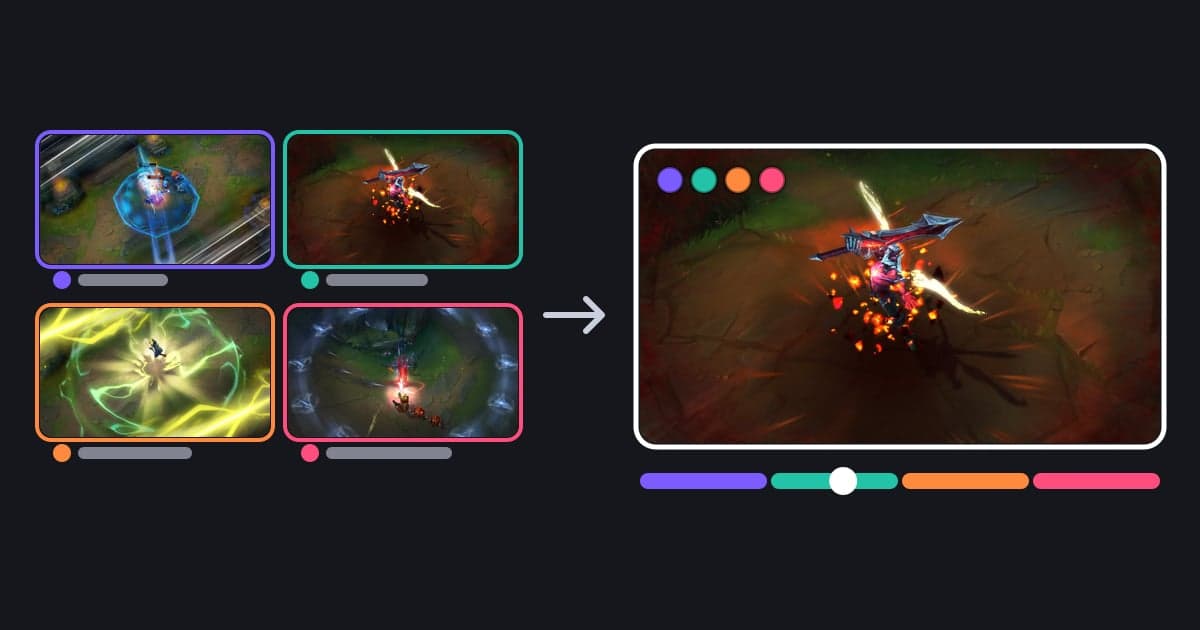
- 4Read the APM graph on a DOR clip timelineOpen a clip recorded with the DOR Windows app that has input data in the clip player, and an APM graph appears along the timeline. Hover over it to see the APM at that moment, or click it to jump there. The number is the count of new key and mouse-button presses in the last 10 seconds multiplied by 6, so it rises when actions pile up, as in a fight, and falls while you move or wait. Only time with the game window in front is counted, so time spent looking at another window adds no actions.
- 5Jump to your peak APM and see what you actually didThe Control tab of the Analysis panel shows the current APM at the playhead next to the clip's peak APM, and clicking the timestamp next to the peak takes you to just before that stretch. Do not stop at the number: check what you actually pressed during those seconds. If you switch on the keyboard and mouse input overlay in the same Control tab, the keys it draws (a fixed set) and your clicks appear over the video, which makes it easy to tell meaningful actions from mashing one key.
- 6For Medal clips, look for the APM line in the Preview windowMedal shows APM too. According to Medal's support article "Video Overlays", if you turn on the keyboard and mouse overlay under Settings > Video Overlays before recording, a blue line appears along the timeline in the Preview window, and that line is APM, a measure of clicks and key presses over time. Clips recorded without the overlay show no line, and the article says a recorded overlay cannot be hidden in Medal's editor. Apps may count differently, so do not compare Medal and DOR numbers with each other.
Published APM figures by source and how to read them (checked October 14, 2026)
| Who | Published figure | Source and caveats |
|---|---|---|
| 3,360 StarCraft II ladder players and pros | Mean about 117, standard deviation about 52 | SkillCraft study (PLOS ONE, 2013). Based on replays from an early version (1.3.6, around 2011), so it does not map directly onto today's in-game numbers. |
| What separates leagues (same study) | Between Diamond and pros, APM mattered more than action latency; between Gold and Diamond and between Platinum and Master, action latency mattered most | This does not mean APM is meaningless in the middle leagues. Speed of judgement and first action simply carried more weight there. |
| Korean professionals (StarCraft) | Average around 250 to 350, often over 400 in intense battles | As stated in the English Wikipedia article "Actions per minute". The article does not say which tool measured it or when. |
| Pro-gamers (Guinness World Records) | Maintain around 180, peaks over 1,000 in battles | From the Guinness World Records entry "Most actions per minute in a videogame" (StarCraft). Its basis differs from Wikipedia's, so do not average the two. |
| New players | Typically below 50 | As stated in the same Wikipedia article. It varies by game and by how APM is measured. |
| League of Legends and VALORANT | No in-game APM display and no published norm | With no official record, numbers quoted for pros' hand speed are hard to verify. How to measure your own APM from a recorded clip is covered below. |
| Tetris (TETR.IO) | APM = attack per minute | This counts attack sent to opponents, not hand speed, so it does not compare with APM in other games. Speed there is shown as PPS (pieces per second). |
Checklist for practising a higher APM
- Before practising, I measured a few normal matches in the same game and wrote down my baseline APM.
- I picked one measuring tool. In-game displays, replay analysers and recording apps calculate differently, so I do not mix them.
- In an RTS, I set up control groups and building hotkeys so that actions I used to do by clicking icons now happen on the keyboard.
- I do not inflate the number by spamming one key, and I check on video what I actually did when my APM spiked.
- I watch whether my APM drops when tasks pile up, such as just before and after a fight. In StarCraft: Remastered, I set the low-APM alert to my target.
- After one or two weeks of practice, I compare against matches played under the same conditions, and I look at records beyond APM, such as wins and decision mistakes.
Reading APM on clips recorded with DOR
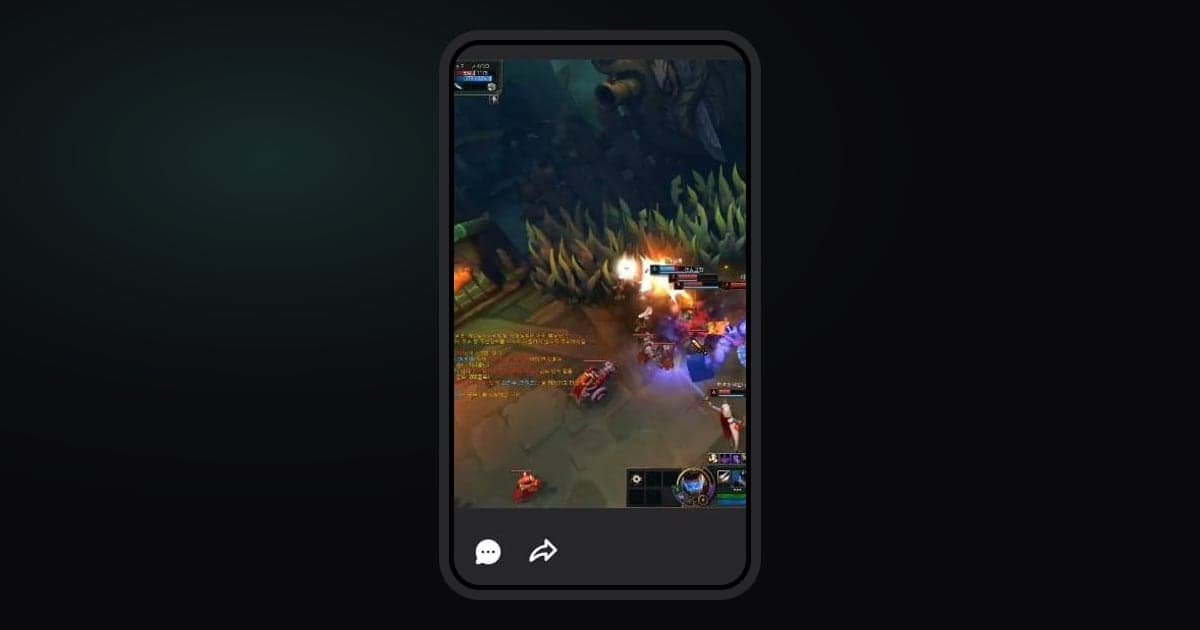
DOR is a free Windows PC app that records your keyboard and mouse input while it records your game, with no NohBoard or OBS plug-in to install. Input data exists only for clips recorded with DOR on v1.3.38, released in July 2026, or later. Clips recorded before that, cloud-only clips, imported or uploaded files, and recordings made with OBS or a phone have no input data, so they show no APM. DOR counts one action for each new key press or mouse-button press. Mouse movement, held keys and the scroll wheel do not count. Current APM is the number of actions in the last 10 seconds multiplied by 6, counted only while the game window is in front. Use the APM graph on the clip player timeline to see the shape of the whole clip, then check current and peak APM in the Control tab of the Analysis panel and jump to the peak. If you only want to revisit one fight, you can also save the moment that just happened as a clip with a hotkey while recording (How to save just the moment you just saw as a clip). The same Control tab turns the keyboard and mouse input overlay on and off (it is on by default). It comes in five looks, the DOR mascot, Cat, Dog, Robot and Compact, and you drag it to move it and pull its corners to resize it. It draws a fixed set of keys, not a full keyboard: Compact shows Q W E R, Shift A S D F, Ctrl and Space plus the mouse buttons, and the character looks show 1 to 6, Q W E R and A S D plus the mouse. If you want a Short that shows your key presses, check that the insert input overlay switch is on in Trim Section or in the edit step when sharing (the switch label may appear in Korean whatever your app language). When it is on, the keyboard and mouse board is baked into a new clip, which carries a Baked in badge. Choose 9:16 (full vertical 1080x1920), 16:9 (original framing) or 1:1, which is a square inside a 9:16 frame with black margins, the editor default, and adds a DOR logo and a name tag on a free account. Finishing Trim Section requires signing in. The exported overlay can come out smaller than the preview, so set its size once before you finish. The APM number and graph stay in the player and are not baked into exported videos. If a game still records no input after several recordings, you may need to relaunch DOR as administrator with the Relaunch as administrator button in the Control tab. Medal also shows an APM line when its keyboard and mouse overlay was on while recording. The difference is that Medal bakes the overlay into the video at recording time and it cannot be hidden in the editor, while DOR lets you switch it on and off in the player after recording and bakes it in only when you export. Other differences between the two apps are covered in Medal.tv alternative.