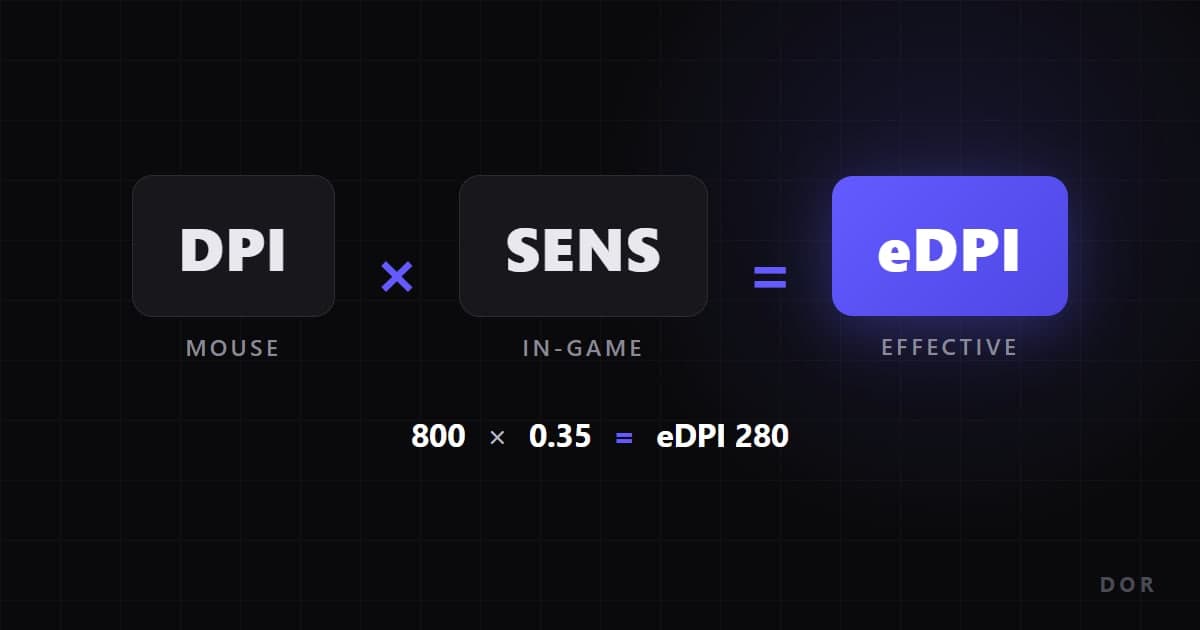
eDPI stands for effective DPI: your mouse DPI multiplied by your in-game sensitivity. At 800 DPI with Valorant sensitivity 0.4, your eDPI is 320. Someone on 400 DPI with 0.8 lands on the same 320, and their hand moves almost identically. That is the whole point: a raw sensitivity number means nothing without DPI, while eDPI turns the two settings into one comparable number. One caveat before you compare anything: each game rotates a different angle per mouse count (its yaw), so the same eDPI only means the same speed inside the same game. If you would rather not do the math, the sensitivity converter gives you the number from just your DPI and sens.
Quick check: where does your eDPI sit?
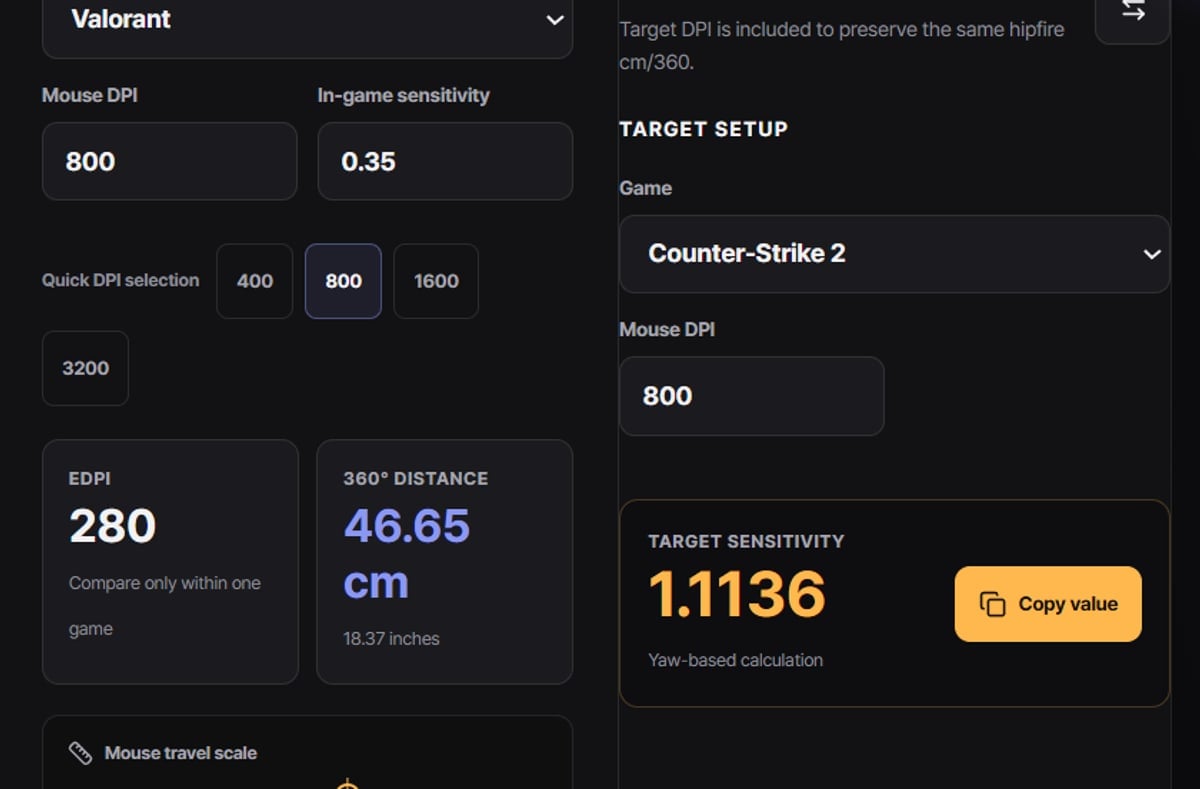
First compute your own number, then compare only within the same game. Looking at the tendencies our per-game guides describe: top Valorant players mostly sit between eDPI 200 and 400, CS2 players commonly land between 600 and 1200 (roughly 69.3 to 34.6 cm per full turn), and Apex settings spread across a wide 800 to 2400 band. The reason pros lean low is simple: most fights are decided by small, repeatable corrections on a head-sized target, and lower eDPI makes that micro-aim more reproducible. Treat these bands as starting points, not answers. For a Valorant starting point and a step-by-step tuning routine, see the Valorant sensitivity guide.
Calculate and use eDPI in 5 steps
- 1Check your current DPI in your mouse software.Native sensor steps such as 400, 800, or 1600 are the easiest to manage.
- 2Check your in-game sensitivity value, for example 0.35 in Valorant or 1.0 in CS2.
- 3Multiply the two numbers.800 DPI x 0.4 sensitivity = eDPI 320. That is the entire formula.
- 4Compare only within the same game.Valorant uses a yaw of 0.07 degrees per count, CS2 and Apex use 0.022, and Overwatch 2 uses 0.0066, so identical eDPI numbers mean different turn speeds.
- 5When you switch games, match cm/360 instead of copying eDPI.Enter your DPI and sensitivity into the sensitivity converter to get the equivalent value.
Per-game eDPI calculation examples
| Game | Example (DPI x sensitivity) | Resulting eDPI |
|---|---|---|
| Valorant | 800 DPI x 0.35 | eDPI 280 |
| CS2 | 800 DPI x 1.0 | eDPI 800 |
| Apex Legends | 800 DPI x 1.5 | eDPI 1200 |
| Overwatch 2 | 800 DPI x 5.0 | eDPI 4000 |
Checklist when working with eDPI
- Lock your DPI to one value and adjust only in-game sensitivity afterwards, so you always know what changed.
- Disable acceleration in your mouse software and in the game; with acceleration on, the same eDPI produces different rotations depending on hand speed.
- Never type another game's eDPI into a new game - different yaw values make it a completely different sensitivity.
- Use published pro numbers as a range, not a target: hand size, pad width, and posture all differ.
- For a CS2 baseline and how those numbers feel there, check the CS2 sensitivity guide.
Compare fights before and after with DOR clips
Judging a new sensitivity from memory rarely works; you need footage. DOR is a free Windows desktop app that detects your game automatically, records full matches in the background, and clips kill highlights for you. NVENC encoding is the default, so the load while you play stays low. Pull the before-and-after fights from your full-match library, trim them in the browser clip editor, and share a dor.gg link that plays right in a phone browser. Watching overshoot and undershoot side by side beats guessing every time. For per-game baselines, continue with Valorant sensitivity and CS2 sensitivity.
 #Valorant