A game that ran fine yesterday now refuses to launch, or crashes a few minutes in, and the only thing that changed overnight was a Windows update. Before you roll anything back, confirm the update is actually to blame.
In 2026 Microsoft officially listed game problems as known issues twice, and both times the fix came from a driver block and a later cumulative update rather than from users removing the patch.
This guide covers those two cases as documented on Microsoft's support pages and the Windows release health dashboard as of November 12, 2026, shows how to check which KB is installed on your PC, and walks through the checks worth running before you uninstall an update.
Windows updates that affected games in 2026 (as of November 12, 2026)
| Update | What games saw and why | Status |
|---|---|---|
| KB5121003 (August 11 security update) | ARC Raiders, MARVEL Tōkon and THE FINALS freezing or crashing, linked to inpoutx64 style RGB drivers | Resolved August 27 by blocking the driver; a notice says the driver was disabled |
| KB5124010 (September 22 optional preview) | Some games and apps using the built in Windows AC-3 decoder failing to launch or closing | Resolved October 13 in KB5127648 |
| KB5124008 (September 8 security update) | Some USB Audio Class 1.0 devices showing Code 10 or producing no sound | Multichannel fixed in the September 14 out of band update, the rest in KB5132061 on November 10 |
| KB5127648 (October 13 security update) | Includes a fix for mouse input stutter in some games | Also the update that resolved the AC-3 issue |
| KB5132061 (November 10 security update) | November cumulative update for 26H2 and 25H2 | No known issues listed on its support page as of November 12 |
| Windows 11 24H2 Home and Pro | October security update was the final update | Upgrade to a supported version such as 25H2 or 26H2 |
Bottom line: check the KB number and known issues before uninstalling
Uninstalling the latest update feels like the quickest fix, but Microsoft's Windows Update FAQ generally advises against removing updates because you also lose the security fixes inside them. The 2026 cases show why.
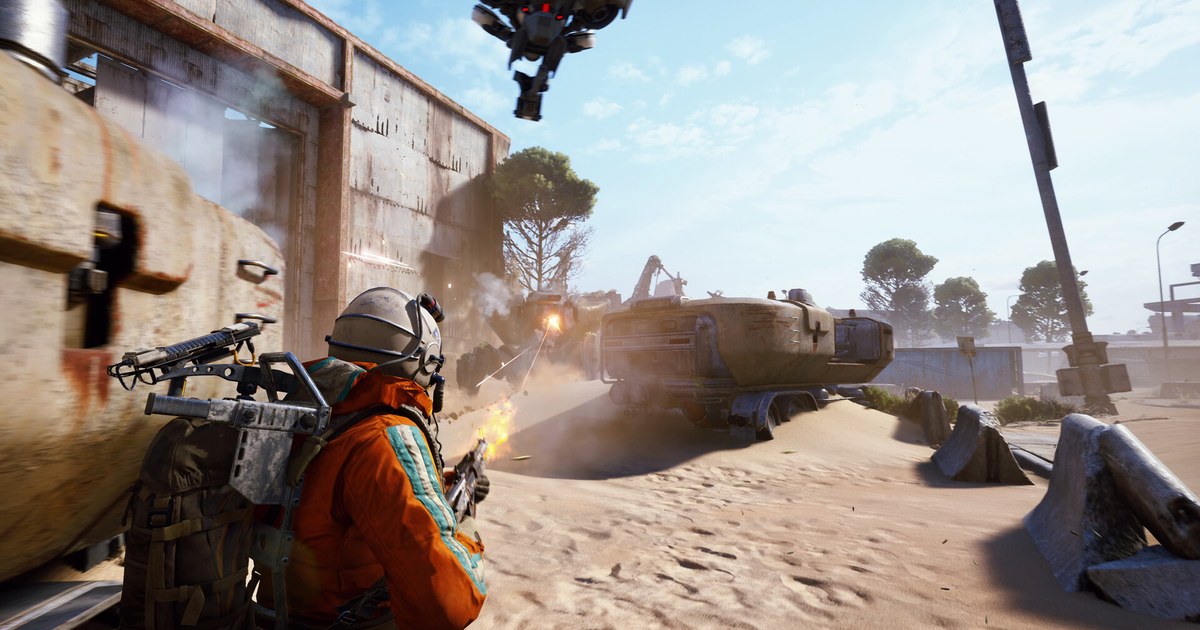
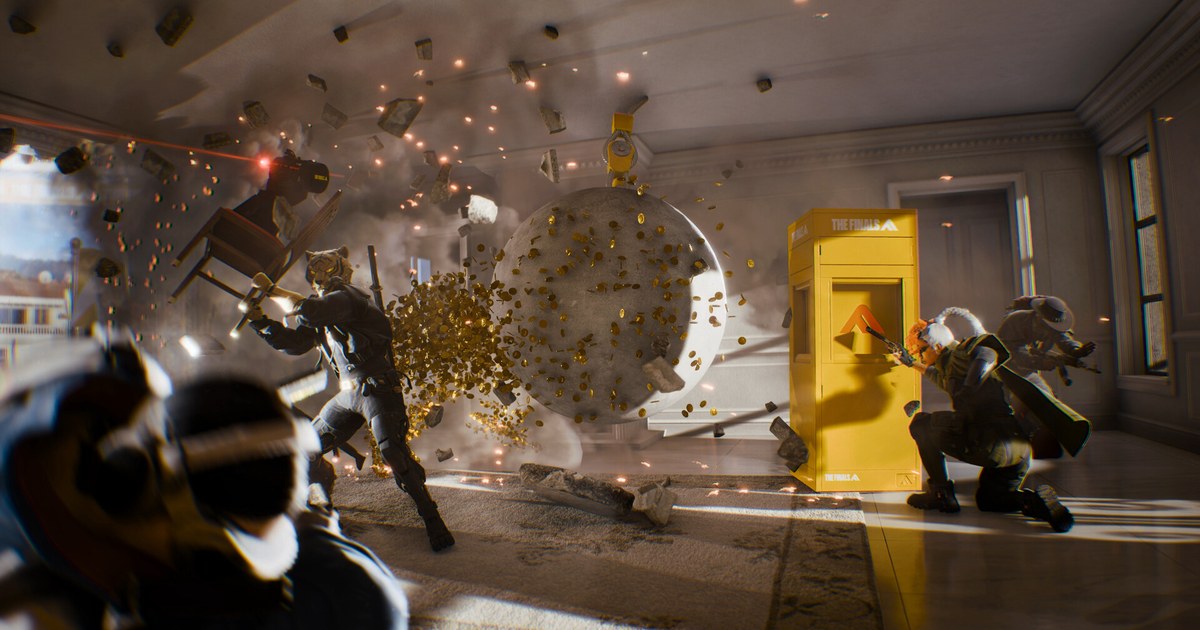
After the August 11 security update KB5121003, ARC Raiders, MARVEL Tōkon: Fighting Souls and THE FINALS froze or crashed on some PCs.
Microsoft tied it to drivers with names similar to inpoutx64 that ship with RGB lighting hardware and software, and on August 27 resolved it by blocking that driver from loading on affected devices.
After the September 22 optional preview update KB5124010, some games and apps that decode Dolby Digital (AC-3) audio through the built in Windows decoder closed unexpectedly; the October 13 security update KB5127648 fixed it. In both cases the answer was the next update, not the rollback.
Timing can also mislead you: a crash that starts the same week as an update may come from a recorder, an overlay or a graphics driver. If games only crash while you record, start with fixing games that crash while recording.
What to check when a game that worked yesterday starts crashing
- 1Find the date and KB number in Update historyGo to Settings > Windows Update > Update history and note the KB number and install date of the latest quality update. Check whether it lines up with the first crash, and whether a game patch or graphics driver update landed the same day.
- 2Search the release health page for known issuesOpen Microsoft's Windows release health dashboard, pick your Windows version and search for the KB number. If a game or audio entry shows up, look at whether it is Confirmed or Resolved and which update resolved it.
- 3Install the latest cumulative update and restartResolved issues are usually fixed in a later cumulative update. Click Check for updates, install everything up to the newest release such as the November 10 security update KB5132061, restart and launch the game again.
- 4Check the game side: shaders and memoryAfter an update some games rebuild shaders and stutter for the first few matches. If stutter persists, see how to clear shader cache. If crashes come with out of memory errors, see virtual memory settings for gaming.
- 5Uninstall only once the cause is confirmedIf a specific update is confirmed as the cause and no fix exists yet, remove it from Update history > Uninstall updates, then turn on Pause updates so it does not reinstall right away. When the fix ships, resume updates and install it.
Before you blame the update
- Check whether a game patch, GPU driver, or RGB, fan control or overclocking utility also updated on the day crashes began.
- If you run RGB lighting software, think back to whether Windows showed a notice that a driver was disabled. That block was how the August 2026 case was resolved.
- If only one game crashes, the cause is more likely on the game side, so verify the game files and read the developer's status posts first.
- Windows 11 24H2 Home and Pro got their last update in October 2026. Still on Windows 10? Read gaming on Windows 10 after end of support.
- On a work or school managed PC, automatic fixes such as the driver block may not apply on their own, so ask your IT admin first.
Record before and after so you can compare
When the symptom is vague, like occasional hitching or a freeze, watching the same map before and after an update side by side makes it much easier to judge.
DOR is a free Windows game recorder: launch a supported game and it detects it and records the whole session from launch to exit, collecting the footage in My Clips inside the app. THE FINALS is supported, so your matches are saved without pressing record.
Trim just the part where it stuttered or froze, then export an mp4 or share a dor.gg link from DOR Studio, which makes it easier to show the problem to the game's support team. More in how DOR auto recording works and on the THE FINALS hub.