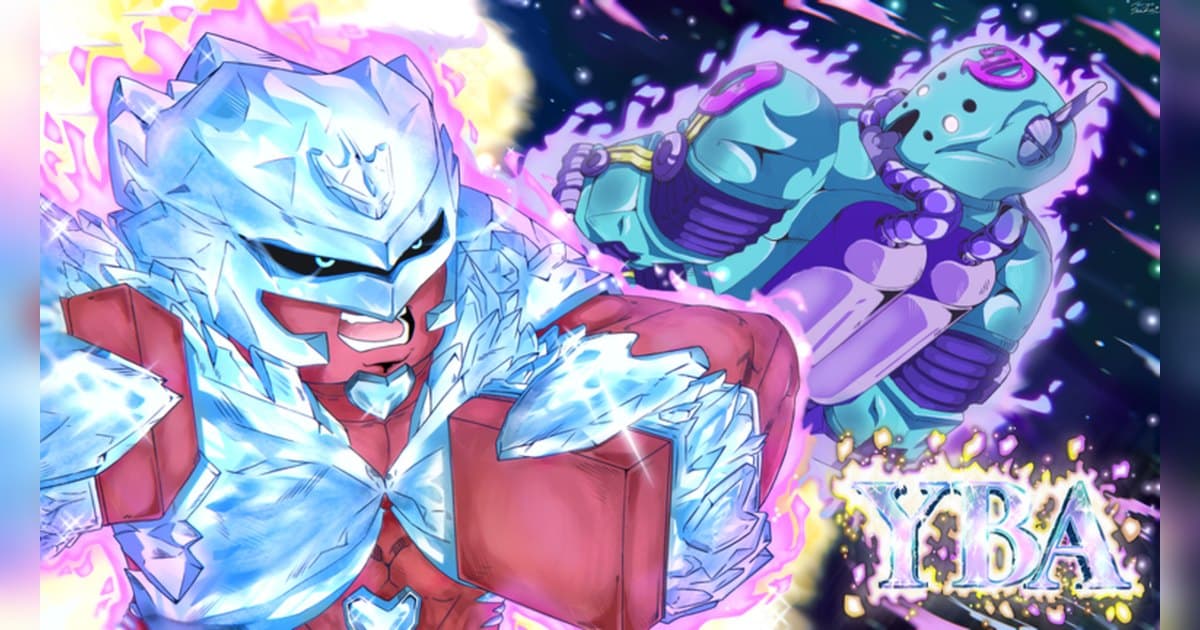
Your Bizarre Adventure, or YBA, is in its own words an MMORPG that revolves around obtaining strong and unique spiritual abilities known as Stands, fighting gangs, PvP and more. It is made by Bizarre Studios, which its group page says was founded on April 12, 2017 by UzuKee. The experience was created on February 2, 2019. On October 20, 2026 it showed about 2.28 billion visits, about 1.98 million favorites and roughly 16,000 people playing at that moment, with about 1.46 million likes and roughly 89 percent positive votes. A server holds up to 20 players, and the last update was on October 17. That day it was 13th in Top Trending for Germany, 15th for Japan, 16th worldwide, 17th for Taiwan and 27th for the US, and 16th on Taiwan's Fun with Friends list. The country breakdown is in popular Roblox games right now. This guide sticks to the official description, badges and update posts. Stand tier lists and item values that are not published officially are left out.
The short version: get a Stand, grow by fighting gangs, aim for Prestige, and farm items on weekends
The official description rests YBA on three things: obtaining a strong and unique Stand, fighting gangs, and PvP. Getting a Stand comes first, and you grow your character by fighting gangs with it. The long goals are in the badges. Prestige 1 is awarded when you reach your first prestige through the teachings of The Prestige Master, and about 7.28 million players have it. Prestige 2 says you have pushed yourself almost to the limit, held by about 6.26 million, and Prestige 3 marks the final destination of your training, held by about 5.5 million. Numbers that high tell you how many people stick with it for a long time. The description says item spawn rates double every Friday, Saturday and Sunday, so weekends are the efficient time to collect. The update posts show version 1.8 on September 25 adding a new evolved Stand, Crazy Diamond Requiem, a new Stand, Diver Down, two new bosses and better mob AI, and Update 1.81 starting the 2026 Halloween Event on October 16; the description points you to the in game patch notes for details. One more line is worth remembering. The description warns that exploiting gets you banned with no appeals unless you have high quality video evidence showing you were falsely banned, and it recommends using a clipping app for your own safety. Recording your normal play is that protection. If you have not recorded Roblox before, start with how to record Roblox gameplay.
Starting YBA: do it in this order
- 1Join with the PC version of RobloxOpen the experience in the PC version of Roblox from roblox.com. With DOR installed, recording starts with nothing to press, so the video record the description recommends builds up by itself.
- 2Get your first StandStands are at the center of the description. Get one first so you have something to fight with. That moment does not come again, so save it as a clip right away.
- 3Grow by fighting gangsFighting gangs is the second pillar in the description. Learn how your Stand handles while you level up, and try the new bosses added in September.
- 4Collect items on weekendsItem spawn rates double every Friday, Saturday and Sunday. If you have a lot to collect, save your time for the weekend. If you want company, try the Roblox group finder.
- 5Set Prestige as the long goalThe badges lay out Prestige 1, 2 and 3 in order. Each step adds to your recordings, so later you can put the day you got your first Stand next to your latest prestige and see the whole climb.
YBA moments worth keeping, and what officially backs them
| Moment | What the official sources confirm | How to keep it |
|---|---|---|
| Getting your first Stand | The description puts obtaining Stands at the center of the game. | It only happens once, so save a clip right after. |
| Reaching a Prestige level | The Prestige 1, 2 and 3 badges mark each step. | It took a long time, so leave the notification on screen a few extra seconds. |
| Your first fight with a new boss | Update 1.8 on September 25 added two new bosses. | Record the whole session so you can study the patterns later. |
| A PvP fight you won | PvP is one of the pillars in the description. | Press the clip hotkey right after the win to save the last 30 seconds. |
| Evidence in case of a false ban | The description recommends keeping high quality video evidence. | Automatic recording of normal play means nothing extra to remember. |
Before you join YBA
- You are using the PC version of Roblox from roblox.com.
- You read the in game patch notes for the current update.
- If you plan to farm items, you kept Friday to Sunday free.
- Exploiting means a ban with no appeals per the description, so you do not.
- You will ask before posting videos with a friend's voice.
Keep your whole YBA session with sound using DOR
All you do is launch Roblox. There is no button to press and nothing to set up: DOR, a free Windows PC app, recognizes the PC version of Roblox and starts AI auto recording the moment you join YBA. When you leave to the home screen, that session lands in your library as one mp4. Game audio and your microphone are recorded together on one track, so the chatter while you take down a boss with friends stays in the file, and AI voice notes log what was said with timestamps so you can jump back to the loudest moments. To keep the Stand you just got on its own, press the clip hotkey and the last 30 seconds are saved as a clip, with 15, 30, 45 or 60 seconds to choose from. Recording defaults to 1080p at 30fps, with 60fps available. Pick the clips you saved and press Create highlight, and the AI highlight joins them into one video; trim any part to 16:9, 9:16 or 1:1 and share it with a single dor.gg link. DOR Studio opens right in your browser for text, background music and effect templates. If you want a fighting game with a stickman roster, see the Legends Battlegrounds guide.
 #Roblox