Record, edit
& अपनी community ढूंढें
गेमप्ले recording और editing से लेकर दोस्त, पार्टी और कम्युनिटी ढूंढने तक की काम की गाइड।
पेज 29 / 45
 रिकॉर्डिंग गाइड
WoW Raid Boss Kill Video कैसे Share करें (2026): तीन घंटे की recording से boss kill और Mythic+ timer अपनी raid team को भेजें
DOR World of Warcraft को launch से exit तक एक video में record करता है। Pulls और wipes से भरी लंबी raid recording में boss kill ढूंढने, trim करने और raid team को link भेजने का तरीका, साथ में Mythic+ timers और battleground comebacks भी।
 रिकॉर्डिंग गाइड
Wuthering Waves Boss Fight Clip कैसे भेजें (2026): PC recording से सिर्फ़ dodge counters और Liberation finishers चुनें
DOR जब Wuthering Waves का PC client record करता है, तो login से exit तक सब एक video में आता है। Boss health bar, dodge के बाद का counter और character swap combos से कुछ सेकंड के combat पल कैसे ढूँढें, और इतने बड़े game के लिए disk space कैसे संभालें, यहाँ जानें।
 रिकॉर्डिंग गाइड
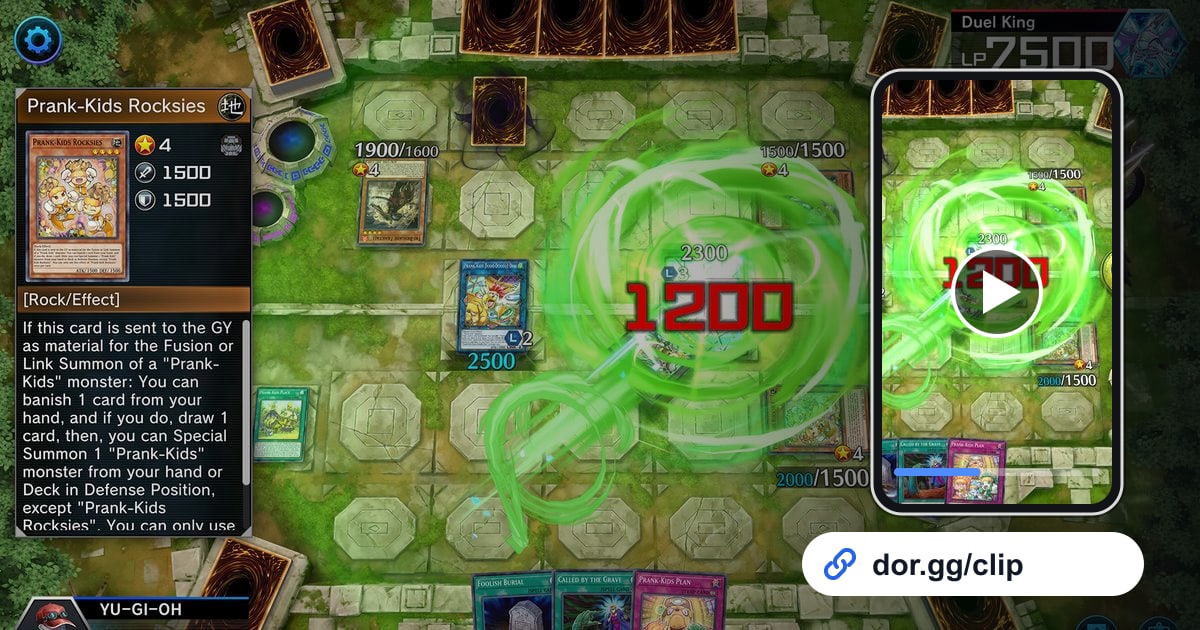
Yu-Gi-Oh! Master Duel Combo Video कैसे भेजें (2026): OTK, Chain Battle और Topdeck Comeback को लिंक से डेक दोस्तों तक
DOR से Yu-Gi-Oh! Master Duel रिकॉर्ड करें, फिर one-turn kill, लगातार chain वाला टर्न या आखिरी draw वाला comeback ट्रिम करके dor.gg लिंक से भेजें।
 सेंसिटिविटी टूल्स
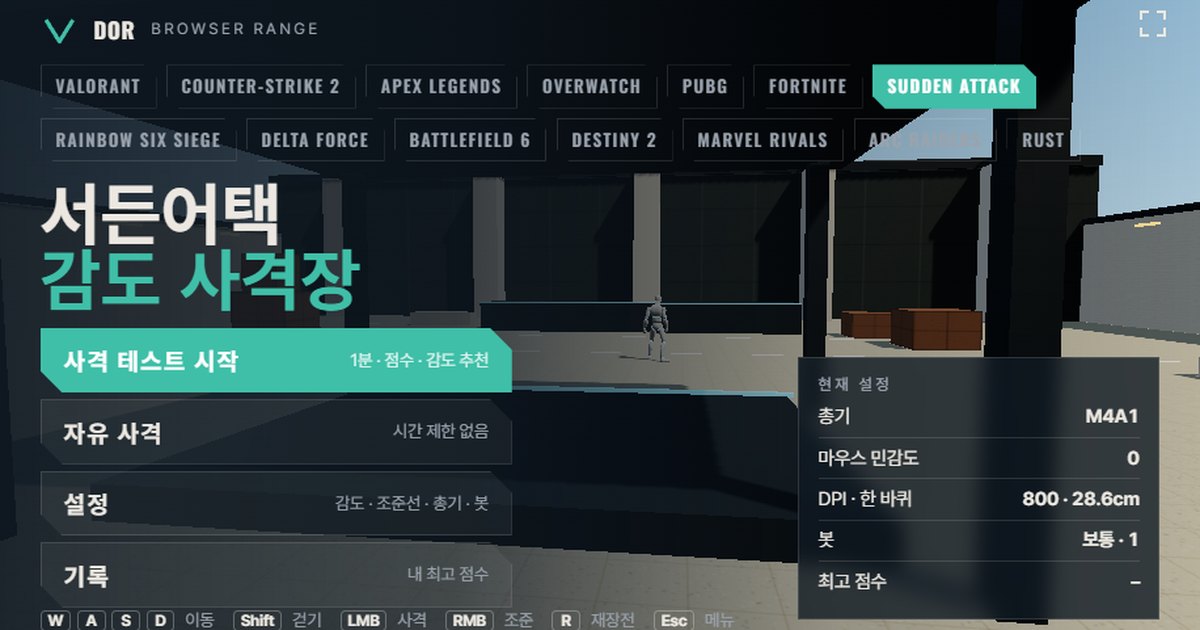
Sudden Attack Sensitivity Settings: माइनस 10 से 10 स्केल, cm/360 और 1 मिनट का टेस्ट
Sudden Attack में sensitivity सेटिंग कहाँ है (Options > Control > Mouse Sensitivity), आधिकारिक turn rate के बिना -10 से 10 वाला स्केल कैसे काम करता है, और 1 मिनट के ब्राउज़र टेस्ट व रूलर से नापे cm/360 से इसे कैसे सेट करें। साथ में नतीजे पढ़ने का तरीका और हर हथियार के लिए सही ड्रिल।
 सेंसिटिविटी टूल्स
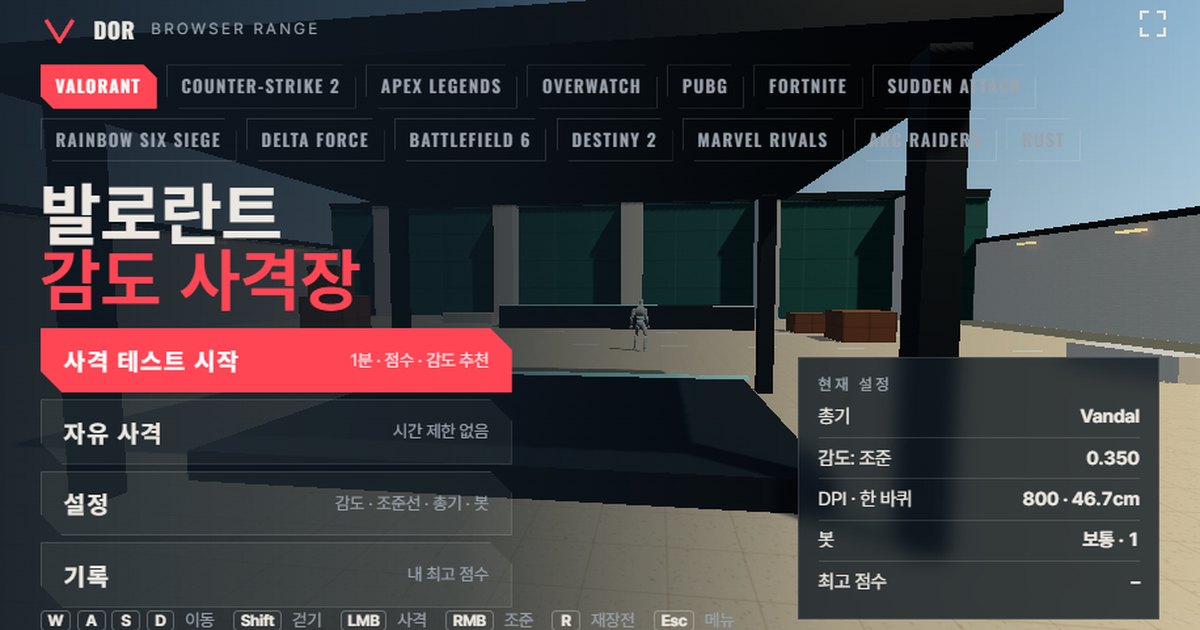
Valorant Sensitivity Test: cm/360 के साथ 1 मिनट का Browser Aim Trainer
बिना कुछ इंस्टॉल किए browser में चलने वाला VALORANT sensitivity test: गेम के turn rate (sensitivity × 0.07°/count) और 103° FOV पर 1 मिनट तक bots को शूट करें, फिर overshoot और undershoot के आधार पर sensitivity 10% बढ़ाने या घटाने का सुझाव और अपना cm/360 पाएँ।
 रिकॉर्डिंग गाइड
LoL 26.21 Replay Download Limit: एक घंटे में 10 replay, और दूसरे players के replays अब भी मिलेंगे (2026)
League of Legends के लिए Riot ने जिन private replays की घोषणा की थी, वे 26.21 में नहीं आए। उनकी जगह replay download पर एक घंटे में 10 की सीमा लगी है। जानिए असल में क्या बदला, क्या वैसा ही है, और 26.22 से पहले DOR से मैच को mp4 वीडियो में कैसे रखें।
 रिकॉर्डिंग गाइड
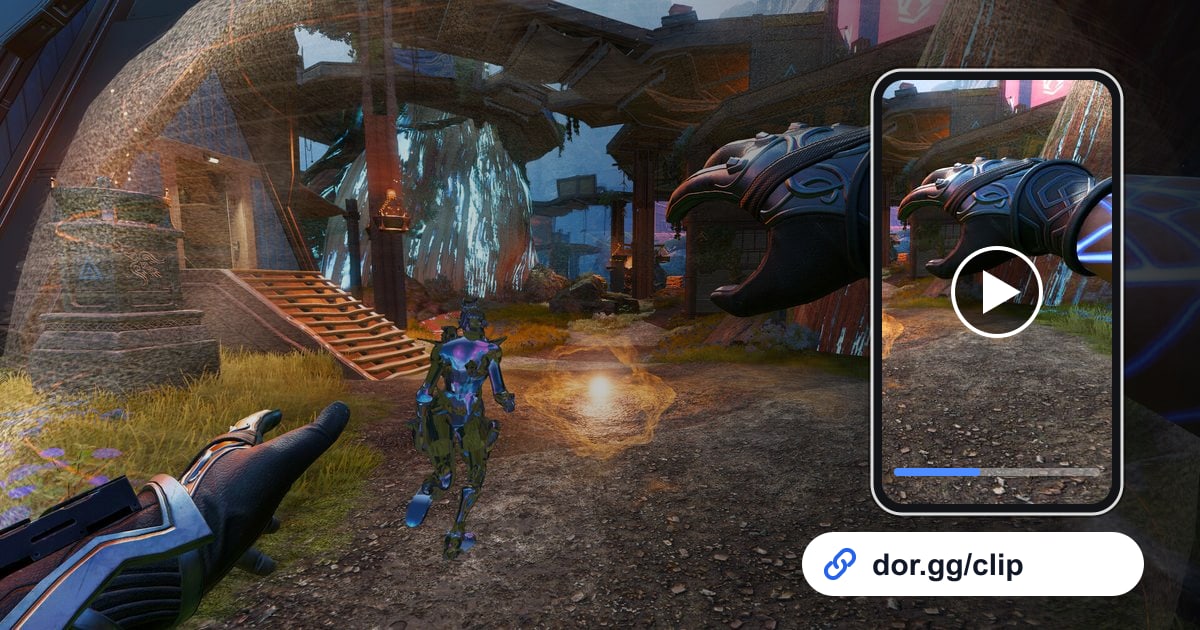
Apex Legends Gameplay Video दोस्तों को कैसे भेजें (2026): Champion Match Trim करें और Link Share करें
DOR पूरा Apex Legends match record करता है। Champion वाला पल, squad wipe या final ring की लड़ाई चुनें, trim करें और dor.gg link के रूप में भेज दें।
 रिकॉर्डिंग गाइड
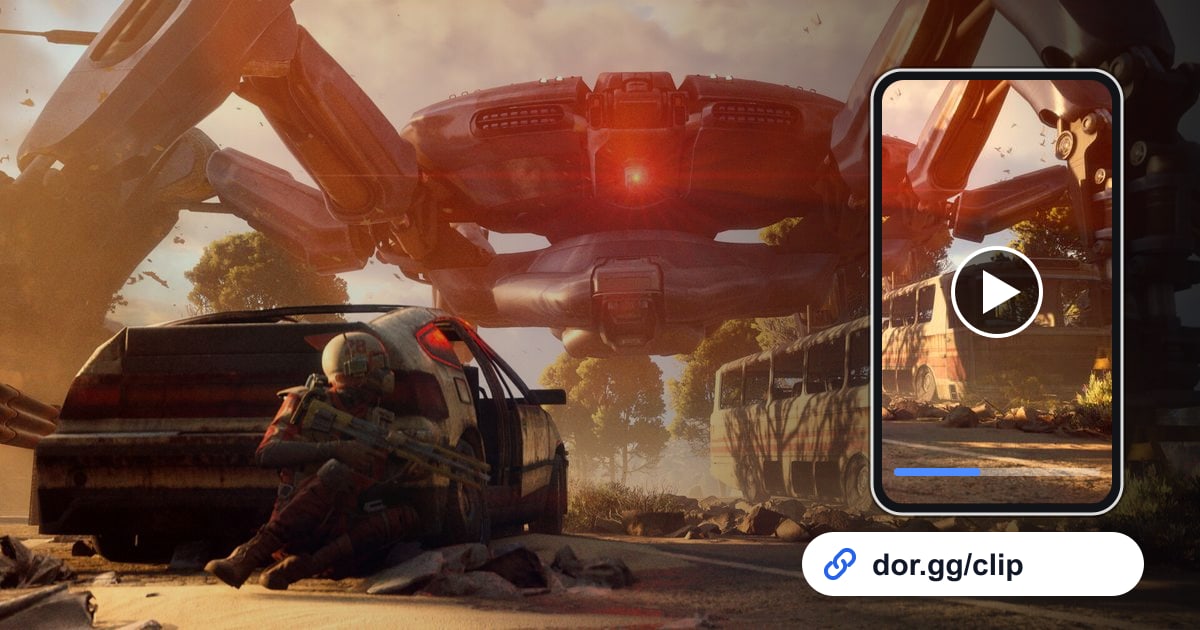
ARC Raiders Gameplay Video दोस्तों को कैसे शेयर करें (2026): Extraction, ARC Kills और Raider Encounters एक लिंक में
DOR से ARC Raiders रिकॉर्ड करें, फिर भरे bag के साथ निकलने वाला raid, किसी बड़ी ARC machine के गिरने का पल, या दूसरे Raider से भिड़ने से पहले के तनाव भरे सेकंड trim करके dor.gg लिंक से भेजें।
 रिकॉर्डिंग गाइड
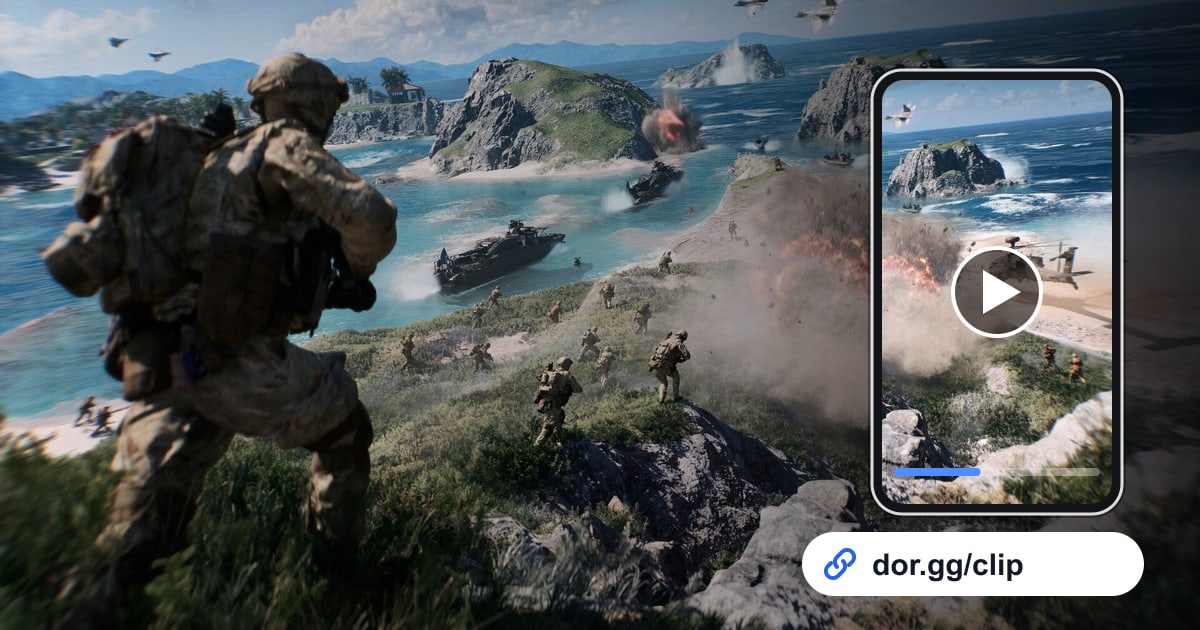
Battlefield 6 Gameplay Video दोस्तों को कैसे Share करें (2026): हेलिकॉप्टर रन और बिल्डिंग गिराने वाला सीन, एक ही लिंक में
DOR से Battlefield 6 रिकॉर्ड करें, हेलिकॉप्टर रन, गिराई गई दीवार या स्क्वॉड के साथ लिया गया objective ट्रिम करें और dor.gg लिंक से भेज दें।
 रिकॉर्डिंग गाइड
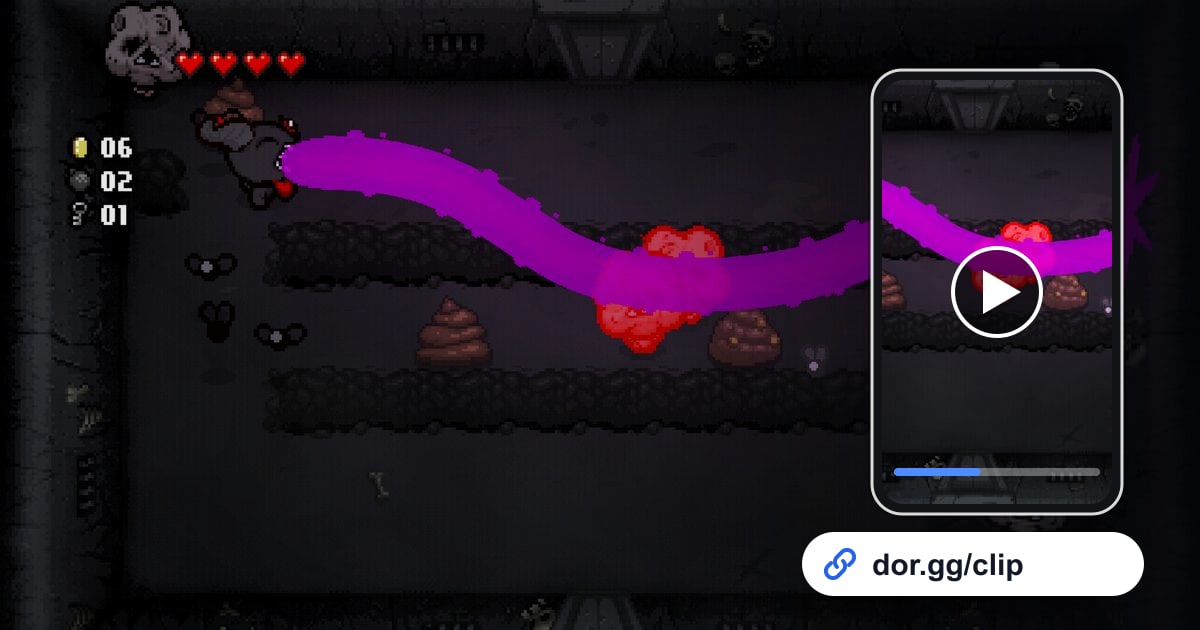
Binding of Isaac Run का Video दोस्तों को कैसे भेजें (2026): DOR से Record करें, सिर्फ़ Broken Synergy, Boss और Ending काटें
DOR से The Binding of Isaac: Rebirth का run record करें, फिर items के जुड़कर broken बनने का पल, boss kill और ending clear काटकर dor.gg link से भेजें।
 रिकॉर्डिंग गाइड
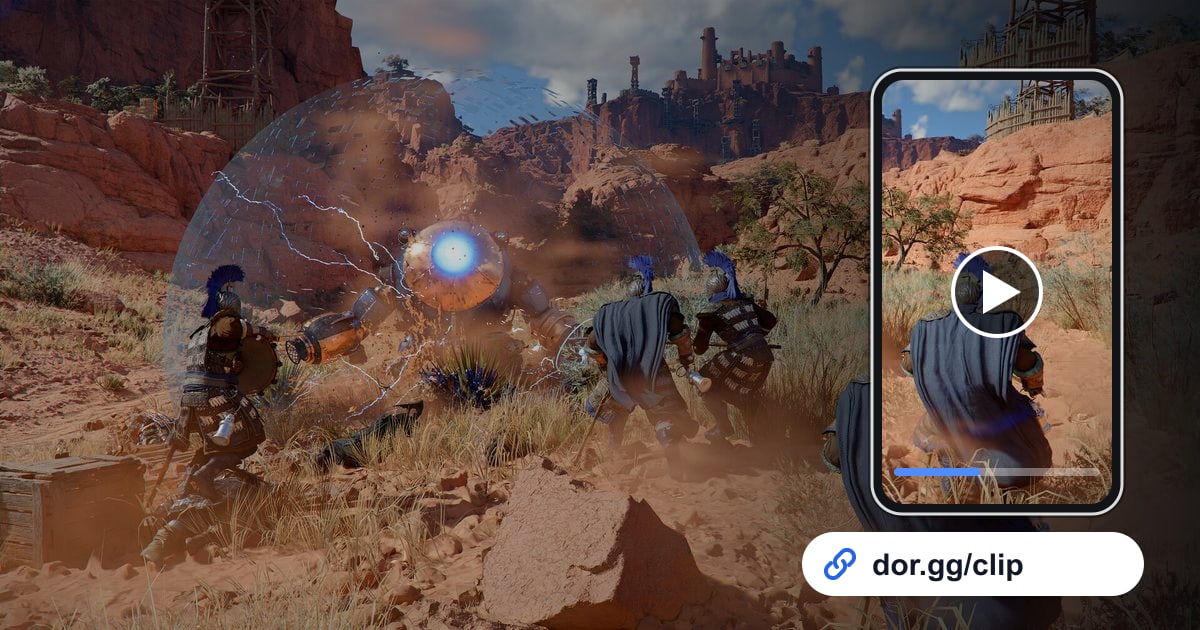
Crimson Desert Gameplay Video दोस्तों को कैसे भेजें (2026): boss strategy, नज़ारे और combat combos एक link में
Single player Crimson Desert में हराया हुआ boss, Pywel के नज़ारे और अपने combat combos DOR से record करें, ज़रूरी हिस्सा trim करें और वही गेम खेल रहे दोस्तों को dor.gg link से भेजें।
 रिकॉर्डिंग गाइड
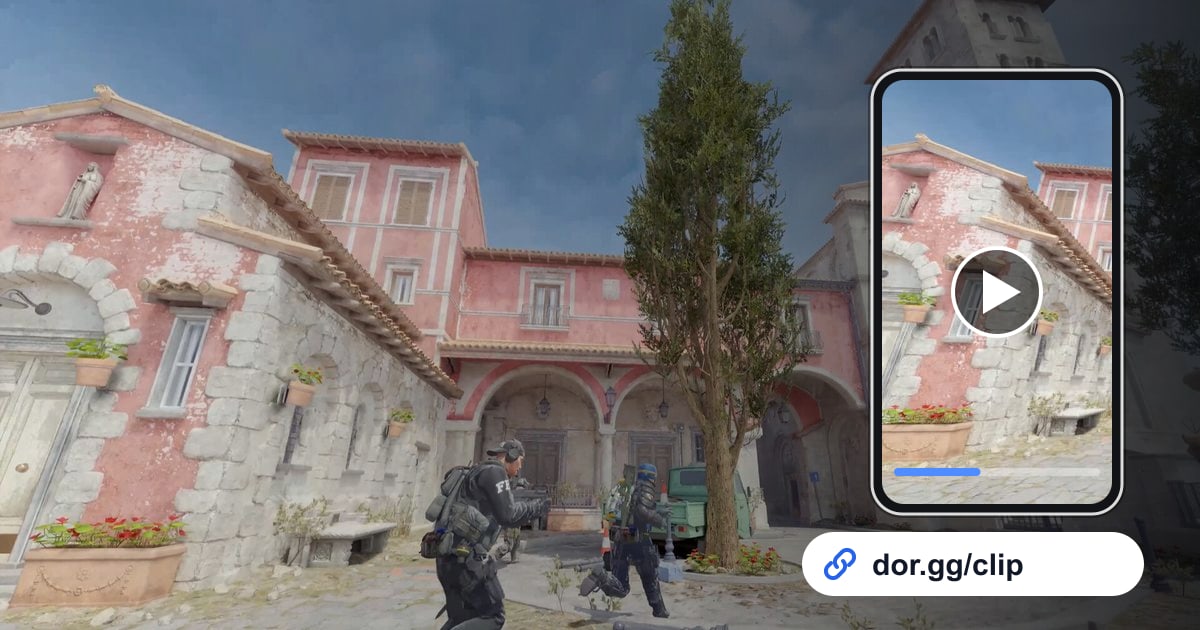
CS2 Clips दोस्तों को कैसे Share करें (2026): clutch, ace और grenade lineups एक DOR link में भेजें
Counter-Strike 2 में DOR के अपने-आप बने kill, death और assist clips और full match recording से clutch, ace और grenade lineup निकालें और dor.gg link से दोस्तों को भेजें।
 रिकॉर्डिंग गाइड
Dead by Daylight Gameplay Video दोस्तों को कैसे Share करें (2026): Escape, 4K और Loop एक Link में
Dead by Daylight में आप कितने भी matches खेलें, गेम बंद करने तक सब एक वीडियो में record होता है। यहाँ जानें कि नज़दीकी escapes, killer 4K और loop chases कैसे चुनें, trim करें और SWF group को dor.gg link भेजें।
 रिकॉर्डिंग गाइड
Delta Force Gameplay Video Friends के साथ कैसे Share करें (2026): Extraction और Warfare Push एक Link में
DOR से Delta Force record करें, वह extraction या objective push trim करें जिसकी squad में बात हो रही है, और उसे एक dor.gg link में भेजें जो किसी भी browser में खुल जाए।
 रिकॉर्डिंग गाइड
Destiny 2 Gameplay Video दोस्तों को कैसे भेजें (2026): Raid Clear और DPS Phase एक Link में
DOR से Destiny 2 record करें, session में अपना पहला raid clear, boss DPS phase या Trials comeback ढूँढें, trim करें और fireteam को dor.gg link भेज दें।
 रिकॉर्डिंग गाइड
Dota 2 Gameplay Video दोस्तों के साथ कैसे शेयर करें (2026): लंबे match से teamfight wipe और Roshan fight निकालें
DOR से पूरा Dota 2 session रिकॉर्ड करें, लंबे match के अंदर teamfight wipe या Roshan fight ढूँढें, उसे trim करें और अपनी five-stack को एक dor.gg link से भेज दें।
 रिकॉर्डिंग गाइड
Eternal Return Gameplay Video दोस्तों के साथ कैसे शेयर करें (2026): मैच recording से अपनी जीत trim करके link भेजें
DOR से Eternal Return का मैच रिकॉर्ड करें, फिर आखिरी जीत, Restricted Area से बचना, तीन लोगों की team fight या character combo काटकर dor.gg link से भेजें।
 रिकॉर्डिंग गाइड
FC 26 Goal Video दोस्तों को कैसे Share करें (2026): Ultimate Team का Winner और Comeback Goal एक Link में
EA SPORTS FC 26 को DOR से record करें, recording में score बदलने वाला पल ढूँढें, build-up से goal trim करें और दोस्तों को dor.gg link भेज दें।
 रिकॉर्डिंग गाइड
FC Online Goal Clips कैसे Share करें (2026): अपने बेस्ट Goals दोस्तों को DOR Link से भेजें
FC Online के long shots, curlers और आखिरी मिनट के winners को DOR की automatic goal clips में रखें, फिर match खत्म होते ही दोस्तों को dor.gg link से भेजें।
 रिकॉर्डिंग गाइड
FiveM Roleplay Video दोस्तों से कैसे शेयर करें (2026): लंबे RP सेशन में मज़ेदार moments ढूंढने का तरीका
DOR से घंटों का FiveM roleplay रिकॉर्ड करें, server के दोस्तों के साथ हुए मज़ेदार moments ढूंढें, उन्हें trim करें और dor.gg link भेजें, साथ ही footage में दिखने वाले दूसरे players का सम्मान रखें।
 रिकॉर्डिंग गाइड
How to Share Fortnite Clips with Friends (2026): Victory Royale और build fights को DOR link से भेजें
DOR जो kill और death clips अपने-आप save करता है, और साथ में पूरे मैच की recording, उनसे Victory Royale, build fights और box fights दोस्तों को एक dor.gg link से भेजें।
 रिकॉर्डिंग गाइड
GTA 5 Gameplay Video दोस्तों को कैसे Share करें (2026): Heist, Race और मज़ेदार Crash एक Link में
DOR से पूरा GTA 5 session record करें, heist का finale, race का finish या बेतुका crash काटें, और dor.gg link से दोस्तों को भेजें।
 रिकॉर्डिंग गाइड
League of Legends Gameplay दोस्तों के साथ कैसे Share करें (2026): Pentakill, Baron steal और Teamfight एक link से भेजें
League के कौन से पल भेजने लायक हैं, कितनी लंबाई और कौन सा aspect ratio चुनें, और group chat में dor.gg link कैसे डालें, दोस्तों और teammates को अपना League gameplay दिखाने का पूरा DOR तरीका यहाँ है।
 रिकॉर्डिंग गाइड
MapleStory Boss Clear Video कैसे Share करें (2026): लंबी Recording से Clear या Star Force वाला पल काटकर Link भेजें
MapleStory launch से exit तक एक video में record होता है। यहां जानिए कि कई घंटों की recording में boss clear या Star Force वाला पल कैसे ढूंढें, trim करें और guild को dor.gg link से भेजें।