The short answer: DOR's AI Highlight works in seven games, which are League of Legends, VALORANT, PUBG, FC Online, Fortnite, Counter-Strike 2, and Overwatch, as of November 24, 2026.
AI Highlight joins the clips you choose into one video based on a template, and it works from game events such as kills. These seven are also the games where DOR saves kills or goals as clips on its own, so even a match or two gives you material. If you want the whole editing workflow, start with how to make a gaming montage.
This guide covers which games work, which scenes become clips in each, and the steps and options for building the video.
The answer: play one of the seven, pick clips, choose a template
If you played one of the seven games, open the clips screen in the app, press AI Highlight, choose clips, and pick a template. You can choose the clips yourself, or use the button in the clip list so the app picks them and passes them to the template window.
There are 11 templates and each needs a different number of clips. Maniac takes 3 to 6 clips, Magazine takes 1 to 4 and comes out as vertical 9:16, and FreezeZoom works with a single clip. The finished video gets music, effects, and a name card.
To compare programs that collect clips automatically, see game clip program recommendations. Picking a template by name is fine for a first try, and you can rebuild with another one if it does not fit.
The seven AI Highlight games and what gets saved
| Game | Scenes saved automatically | When building an AI Highlight |
|---|---|---|
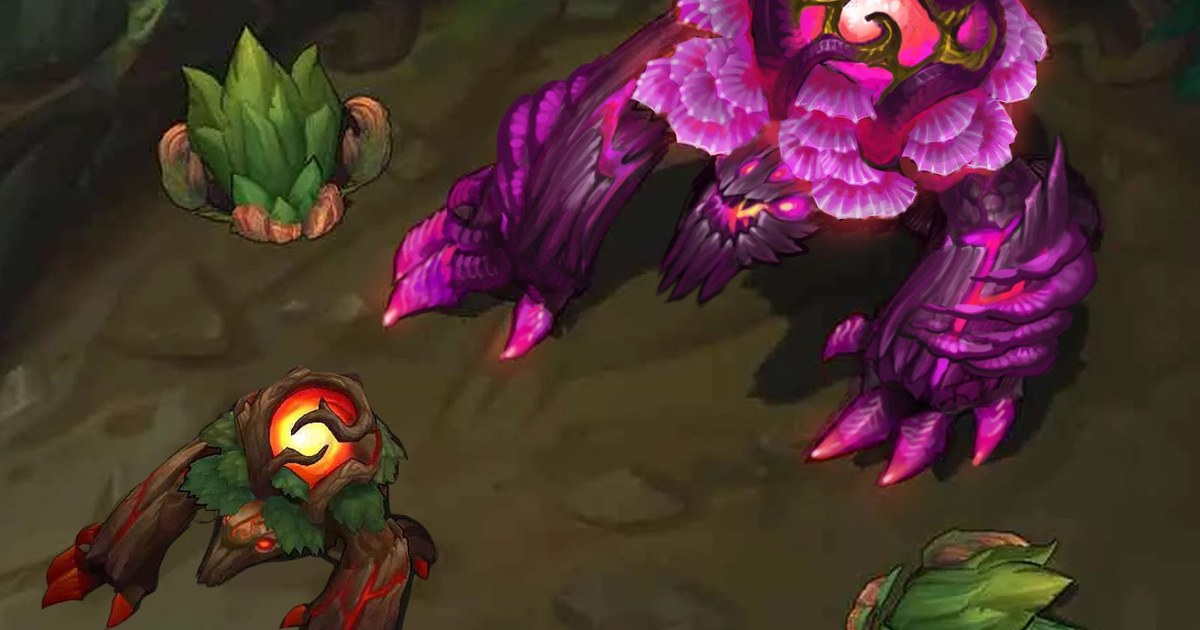
| League of Legends | Kills, multikills, objectives | Pick multikill and objective clips and feed them to a template that needs several clips, such as Maniac |
| VALORANT | Kills, with ace and clutch tags | Start with clips tagged ace or clutch so the video has a clear centerpiece |
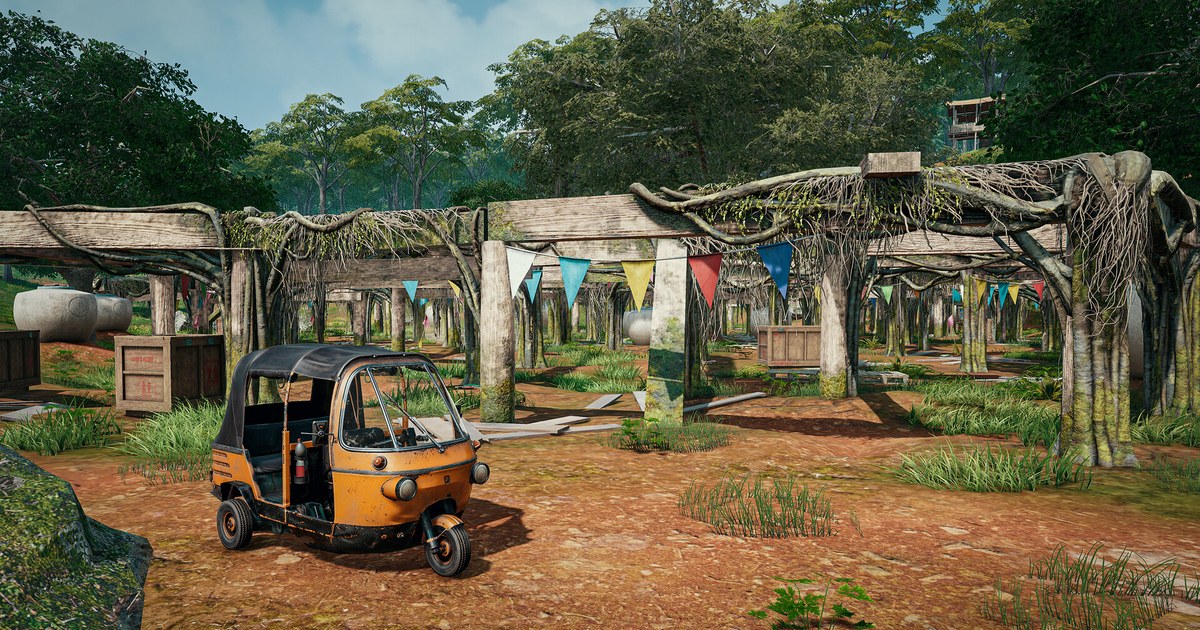
| PUBG | Kills, knockdowns, deaths, plus post match highlight analysis | After the match, pick only the scenes you like from what the analysis collected |
| FC Online | Goals | Choose several goals and turn one match into a goal reel |
| Fortnite | Kills, deaths | Lean on kill clips and use a vertical template to get a Shorts ready video |
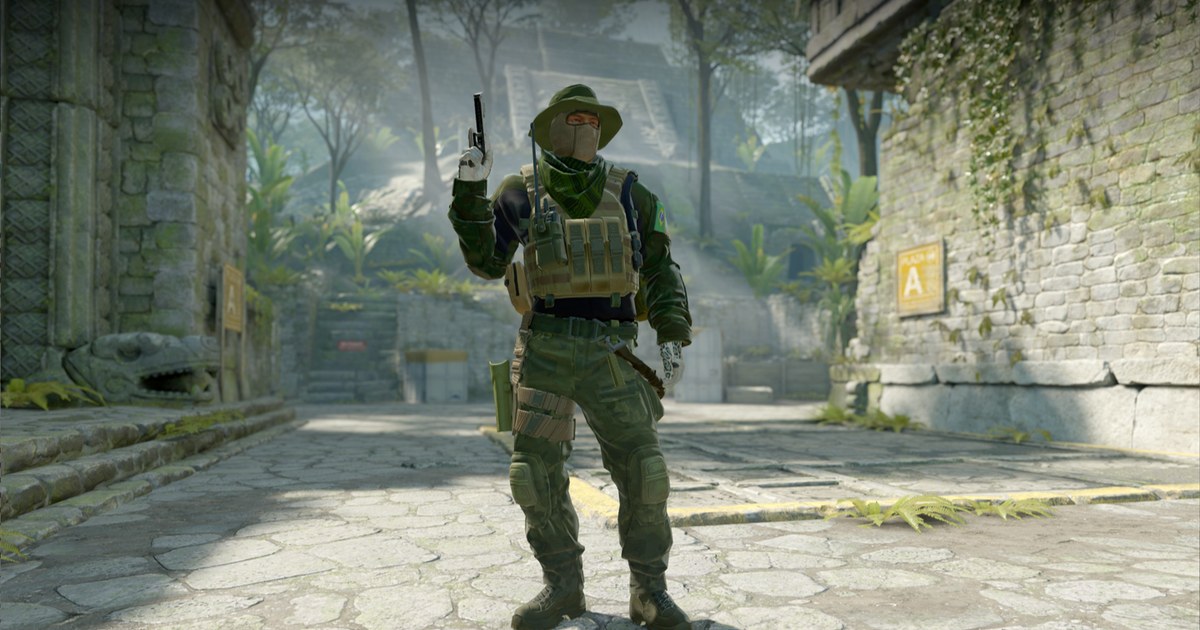
| Counter-Strike 2 | Kills, deaths, assists | Mix kills and assists so the flow of a round shows |
| Overwatch | Kills, deaths | Gather kill scenes and join them with one template |
Check before you build an AI Highlight
- Your game is one of the seven supported games
- You played with the DOR app running so clips were saved
- You are starting from the installed PC app, not the web
- You have enough clips for the template you chose
- You picked 9:16 or the Magazine template if you need a vertical video
How to make an AI Highlight
- 1Launch a supported game and playWith the DOR app running, play one of the seven games and the whole match is recorded while scenes like kills are saved as clips. For VALORANT scenes see how to clip VALORANT, and for League moments see how to save a LoL pentakill clip.
- 2Start AI Highlight from the clips screenAI Highlight starts in the DOR app installed on your PC. Press the AI Highlight button on the clips screen, or the button that appears on matches from supported games.
- 3Pick clips yourself or let the app pickYou can choose the clips yourself, or use the button in the clip list to have the app choose for you. Choose supported clips from the same game. The scene clips saved automatically are your material.
- 4Choose the template, ratio, and lengthPick one of the 11 templates that fits your number of clips. The ratio defaults to 16:9, with 9:16 and 3:4 available. The Default and AutoHighlight templates have an option to turn a one minute limit on or off.
- 5Check the result, polish, and exportAuto editing keeps going even if you close the window while it works. Review the finished video in the app, and to refine it, add text or BGM in DOR Studio and export an mp4, as laid out in how to merge game clips.
Auto save scenes from seven games, then build an AI Highlight with DOR
DOR is a free Windows game recording app. When you launch a supported game, it detects it automatically and records the whole match, and recordings collect in My Clips.
In League of Legends kills, multikills, and objectives become clips; in VALORANT kills plus ace and clutch tags; in PUBG kills, knockdowns, and deaths, with post match highlight analysis; in FC Online goals; in Fortnite kills and deaths; in Counter-Strike 2 kills, deaths, and assists; and in Overwatch kills and deaths.
You can build an AI Highlight from those clips in the app, and for other games you can record automatically and trim the scenes you want.
Trim sections in the app and save them in 16:9, 9:16, or 1:1, then in DOR Studio join videos, change the ratio, use effect templates, add text, BGM, and volume, and export an mp4 or share a dor.gg link. DOR results carry no watermark. Free recording quality is 720p and 1080p at 30 or 60fps, with 1080p at 30fps as the default.