
Bottom line: 800 DPI, 1.2 to 1.5 in game, and a PRO X SUPERLIGHT 2
If you want to copy Apex Legends pro settings, start at 800 DPI with an in game sensitivity between 1.2 and 1.5. In public pro data checked on November 10, 2026, 33 of the 55 pros with a listed DPI (about 60%) use 800 DPI, and half of them sit between 1.2 and 1.5.
If you are buying a new mouse, most players should get the Logitech G PRO X SUPERLIGHT 2. It is the current version of the SUPERLIGHT family that pros use most, and it balances weight and price well. If you want the lightest option, get the Razer Viper V4 Pro.
The most used pro monitor is the Sony INZONE M10S, but that is largely because it is the official ALGS tournament monitor. What regular players should copy is a refresh rate of 240Hz or higher, backed by enough frames to use it.
If you are shopping in the US today, the INZONE M10S II is the newer pick, and the ZOWIE XL2566X+ is the current 24 inch TN alternative.
- DPI 800 with in game sensitivity 1.2 to 1.5 (eDPI roughly 960 to 1,200)
- ADS sensitivity multiplier 1.0; tune per optic values only after the base feels natural
- FOV between 104 and 110; six in ten pros use 110
- Polling rate 1000Hz, which about 85% of pros still use
- Resolution 1920×1080, and confirm your monitor is really running at its max refresh rate
- A wireless symmetrical mouse in the 50 to 60 gram range; copy the class, not the exact model
Apex pro DPI and sensitivity: six in ten use 800 DPI
The table below comes from counting a public Apex Legends pro settings list of 73 players on November 10, 2026, skipping blank fields. The sample mixes 28 team players with content creators and free agents, so it does not cover every pro in the scene. It still shows clearly where settings cluster.
eDPI is DPI multiplied by in game sensitivity, and it is the number to compare when two players use different DPI values.
| Setting | Pro distribution | Sample |
|---|---|---|
| DPI | 800 about 60% (33), 1600 about 18% (10), 400 about 11% (6) | 55 players |
| Sensitivity at 800 DPI | Median 1.4, middle half 1.2 to 1.5 | 33 players |
| Sensitivity at 1600 DPI | Mostly 0.6 to 0.8 | 10 players |
| eDPI | Median 1,120, middle half 960 to 1,200 | 55 players |
| ADS multiplier | 1.0 for about 82% (36) | 44 players |
| FOV | 110 about 61%, 104 about 23% | 70 players |
| Resolution | 1920×1080 about 59%, 1680×1050 about 20% | 71 players |
| Polling rate | 1000Hz about 85%, 2000Hz or higher 7 players | 55 players |
800 DPI seems common mainly because it has been the default for years. Players coming from other shooters can carry their aim over easily, and it leaves room to fine tune in game sensitivity in single decimal steps.
Pros on 1600 DPI drop their sensitivity to 0.6 to 0.8 and land near the same eDPI of about 1,000. So the number worth copying is the eDPI band of 960 to 1,200, not the DPI itself. For a deeper walkthrough on picking your own number, read our Apex sensitivity settings guide.
FOV 110 looks like a choice to see more of each fight. Pro settings roundups also recommend turning off FOV Ability Scaling, since a field of view that shifts during movement abilities can also shift how fast your aim feels.
Pro mice and monitors: no single model dominates
| Category | Top pick | Next | After that |
|---|---|---|---|
| Mouse model | Logitech PRO X SUPERLIGHT (1st gen), 8 | PRO X SUPERLIGHT 2 and Razer Viper V3 Pro, 6 each | Viper V4 Pro and DeathAdder V3 Pro, 5 each |
| Mouse brand | Logitech G, 25 | Razer 22, Finalmouse 8 | Pulsar 3, Endgame Gear 2 |
| Monitor model | Sony INZONE M10S, 20 | ZOWIE XL2546K 12, XL2566K 6 | ZOWIE XL2546 5, ASUS ROG Swift PG258Q 3 |
| Monitor brand | ZOWIE, 25 | Sony INZONE 20, ASUS ROG 13 | Alienware 7, LG 5 |
Mice are split between the Logitech SUPERLIGHT family (14 pros across the first gen and version 2) and the Razer Viper V3 Pro and V4 Pro (11 combined). The useful takeaway is that no single model wins.
The top models are all wireless, symmetrical and roughly 50 to 60 grams, so that class is what to copy. On monitors, the INZONE M10S leads, and among team players alone it accounts for 11 of the 26 who listed a monitor. That reads like players practicing on the same screen they will see on stage. By brand, ZOWIE still edges ahead because several of its XL models appear on the list.
Mouse: the PRO X SUPERLIGHT 2 for most, the Viper V4 Pro for the lightest build
For most players: Logitech G PRO X SUPERLIGHT 2
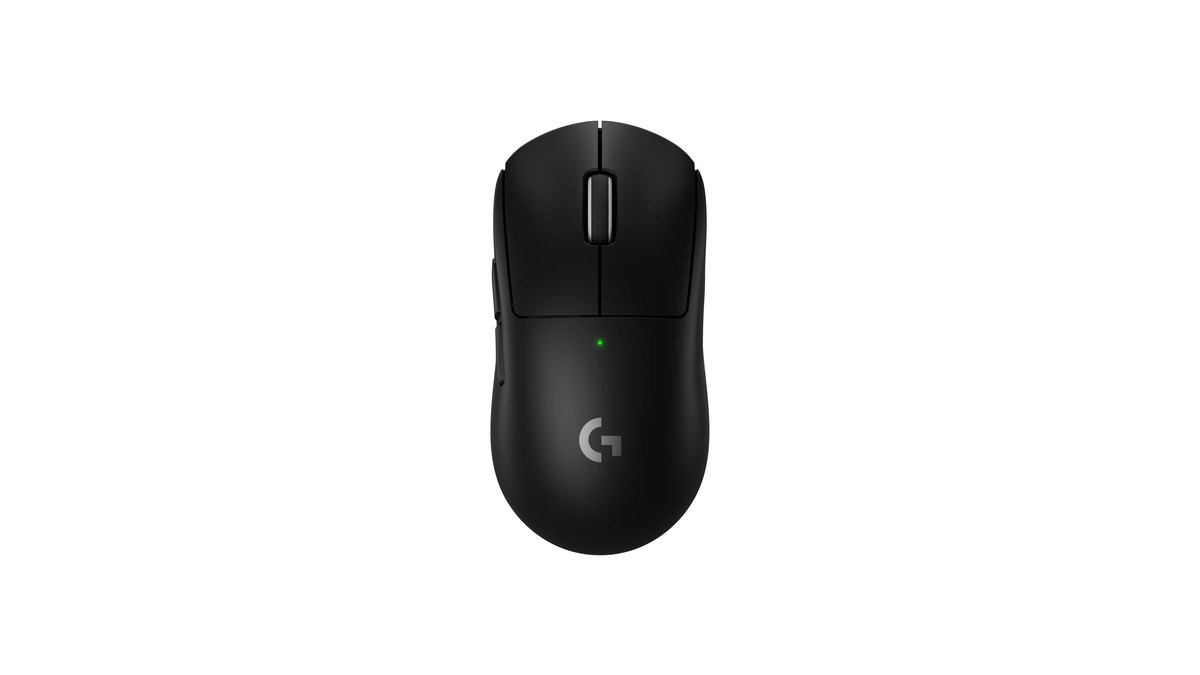
★★★★½ 4.5. This is the successor to the first gen SUPERLIGHT that tops the Apex pro list, and it is the SUPERLIGHT you can still buy new. Logitech lists 60 grams, the HERO 2 sensor, wireless polling up to 8kHz and up to 95 hours of battery.
At a $159.99 list price it matches the Viper V4 Pro in the US and costs clearly less than it in several other markets we checked, which earns it a high value score. It carries a two year limited hardware warranty. Skip it if you want something under 50 grams, or if you want to charge as rarely as possible.
Lightest option: Razer Viper V4 Pro
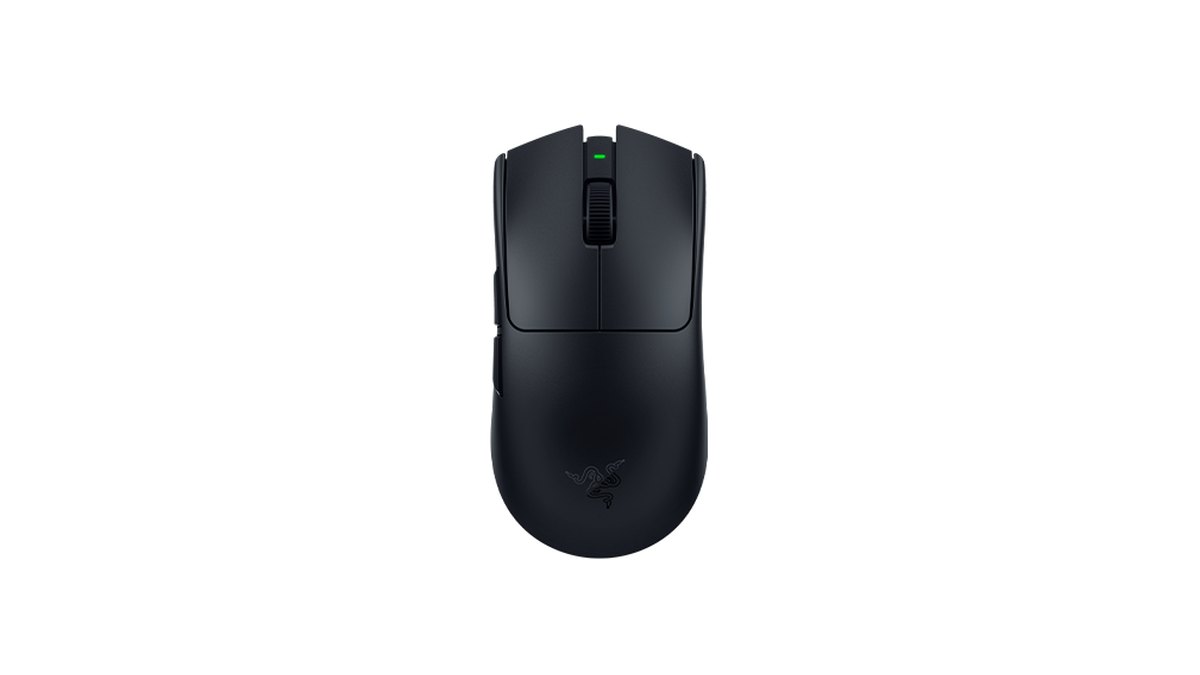
★★★★½ 4.5. Released in March 2026, this is the current Viper flagship. Razer lists under 49 grams for the black version, the Focus Pro 50K Gen-3 sensor, up to 8000Hz both wired and wireless, and up to 180 hours of battery at 1000Hz, which makes it the lightest and longest lasting mouse in this guide.
Performance scores 5.0, while value drops to 3.5: it lists at the same $159.99 as the SUPERLIGHT 2 in the US, but the V3 Pro was on sale for $129.99 and in several other markets the V4 Pro is the priciest of the three.
Measurement reviews describe the clicks as on the loud side, and some community comments point the same way. Skip it if you want quiet buttons or want to stop at the SUPERLIGHT 2 budget.
If the Viper shape fits: Razer Viper V3 Pro
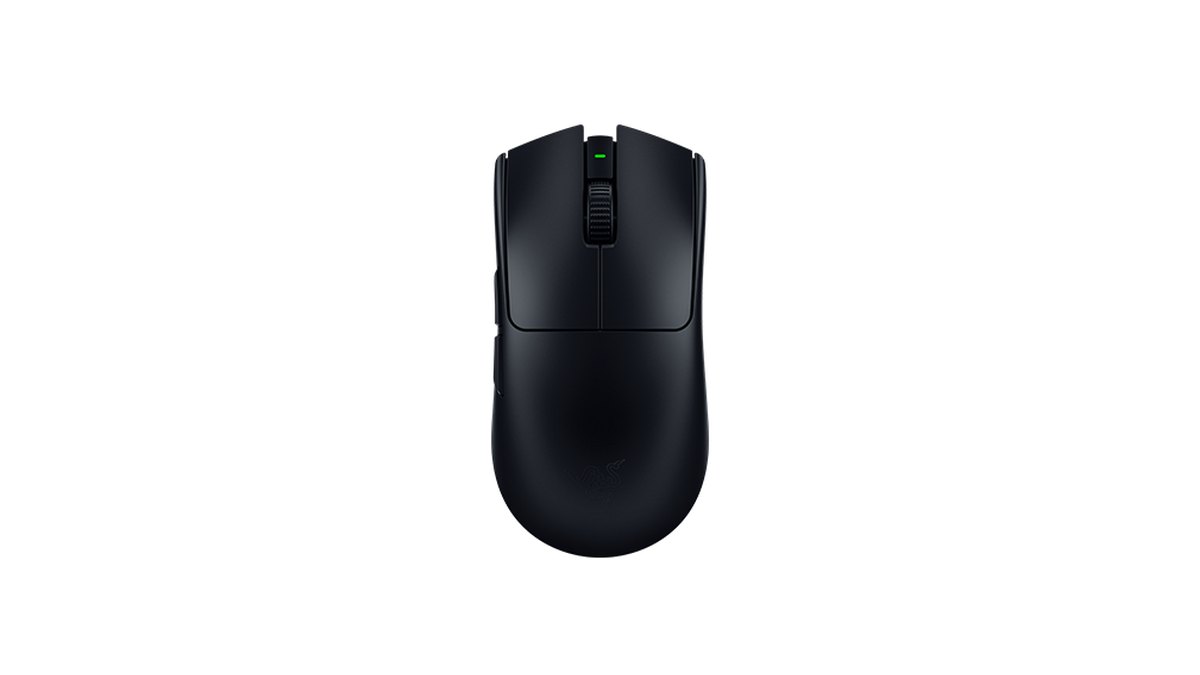
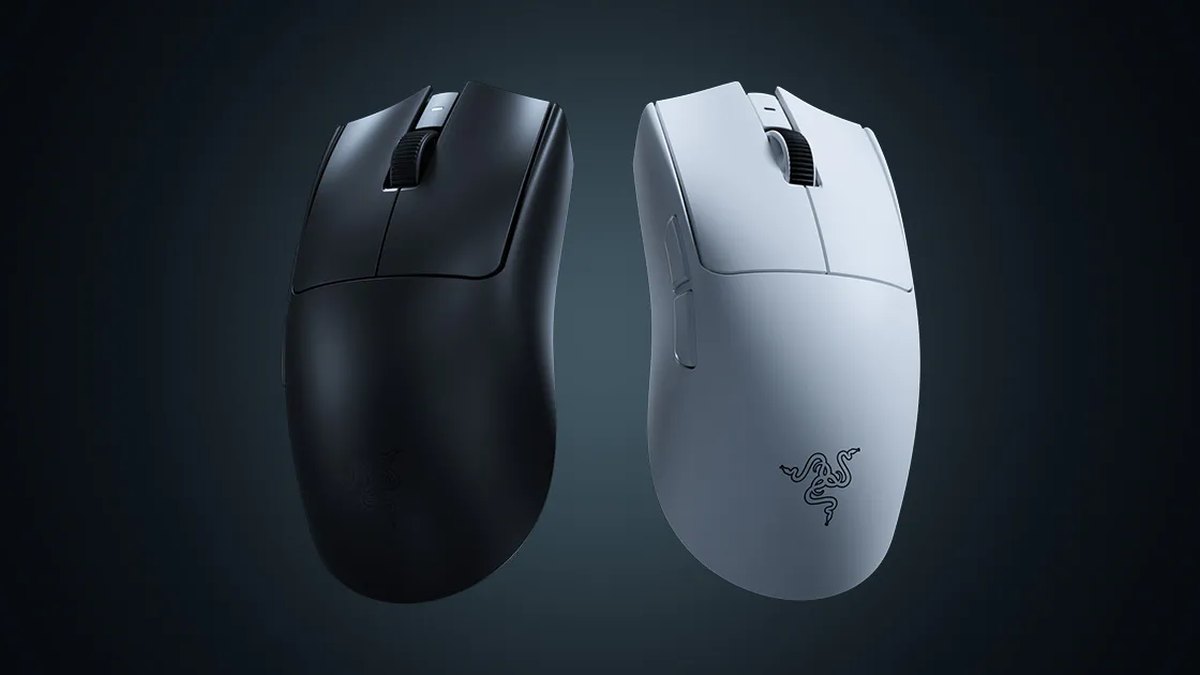
★★★★☆ 4.0. Released in April 2024, the previous generation shares the V4 Pro official dimensions of 127.1 × 63.9 × 39.9 mm. It weighs 54 grams and ships with a HyperPolling dongle for 8000Hz.
Battery life is shorter: up to 95 hours at 1000Hz and 17 hours at 8000Hz. In the Apex pro data it ties the SUPERLIGHT 2 for second place. It suits players whose hand fits the Viper shell but who find the V4 Pro too expensive.
| Spec | PRO X SUPERLIGHT 2 | Viper V4 Pro | Viper V3 Pro |
|---|---|---|---|
| Weight (official) | 60 g | Under 49 g (black) | 54 g |
| Sensor | HERO 2 | Focus Pro 50K Gen-3 | Focus Pro 35K Gen-2 |
| Max polling rate | 8kHz wireless | 8000Hz wired and wireless | 8000Hz (included dongle) |
| Battery at 1000Hz | Up to 95 hours | Up to 180 hours | Up to 95 hours |
| Rated switch life | 70 million clicks | 100 million clicks | 90 million clicks |
| Release | September 2023 | March 2026 | April 2024 |
| Rating | ★★★★½ 4.5 | ★★★★½ 4.5 | ★★★★☆ 4.0 |
All three are right handed symmetrical shapes that work with most grips. The shell differences are only a few millimeters, so comparing dimensions with a mouse you already like is the most reliable fit check.
To compare other price tiers, see our best gaming mouse rankings, and to confirm what your current mouse is really running at, use our mouse DPI check guide.
Monitor: the INZONE M10S leads because it is the tournament screen
There is a clear reason the Sony INZONE M10S tops the Apex pro monitor list. Sony announced it as the official tournament monitor for ALGS Year 4 and Year 5, supplied to offline events starting with the Year 4 Championship in Japan in January 2025.
Many pros naturally practice on the same screen they will play on. For everyone else, the model name matters less than a refresh rate of 240Hz or more and a frame rate that can fill it.
Sony INZONE M10S: the same screen as the pros
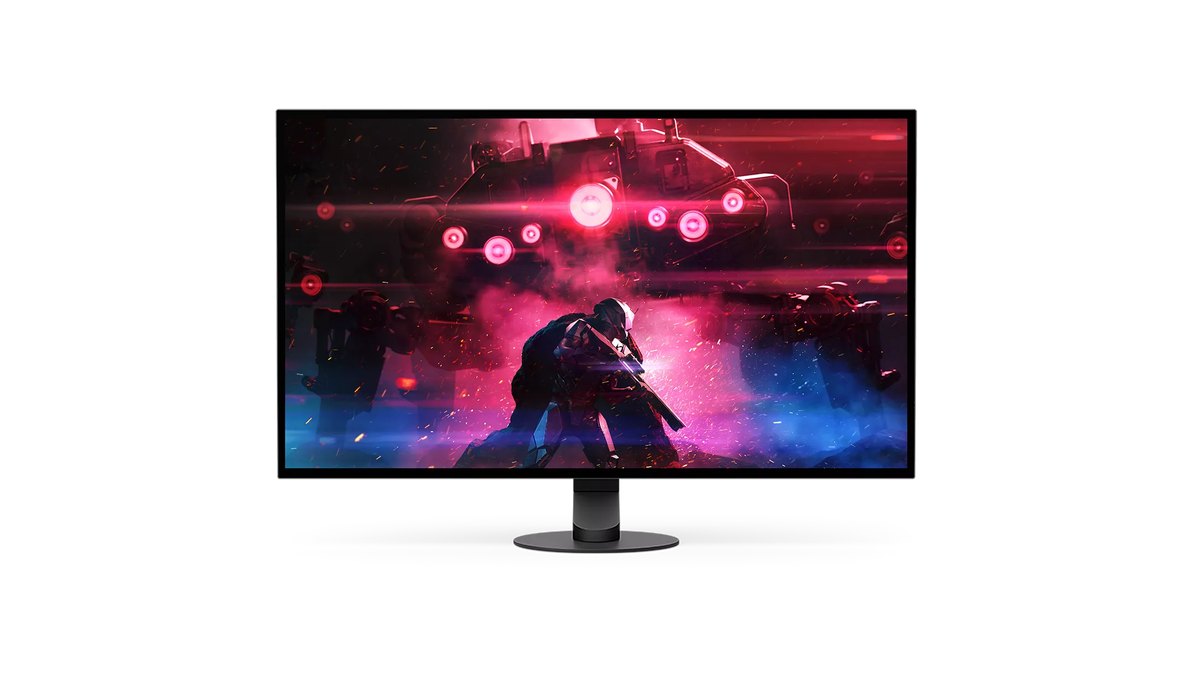
★★★★☆ 4.0 (based on official specs). A 27 inch QHD (2560×1440) OLED rated up to 480Hz with 0.03ms GtG response. A 24.5 inch mode shrinks the picture so players used to smaller TN screens keep the same field of view, and picture presets such as FPS Pro+ are built in.
It was developed with Fnatic. We could not review measurement data for this model, so its performance score stops at 4.0, and value and reputation are left unscored for lack of evidence.
Sony INZONE M10S II: the newer pick if you are buying now
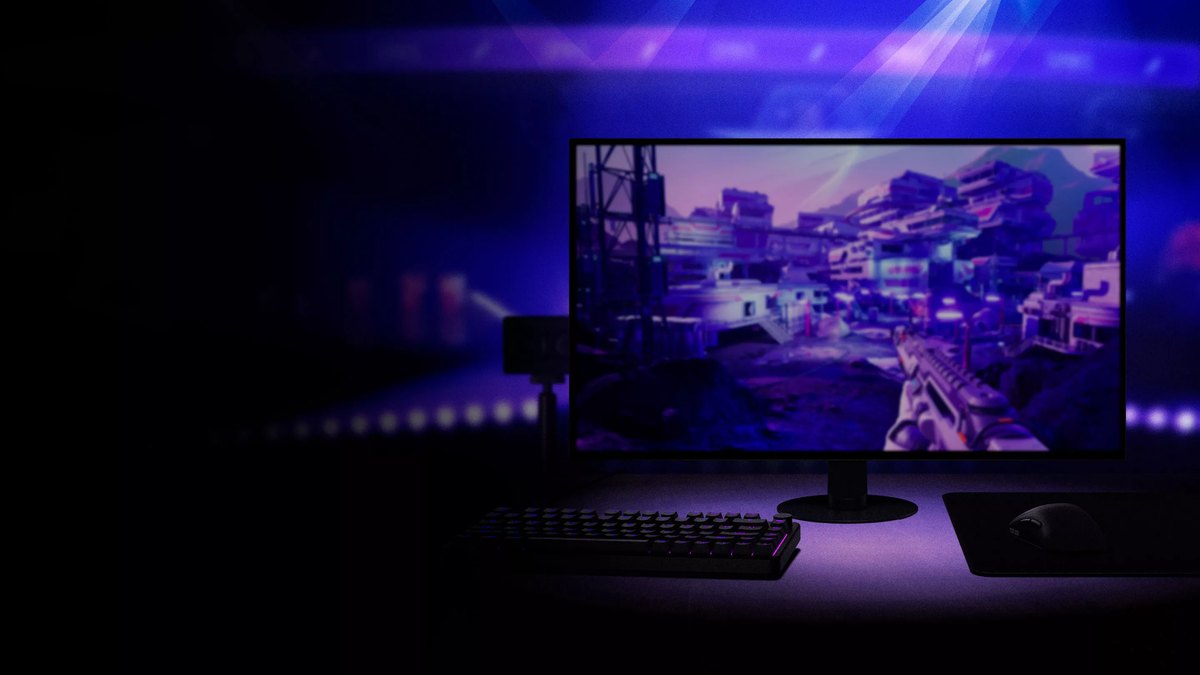
★★★★☆ 4.0 (based on official specs). Announced in April 2026, the successor adds a dual mode that switches between QHD at 540Hz and HD (1280×720) at 720Hz, 0.02ms GtG, motion blur reduction and the 24.5 inch mode, plus a three year warranty that covers the OLED panel.
Sony itself notes that the maximum refresh rate depends on game frame rate and GPU performance, so without enough frames you will not see the full benefit of 540Hz. If your frame rate is the bottleneck, start with our Apex FPS boost guide.
ZOWIE XL2546K and XL2566K: older models pros still use
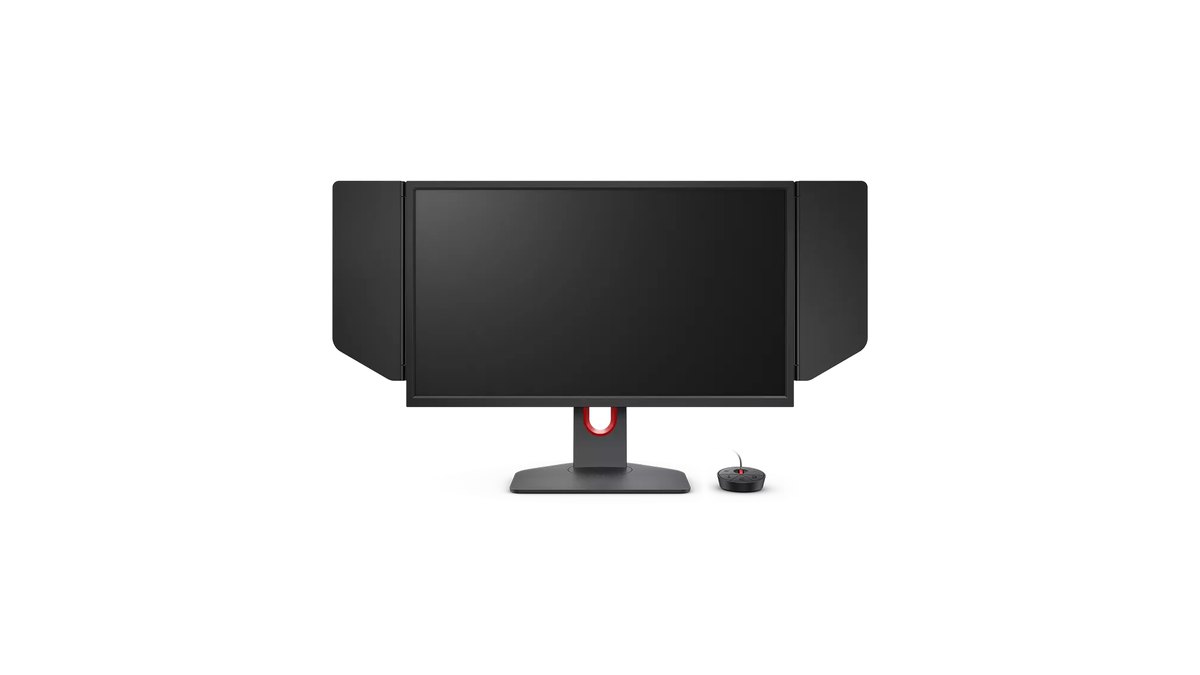
The second and third most used monitors, the XL2546K and XL2566K, are 24.5 inch FHD TN panels at 240Hz and 360Hz with DyAc⁺ blur reduction. Both are marked as discontinued on the ZOWIE Japan site and no longer appear in some regional lineups, so treat them as older models rather than new purchases.
The current follow up is the X+ series. The XL2566X+ lists a 24.1 inch FHD Fast TN panel at 400Hz with DyAc 2 (★★★½ 3.5, launched at $649.99, pricey for an FHD monitor).
| Spec | INZONE M10S | INZONE M10S II | ZOWIE XL2566X+ |
|---|---|---|---|
| Size and panel | 27 inch OLED | 27 inch OLED | 24.1 inch Fast TN |
| Resolution | 2560×1440 | 2560×1440 (1280×720 in 720Hz mode) | 1920×1080 |
| Max refresh rate | 480Hz | 540Hz over DP, 720Hz in dual mode | 400Hz |
| Motion features | 0.03ms GtG, FPS Pro+ | 0.02ms GtG, motion blur reduction | DyAc 2 |
| 24.5 inch mode | Yes | Yes | Panel is 24.1 inch |
| Warranty (confirmed) | Check with retailer | 3 years incl. OLED | Check with retailer |
| Rating | ★★★★☆ 4.0 | ★★★★☆ 4.0 | ★★★½ 3.5 |
For US buyers the order is simple. If your current monitor runs at 144Hz or below, move to 240Hz or higher first. If you want the same screen used at ALGS events, the INZONE M10S is the match, and the M10S II is the better buy for a new purchase if your PC can push the frames.
If you prefer a 24 inch TN feel, the XL2566X+ is the current ZOWIE option. For broader picks across sizes, see our best gaming monitor guide.
Prices as of November 10, 2026
| Product | List price | Street price |
|---|---|---|
| Logitech G PRO X SUPERLIGHT 2 | $159.99 | $159.99 at the official store |
| Razer Viper V4 Pro | $159.99 | $159.99 at the official store |
| Razer Viper V3 Pro | $159.99 | $129.99 on sale at the official store |
| Sony INZONE M10S | $1,099.99 at launch | Check the retailer |
| Sony INZONE M10S II | $1,099.99 | Check the retailer |
| BenQ ZOWIE XL2566X+ | $649.99 at launch | Check the retailer |
Prices move with sales and stock, so treat this table as a snapshot from November 10, 2026 and confirm the final price and warranty with the seller before you buy. In the US the two current flagship mice share the same $159.99 list price, so the choice comes down to weight, shape and battery rather than cost. Monitor prices vary widely between retailers, so compare a few before buying.
What to copy and what to skip
- Copy: an eDPI between 960 and 1,200. You do not need 800 DPI if you match it with sensitivity
- Copy: ADS multiplier 1.0 and FOV 104 to 110. About eight in ten pros leave ADS at 1.0
- Copy: a 240Hz or faster monitor and the frame rate to fill it
- Skip: stretched resolutions like 1680×1050, which only about one in five pros use
- Skip: 8000Hz polling, since about 85% of pros stay on 1000Hz
- Skip: buying the exact tournament monitor or a player's exact mouse and color
Upgrade paths by tier: start with what you own
| Tier | Mouse | Monitor | Do this first |
|---|---|---|---|
| Starter | Your current mouse | Your current monitor (check the refresh setting) | Check DPI, then set eDPI to 960 to 1,200 |
| Mid | PRO X SUPERLIGHT 2 or Viper V3 Pro | 240Hz or higher, 24 to 27 inch | Lock your sensitivity for a few weeks |
| High end | Viper V4 Pro | 480Hz or higher OLED such as INZONE M10S II | Make sure your PC can push 480 frames or more |
How to set up Apex pro settings, step by step
- 1Check your mouse DPIOpen your mouse software and confirm the active DPI. If your mouse stores several DPI stages, check which one you actually use in game.
- 2Match eDPI with in game sensitivityAt 800 DPI start between 1.2 and 1.5, at 1600 DPI between 0.6 and 0.75, and at 400 DPI between 2.4 and 3.0. A DPI times sensitivity result of 960 to 1,200 lands where half of the pros sit.
- 3Start ADS at 1.0Set the ADS sensitivity multiplier to 1.0. Adjust per optic values later, starting with high zoom scopes, once your base sensitivity feels natural.
- 4Set FOV and turn off FOV Ability ScalingPick an FOV between 104 and 110 and turn off FOV Ability Scaling so movement abilities do not change how fast your aim feels.
- 5Confirm your refresh rateIn Windows advanced display settings, make sure the monitor's highest refresh rate is selected, then check that your in game frame rate gets close to it. If it does not, work through our Apex FPS boost guide first.
- 6Record before and after under the same conditionsRecord the same Firing Range routine and a few ranked matches before and after the change, then compare them side by side. A few days later you can judge from footage instead of feel.
What users say: praise and complaints
This section draws on a narrow set of user reviews, so treat it as examples rather than a verdict.
INZONE M10S owners praise how sharp details look on OLED, while some find the on screen menu hard to navigate, and one question described 480Hz not showing up when several monitors were connected, which points to checking cables and connection order first.
For mice, some community posts mention loud clicks and a high price on the Viper V4 Pro, and the Viper V3 Pro gets recommended as a safe choice, though some owners moved on because the shape did not fit their hand. Fit comes before specs.
How we rated and chose these products
Star ratings are a weighted average of performance (35%), value (25%), user reputation (20%), trend (10%) and durability and support (10%), rounded to the nearest half star.
Performance uses official specs and measurement reviews, value uses the November 10, 2026 price ranges in the price table above and compares against rivals in the same class, trend uses the public Apex pro data and Japanese retail popularity rankings, and durability uses official warranty terms.
Axes without evidence were dropped and the remaining weights recalculated. Monitors were capped at 4.0 for performance because we could not review measurement data. The discontinued ZOWIE XL2546K and XL2566K and the first gen SUPERLIGHT, which already has a successor, were not rated.
Changed your settings? Check with a recording
Right after a sensitivity or gear change, it is easy to feel better before you actually play better. DOR is a free Windows app that detects Apex Legends when you launch it and records your full session automatically, collecting the recordings in My Clips inside the app.
Trim the fights you care about and save them, then put them next to your footage from before the change and watch whether your crosshair overshoots or loses track of targets. Our before and after gear recording guide covers the comparison routine, and our Apex VOD review guide shows how to spot mistakes in your footage.