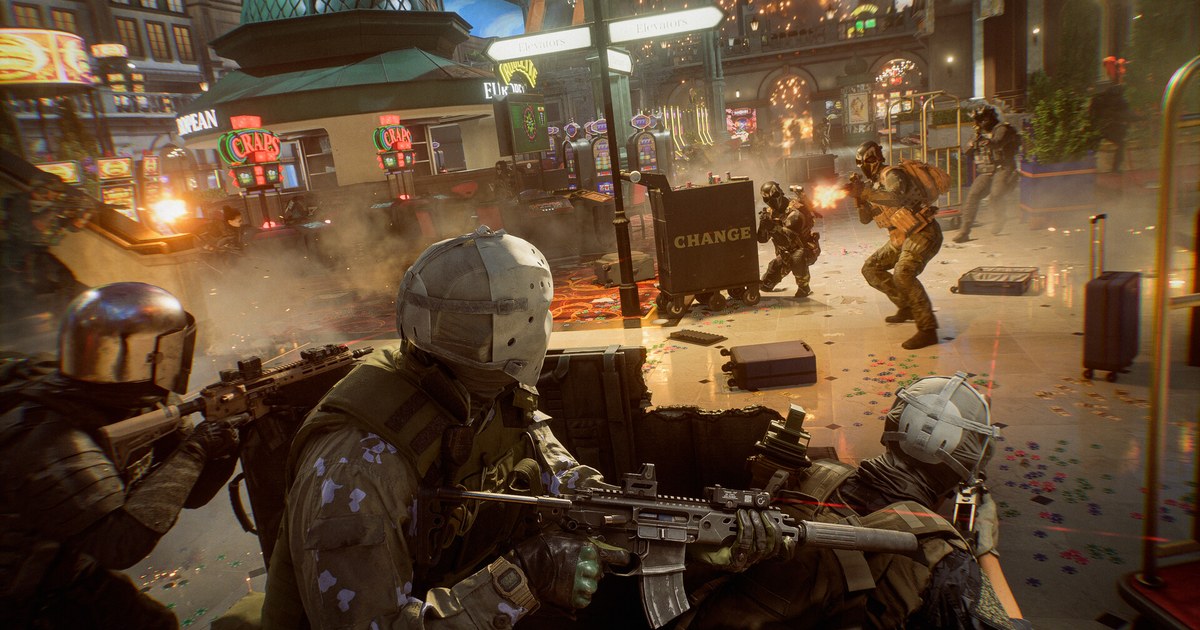
Here is the short answer: Battlefield 6 crashes and stutter usually come down to three checks, in this order. First, are Secure Boot and TPM 2.0 turned on? Second, is your graphics driver freshly installed with the clean install option?
Third, did you let shader compilation finish? This guide compares the Steam store page's official requirements as of November 24, 2026, user reports on the EA forums, and several guides, and only keeps what overlaps.
Where no official fix could be confirmed, it says so, and patches can change the picture. Failing to launch, crashing mid match, and constant stutter have different causes, so find your symptom in the table below. To check whether your PC meets the specs, see Battlefield 6 install size and system requirements, and for frame rate options see Battlefield 6 best settings.
What to check first, by symptom
| Symptom | Check first | What to do |
|---|---|---|
| Secure Boot error at launch | UEFI mode and Secure Boot | Open msinfo32 from Windows search, confirm BIOS Mode is UEFI and Secure Boot State is On, and enable it in your motherboard settings if not |
| TPM 2.0 error | Whether TPM is on | Press Windows+R, run tpm.msc and look for TPM 2.0; if missing, enable fTPM or PTT in your motherboard settings |
| Crash on loading or shader step | Shader compilation | Let the compilation screen finish; if it keeps repeating, clear the game cache folder so it rebuilds. Results vary between users |
| Sudden drop to desktop mid match | Graphics driver and overclocks | Do a clean driver install, then return GPU and memory overclocks to default and test again |
| Screen freezes and the PC restarts | Temperatures, power, driver | Check temperatures and reinstall the driver. If it continues, it may be a hardware issue rather than the game |
| Constant stutter or drops in big fights | Specs and frame generation | Compare against the Steam minimum specs, turn frame generation off and close background programs |
The answer: Secure Boot first, clean driver install, then wait out shaders
Start with Secure Boot and TPM 2.0. The Steam store page lists TPM 2.0 enabled and UEFI Secure Boot enabled under both minimum and recommended specs and says both are required. If the game refuses to launch with a message that Secure Boot is not enabled, this step often ends the problem.
Reports of the same error with Secure Boot apparently on cluster around Windows installed in legacy (CSM) mode and dual boot setups where another bootloader is in the way. If the game launches but crashes, reinstall your graphics driver using the clean install option in the vendor installer.
Stutter can simply be shaders being built during your first few matches, so do not skip the compilation screen, and judge performance only after it finishes. To see real numbers, turn on an FPS counter first with how to show FPS in games.
Battlefield 6 crash and stutter checklist, in order
- 1Check Secure Boot state in msinfo32Open msinfo32 from Windows search and read BIOS Mode and Secure Boot State. BIOS Mode should say UEFI and Secure Boot State should say On. If it is off, enable Secure Boot in your motherboard settings; menu names differ by vendor, so follow your manufacturer's guide.
- 2Rule out legacy mode and dual bootIf Windows is installed in legacy (CSM) mode on an MBR disk, Secure Boot cannot be turned on. Converting the disk to GPT can cost you data, so back up first. If you dual boot with Linux, users report that a bootloader such as GRUB can cause the error, so try booting through the Windows boot manager.
- 3Do a clean graphics driver installNVIDIA, AMD and Intel installers all offer a clean install option. Install the latest driver that way and launch the game again. If you also record gameplay, GeForce game recording settings is worth a look too.
- 4Let shader compilation finishAfter an update or driver change, the first few matches can stutter while shaders are rebuilt. Closing the game mid compile just restarts the work, so let it finish. Only if you crash at the same point every time, try clearing the game cache folder, though users reported mixed results.
- 5Turn off overclocks, overlays and frame generation, then compareReturn overclocks to default, close overlay and background programs, and keep in game frame generation off while you measure the same scene. Change one thing at a time so you know what actually helped.
Before you finish troubleshooting
- msinfo32 shows BIOS Mode UEFI and Secure Boot State On
- tpm.msc shows TPM 2.0
- The graphics driver was clean installed to the latest version
- You judged stutter only after shader compilation finished
- You changed one thing at a time and compared the same scene
Record the same scene with DOR after each change
DOR is a free Windows game recording app. When you launch a supported game, it detects it automatically and records the whole match, and recordings collect in My Clips. After changing a driver or setting, record the same scene once and you can compare the stutter before and after side by side.
Free recording covers 720p and 1080p at 30 and 60 fps (default 1080p at 30 fps), and on supported NVIDIA graphics cards such as the RTX series it records with NVENC hardware encoding.
Output has no watermark, and you can trim a section in the app, or join clips in DOR Studio and export an mp4 or share a dor.gg link. If frames drop while recording, see how to fix game recording lag and black screens and fixing game recording stutter.