The best League of Legends clipping software depends on the job. Decide whether you need the last thirty seconds, a complete match, or editable footage, then record the same busy sixty-second scene with each candidate and compare frame time, game audio, microphone sync, and file size.
Pick the workflow before the app
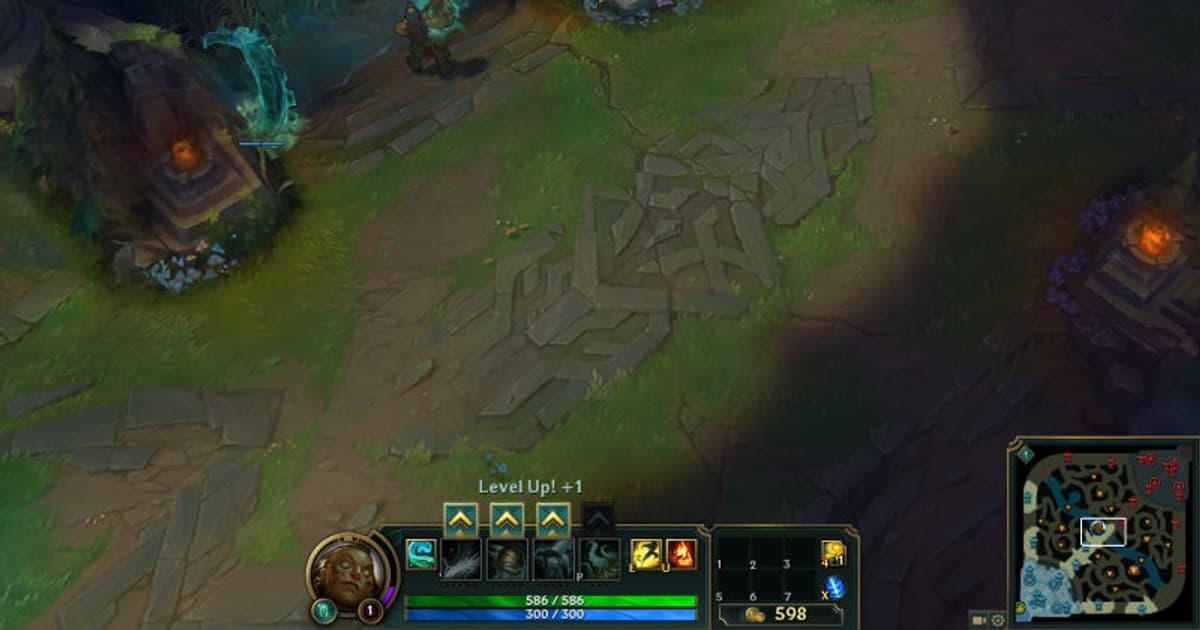
DOR is a streamlined option for recording future sessions in supported games, OBS offers deliberate scene and track control, and NVIDIA App provides overlay-based capture on compatible GeForce hardware. The built-in League of Legends replay is useful for review, but replay data is not an ordinary video export; record replay playback or a future live match when you need an MP4. League of Legends needs a test that covers both tiny lane information and a visually dense five-player fight. Capture thirty seconds of last-hitting with the minimap and cooldown numbers visible, thirty seconds around a river skirmish, and thirty seconds where several ultimates overlap. A ROFL replay is reconstructed by a compatible patch client, so archive a must-keep play as video before the game updates. Also compare the live player camera with spectator playback: a recorder that looks clean while following one champion can still smear minions, particles, and rapid camera pans during a full teamfight.
League of Legends clip recorder comparison
| Option | Best at | Verify first |
|---|---|---|
| DOR | A simpler supported-game recording flow | Game support and one test clip |
| OBS Studio | Scenes, resolution, and audio-track control | Setup time and encoder headroom |
| NVIDIA App | GeForce overlay and Instant Replay | Compatible GPU, overlay, and save folder |
| League of Legends replay | Changing viewpoints for match review | It is not a ready-to-upload video file |
Run a useful ten-minute comparison
- 1Write down one priority — Choose recent highlights, full-match review, or editing source footage as the primary job.
- 2Record the same minute — Use a practice area or low-stakes mode with movement, effects, and a readable interface.
- 3Listen to every source — Play the file in headphones and verify game sound, voice chat, and microphone in the intended mix.
- 4Measure the real cost — Note frame-time spikes, average FPS, and the one-minute file size instead of trusting a generic preset.
- 5Test the match-day shortcut — Choose a key that does not conflict with the game and confirm the file appears in the expected folder.
Selection checklist
- The HUD remains readable at the target resolution
- Frame pacing stays stable during a demanding fight
- Game and microphone audio reach the intended tracks
- There is enough disk space for a full session
- Recording indicators and privacy implications are understood
- Minimap icons, cooldown numbers, and the CS counter survive compression
- Overlapping ultimates and minion waves do not turn into block noise
- Important ROFL moments are recorded to video before a patch change

Where DOR fits for League of Legends
DOR does not convert third-party replay files or repair OBS and NVIDIA settings. It is an alternative for recording future play in supported games with a shorter setup path. Continue with the League of Legends game hub, game-specific recording guide, free game recorder comparison, and DOR automatic game recording, and the replay saving guide to compare the workflow and test it on your own hardware.
Check the official replay rules
The official League of Legends replay documentation describes replay controls, capabilities, or current limits. Because replay data can differ from exported video and may depend on the current client version, verify the live menu before relying on an old replay, then capture only footage you have the right to publish.