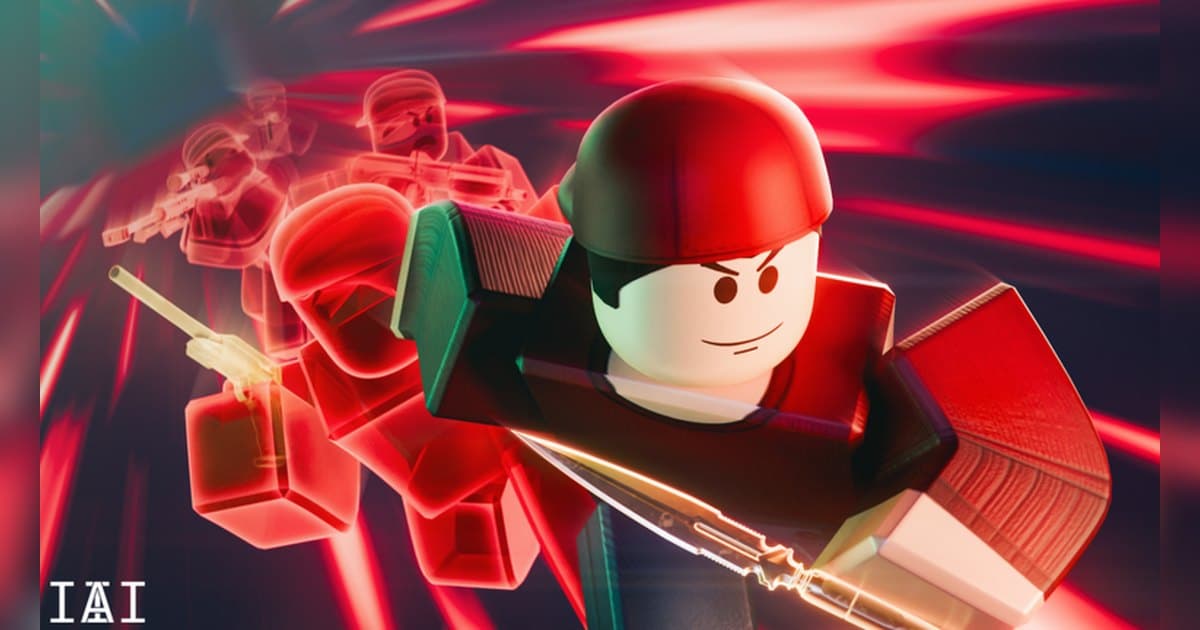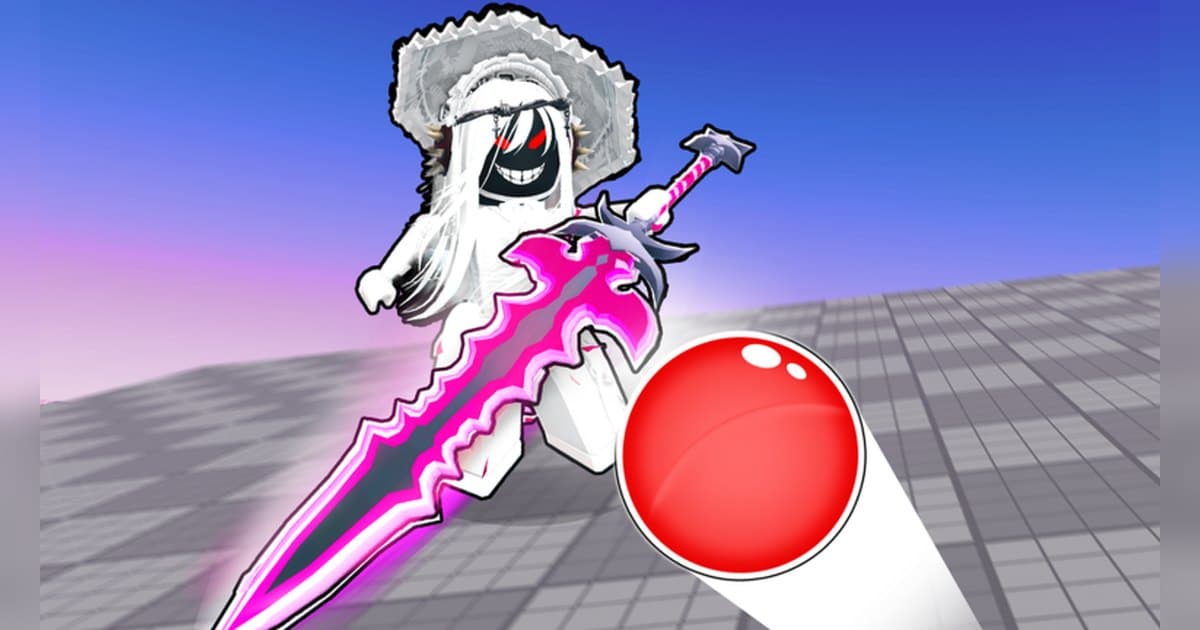
Blade Ball is a Roblox experience made by Wiggity. and created in June 2023, and its official description opens by calling it a game of focus, timing and strategy. The core rule is written there too: a deflectable homing ball hunts players with increasing speed, and your skill is what is being tested. Servers hold up to 16 players, and as of October 19, 2026 it had roughly 11,000 concurrent players, about 6.5 billion lifetime visits and around 13 million favorites. Favorites running that far ahead of the concurrent count suggests people who try it keep coming back. One piece of vocabulary first. Players almost always call the deflect a parry, but the official control list names it BLOCK, on F or left click. The ability sits on Q or right click, shiftlock on Shift, and the emote on R. In other words your fingers really only decide two things here: when to block and when to use your ability. That is why the strategy section here stays short, and why everything comes down to whether you can still do the same thing once the ball has sped up. This guide skips ability tier lists and code lists. Instead it follows the time structure of a single round as the ball accelerates, and sets out what to practise and what to keep. If recording Roblox at all is new to you, read How to Record Roblox Gameplay first. The details here were checked on October 19, 2026, and with the latest update on October 18 the modes and abilities can change.
Bottom line: get one key into your hands first, and let the whole round record
There are two lines to memorize when you start. Block on F or left click, ability on Q or right click, and those two lines are enough to get through a round. What the official description says about abilities is that you gain new ones and upgrade them to complement your playstyle, and about ranks that you rise through them by mastering your skill. The ability list, the upgrade requirements and the names of the rank tiers live in the in-experience menus, so read them there. Where to practise and where to expand is laid out by the places registered for the experience. As of the checked date, alongside the start place there are places named Tutorial, New Players, Training Mode, Ranked Lobby and Ranked Matches, Duel Lobby, Pro Server, Boss Fight, Elemental Mode, Clan Wars, Dungeons and Dungeons Lobby, Tournament Lobby and Tournament Matches, Duo Tournament, Trade Plaza and Voice Server. That means there is a place just for drilling timing, a place where new players face each other, a place for climbing ranks, places that play differently such as bosses and dungeons, a place for trading, and a place for talking. Check how to enter each one and what it requires from the in-experience menus. Recording matters more here than in most experiences. A block while the ball is slow and a block after it has accelerated look like the same action on screen but are nothing alike in difficulty, and once the ball is at its fastest a single miss ends your round. Roblox's built-in Captures saves video of up to 30 seconds from the in-experience Captures menu and holds it in the Roblox app's storage until you export. To keep a whole round with sound, running a recorder on PC is the option. If you want to compare how practice works in fighting experiences with many inputs, see Jujutsu Shenanigans Combos and The Strongest Battlegrounds Combos.
How to build your Blade Ball block timing
- 1Sort out your recording and hotkeys before you joinA round gets going soon after you join, so it is easier to finish your settings while you are still in the lobby. The keys this experience asks of your fingers are F, Q, Shift, R and both mouse buttons. Put your clip hotkey on F8, which overlaps none of them (it is DOR's default and can be moved in settings). Quality defaults to 1080p at 30 fps with 60 fps available, and 60 fps is far clearer if you plan to count frames to see how close the ball was when you pressed. Settle resolution, frame rate and clip length before recording begins.
- 2Confirm the creator and start in the places built for new playersSearch Roblox for Blade Ball and confirm the creator is Wiggity. before joining. As of the checked date the experience has places named Tutorial, New Players and Training Mode, so if you are starting out those are gentler than the main servers. Follow the in-experience menus for where to go and how to get there. If you plan to record on PC, launch Roblox from the PC version downloaded from roblox.com.
- 3Drill the block alone while the ball is still slowFor your first step, forget abilities and only block. In the official controls BLOCK is F or left click. While the ball is slow you have room, so the goal is to set your own reference for how close it gets before you press. Once that becomes a sense of distance rather than something you react to visually, you can carry the same reference into the fast phase. This repetition is dull and it is still the practice that pays off most in this experience.
- 4Use Shift shiftlock to read the ball's pathThe official control list puts shiftlock on Shift. Locking your view makes it easier to watch the direction the ball comes back from while keeping track of where everyone else is standing. Since the official description states that the ball hunts players, this is practice at telling apart a path that is coming to you from one that is going to someone else. Try rounds with it on and off and keep whichever reads better for you.
- 5Pick a Q ability and upgrade one at a timeThe ability is Q or right click. The official description says you gain new abilities and upgrade them to complement your playstyle, so settling on one that suits your hands and raising it first is more noticeable than nudging several. Read the ability list, the upgrade requirements and the unlock order from the in-experience menus. That Coins accumulate from participating, winning and killing is confirmed by the description of the pass that doubles Coin gain, and the same pass descriptions show there are crates and a wheel for rewards.
- 6Branch out into ranked, duels and bossesOnce blocking is steady, change places. As of the checked date there are Ranked Lobby and Ranked Matches, Duel Lobby, Pro Server, Boss Fight, Dungeons, Elemental Mode, Clan Wars, the Tournament places and Trade Plaza. A one-on-one duel is the most direct block practice there is, and ranked carries different pressure. Check each place's entry requirements inside the experience. There is also a Voice Server place for talking, so when a video includes the voices of people you played with, tell them beforehand.
- 7When the round ends, lift out only the stretch you survivedAfter the round, open the recording and find the stretch after the ball sped up. A failed block is usually the moment the ball got a hand's width closer than usual, so replaying the second or two before it tells you where to move your reference. Cut the usable stretches with a few seconds either side and export 9:16 for vertical shorts or 16:9 for landscape. Stringing several block streaks into one video preserves the way tension builds as the ball accelerates.
Moments worth keeping in Blade Ball and how to capture them
| Moment | Why it gets rarer as the ball speeds up | How to keep it |
|---|---|---|
| A streak of blocks after the ball has accelerated | The same action succeeds less often once the ball is fast. How many you chain in a row reads directly as skill. | Tap F8 in the gap after the ball moves on to someone else and that whole stretch stays. When you held out for a long time, 60 seconds is the safer length to have set. |
| The final exchange with two players left | Up to 16 players start a round, so being one of the last two is rare on its own, and that is exactly when the ball is at its fastest. | There is no telling when it ends, so finding it in the full-round recording is the reliable route. Trim just the closing stretch in your library. |
| The moment a Q ability changes the flow | The official description says you upgrade abilities to complement your playstyle, which makes your ability choice a statement about how you play. | You know when you are pressing it, so check the recording first and save after the effect resolves so the lead-in and aftermath are both inside. |
| A finisher effect going off on the last hit | The official description calls out weapon skins and finisher effects, and there is even a pass carrying a specific finisher effect. It is the loudest moment on screen. | It only works with the effect and its sound together, so record with game audio included, and keep the length at 15 or 30 seconds since it is short. |
| The round where your rank went up | The description says you rise through the ranks by mastering your skill, and dedicated ranked places exist. A promotion round carries different tension. | You know a promotion round is coming, so set the recording and quality before you join and cut it to include the result screen. |
| A round in a different mode such as Boss Fight or Clan Wars | Boss Fight, Dungeons, Elemental Mode and Clan Wars are each registered as their own places, so they look nothing like a standard round. | Round length varies by mode, so leave the full-round recording running and pick the usable stretches afterwards. |
Check before you record Blade Ball
- Roblox is running as the PC build from roblox.com.
- F, Q, Shift, R and both mouse buttons all belong to the controls, so your clip hotkey lives somewhere your hands never go, such as F8.
- You picked 60 fps first, because you want to count frames to see how close the ball was when you pressed.
- You left 30 GB or more free on the disk, since you intend to run rounds back to back.
- You alternate between two clip lengths: 15 seconds for a single finishing hit, 60 for a long stretch of blocks.
- When recording in a place where voices are mixed in, such as Voice Server, you told the people playing with you first.
Keep the whole round with DOR and lift out the part you survived
DOR is a free app for Windows PC. It keeps an eye out for the PC version of Roblox downloaded from roblox.com, switches recording on as you step into an experience, and closes the recording when you drop out of it or shut Roblox down. The Full Game Recording setting governs that behaviour and is on from the start. Nothing about an experience disqualifies it, so playing rounds of Blade Ball back to back puts the whole span into your library unbroken, as a single mp4. Wait about 20 seconds after joining before you go into a round and the opening lines up cleanly. Your mic is on from the start with noise suppression applied, and it is merged with game sound into one track, which puts the impact of a block, the finisher sound and your own reaction at the same point in the file. When a streak of blocks ends and the ball has gone someone else's way, press F8 and the 30 seconds just before it drop out as a single clip. Choose the length from four steps between 15 and 60 seconds (15, 30, 45, 60) and move the hotkey if you want; it is available while you are inside an experience with a recording running. Since F, Q, Shift, R and both mouse buttons are all tied to the controls, that hotkey is better off away from them. Quality starts at 1080p and 30 fps, with 60 fps alongside it. Pick 60 fps before you go into a round if you mean to count frames at the moment you pressed, and settle resolution, frame rate and clip length before recording begins. With 30 GB or more free on the disk, a long run of rounds is kept to the end. Afterwards, keep only the stretch you survived in the library and export it at whichever of 16:9, 9:16 and 1:1 you need (1:1 is the ratio that takes text). Sharing goes through a dor.gg link, and DOR Studio, which opens straight in a browser, lets you join block streaks end to end and then dress them with text, background music and effect templates before downloading the mp4. Experiences decided by a single timing window give back a lot once they are recorded, so take the same route with Volleyball Legends Controls. For finding a clan or people to play with, see How to Find Roblox Groups.
 #Roblox